All of TinyPine StudioDesign

Posters, posts and pages

A design canvas with artboards, text, shapes, brushes and layers, the whole of Edit as an effect layer, and AI that generates, cuts out and splits pictures into layers. Export for screens or for print.

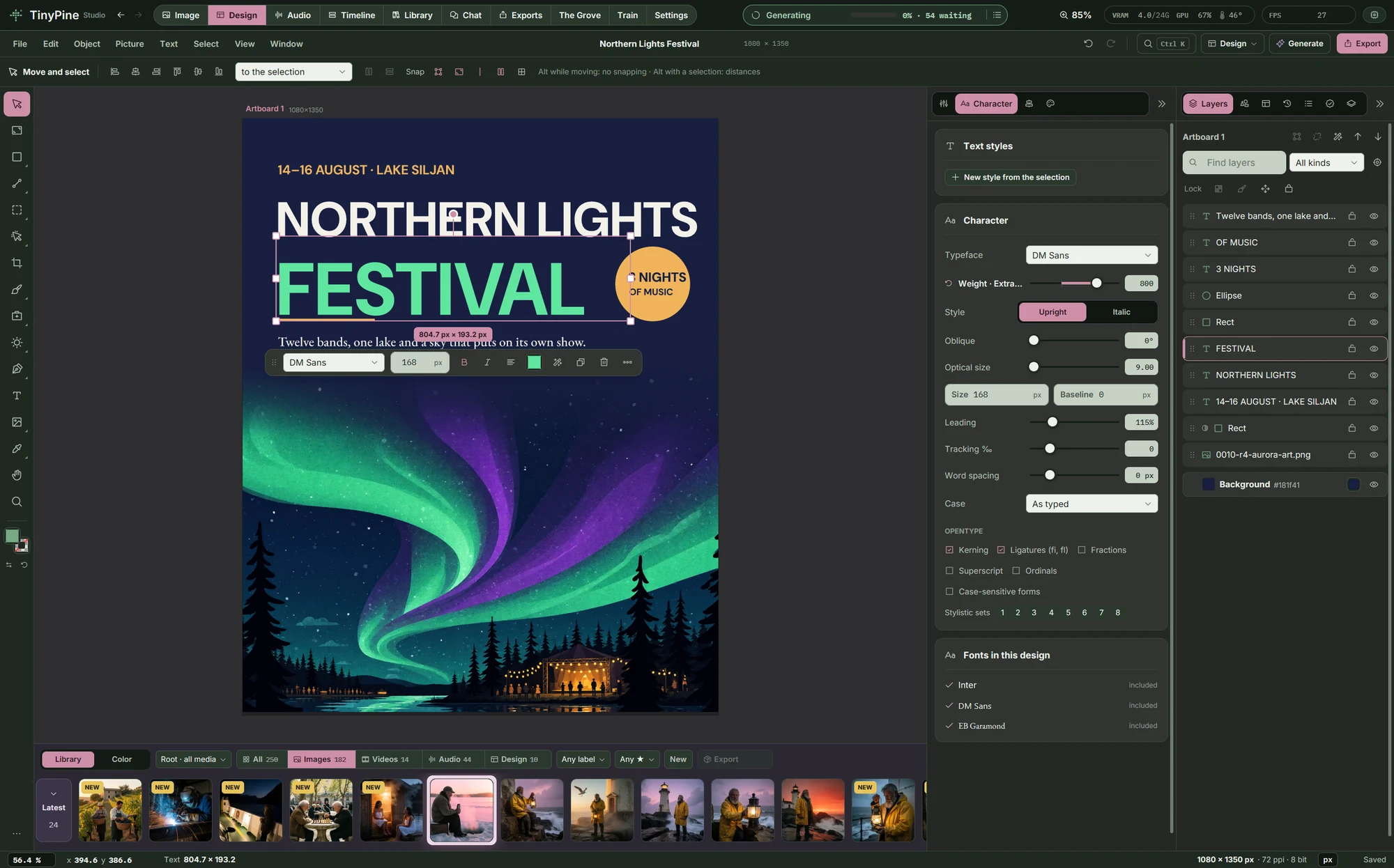
A poster in TinyPine's Design workspace with its layers

Type that print designers expect

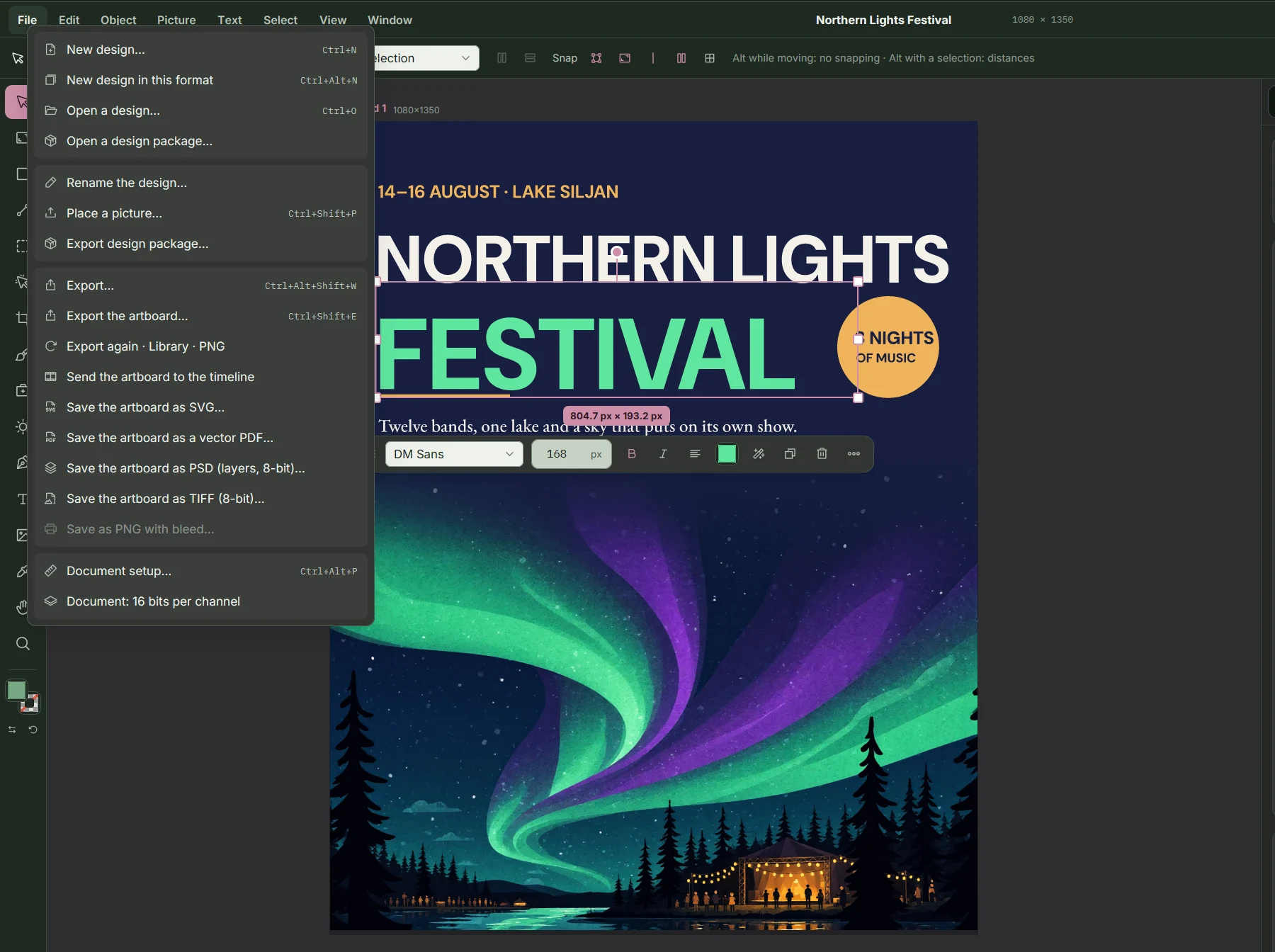
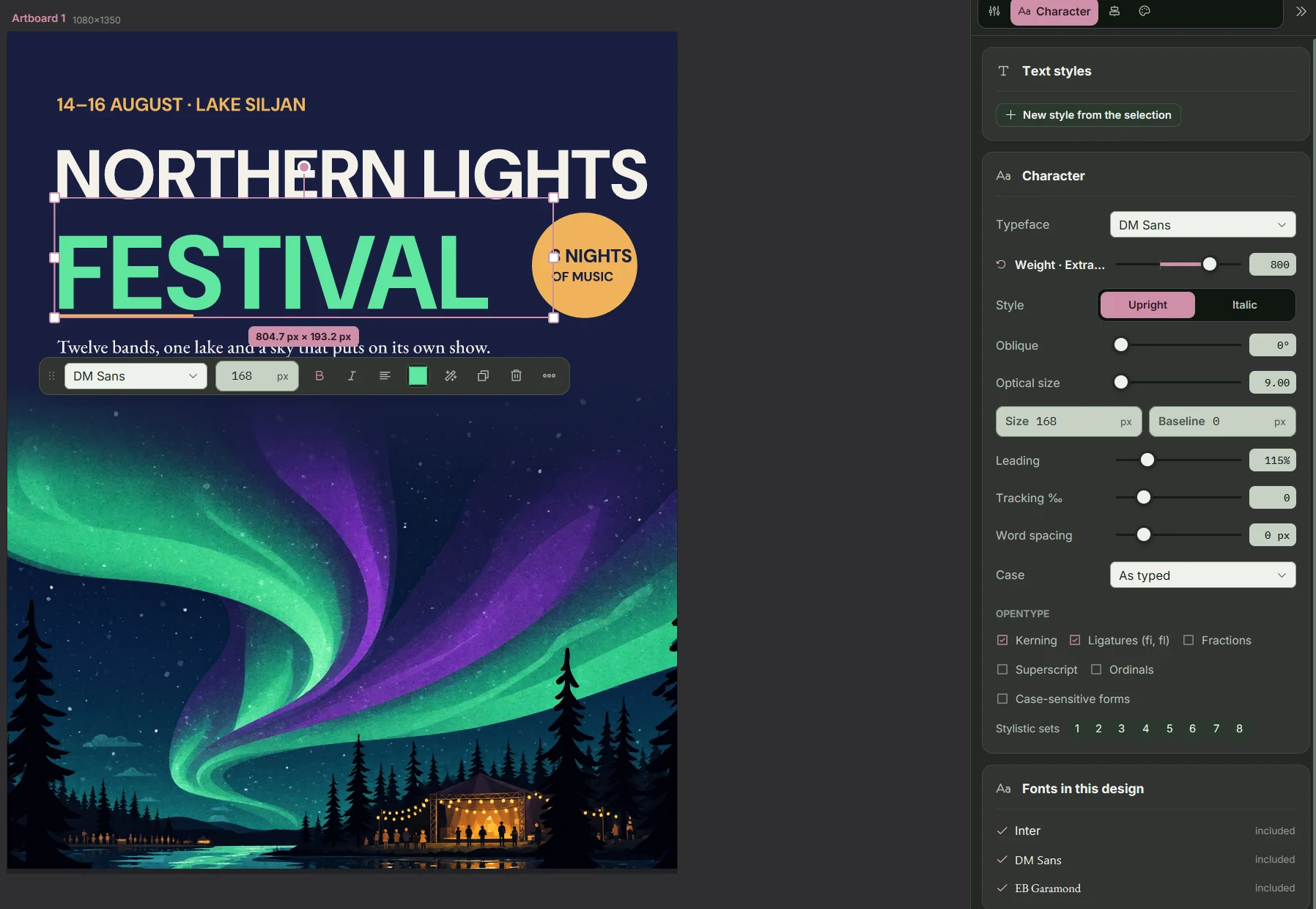
Variable fonts, OpenType features (ligatures, stylistic sets, small caps, fractions), paragraph and character styles, text along a path, 26 bundled typefaces plus your system fonts. Units in px, mm, cm, in or pt, with bleed and margins per page.
Type that print designers expect

Brushes, selections and retouching

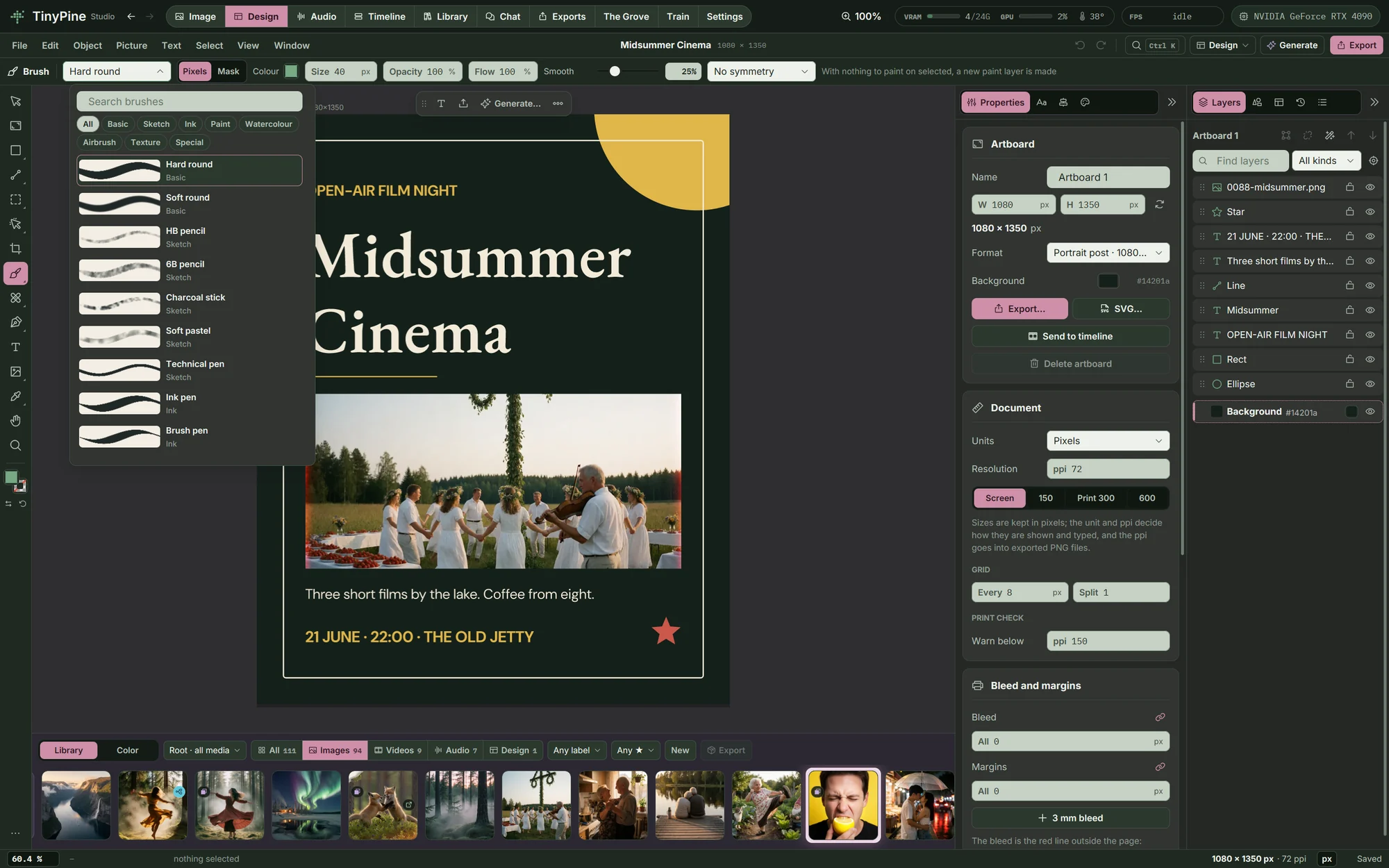
36 brushes with a Brush Studio, pressure and tilt from a pen, symmetry, watercolour and impasto. Select an object with one click (SAM 2.1), a magic wand or a magnetic lasso, and heal, clone or patch.

Brushes, selections and retouching

Liquify, the way retouchers use it

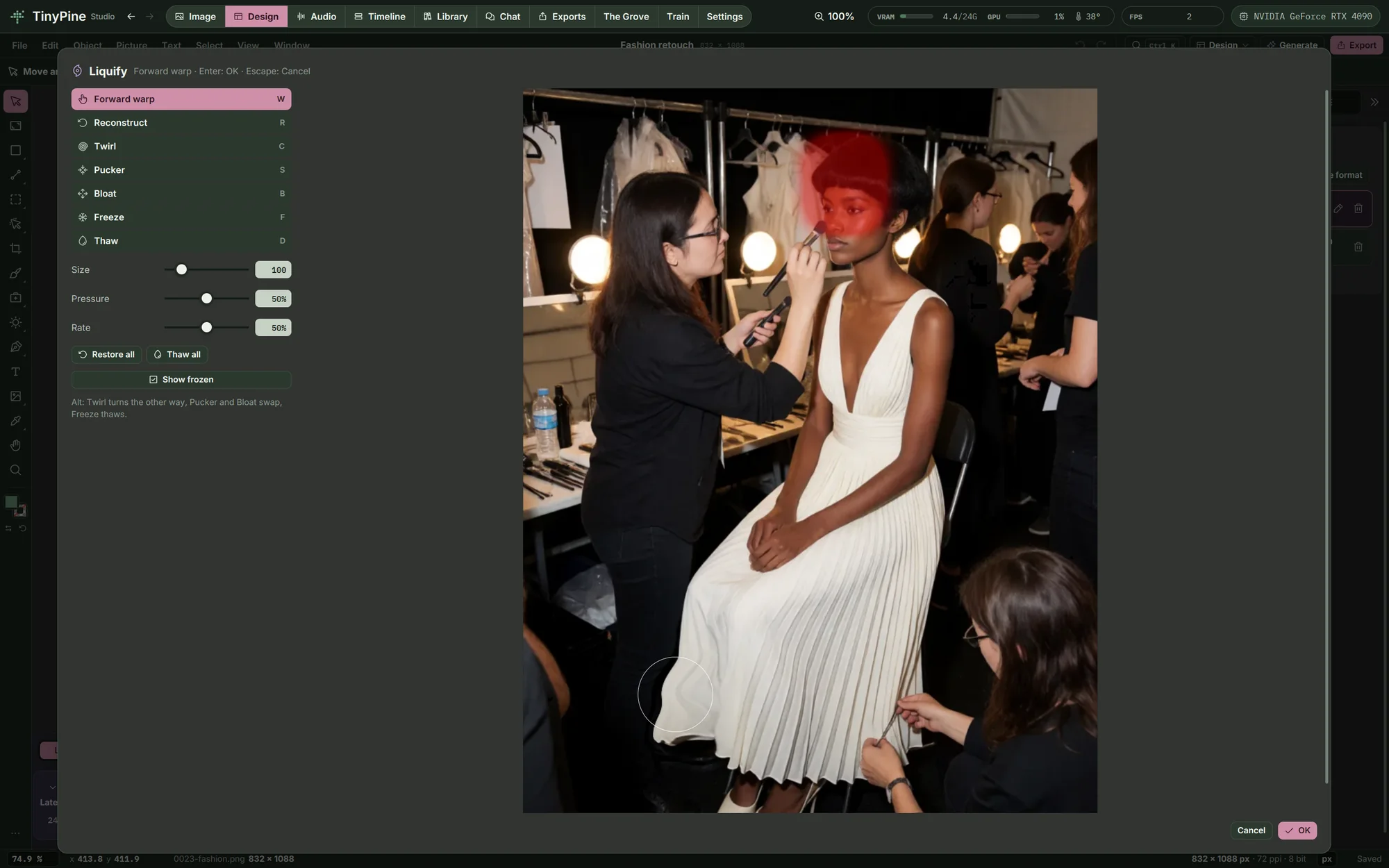
Forward warp, twirl, pucker and bloat with size, pressure and rate, Reconstruct to take it back, and Freeze to protect what must not move: here the face is frozen while the hem of the dress is pushed. Warp and Puppet warp bend a layer by a mesh or by pins.

Liquify, the way retouchers use it

Adjustments from Photoshop

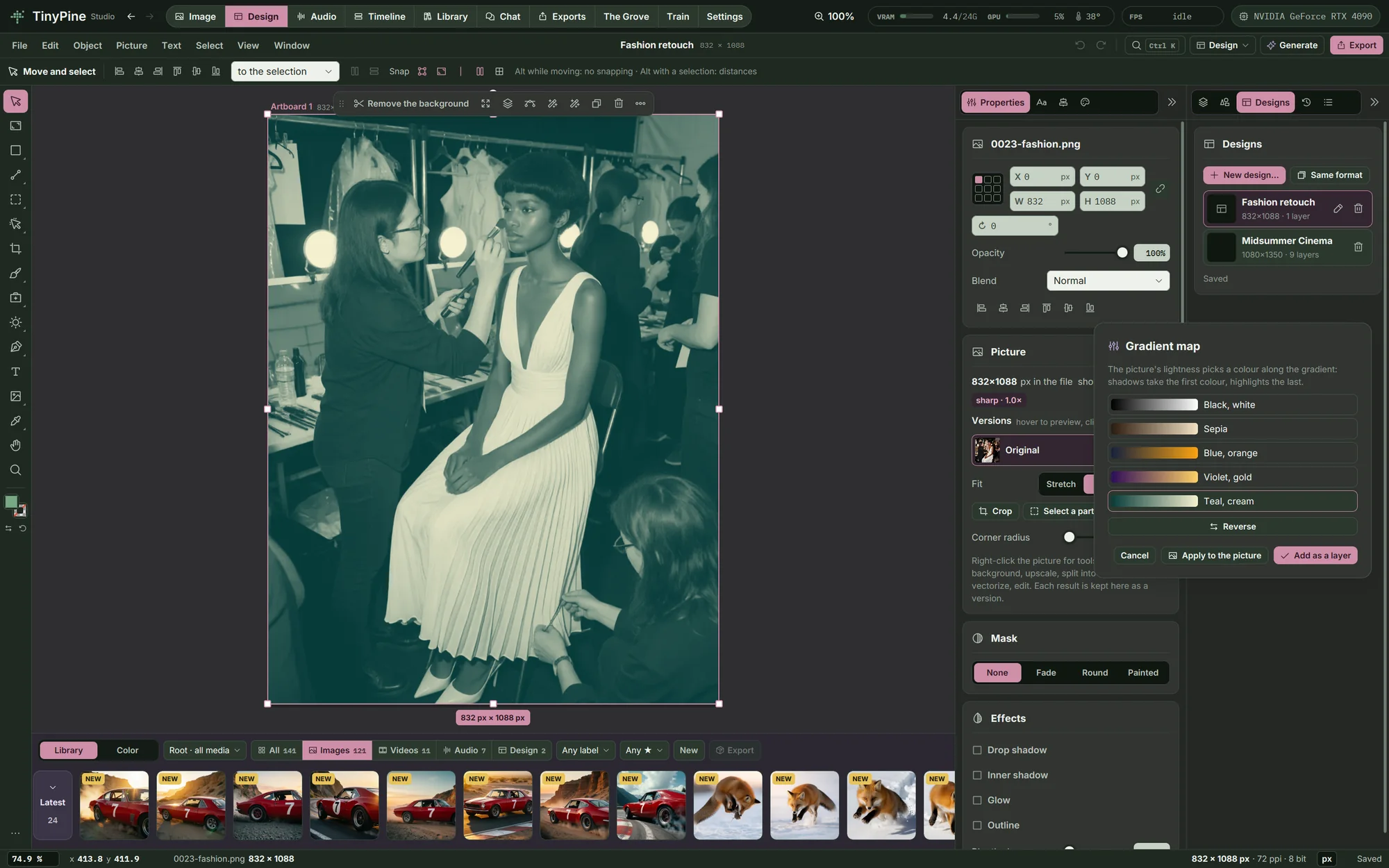
Levels, Gradient map, Black & White, Channel mixer, Selective color, Invert, Threshold and Posterize, applied to the picture or added as a layer you can change later. Dodge, Burn and Sponge, spot healing, red eye and a mixer brush paint on the picture, in 8 or 16 bits per channel.

Adjustments from Photoshop

Layer comps, paragraph setting and vector PDF

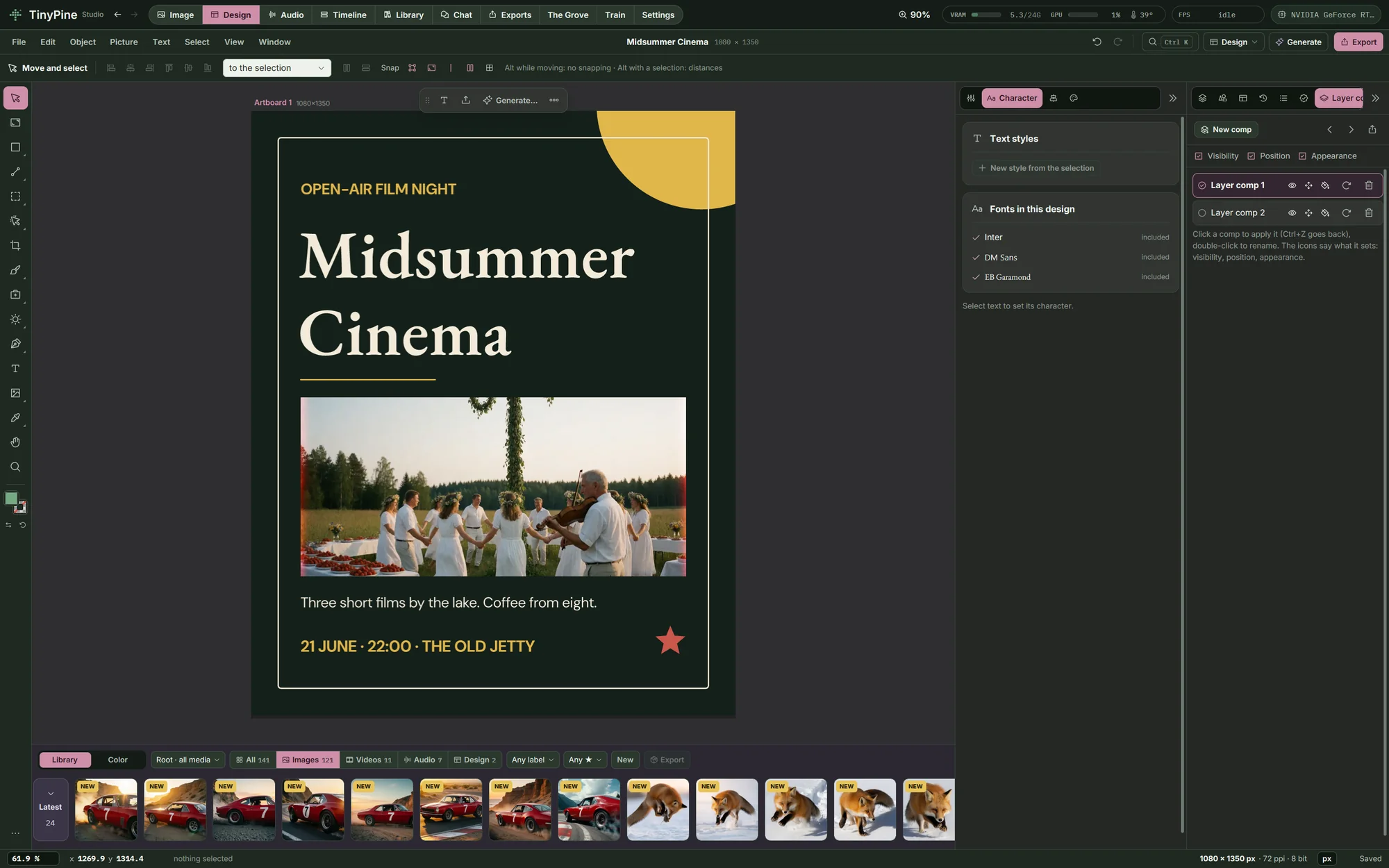
Save the layers' visibility, position and appearance as layer comps, switch between them with a click and export each one as a PNG. The Paragraph composer chooses the line breaks for a whole paragraph at once, for even lines and spacing. Save an artboard as a vector PDF where text stays real text with embedded fonts and shapes stay vectors, with bleed and crop marks.

Layer comps, paragraph setting and vector PDF

AI on the canvas

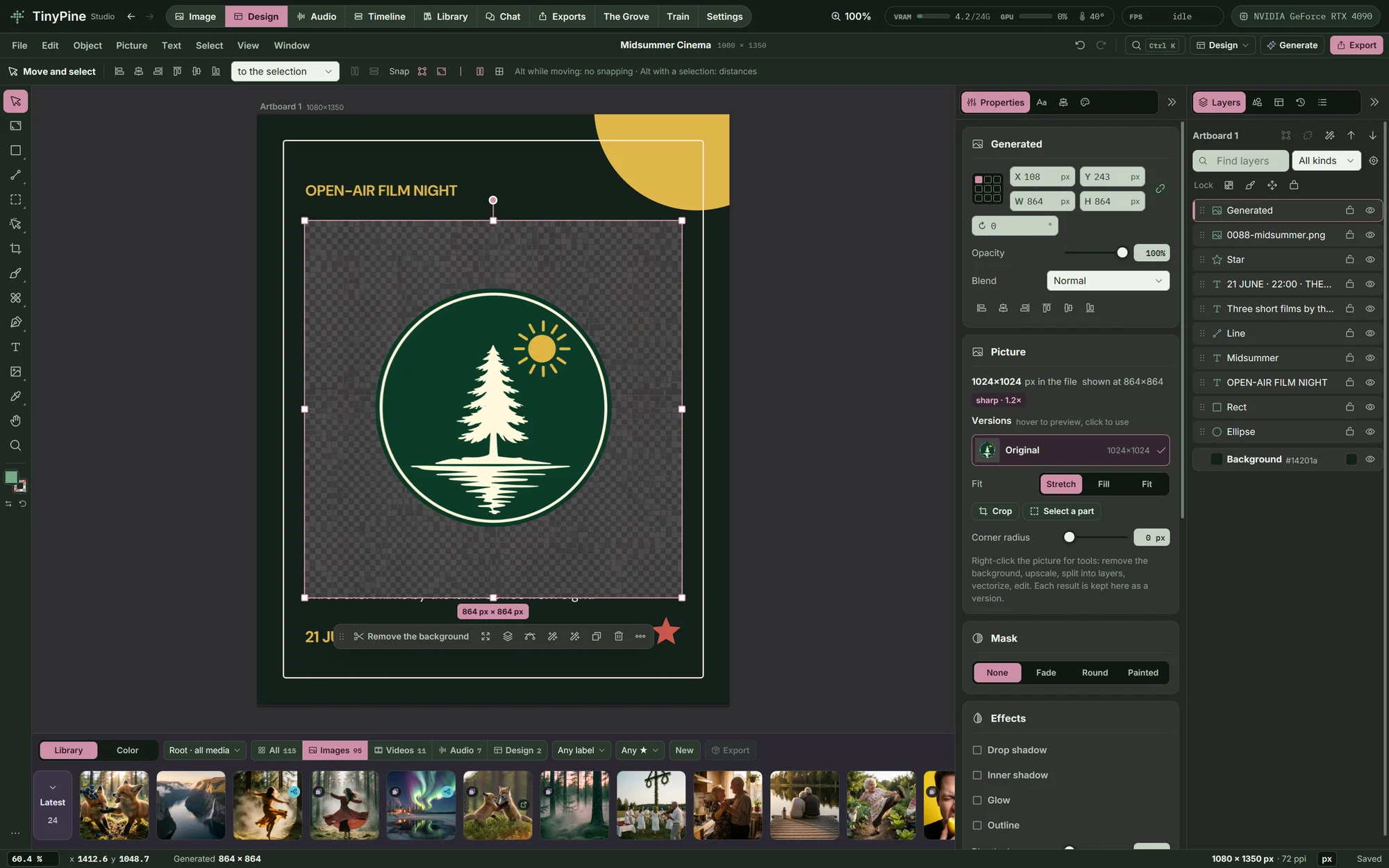
Generate a design, an element or a background. The emblem here is an element generated on the poster, with a transparent background. Remove the background behind a subject, split a graphic into separate layers, vectorise a picture or edit it with an instruction. Each result is kept as a version of the picture.

AI on the canvas

For screen and for print

PNG, JPEG, WebP, SVG and print PDF with crop marks, CMYK soft proof with your printer's profile and CMYK PDF. Import SVG, Photoshop files with their layers and PDF pages. Send an artboard to the timeline as a clip.

For screen and for print
And also

Everything else in design

The canvas runs on any supported card. Generate and Split into layers download about 90 GB of models.

Next: Library

Search by what is shown, one queue, every export.

Library

Everything on this page runs on your own card

A sad beagle puppy lying by the front door

Coming soon

Free · Windows · NVIDIA GPU, 24 GB recommended, 8 GB minimum · video needs 24 GB