All of TinyPine StudioEdit · on your GPU

A darkroom for every picture

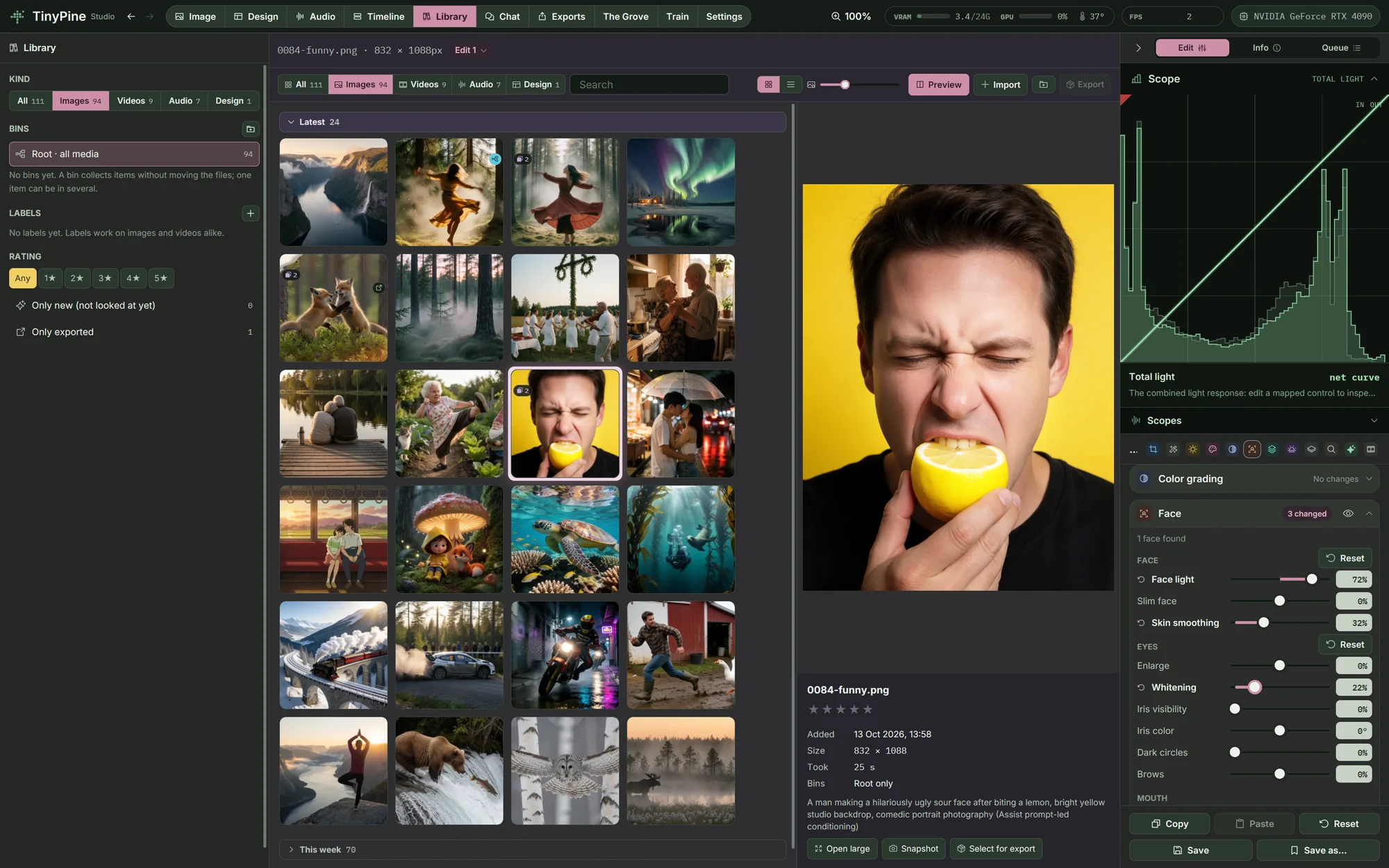
Edit grades any picture, your renders and your own photos alike, with colour wheels, curves, depth, light and film. The preview you drag is the code that writes the export, so the file matches the screen. The original is never touched.

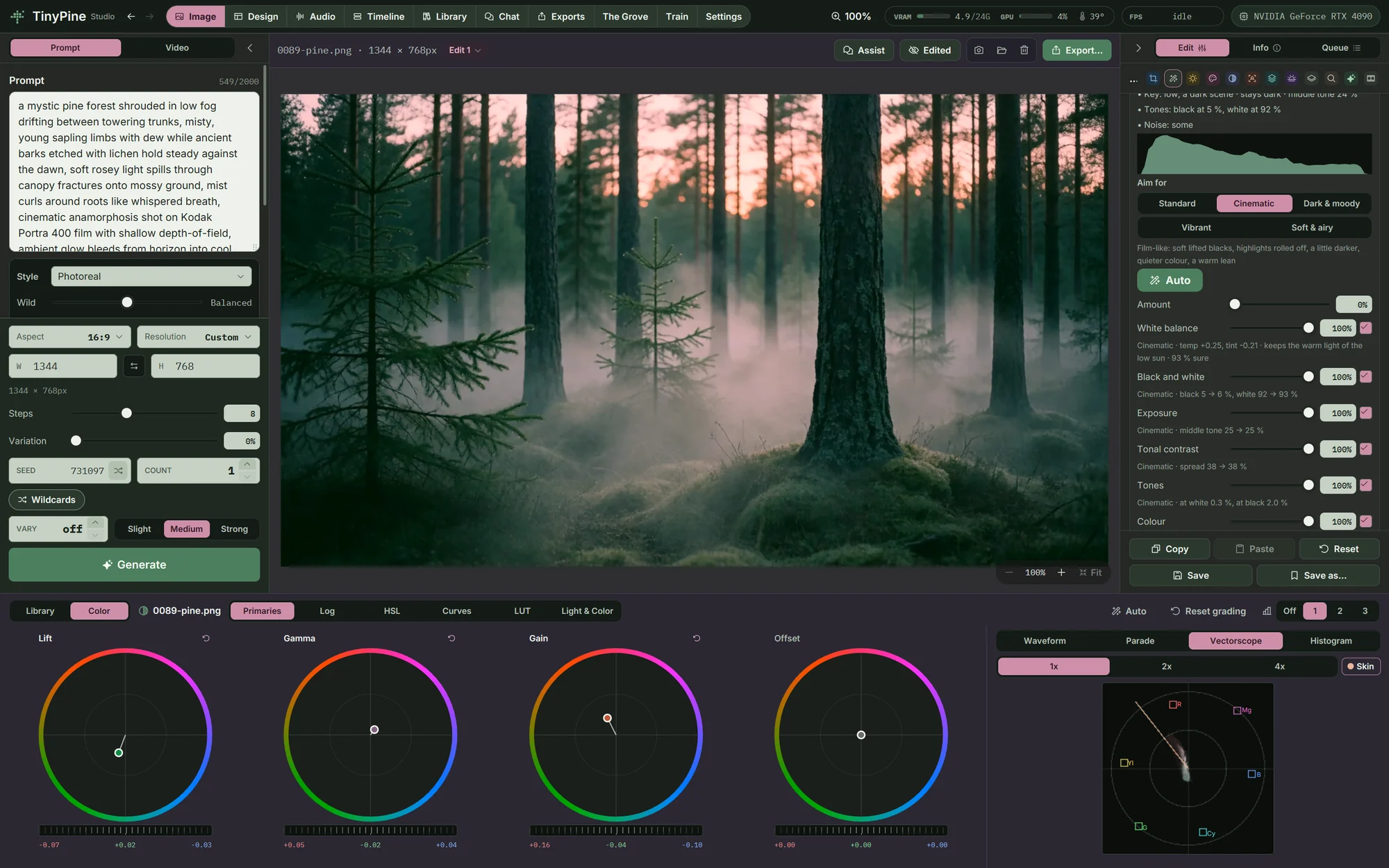
A misty pine forest graded with the colour wheels, a vectorscope beside them

Colour wheels, scopes, HSL, curves and LUTs

Lift, gamma, gain and offset as four wheels, or shadow, midtone and highlight wheels with their own ranges. HSL per colour, RGB and channel curves, your own .cube LUTs at any strength. Waveform, parade, vectorscope with a skin-tone line, and a histogram beside it.
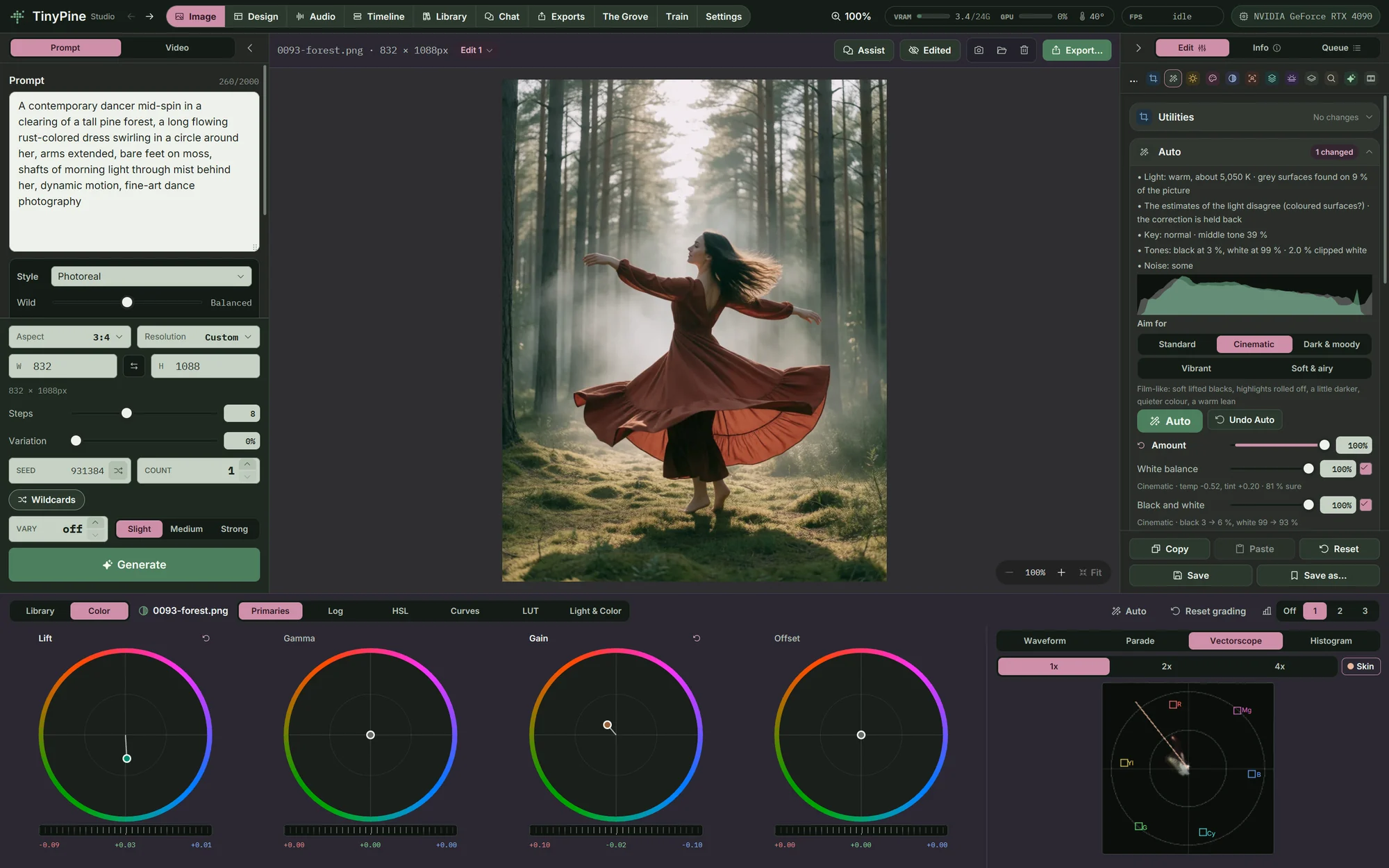
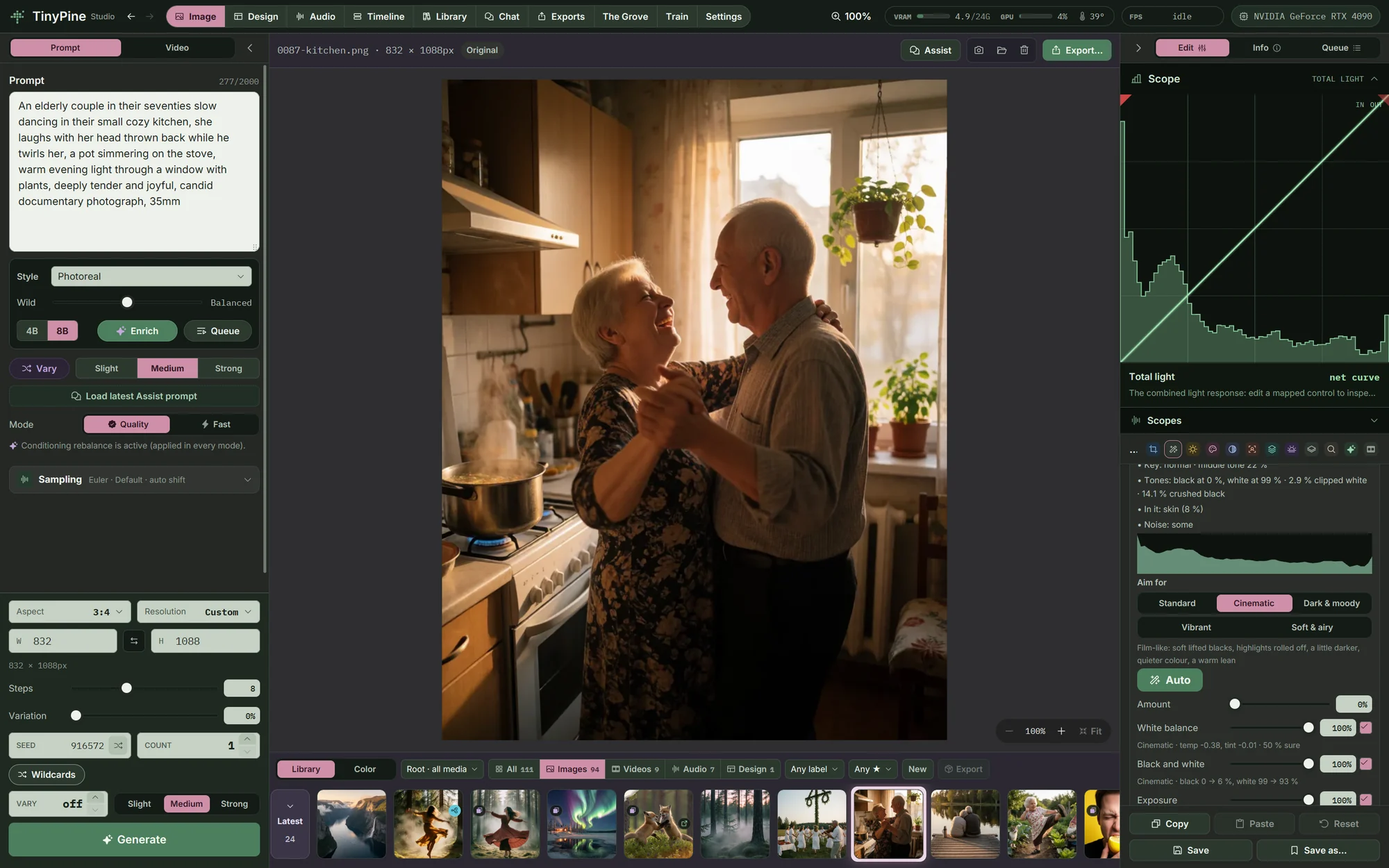
Colour wheels, scopes, HSL, curves and LUTs

Auto that says why

Auto measures the light, the key and the tones and tells you what it found, in plain words: here a kitchen with 14 % crushed black and skin in the frame. Auto adds to the sliders as you left them and lists each change, such as Brightness +0.61 (0.30 → 0.91). Set how much of it you want, switch any part off, or Undo Auto. The five looks it can aim for are below.

Auto that says why

Masks, the way photographers work

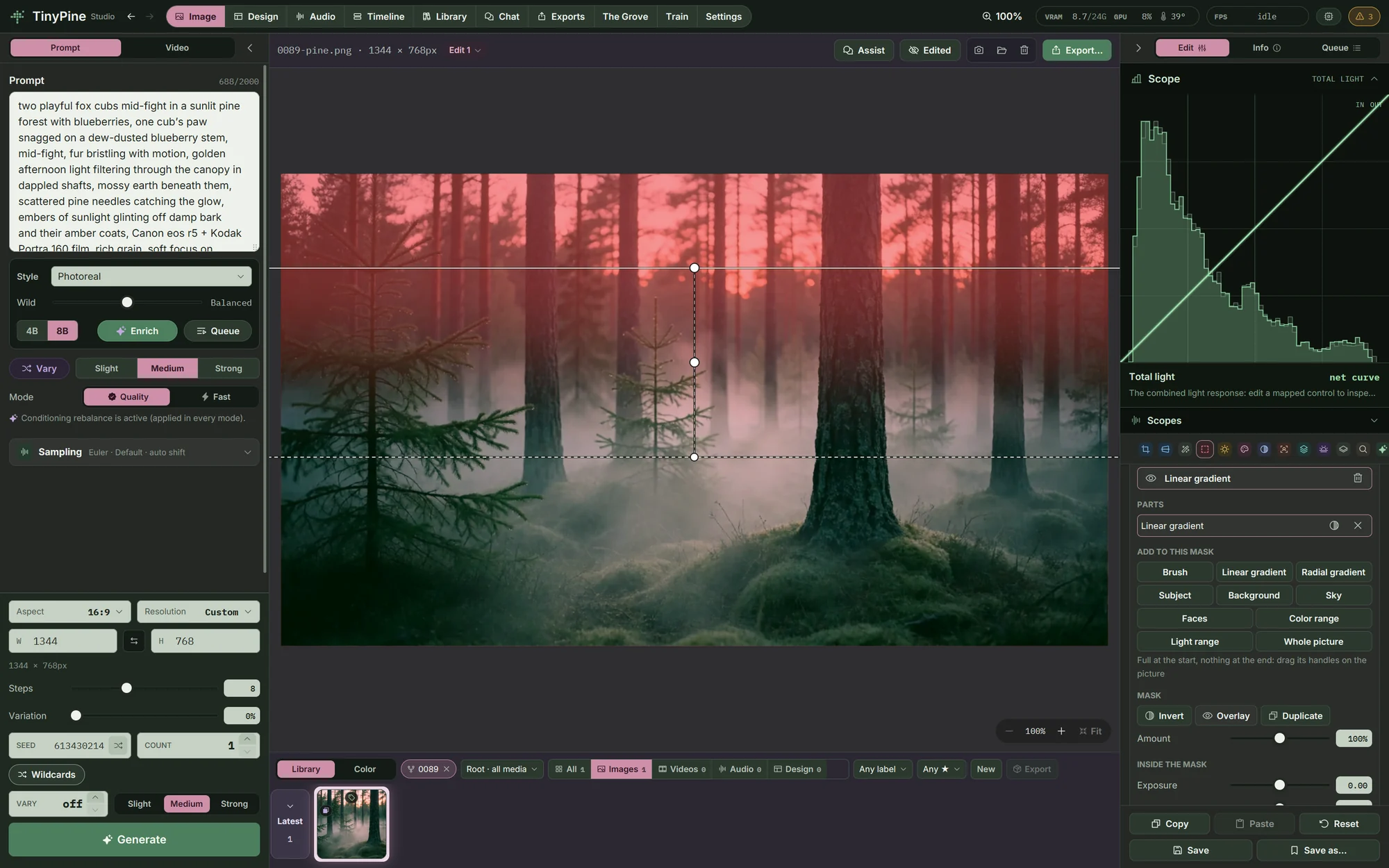
Paint a mask, draw a linear or radial gradient, or let the subject, the background, the sky, the faces, a colour or a light range choose it. Combine parts with add, subtract and intersect, and give each mask its own exposure, contrast, highlights, shadows, white balance, saturation, clarity, sharpness, dehaze and noise.

Masks, the way photographers work

Lens & transform

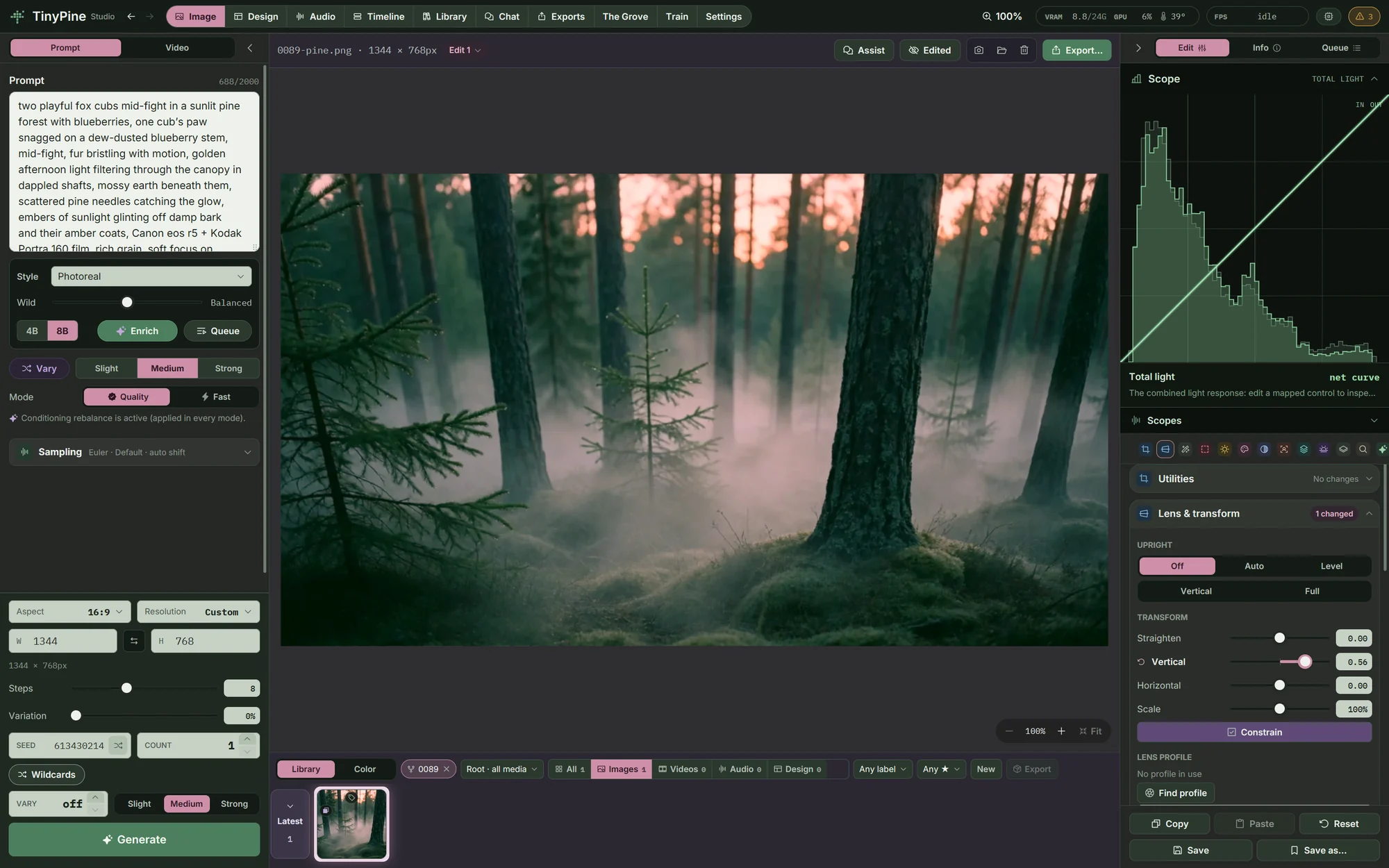
Straighten at any angle, correct vertical and horizontal perspective, or let Upright find the straight lines and stand the picture up. Lens profiles from the Lensfun database (1,571 lenses) remove distortion, vignetting and colour fringes, found from the photo's camera data or picked by name.

Lens & transform

Dehaze and noise reduction

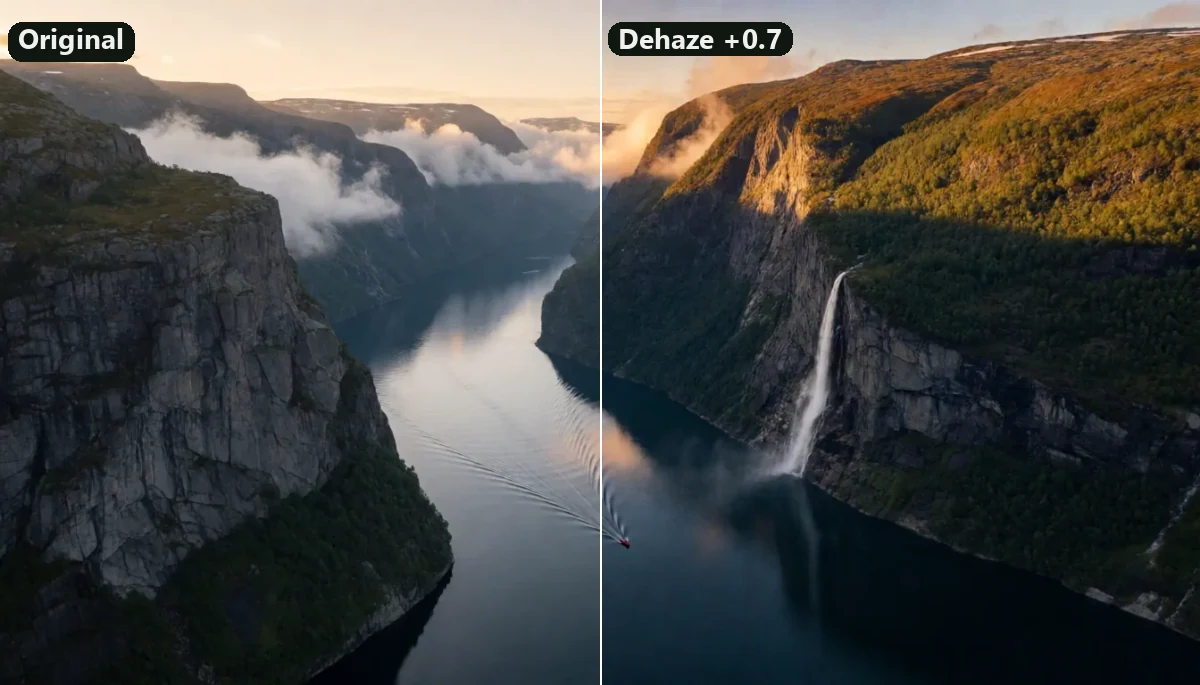
Dehaze cuts through haze and mist, measured from the picture itself, or adds haze when you go below zero. Noise reduction treats luminance and colour noise apart and keeps fine detail. Both work inside a mask too.

Dehaze and noise reduction

Film and print damage

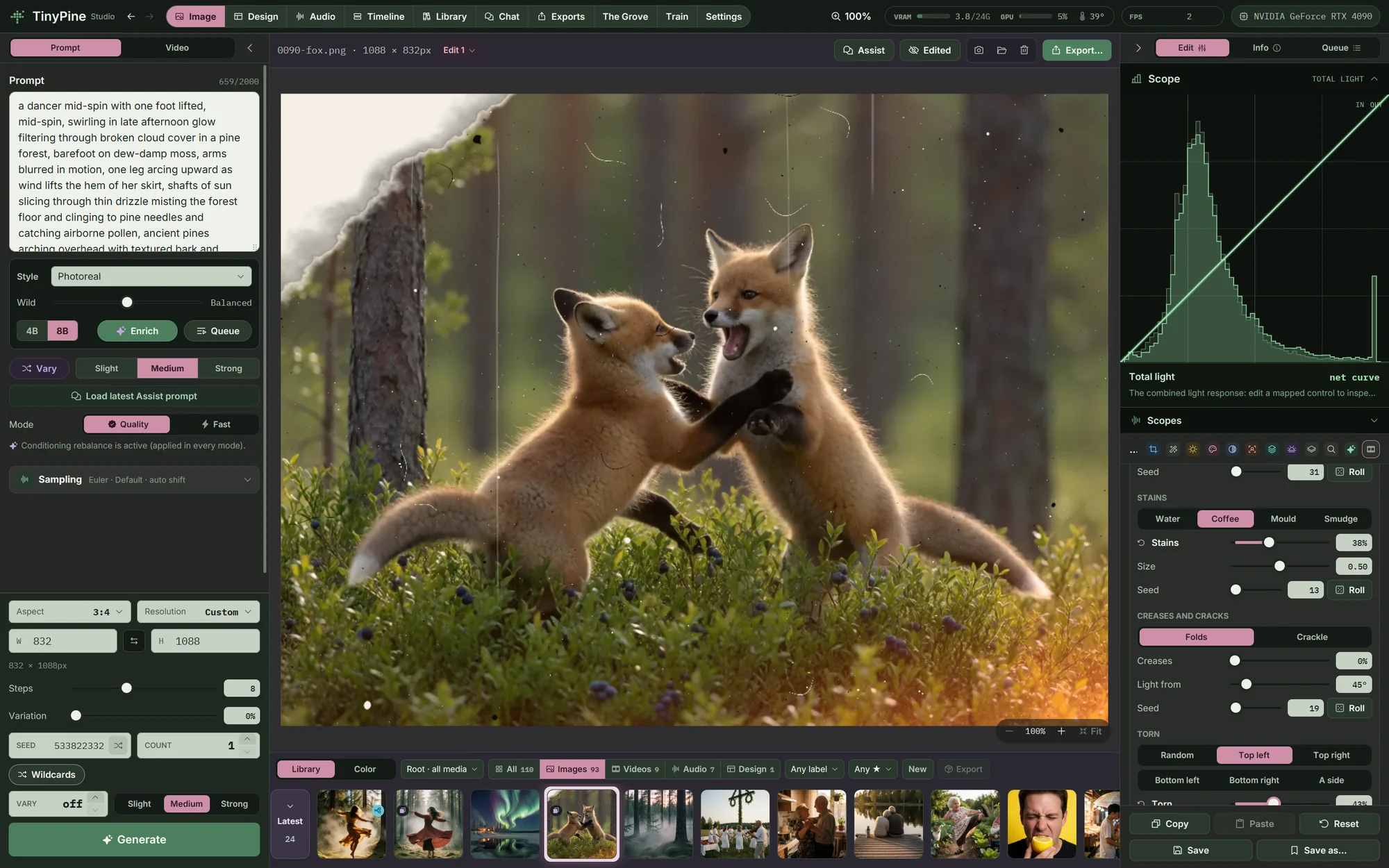
Dust and hairs, scratches, burns, colour damage, water and coffee stains, creases, crackle, torn corners and film, instant or scanner borders. Each kind has its own seed, and on video the dust lives frame by frame. Faces, the subject or an area can be kept clean.

Film and print damage

Face, RAW photos and layers

Face finds every face and gives light, skin, eyes and mouth their own sliders, with Face Enhance last. Camera RAW files (DNG, CR3, NEF, ARW and more) open with white balance in Kelvin, exposure and highlight recovery. Split a picture into subject and background and grade them apart.

Face, RAW photos and layers
Auto

One click, and a look to aim for

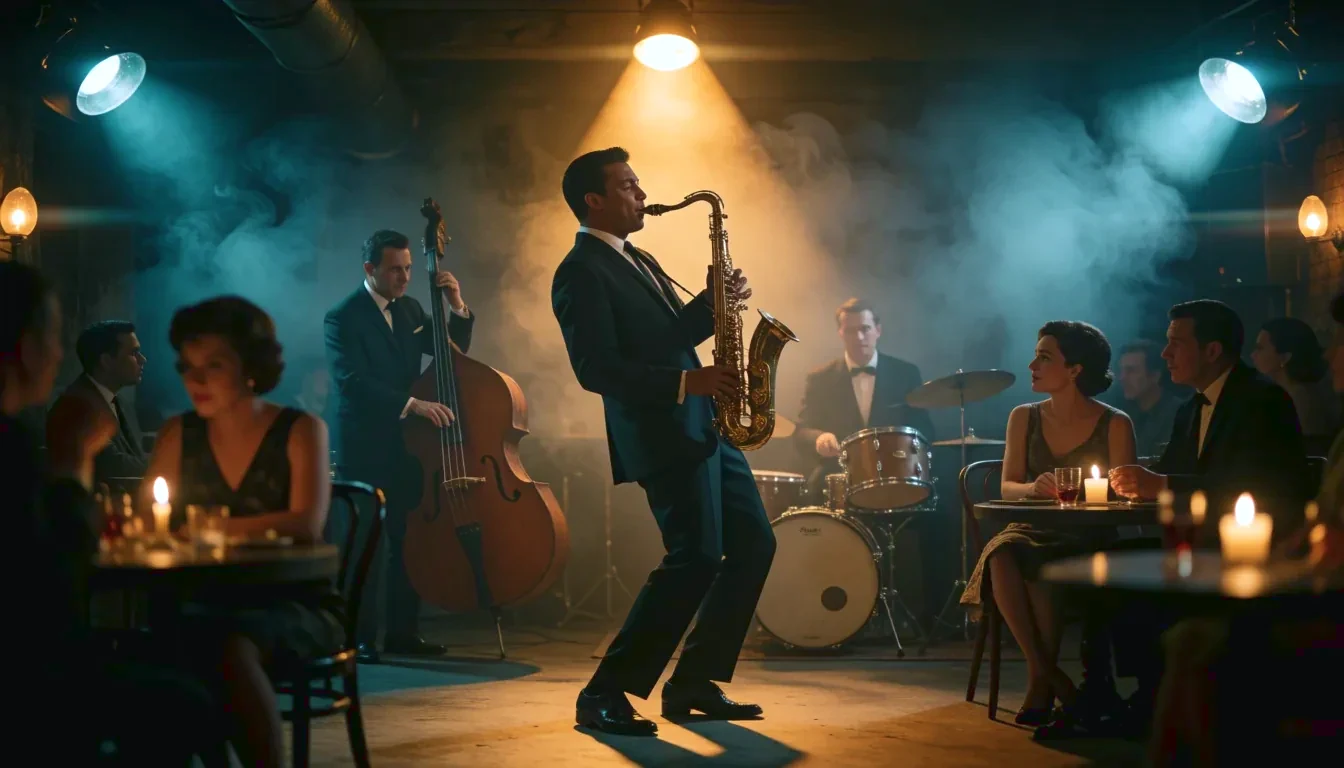
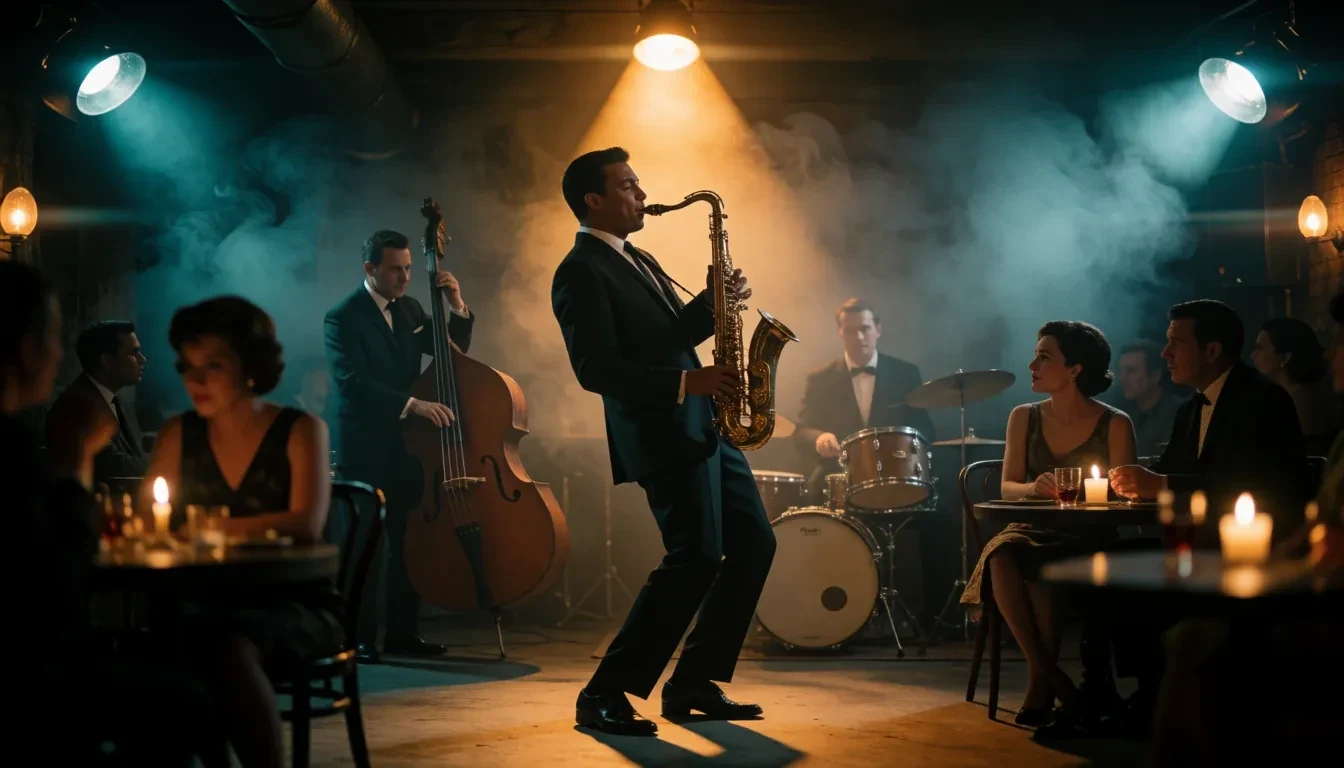
Auto measures the picture (white balance, black and white points, exposure, contrast, tones, colour, local contrast) and sets Edit's sliders for it. Tell it what to aim for and the same picture comes out neutral, like film, low key, punchy or light. Each group has its own strength and a line on why; Undo Auto puts the picture back.

Picture
Aim for

Cinematic. Film-like: soft lifted blacks, highlights rolled off, a little darker, quieter colour, a warm lean.

A saxophonist in a smoky 1960s jazz club, developedA saxophonist in a smoky 1960s jazz club, straight from the modelOriginalAuto · Cinematic
Edited in the app

Nine edits, made with the tools in Edit

Each picture was edited by hand in Edit, with the sliders, depth and light tools you get in the app. The left side is the render from the model, the right side is the edit, and the tools that made it are listed beside it. Pick one and drag across the picture.

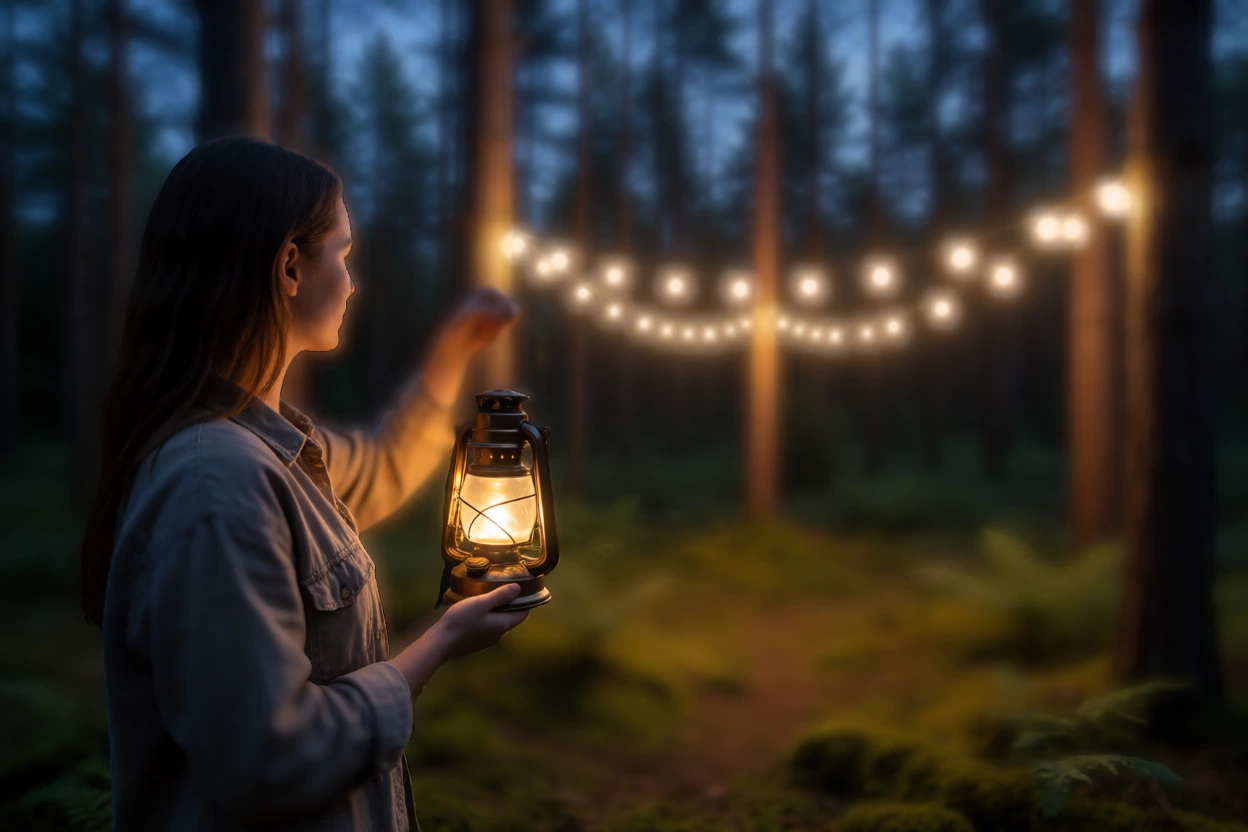
Depth of field, developedDepth of field, straight from the modelFrom the modelEdited in the app

Depth of field

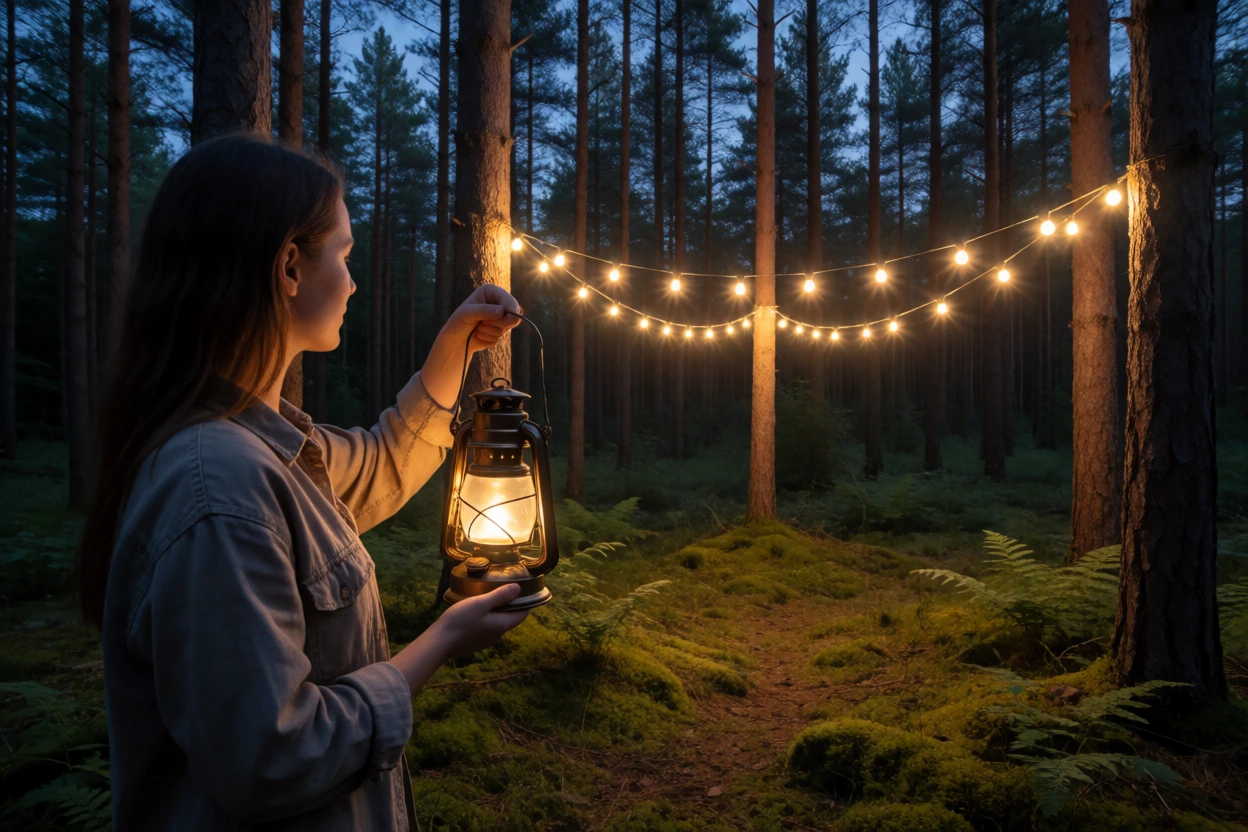
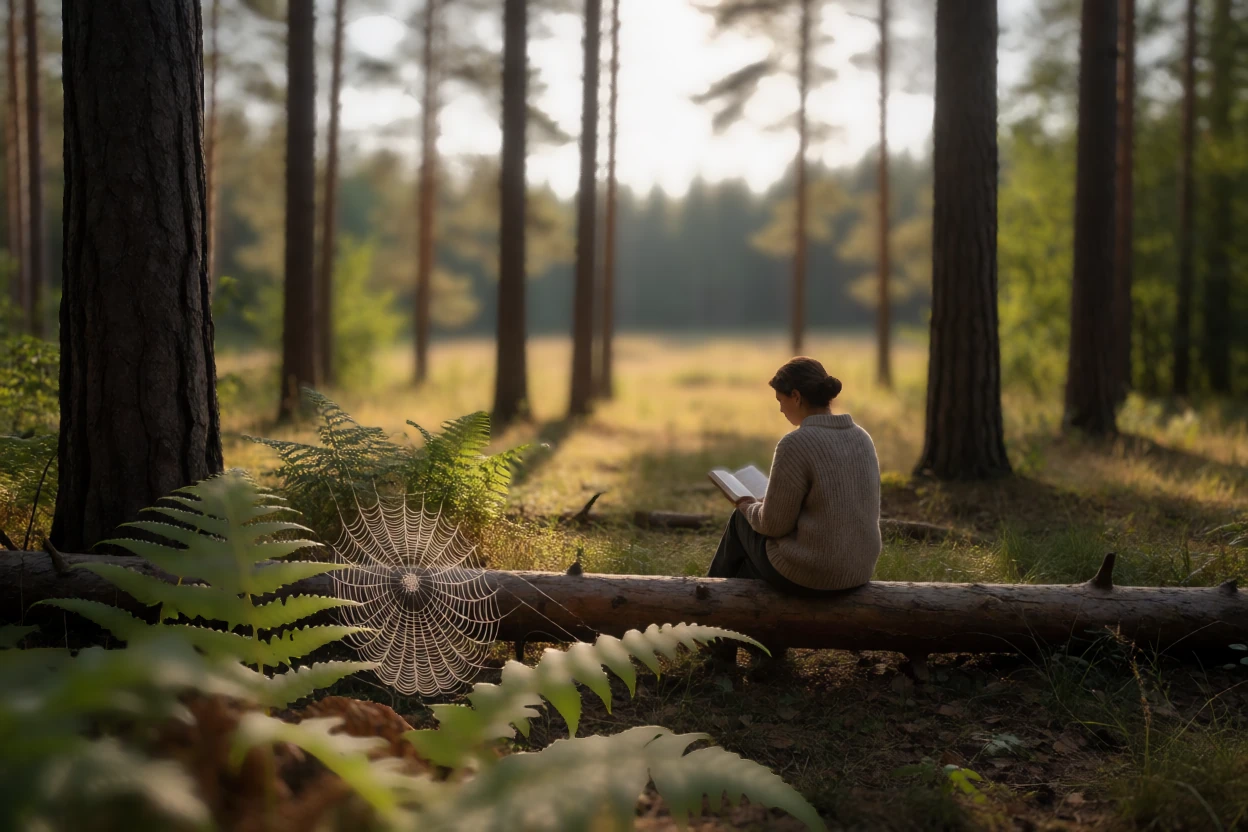
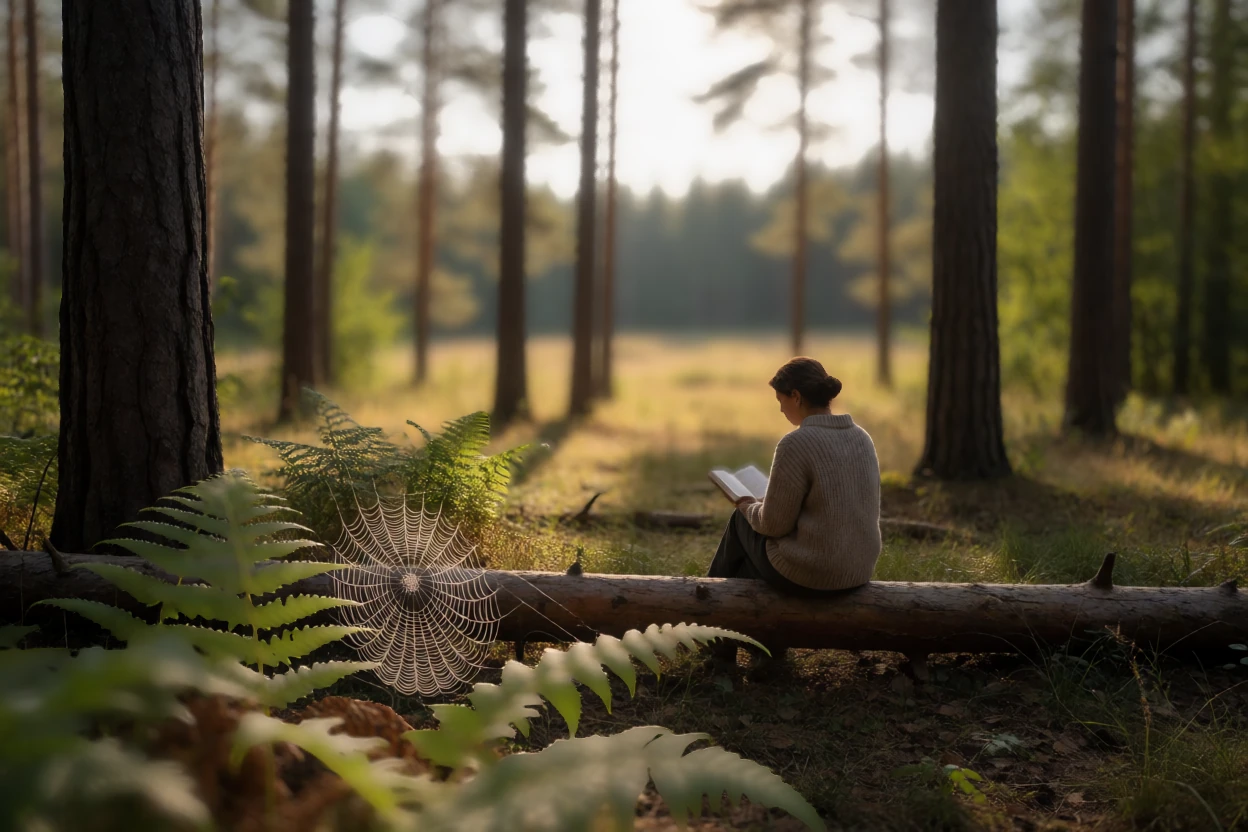
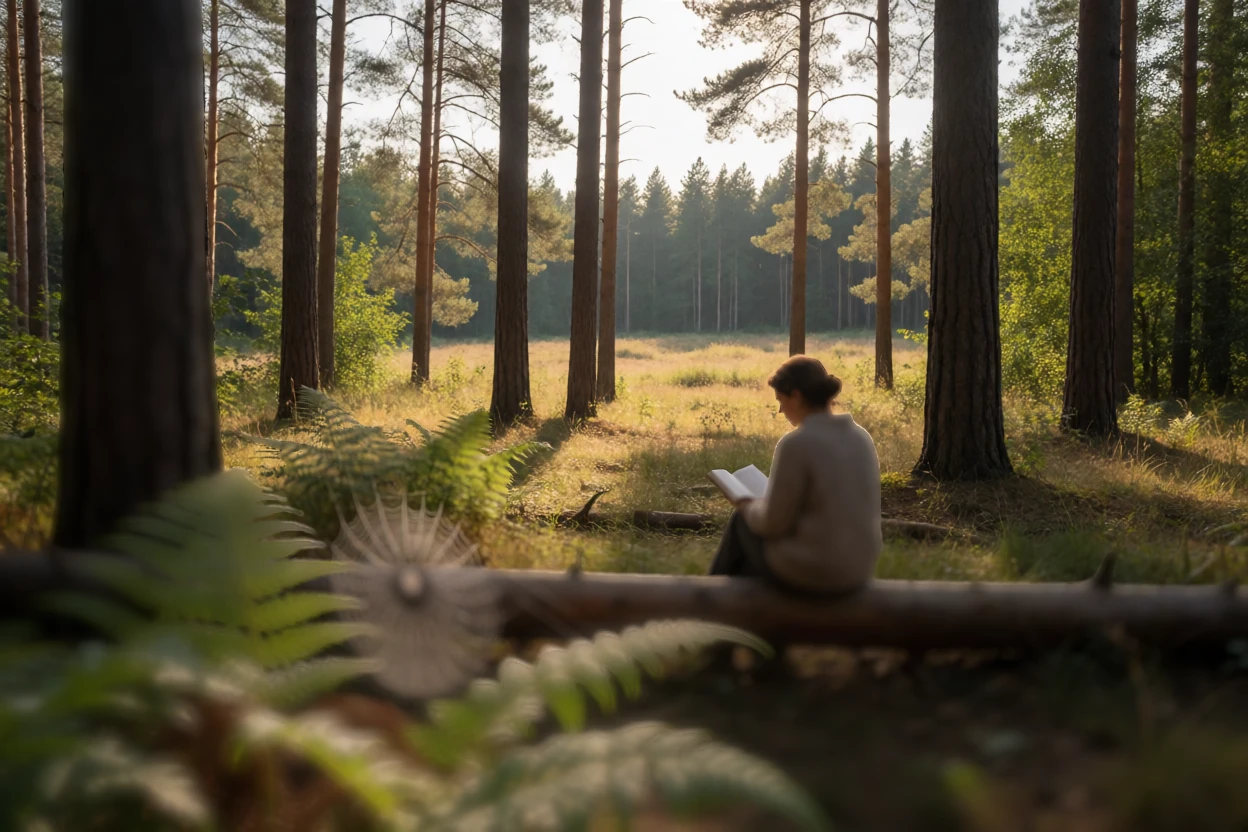
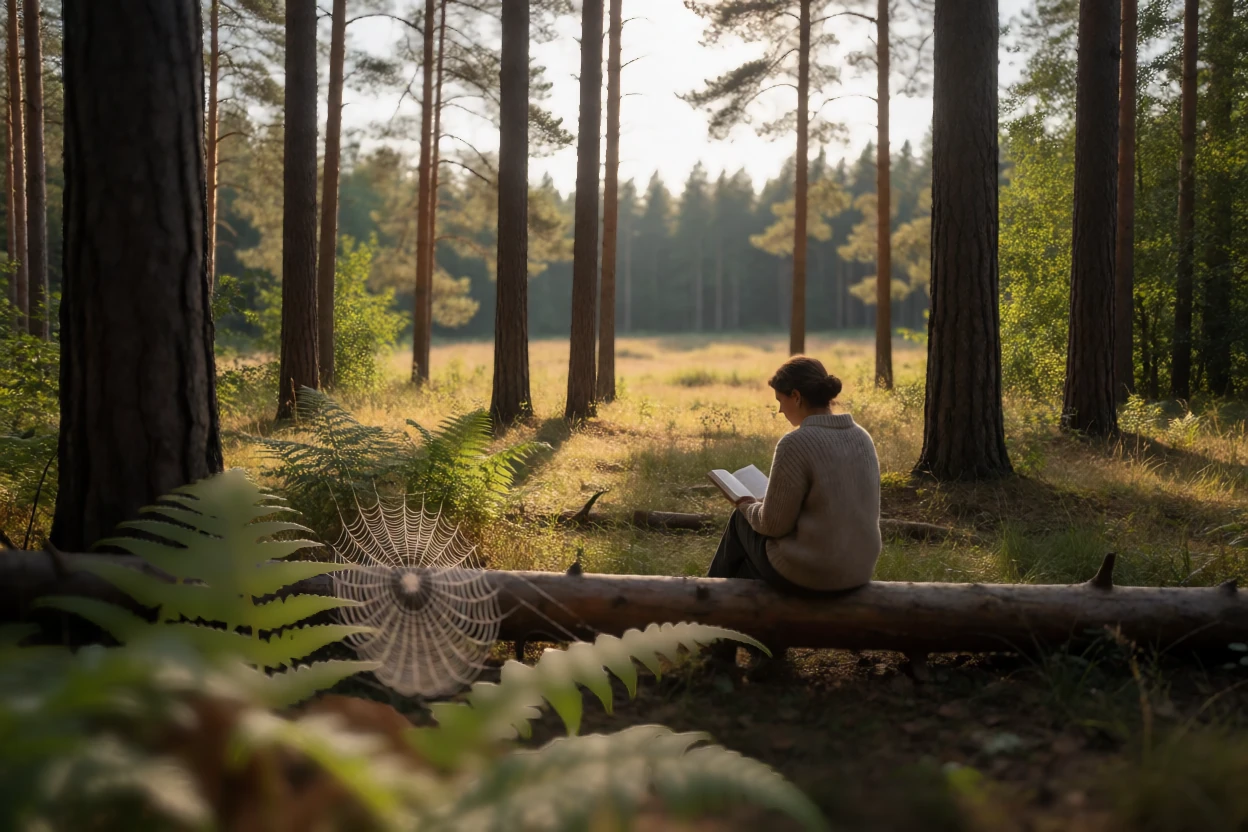
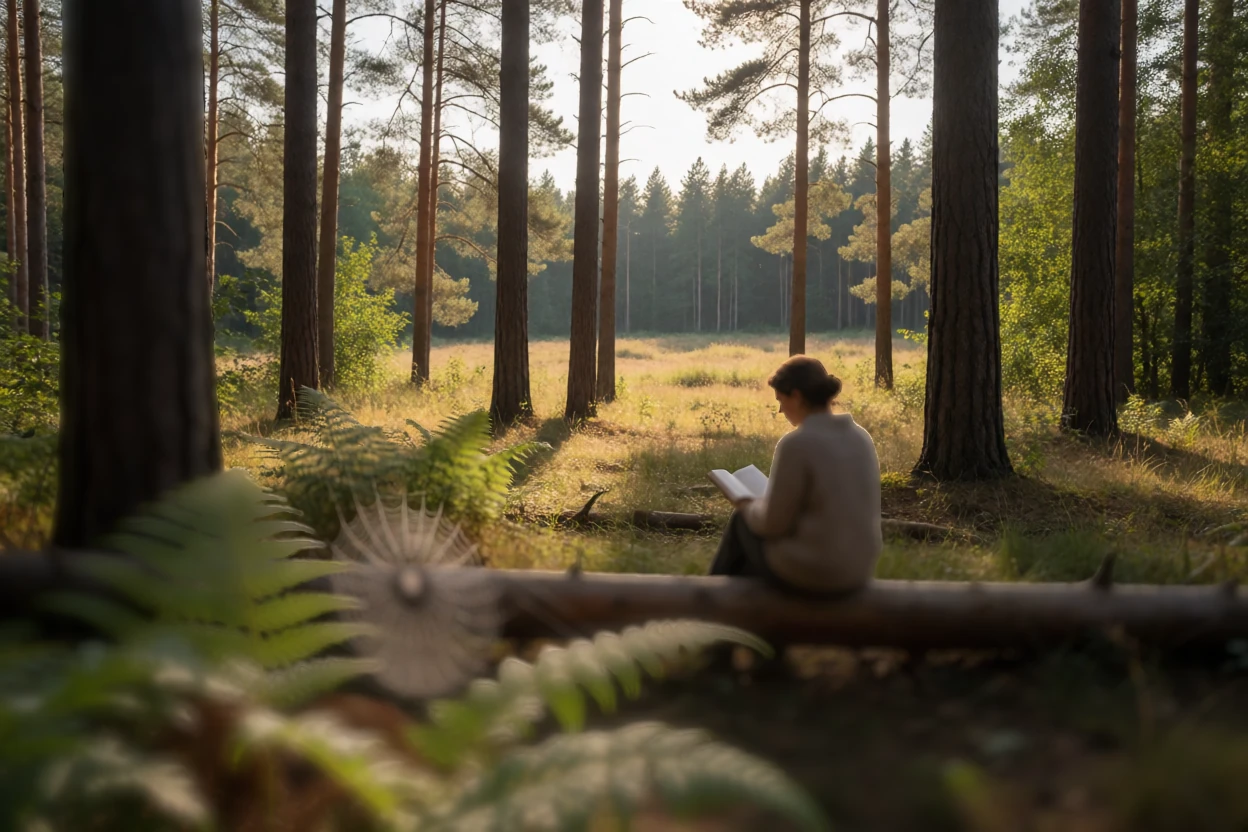
One click on the woman with the lantern. The string lights between the pines melt into soft discs.

Tools used in Edit
  • Click to focus
  • Bokeh
  • Highlight bloom
Depth

Click where the focus should be

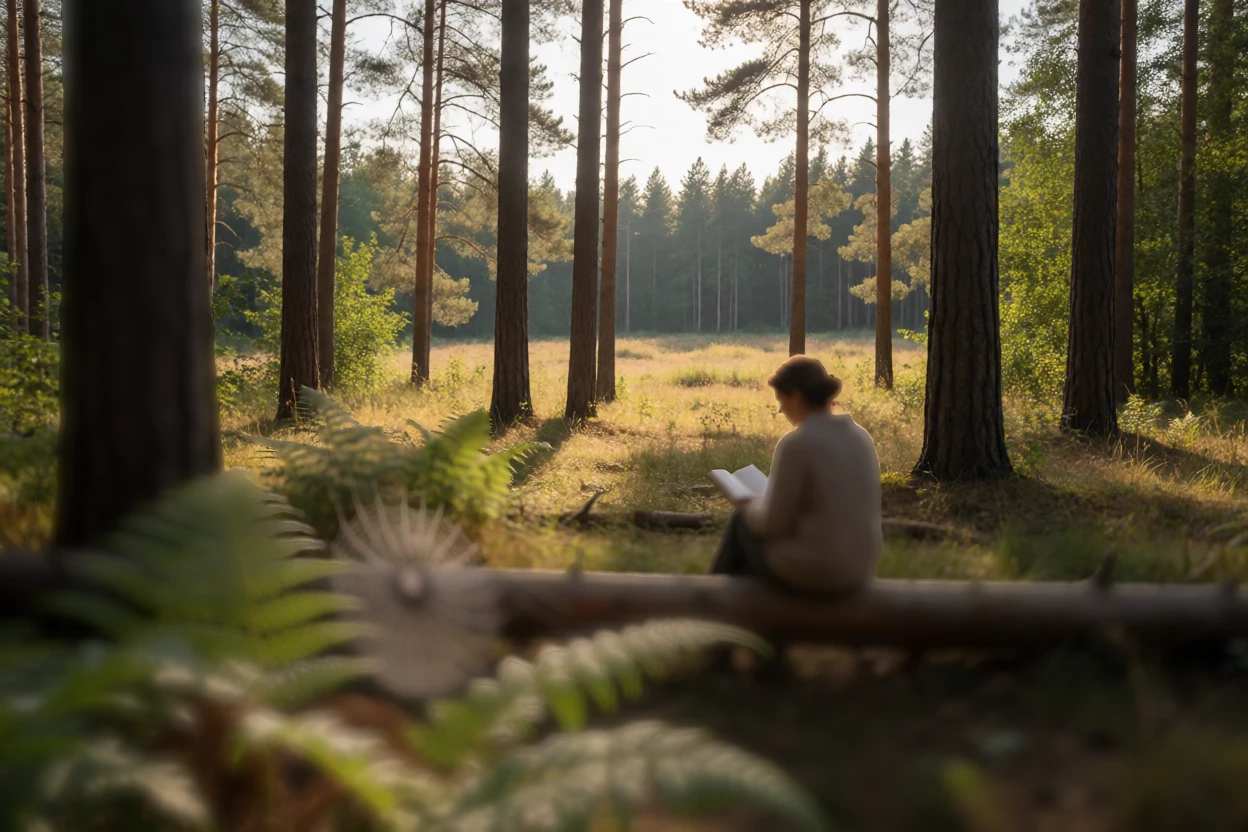
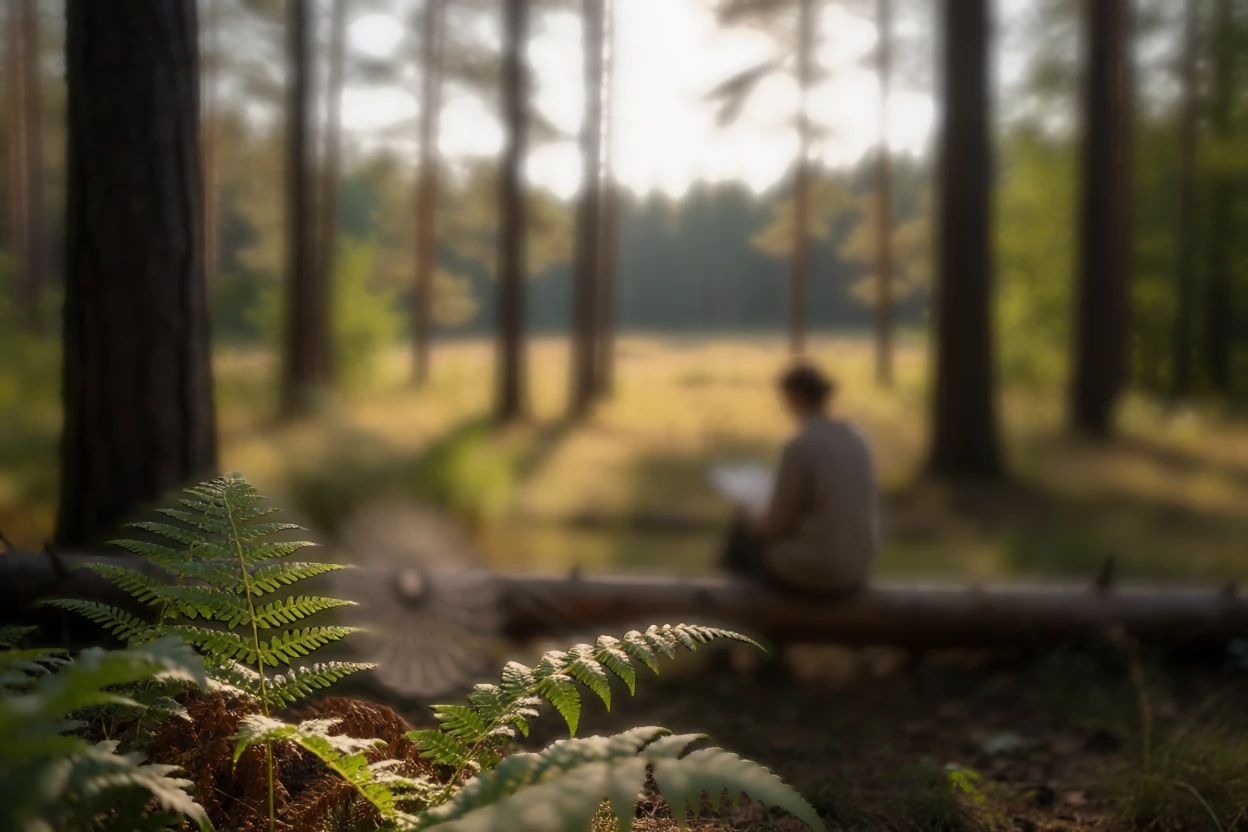
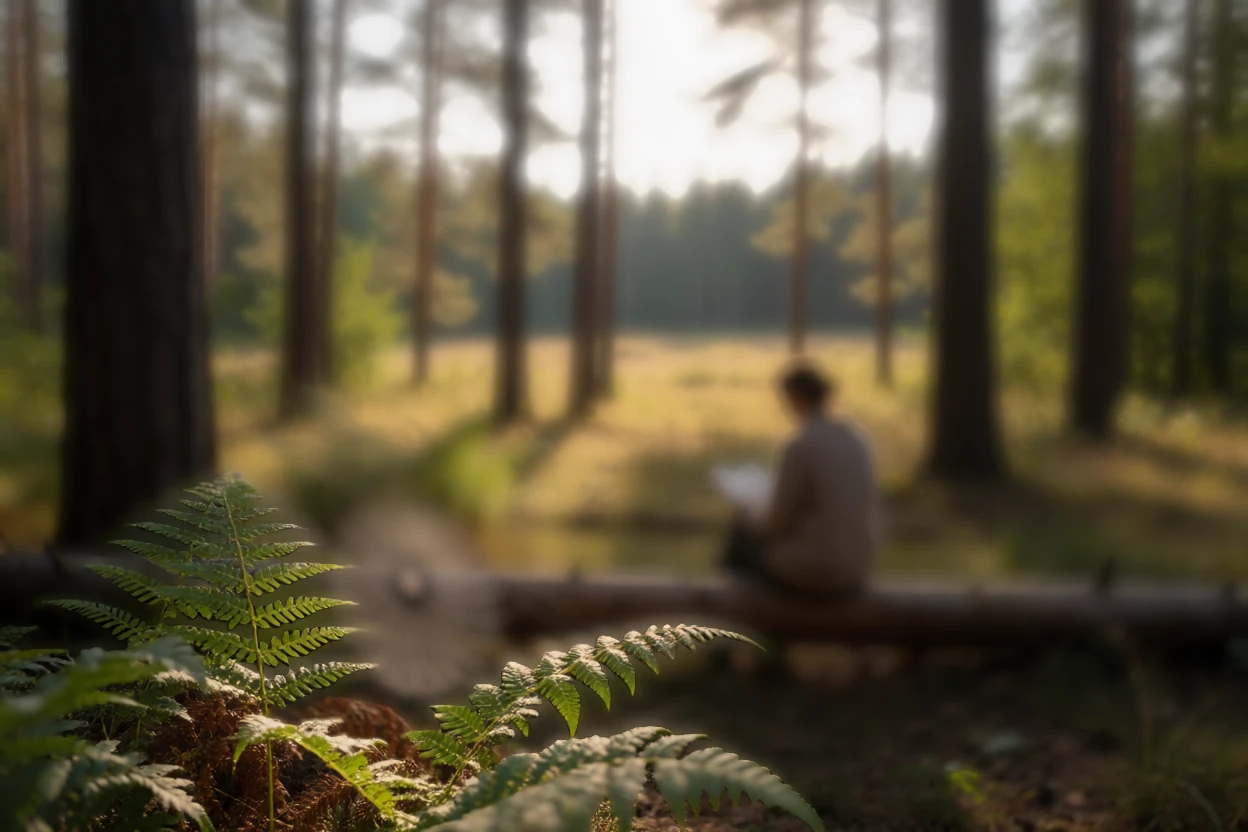
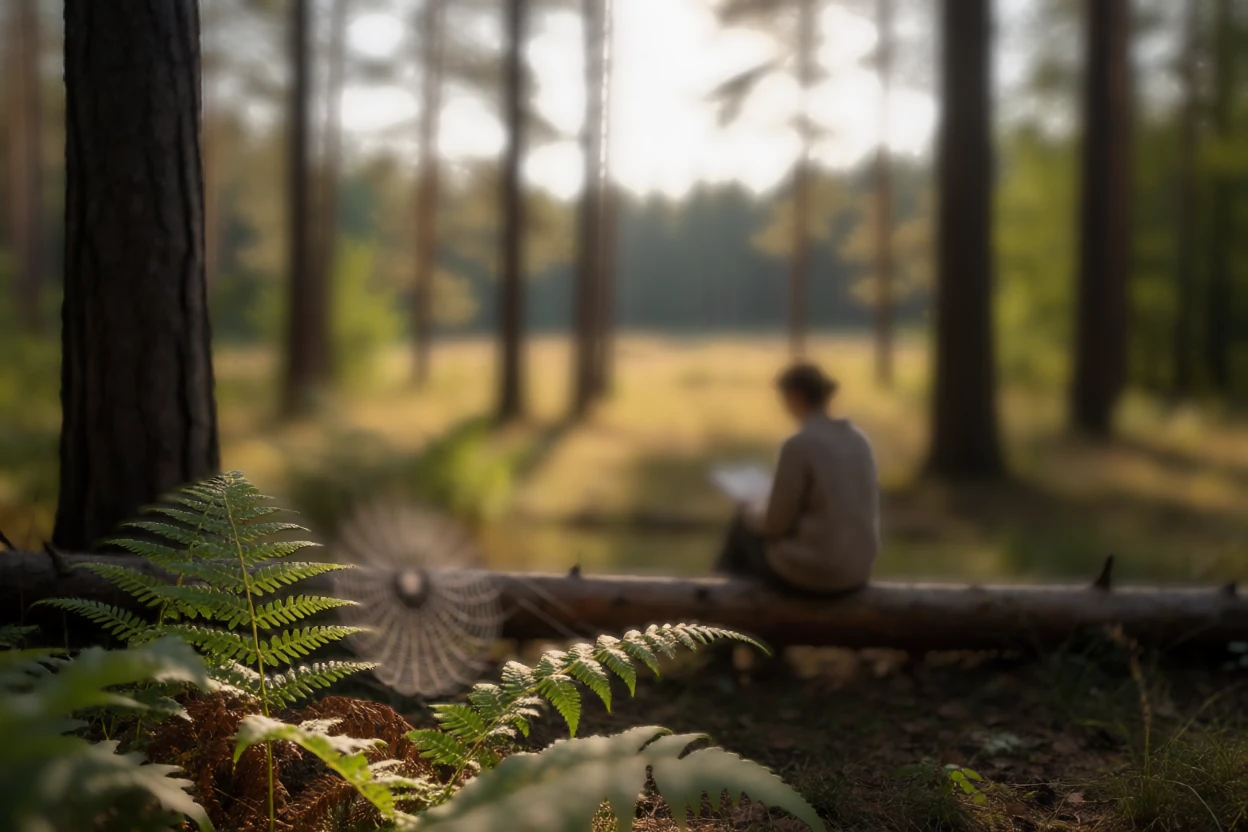
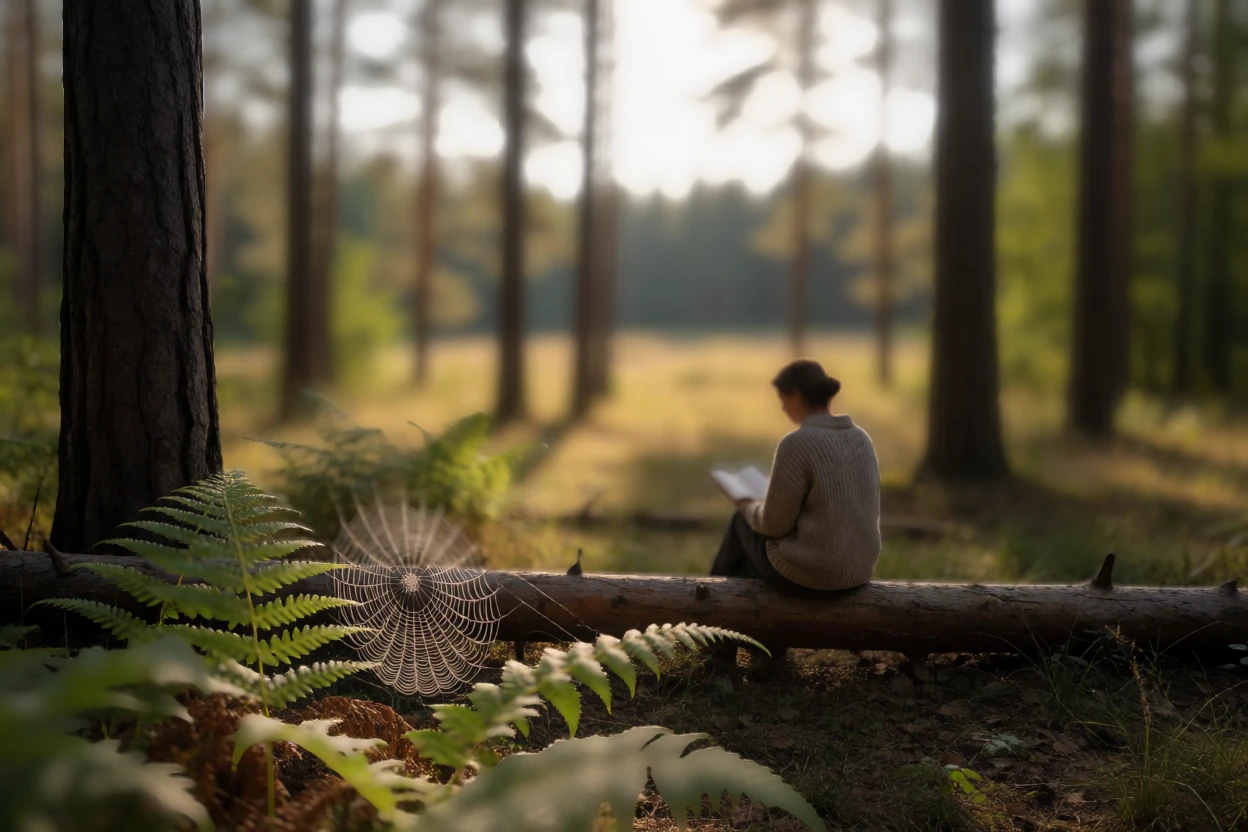
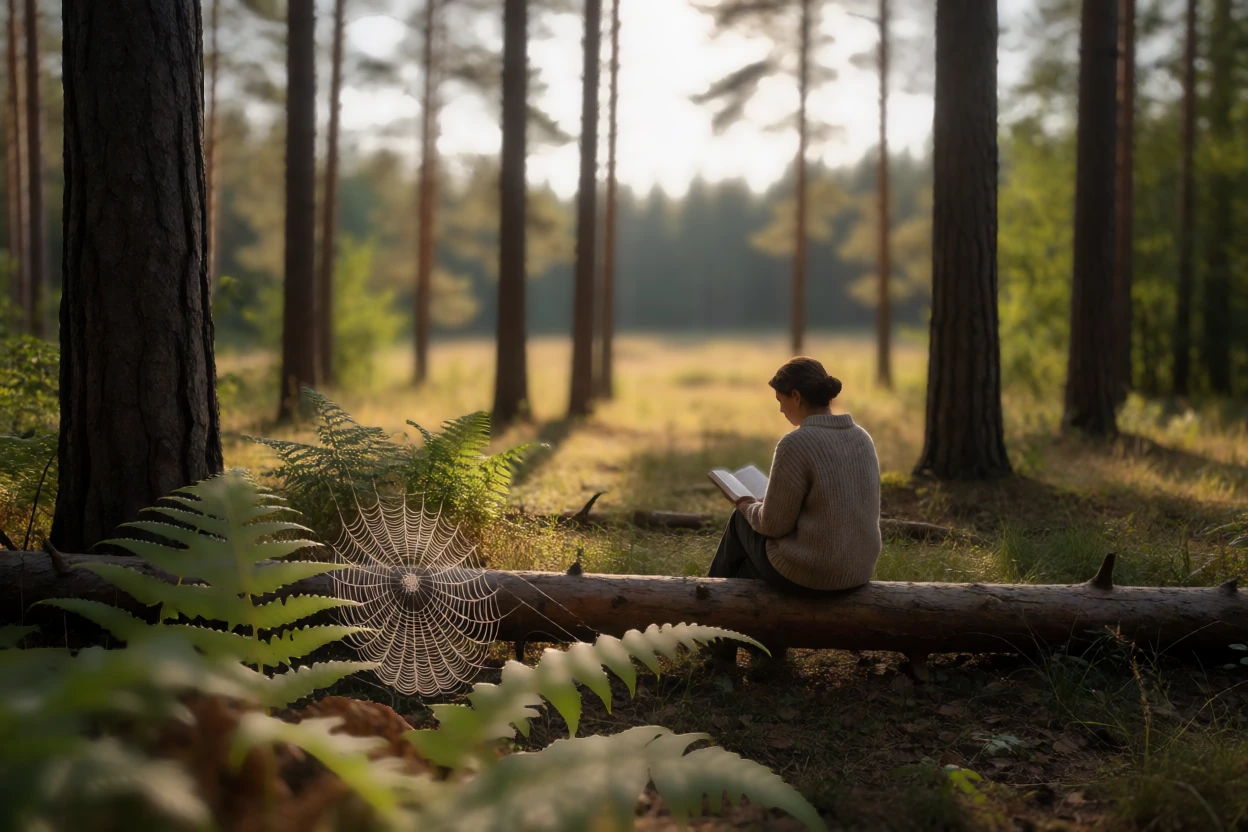
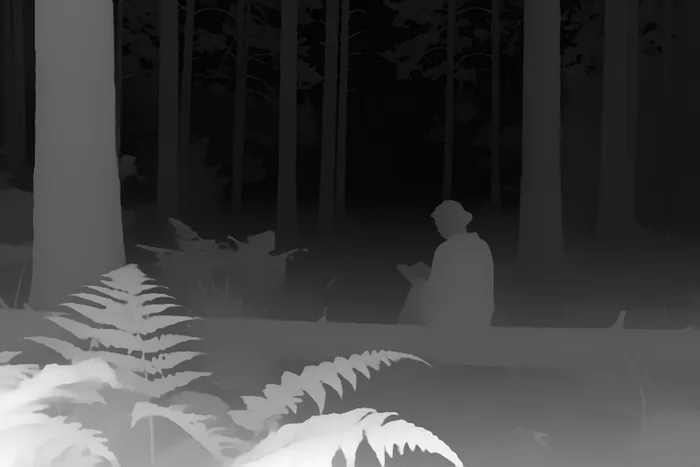
Depth Anything V2 reads the scene. Click a spot in the picture and Edit sets the focus to that distance; bright lights keep their energy as they open into bokeh. Try it: every frame here is an export from TinyPine, made by clicking the same spot in the app.

Scene
Focus distance
nearfar

Click anywhere in the picture. The focus moves to that distance, as it does in Develop.

And also

Everything else in photo & colour

Edit runs on the graphics card; depth, Face Enhance and upscaling are small downloads from the Grove.

Next: Video

Animate, Extend, slow motion, stabilise, track.

Video

Everything on this page runs on your own card

A sad beagle puppy lying by the front door

Coming soon

Free · Windows · NVIDIA GPU, 24 GB recommended, 8 GB minimum · video needs 24 GB