TinyPine
TinyPine StudioFree

From one line to a finished piece. On your own GPU.

Assist writes the prompt, Krea 2 renders it, and Develop, video with sound and a timeline take it the rest of the way. One app, nothing uploaded.
A sad beagle puppy lying by the front door

Coming soon

See how it works

Windows · NVIDIA GPU, 16 GB recommended · video needs 24 GB · Version 1 stays free

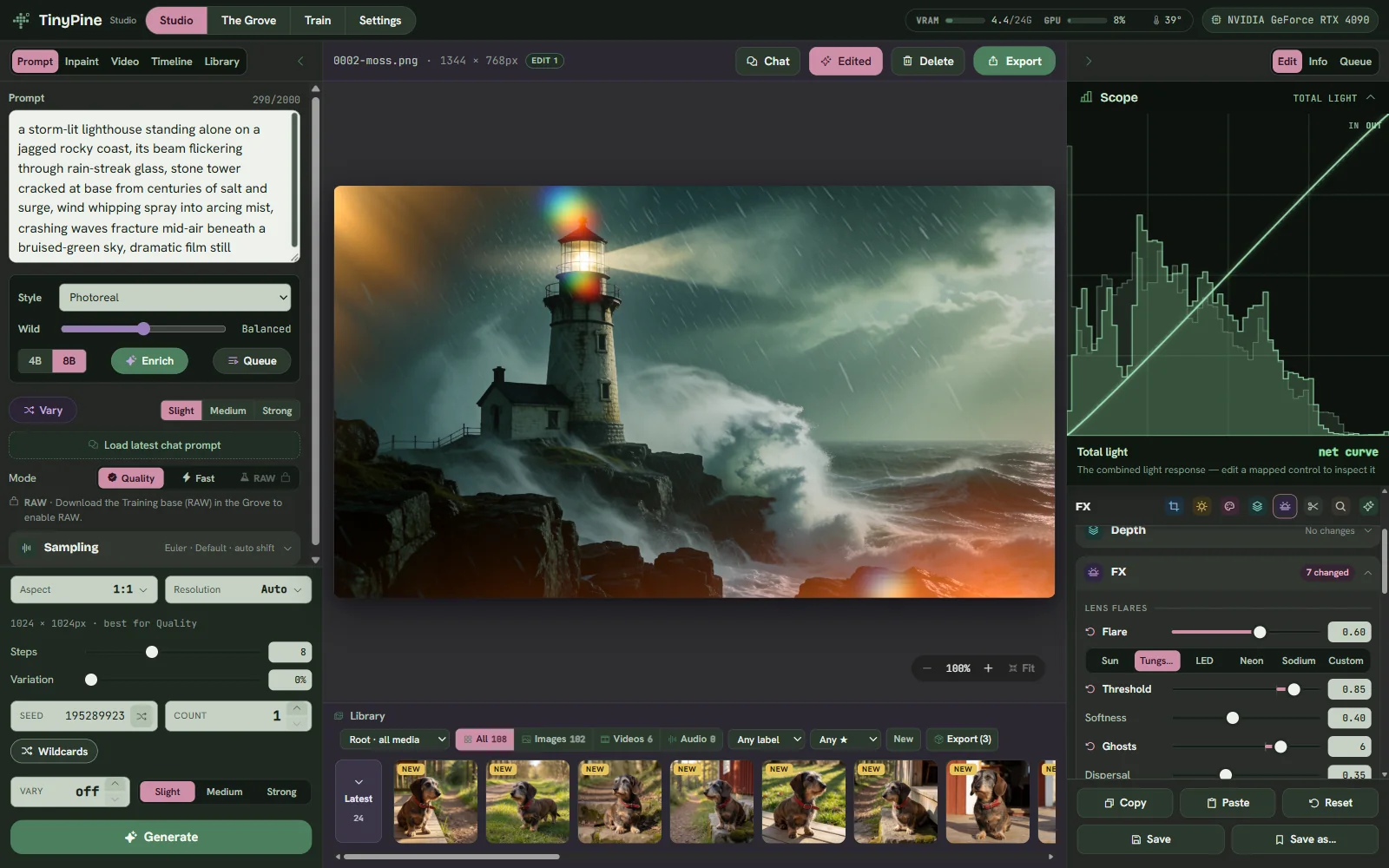
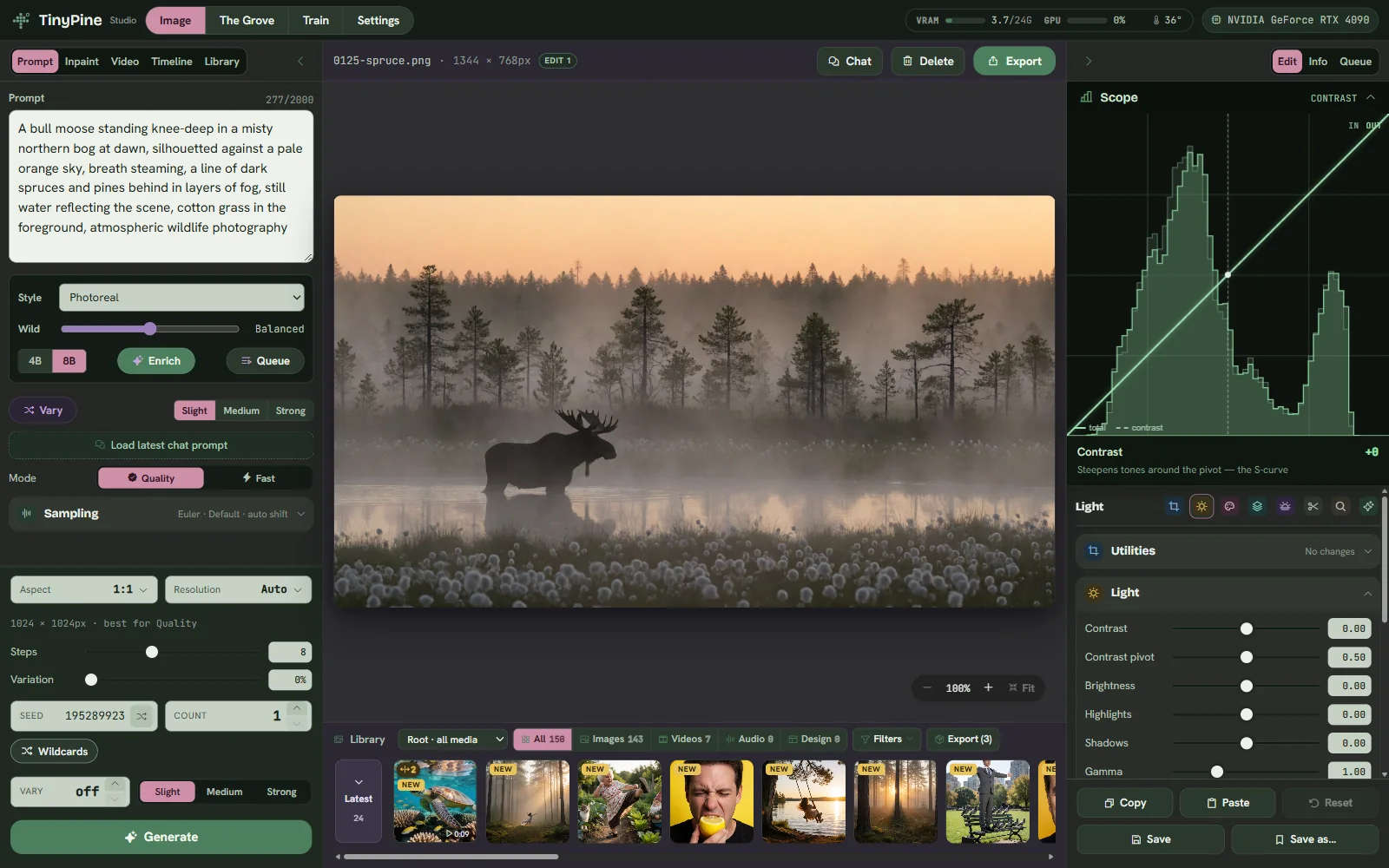
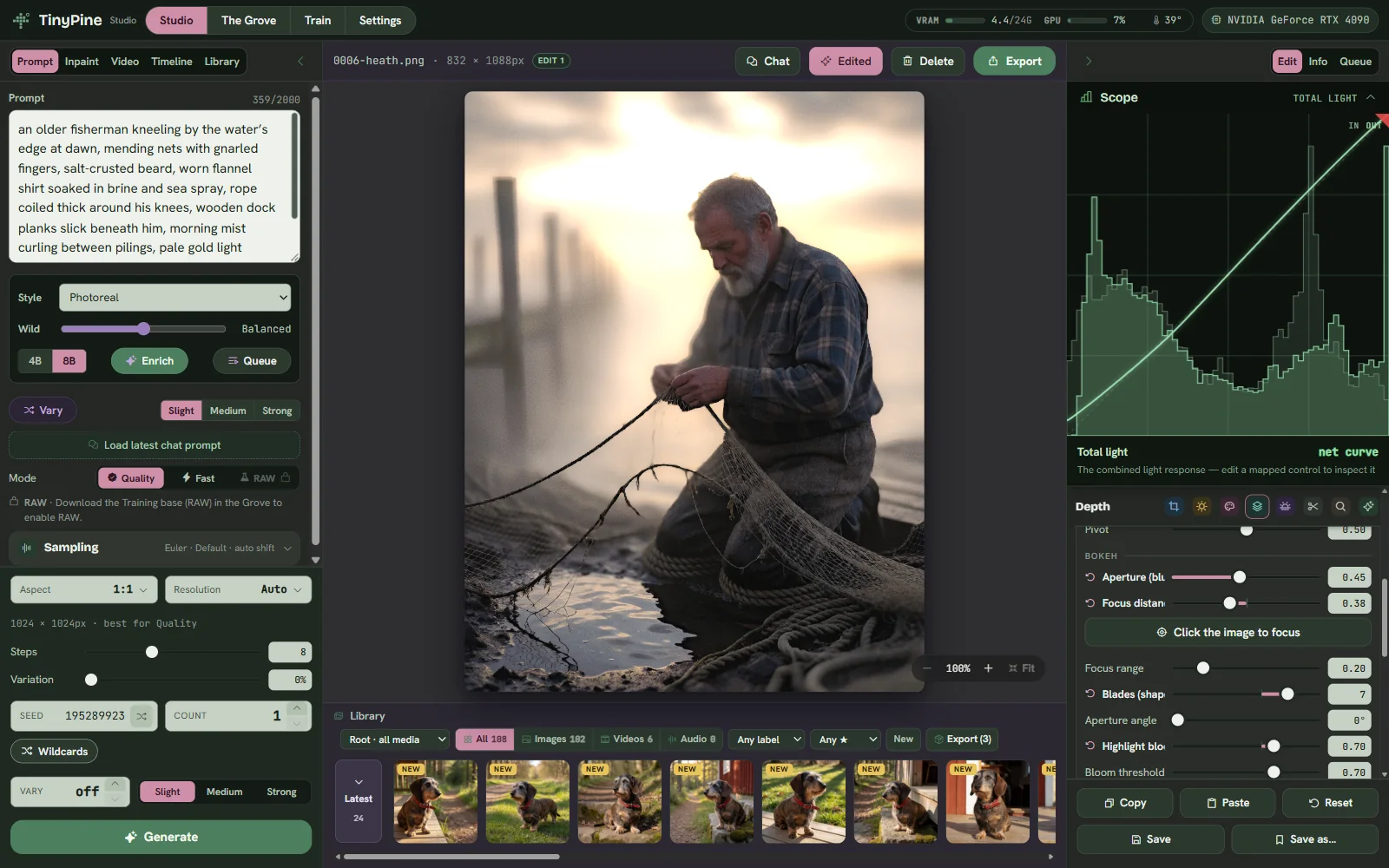
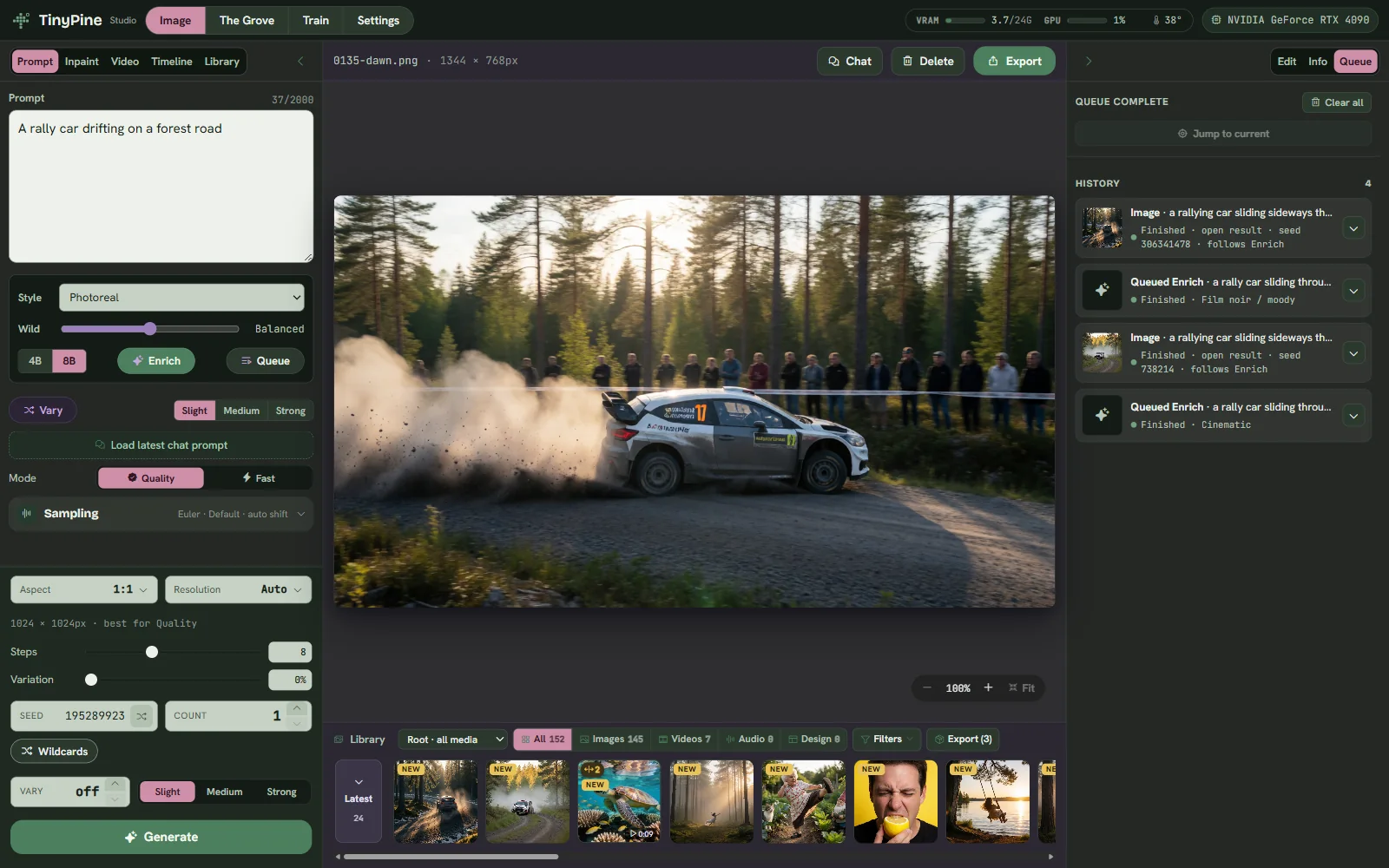
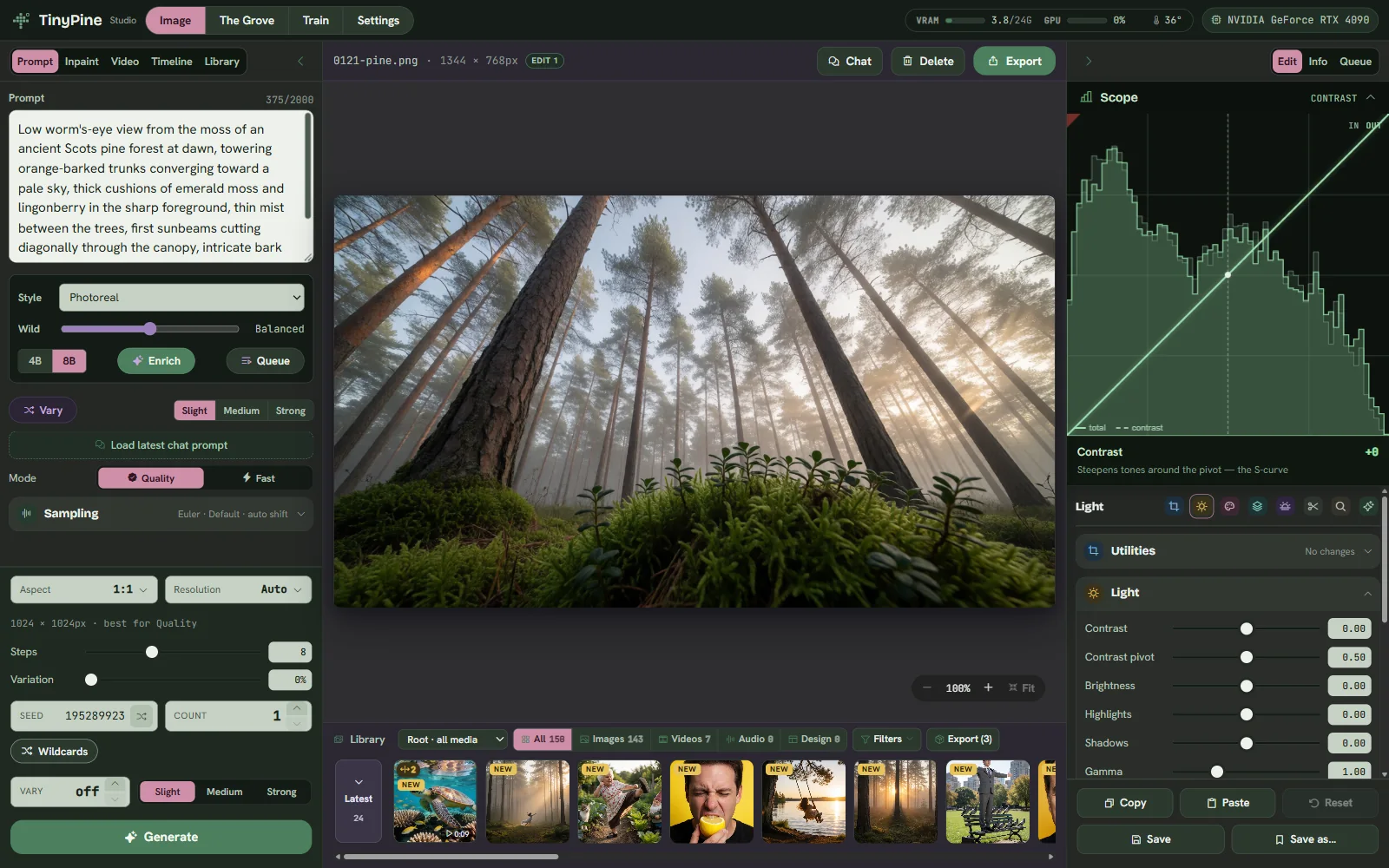
TinyPine Studio: the Studio with a render and the Develop panel

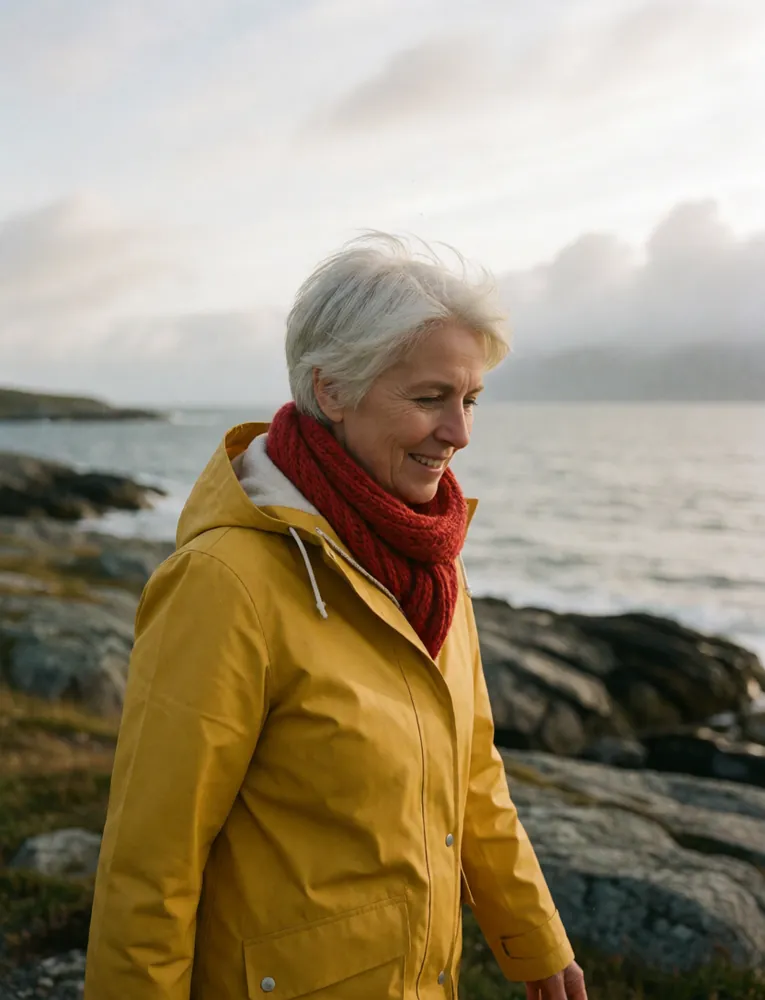
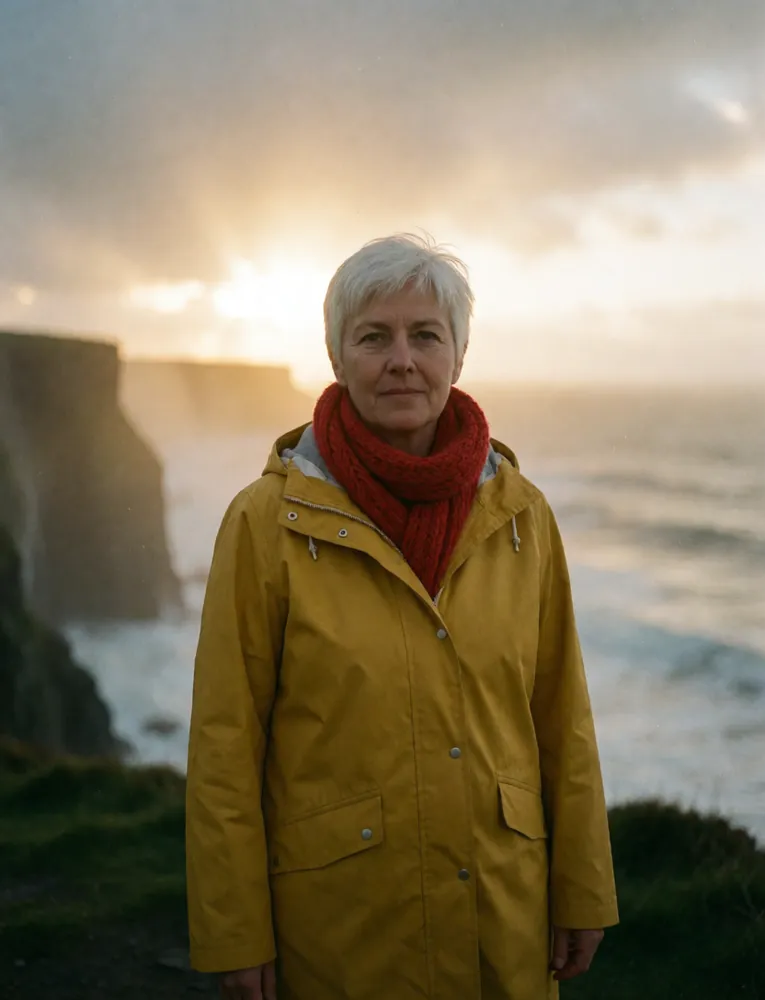
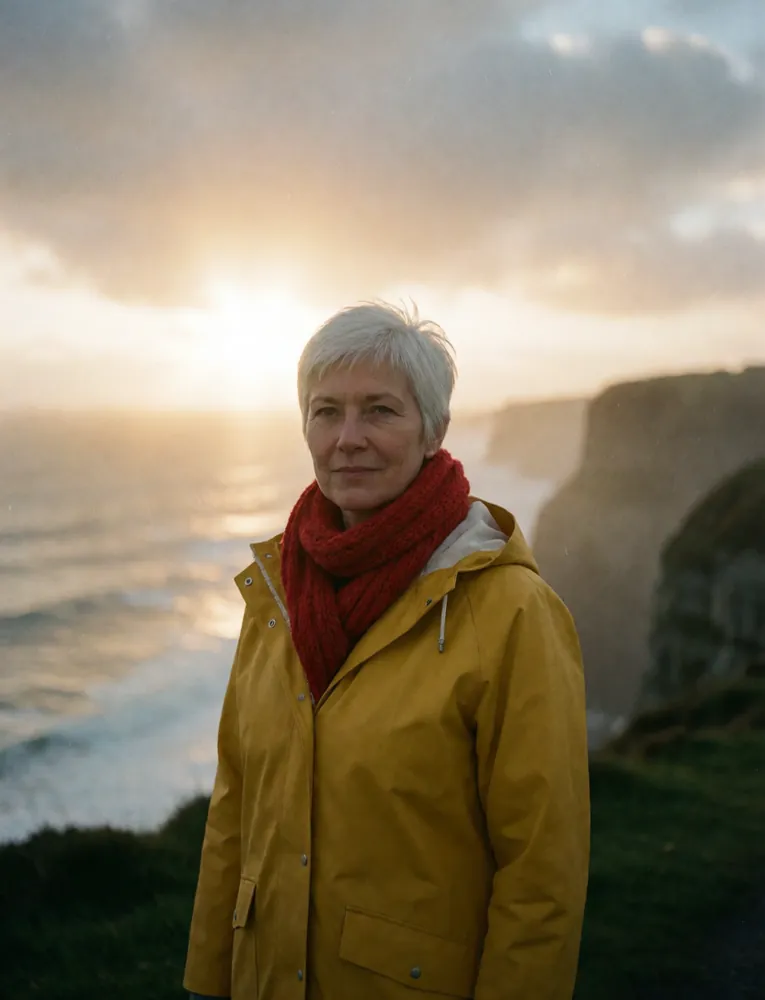
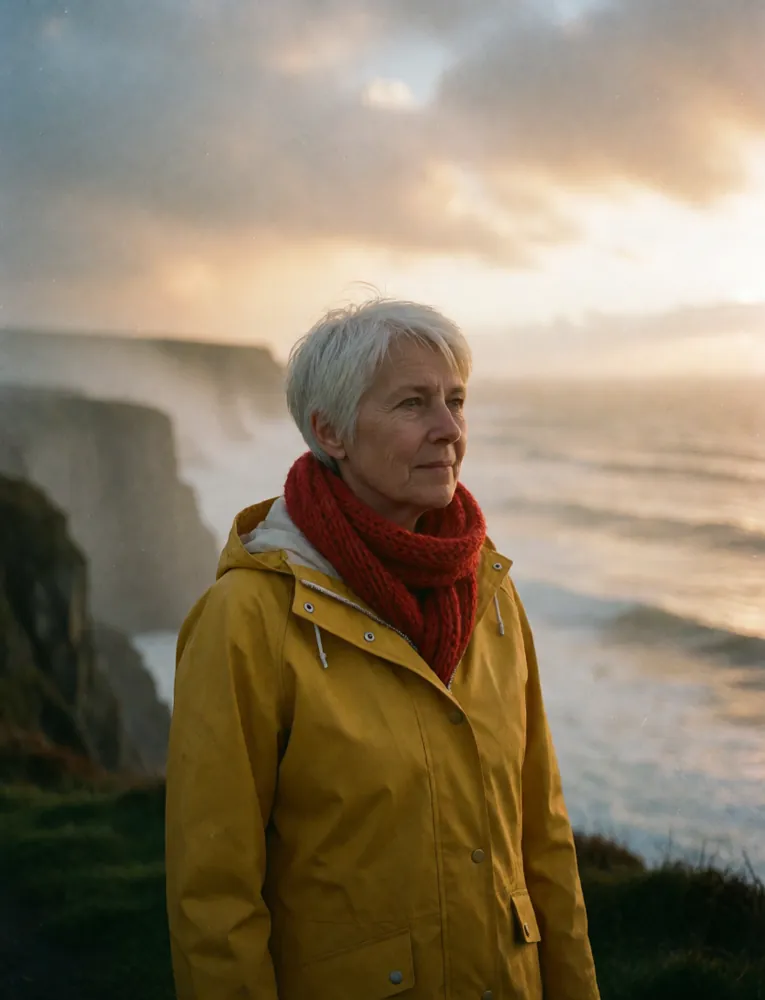
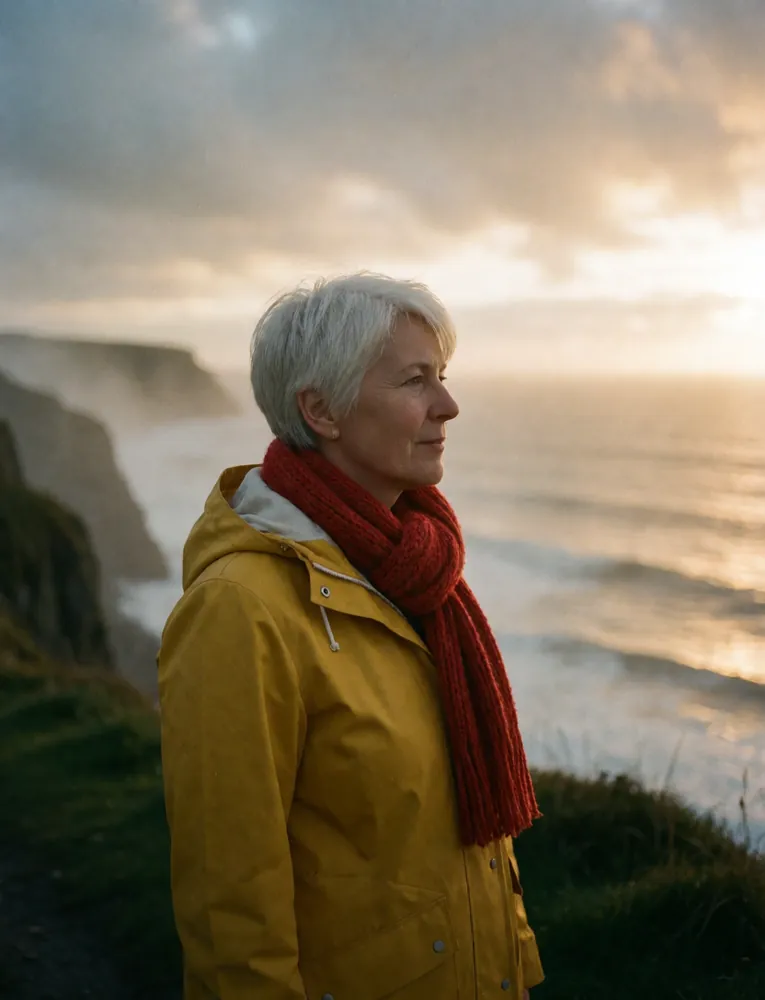
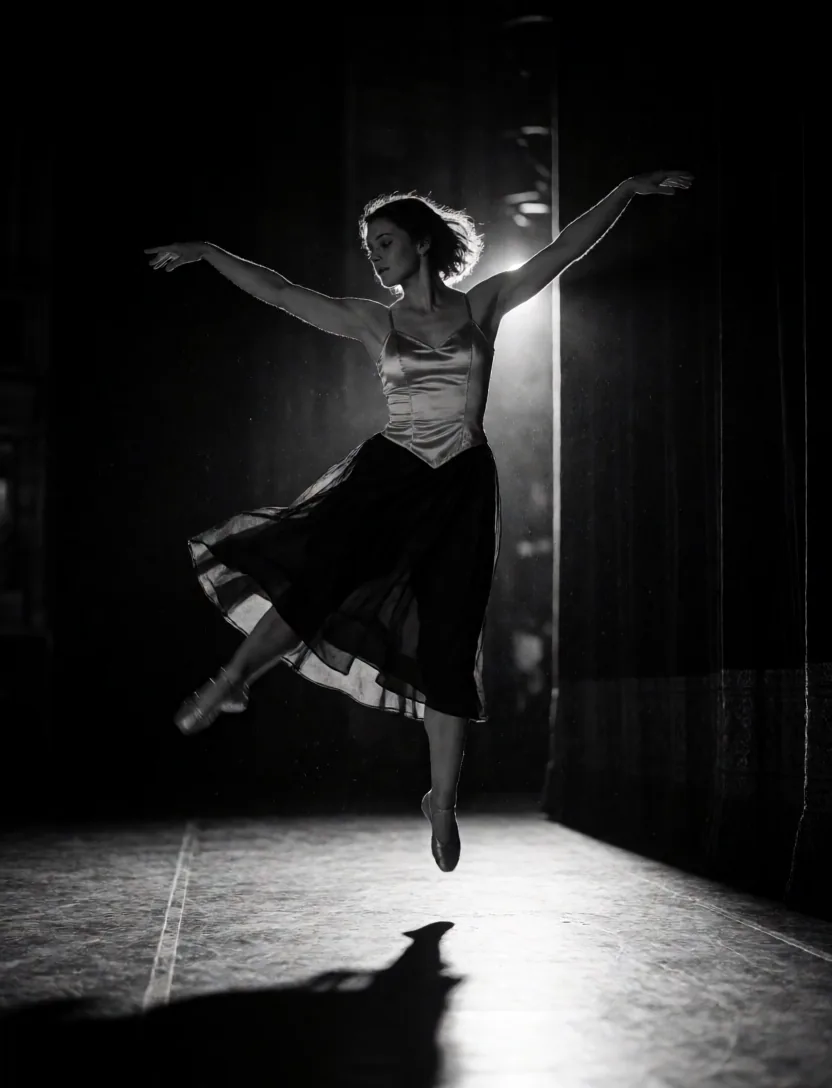
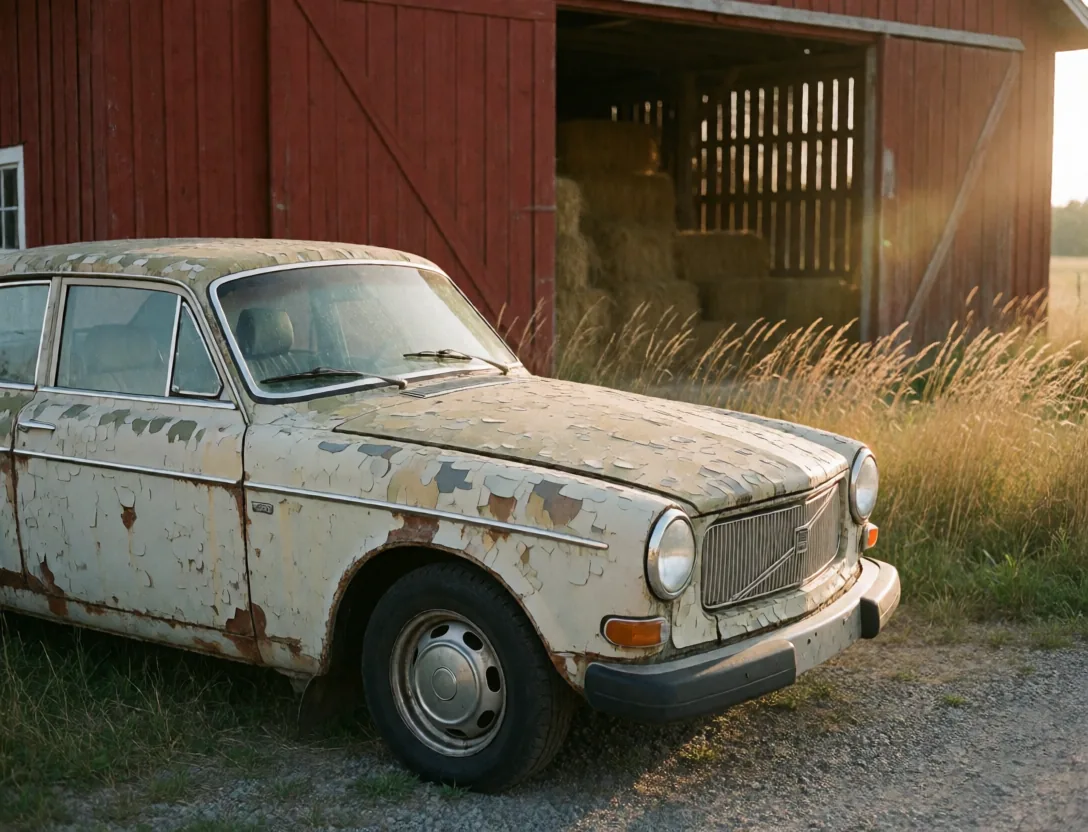
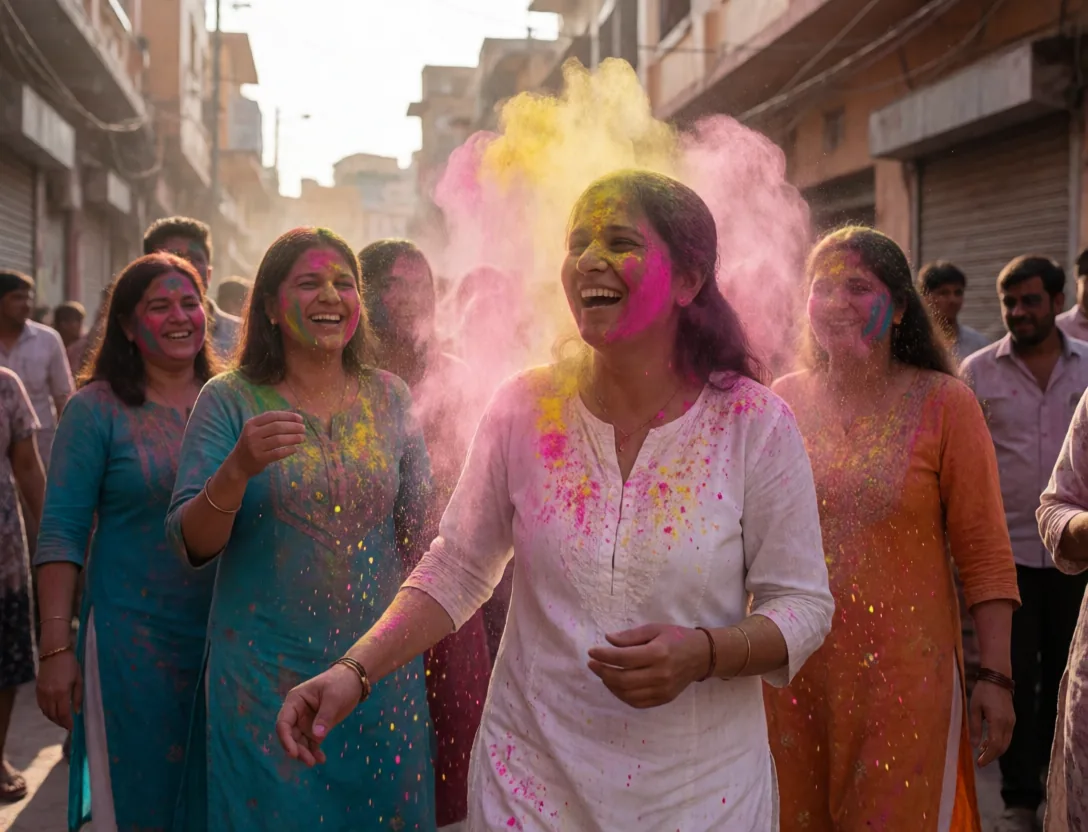
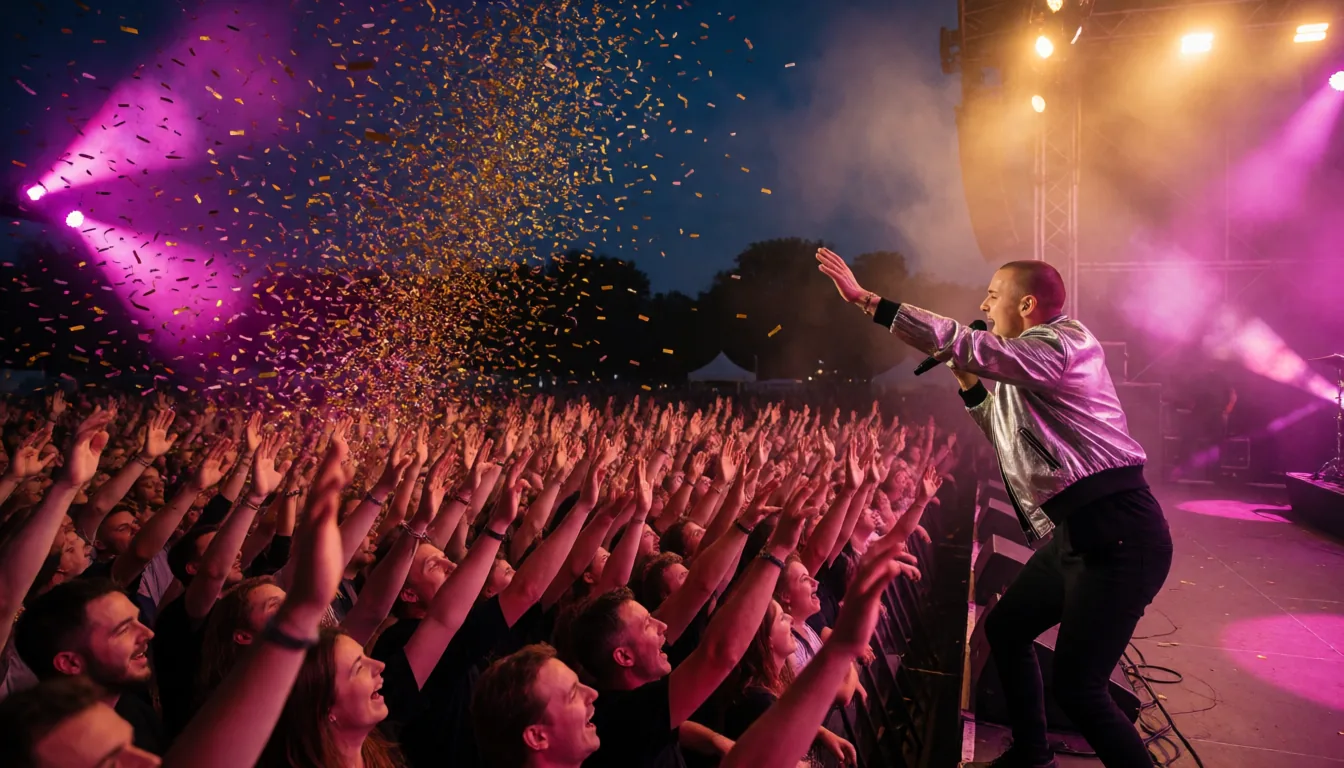
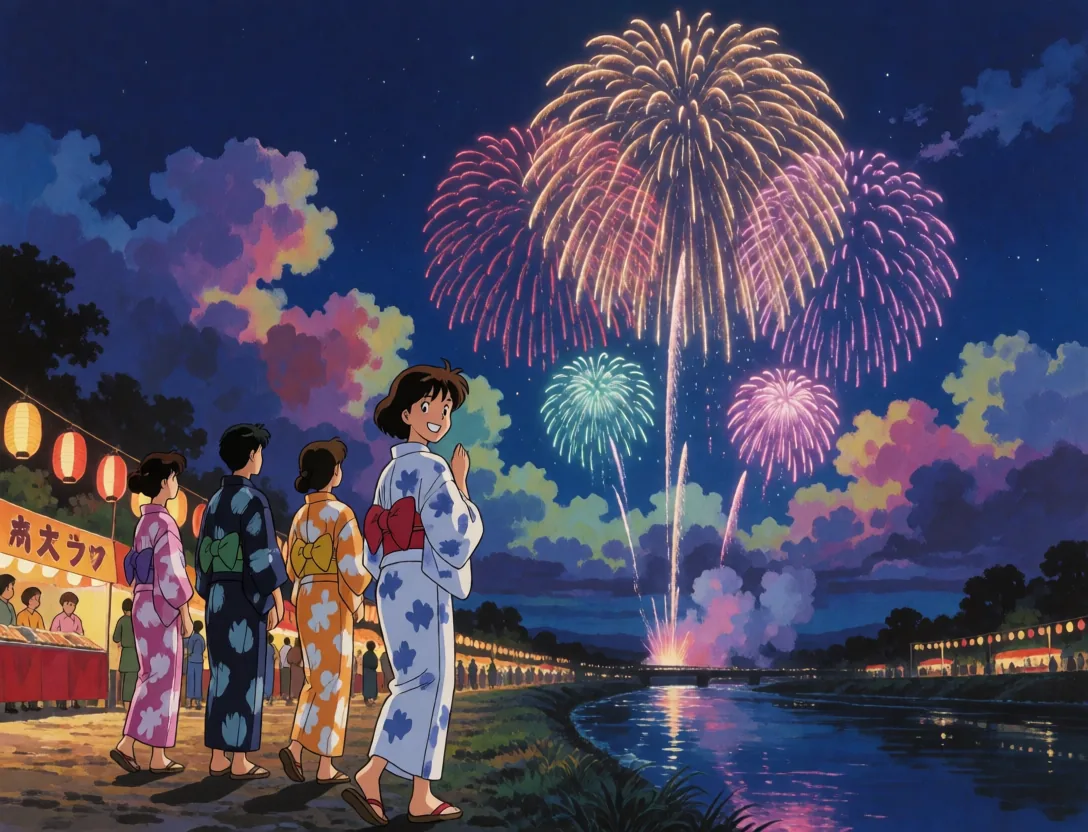
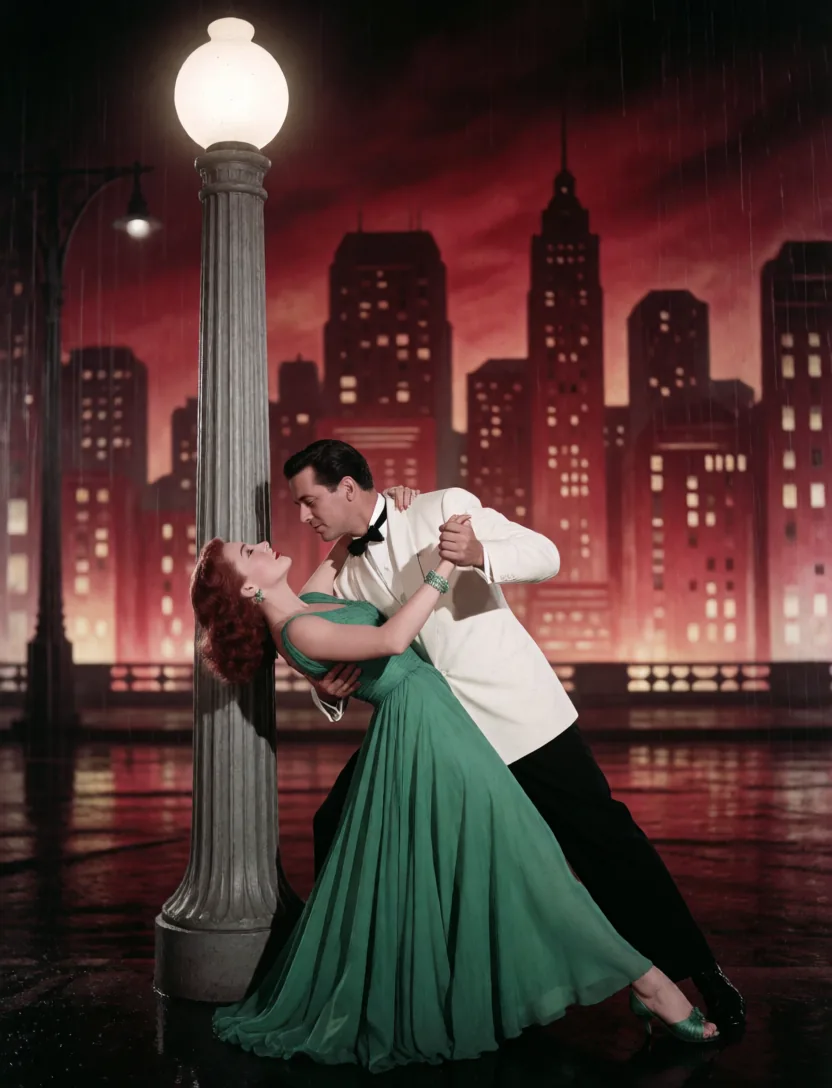
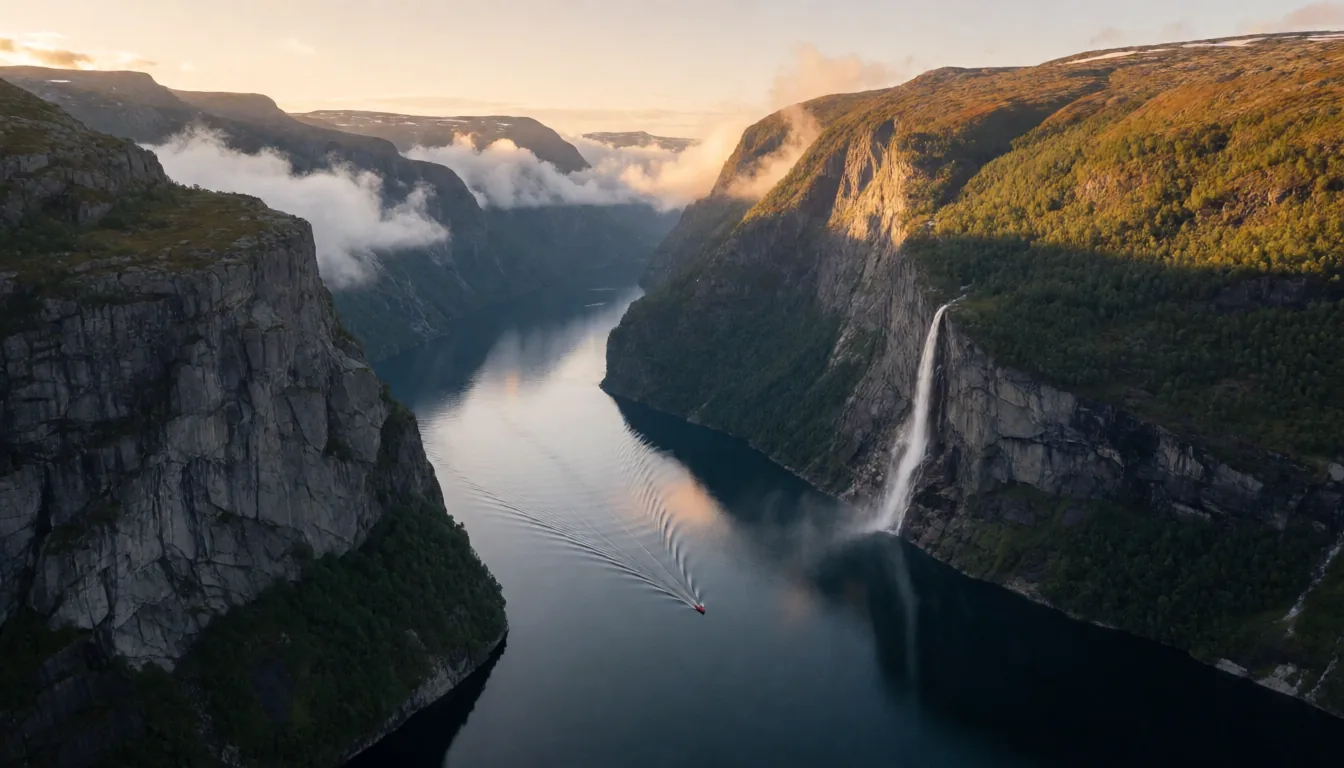
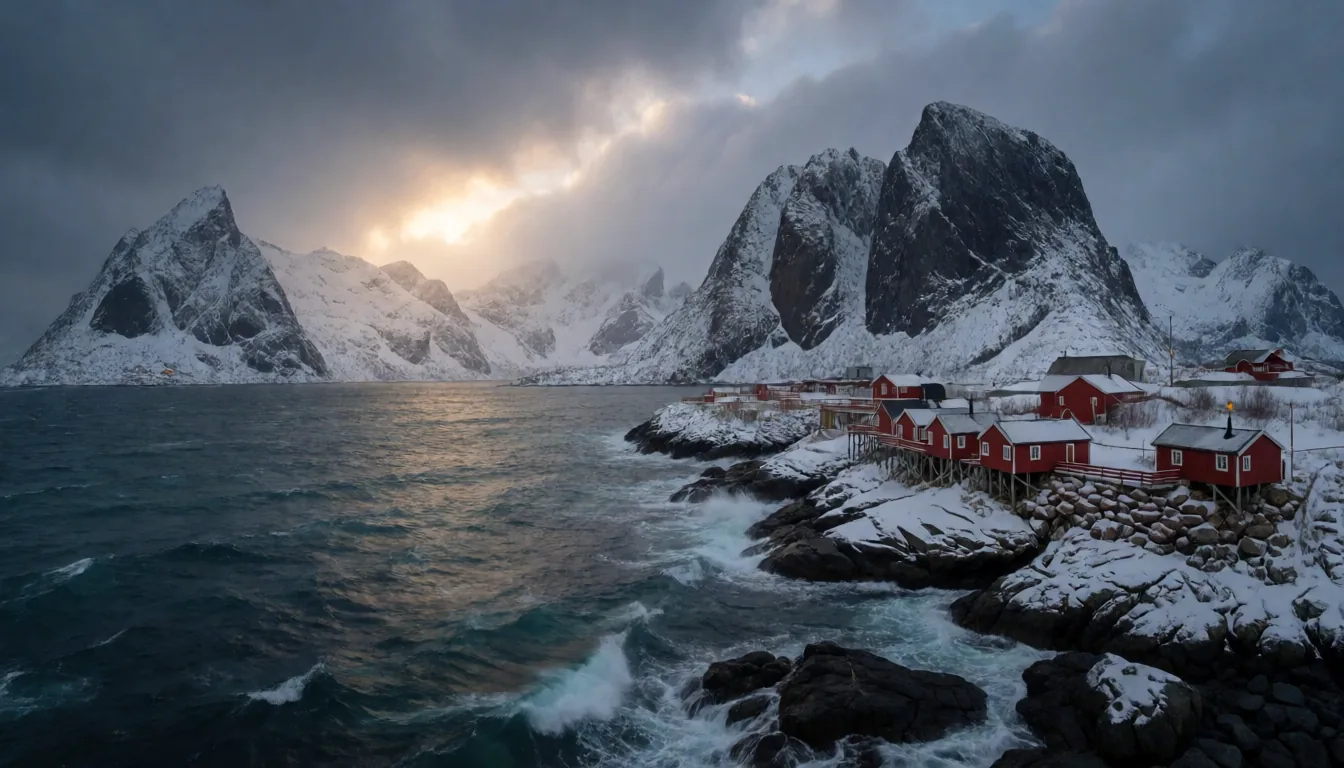
Every image and clip on this page was made in TinyPine
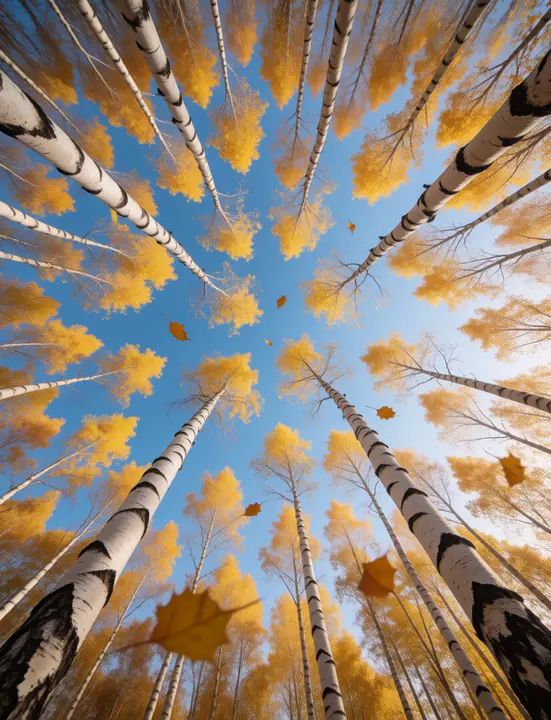
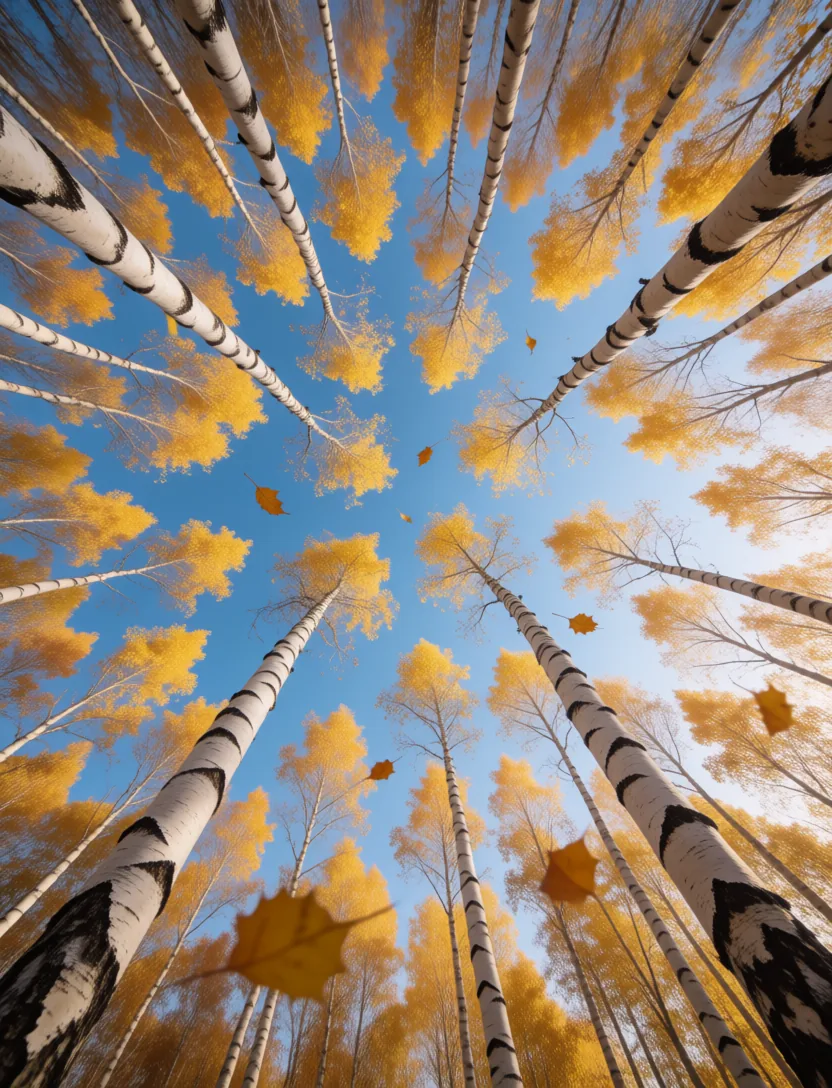
Looking up through a birch grove in autumn
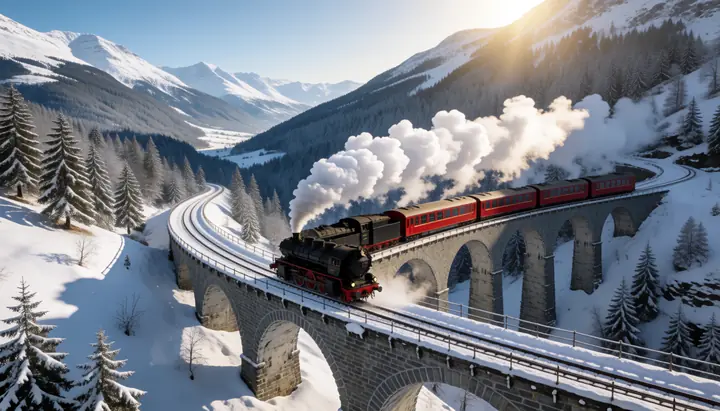
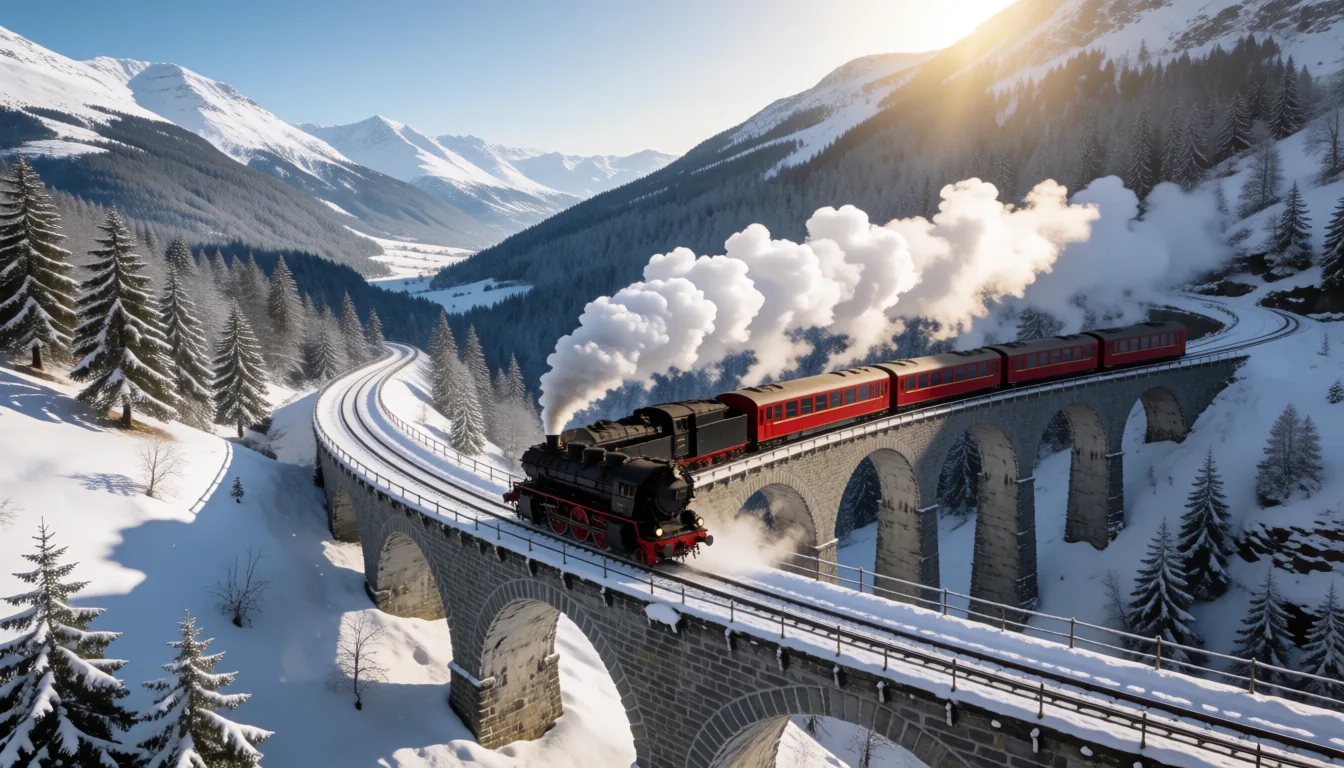
A steam train crossing a snowy viaduct
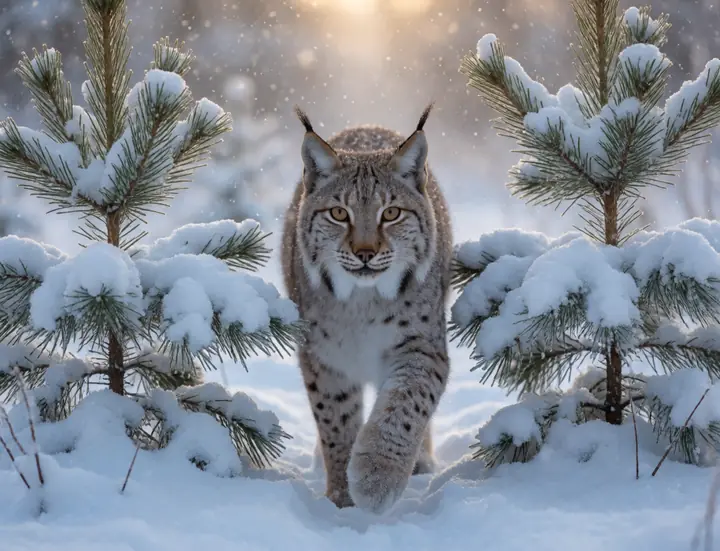
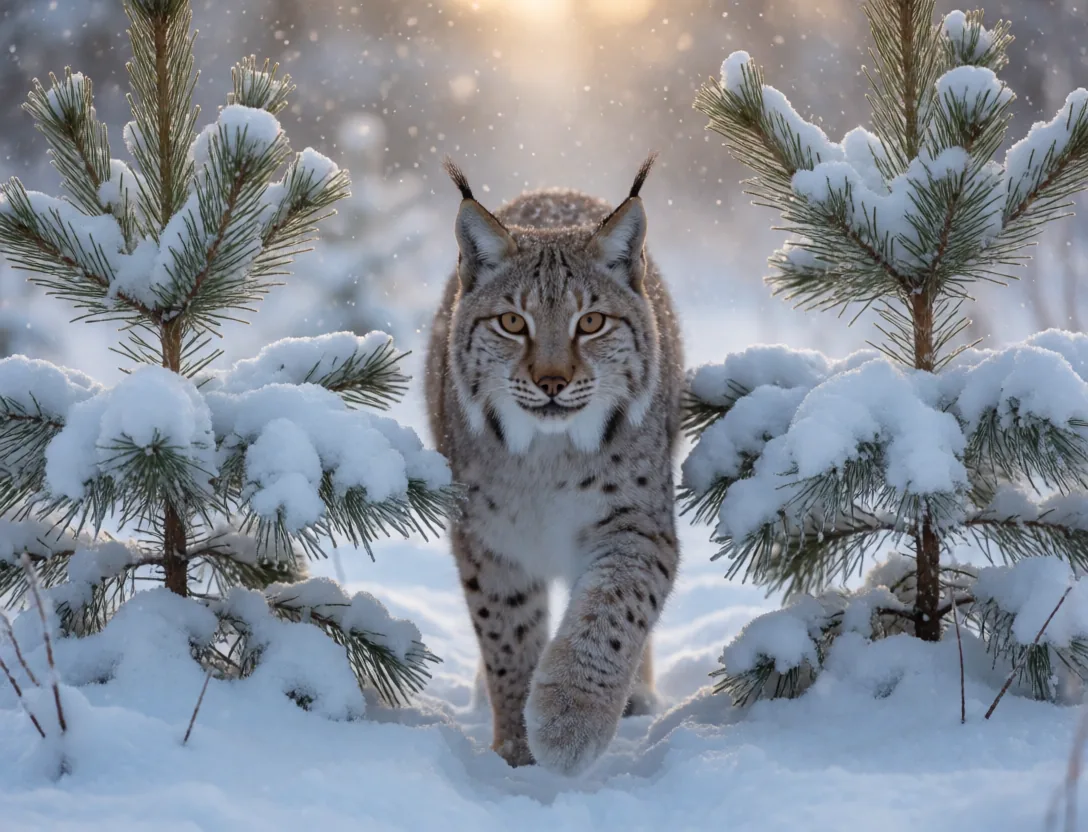
A lynx in a snowy pine forest
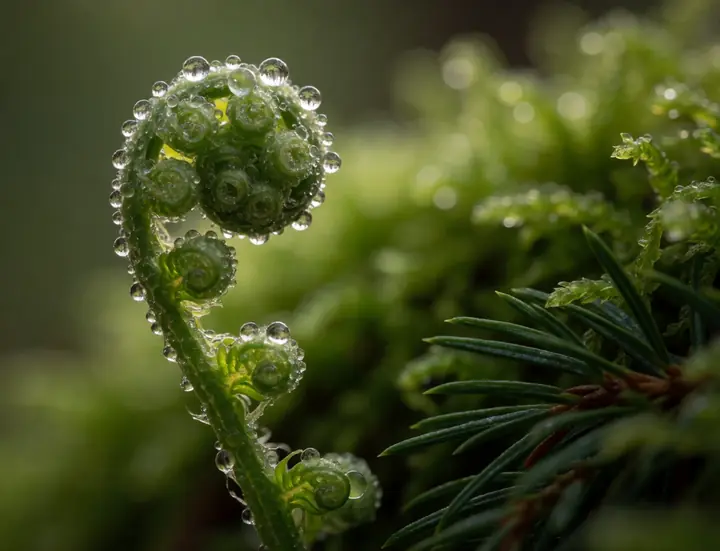
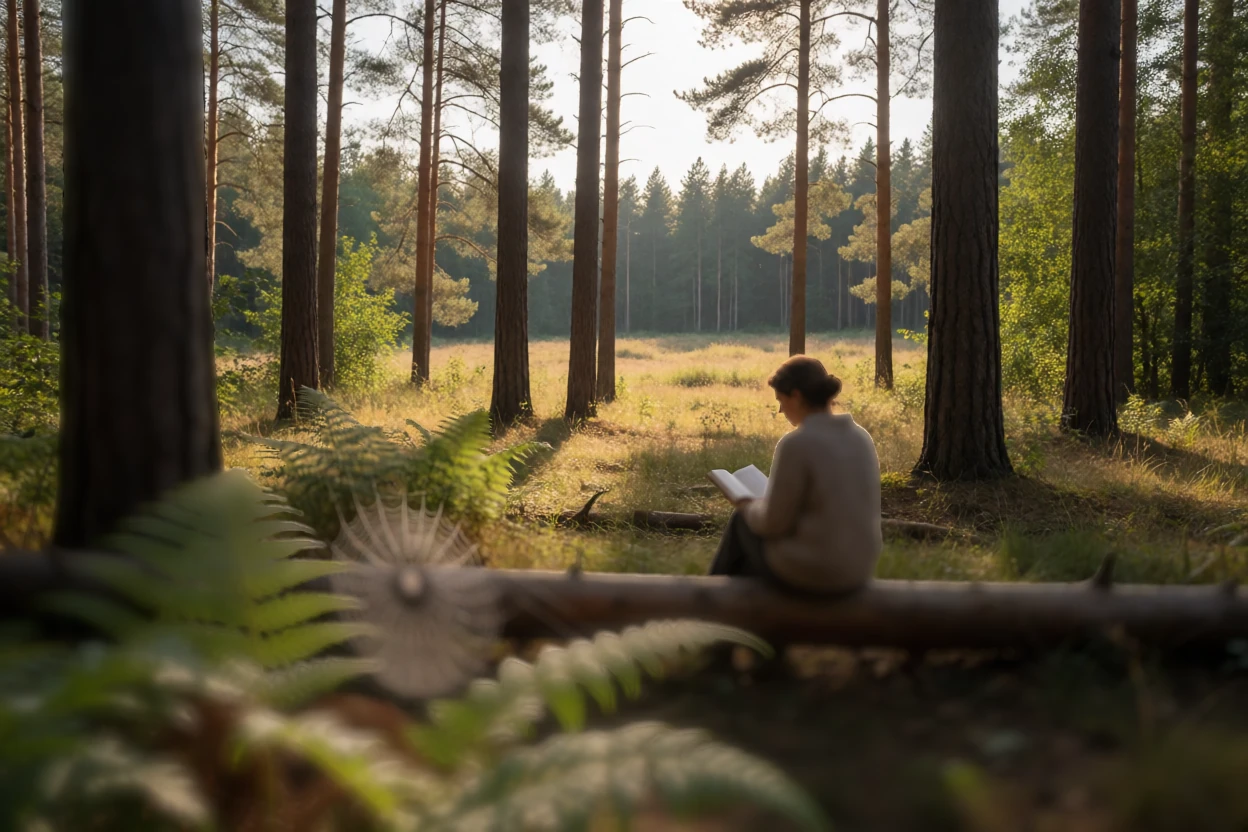
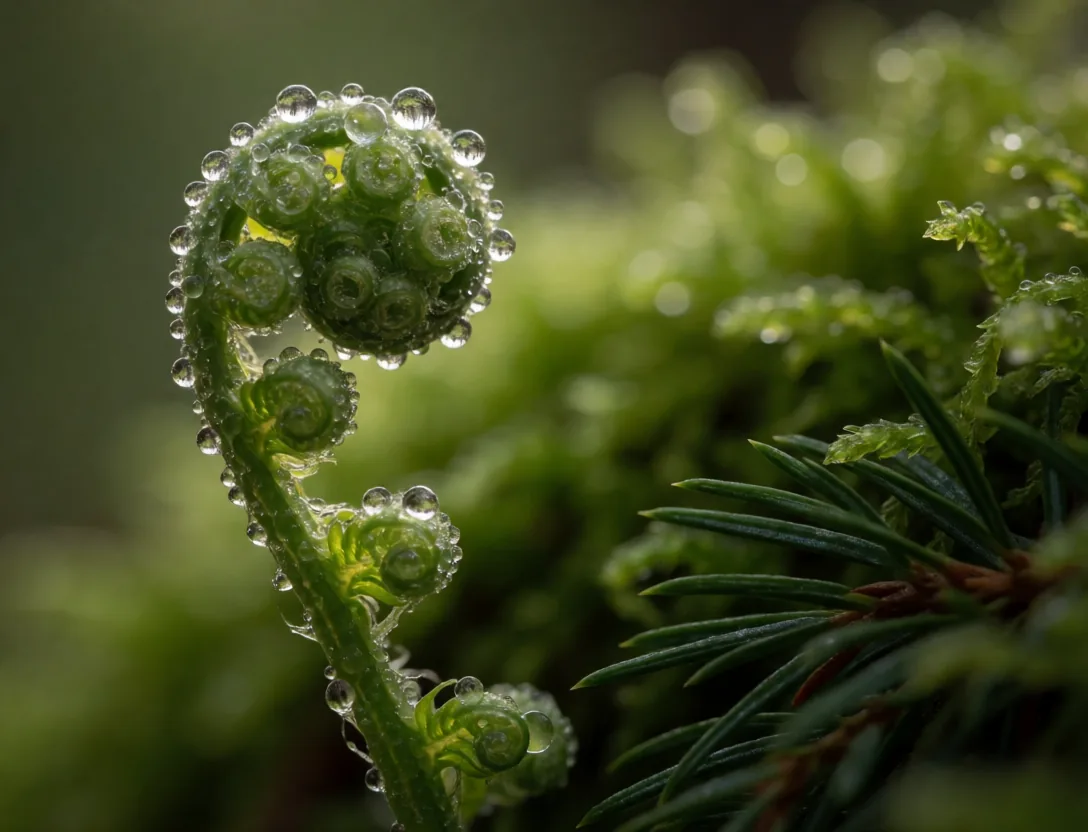
An unfurling fern with dew
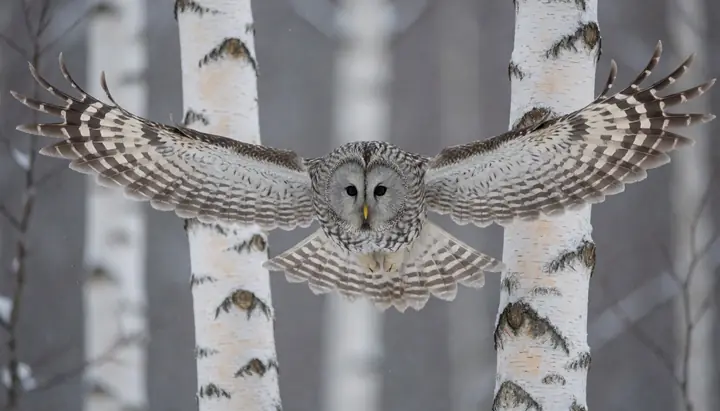
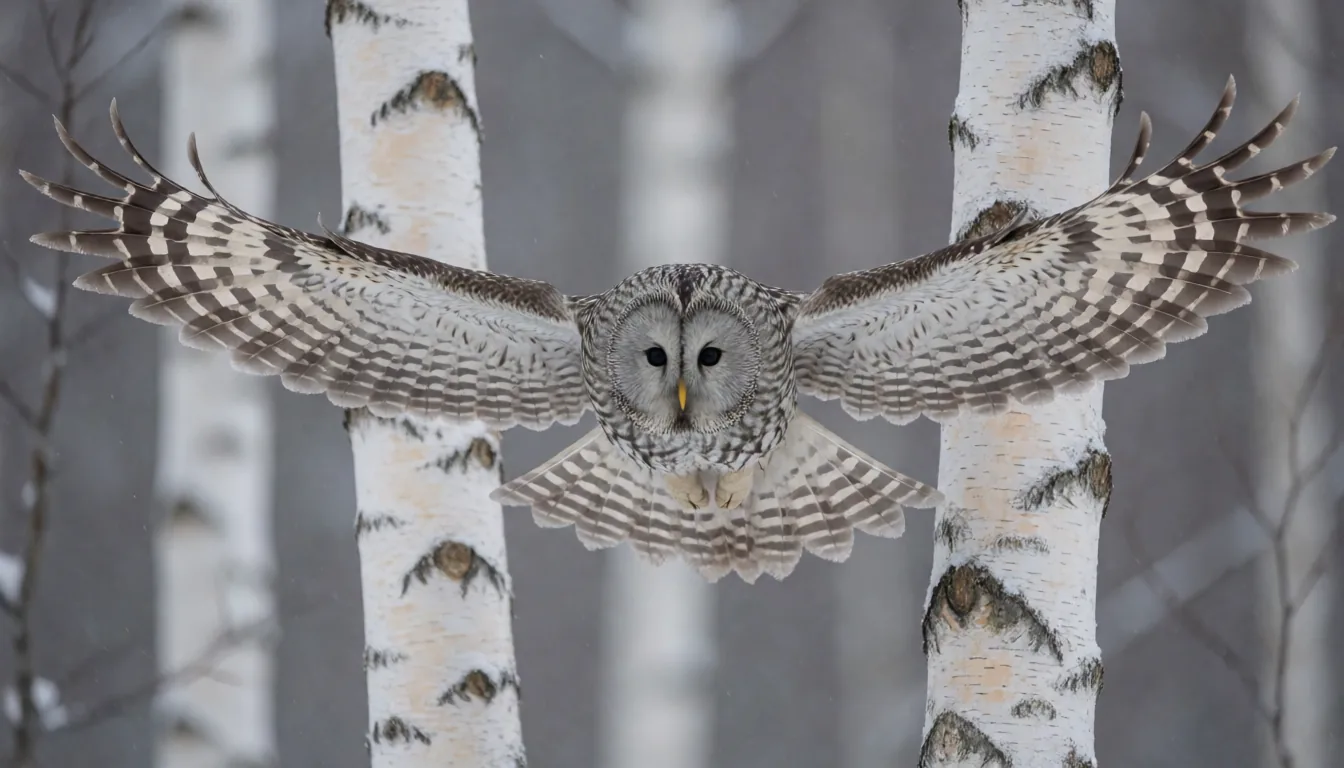
An owl gliding between birches
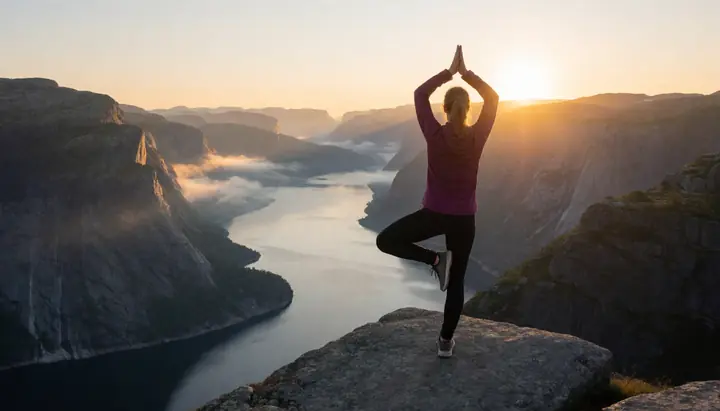
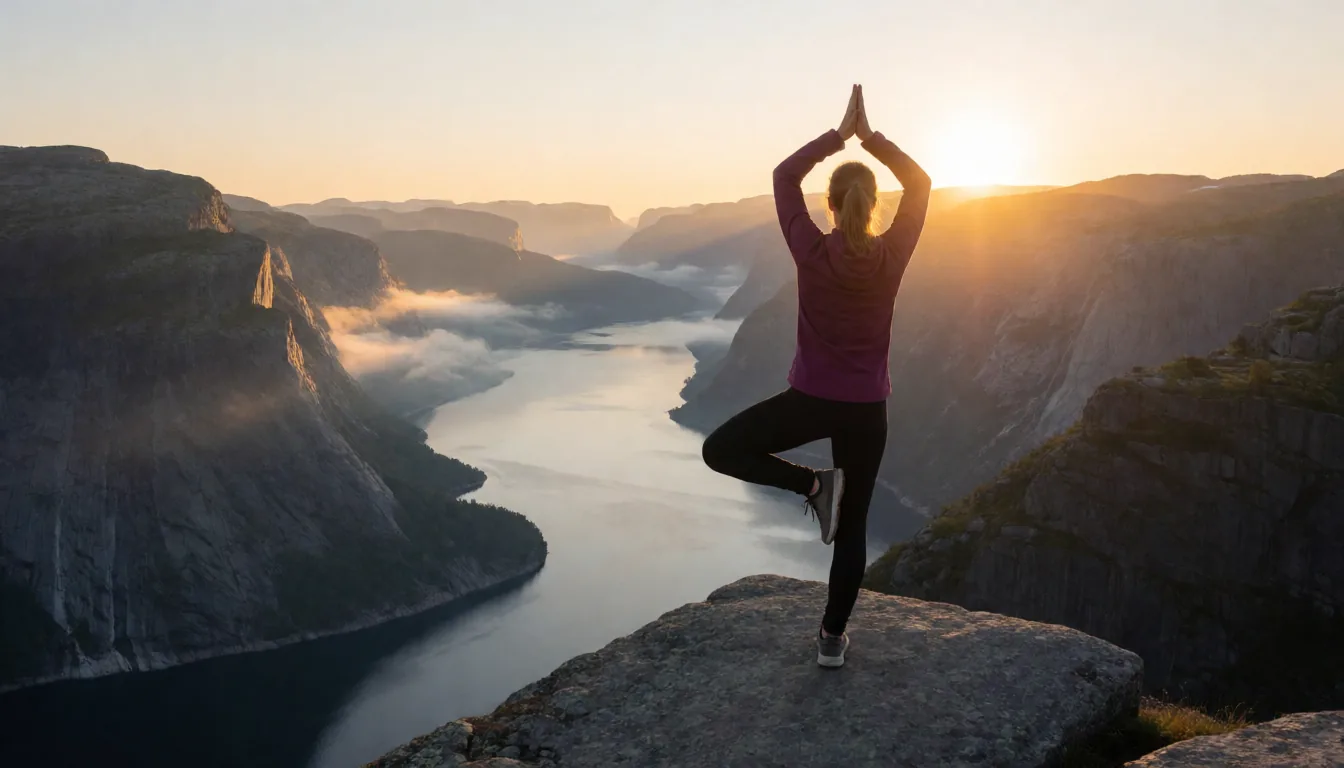
Yoga on a cliff above a fjord
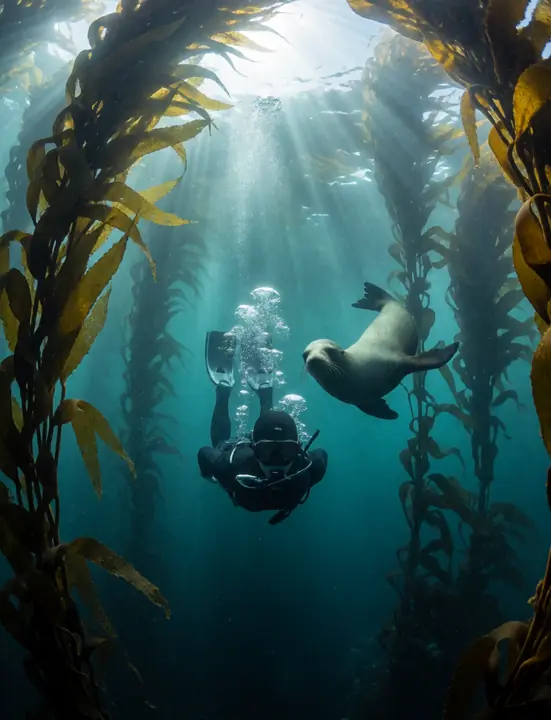
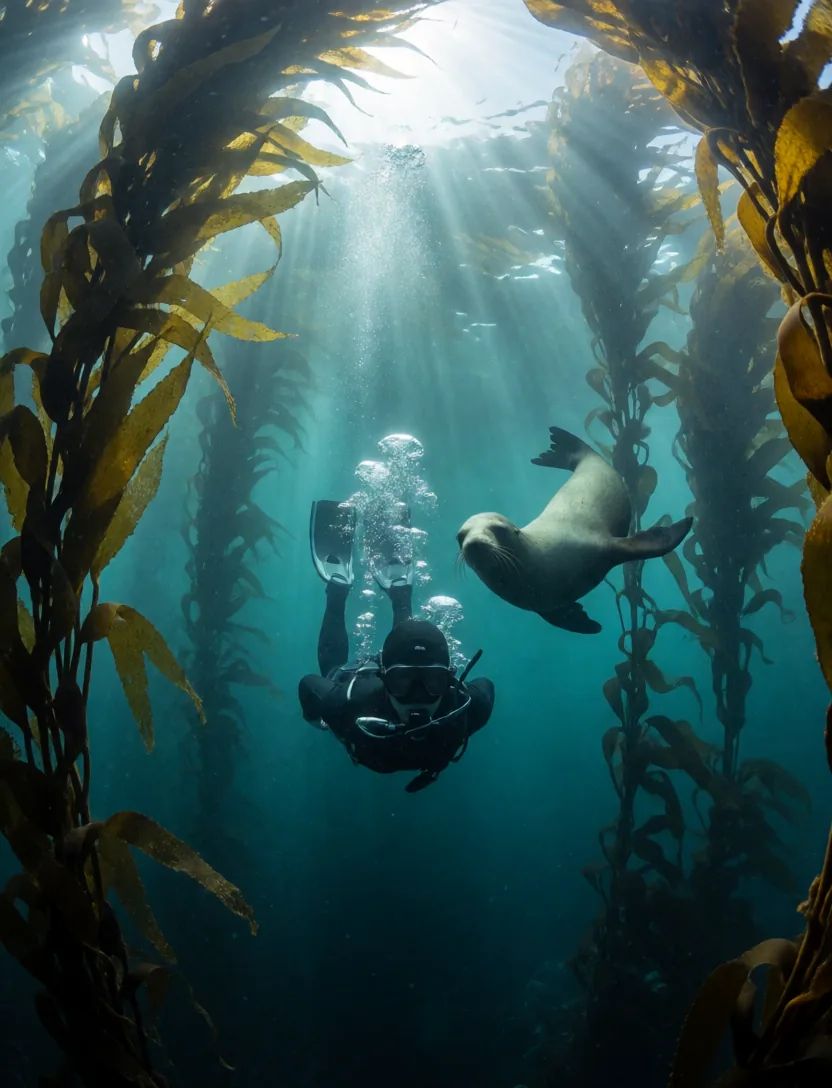
A diver in a kelp forest
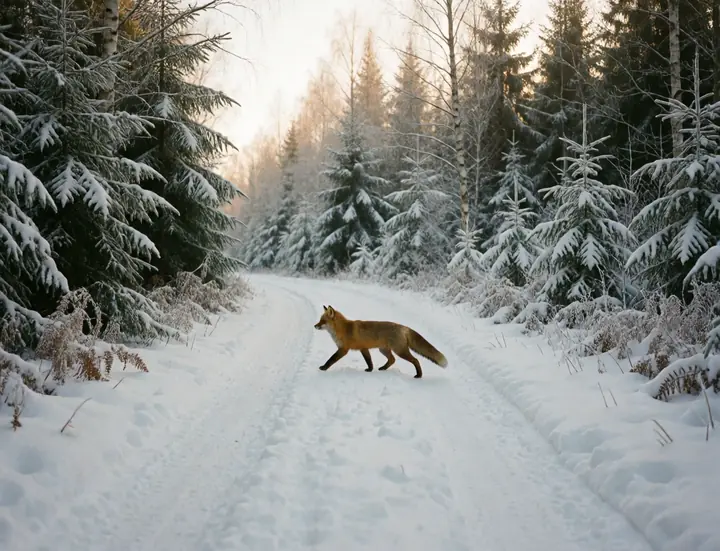
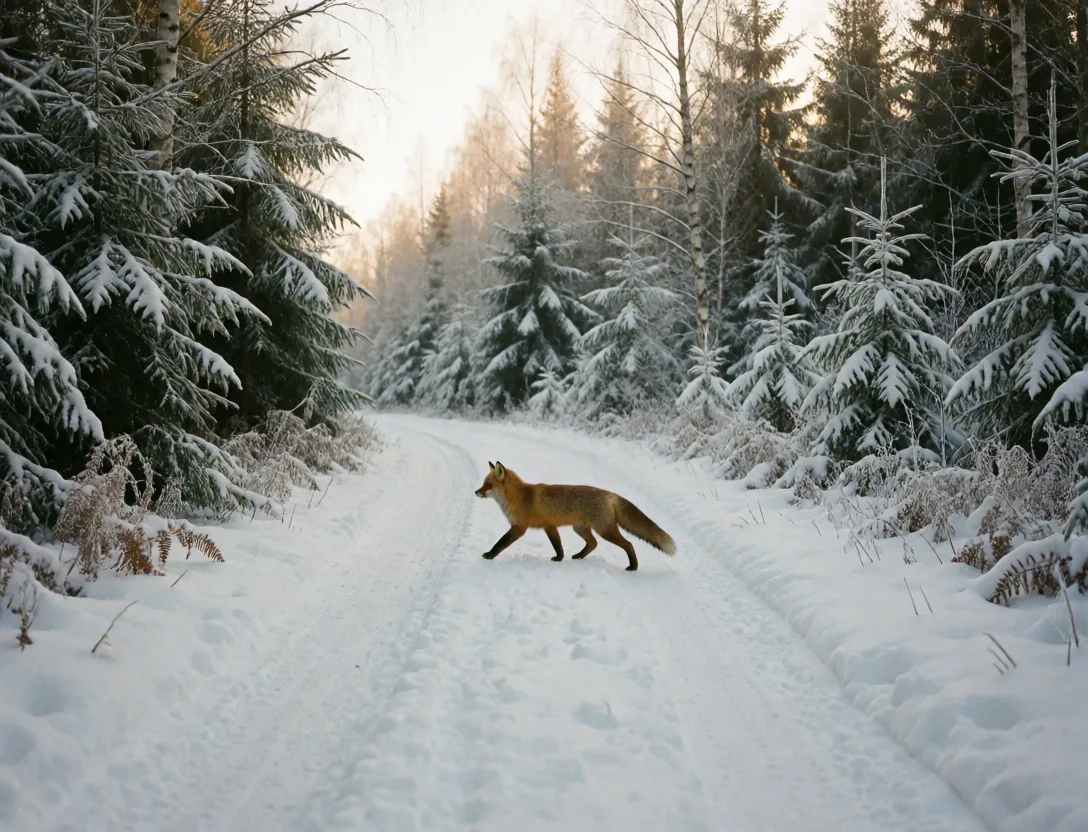
a red fox crossing a snowy forest road
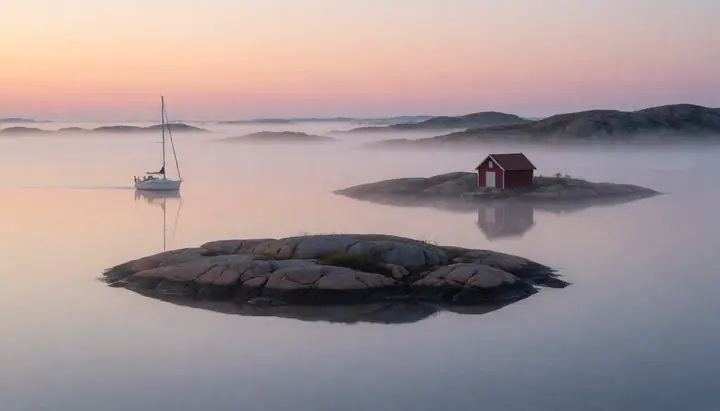
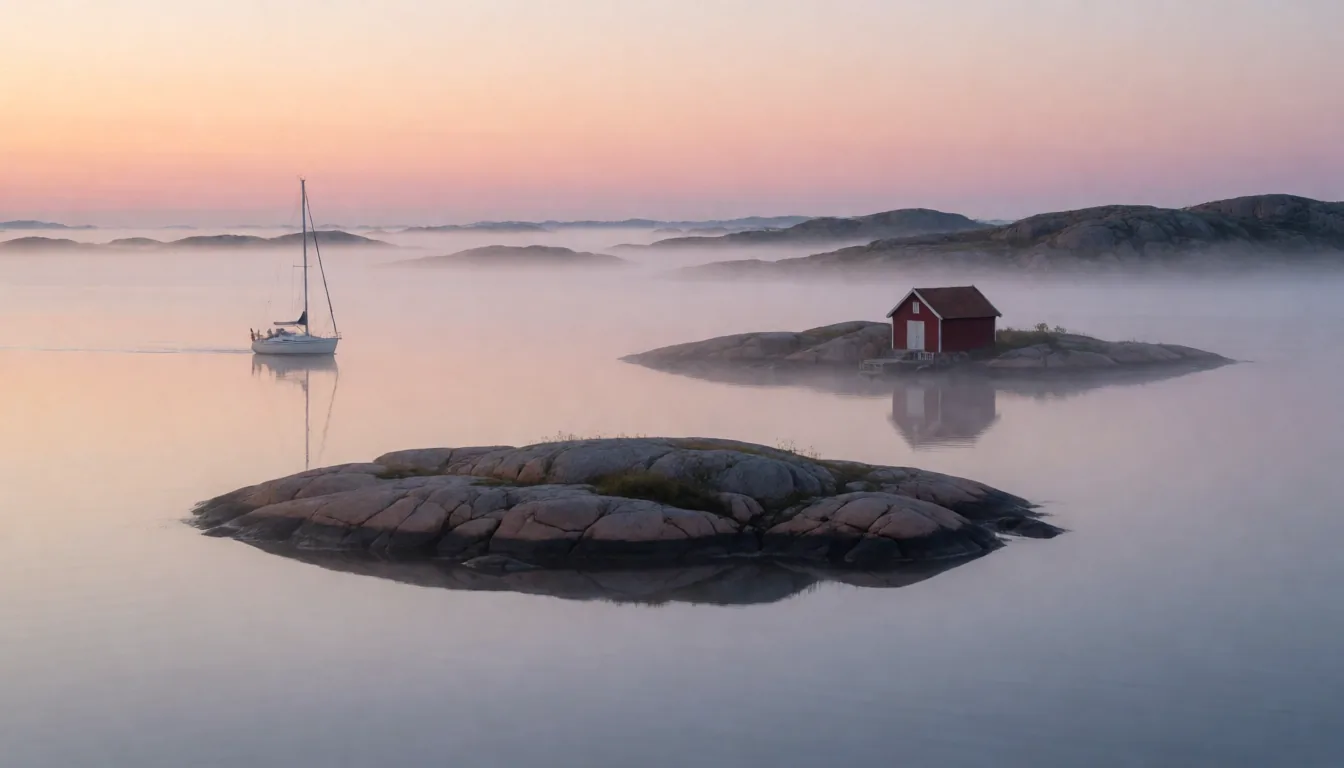
Mist over the Swedish archipelago at dawn
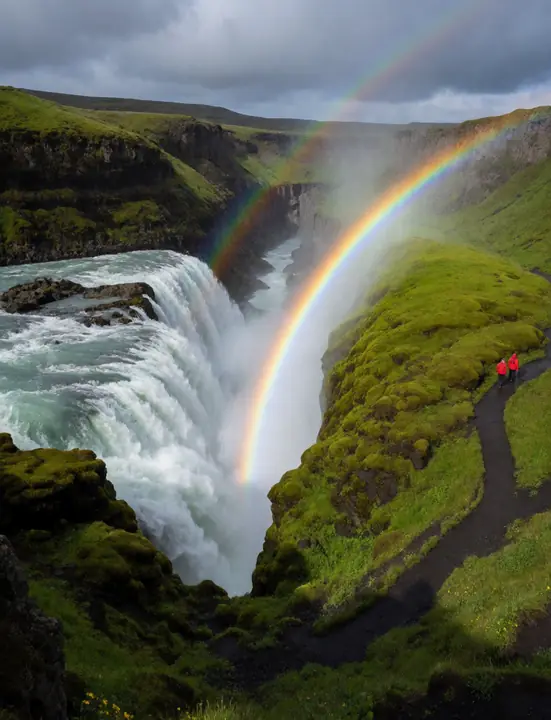
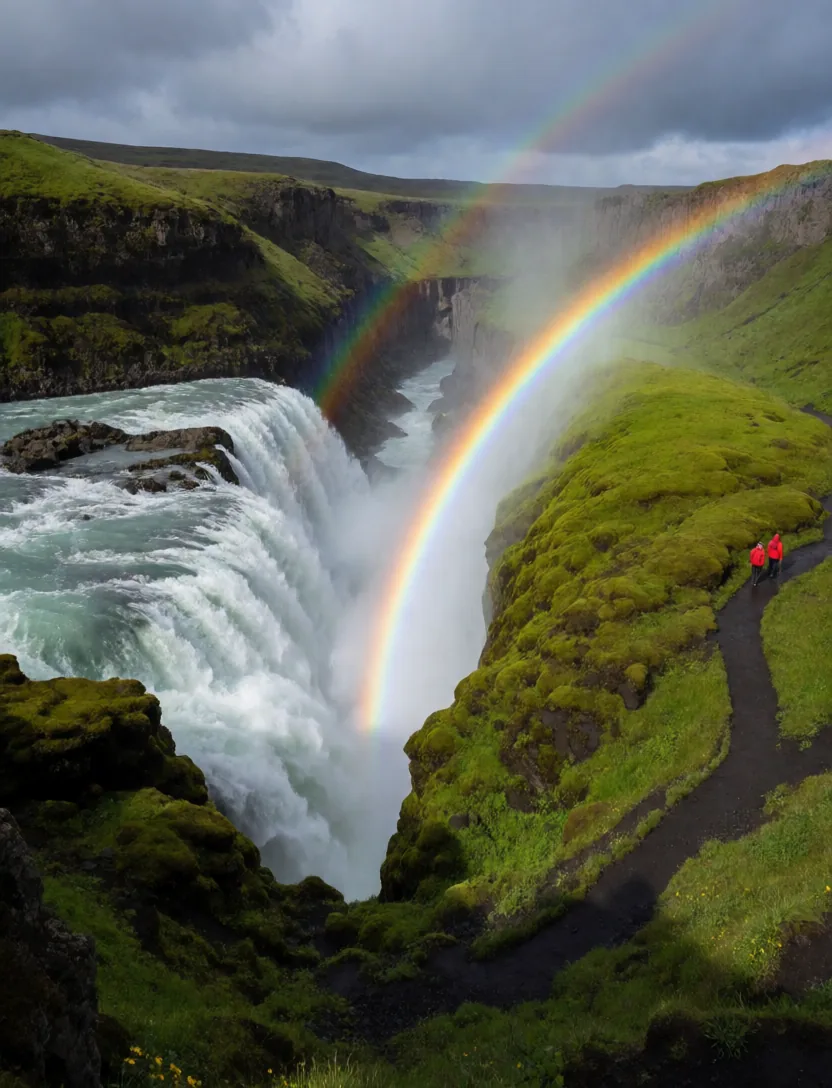
A giant waterfall with a rainbow in Iceland
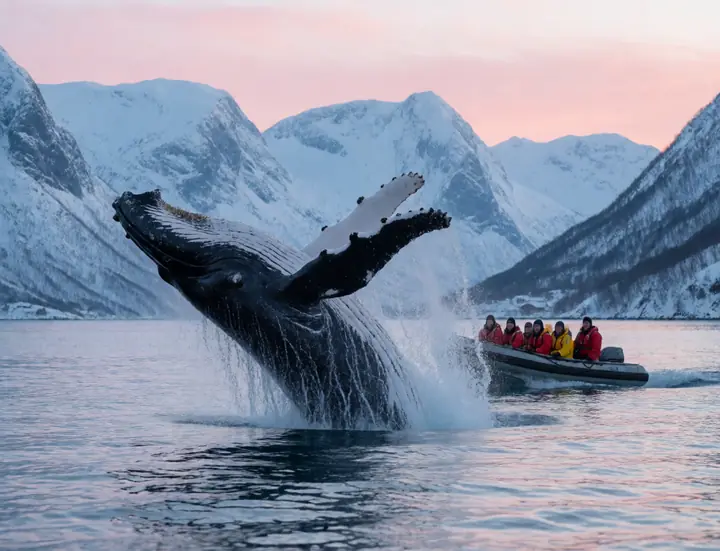
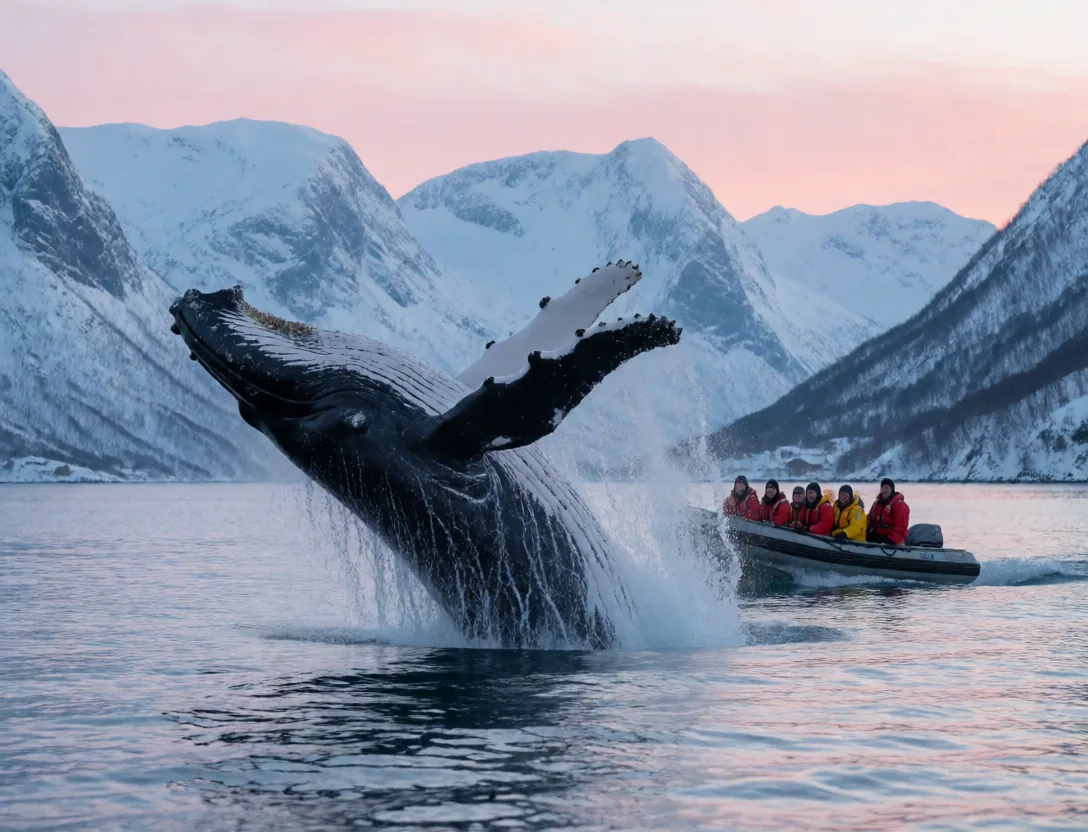
A humpback whale breaching beside a small boat
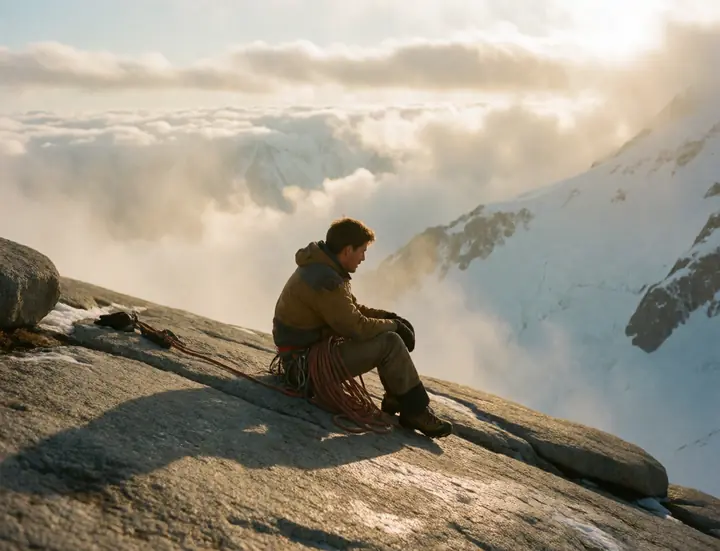
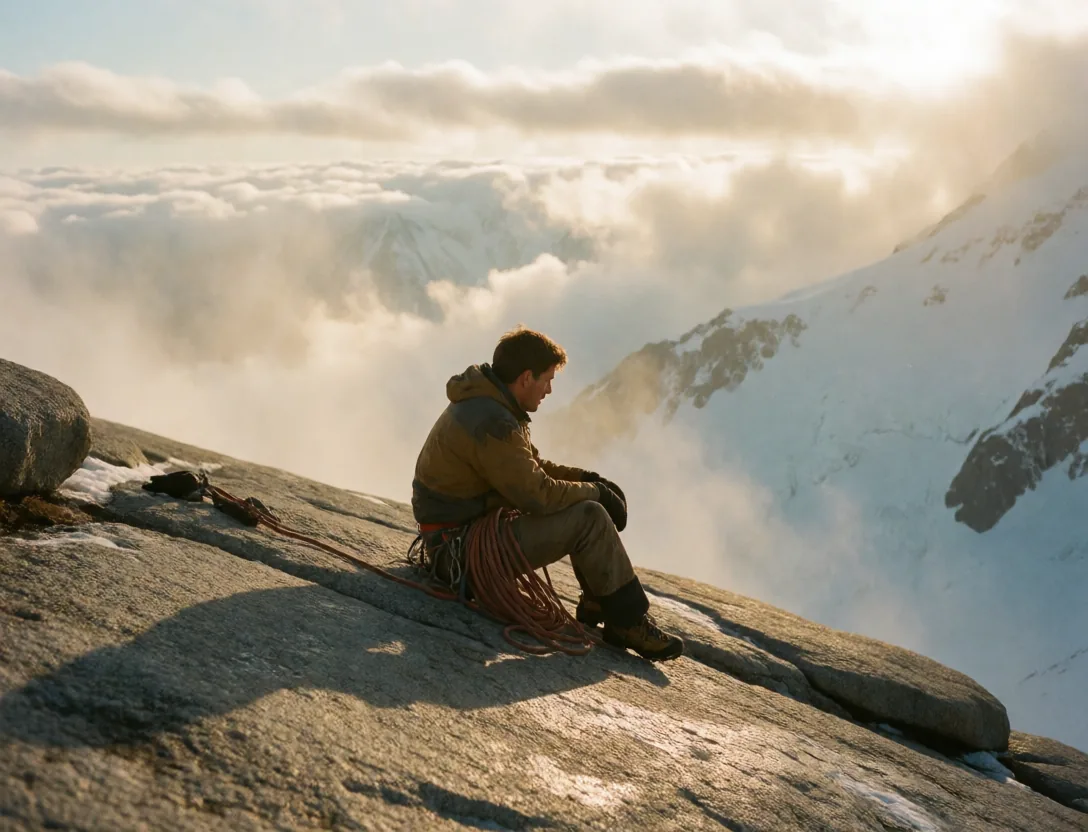
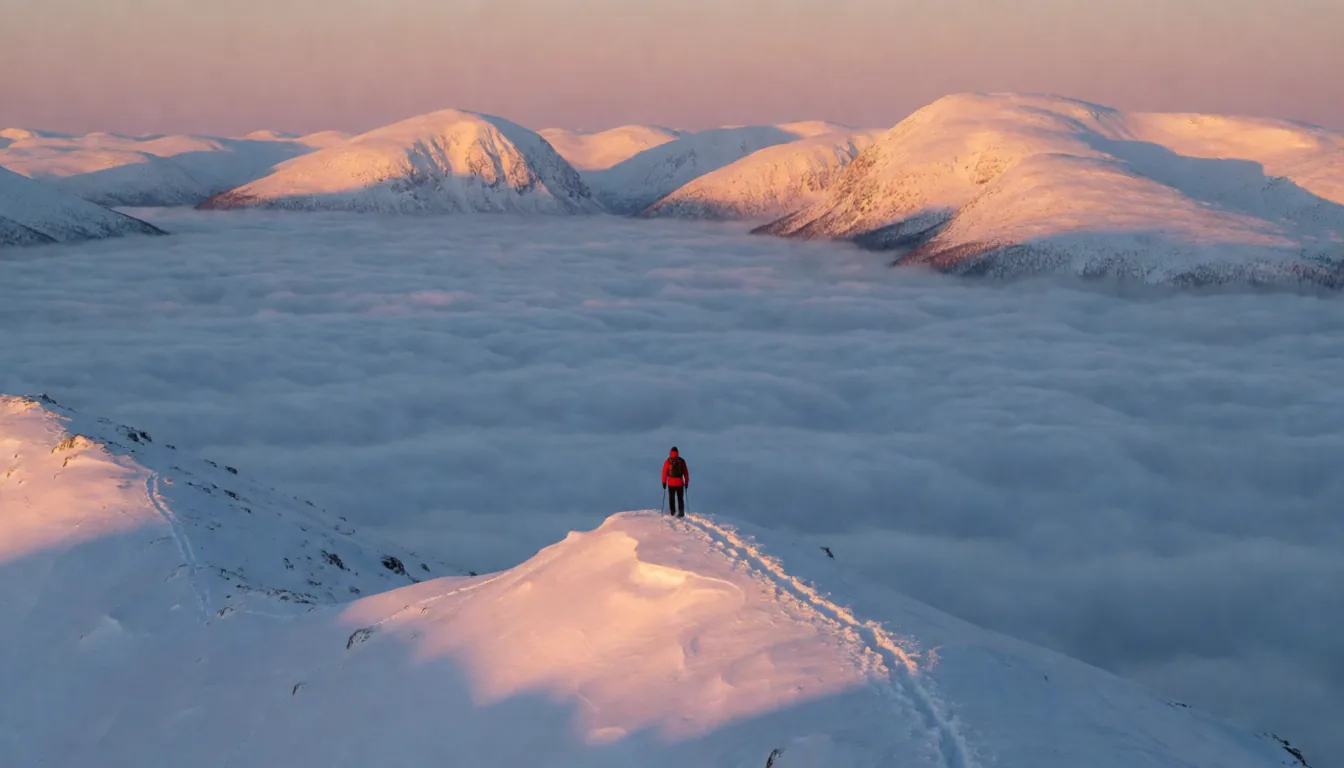
a climber resting on a granite ledge above the clouds
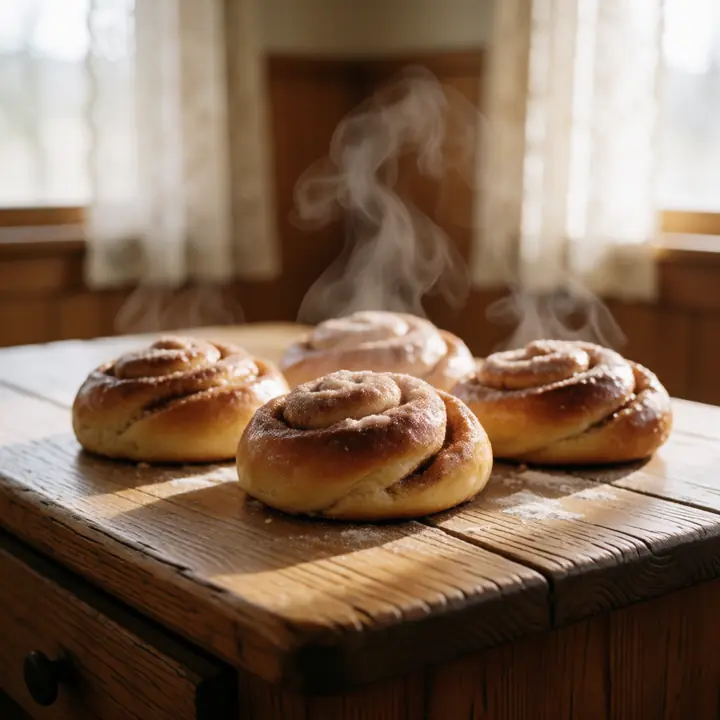
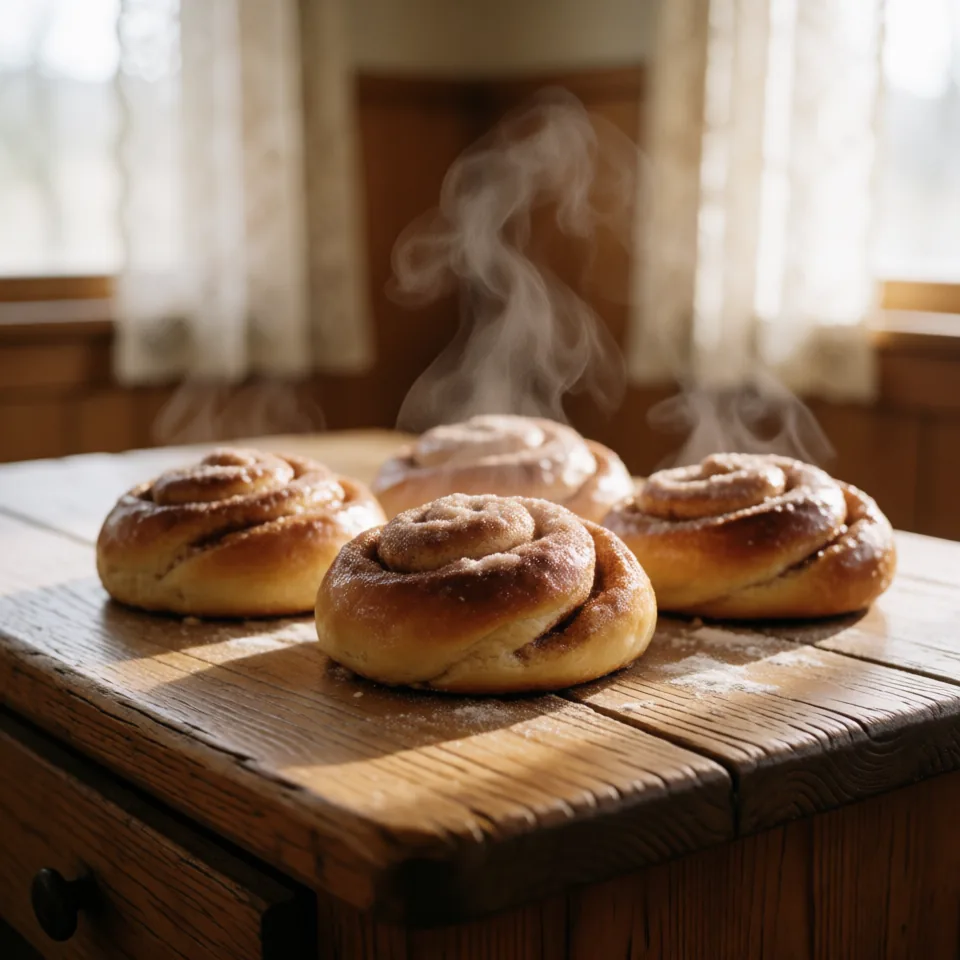
fresh cinnamon buns on a rustic wooden table
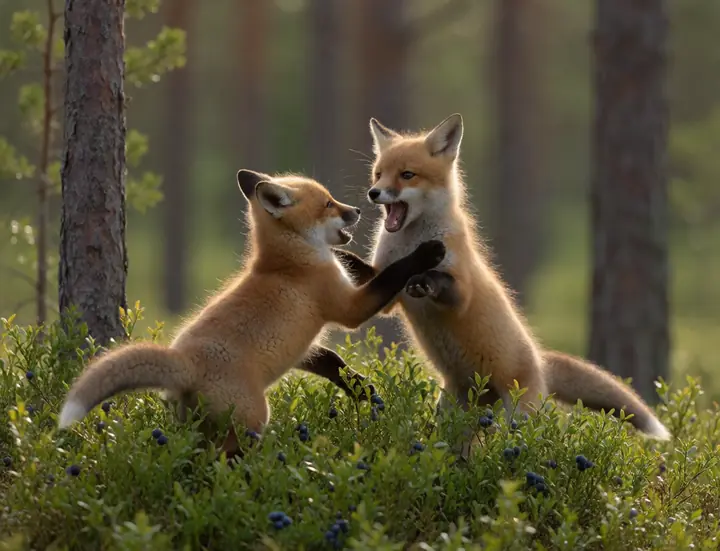
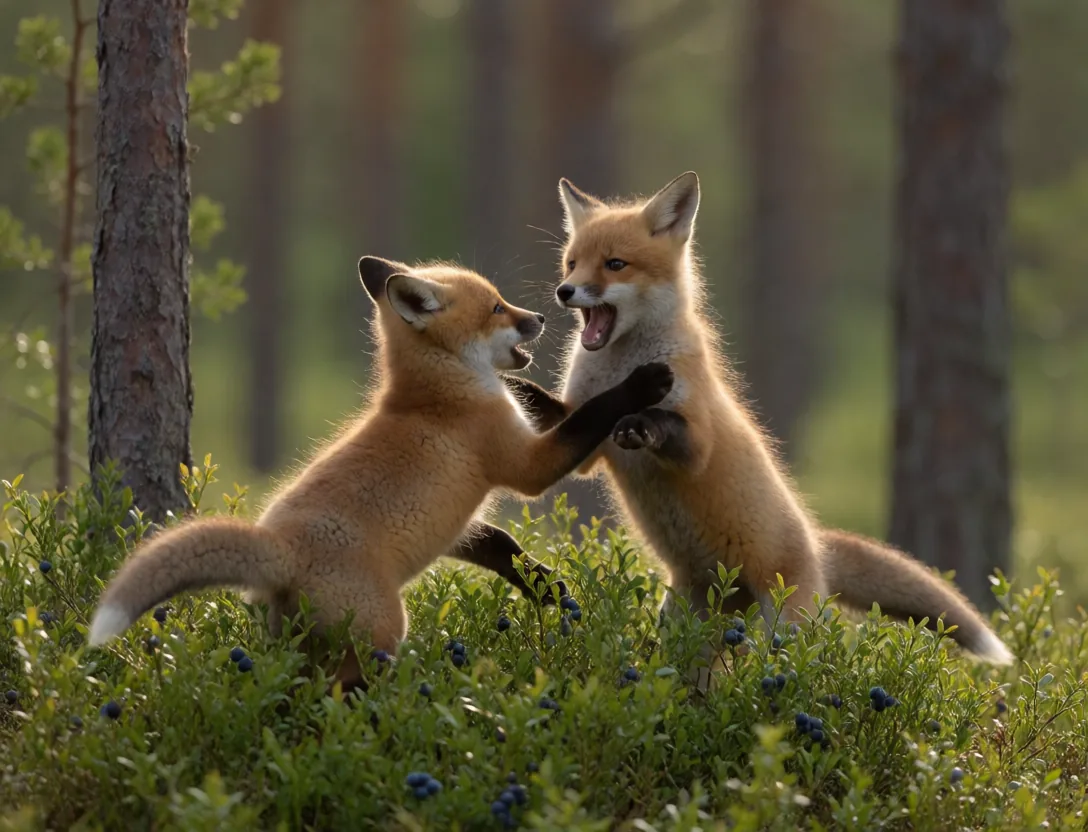
Fox cubs playing in the blueberries
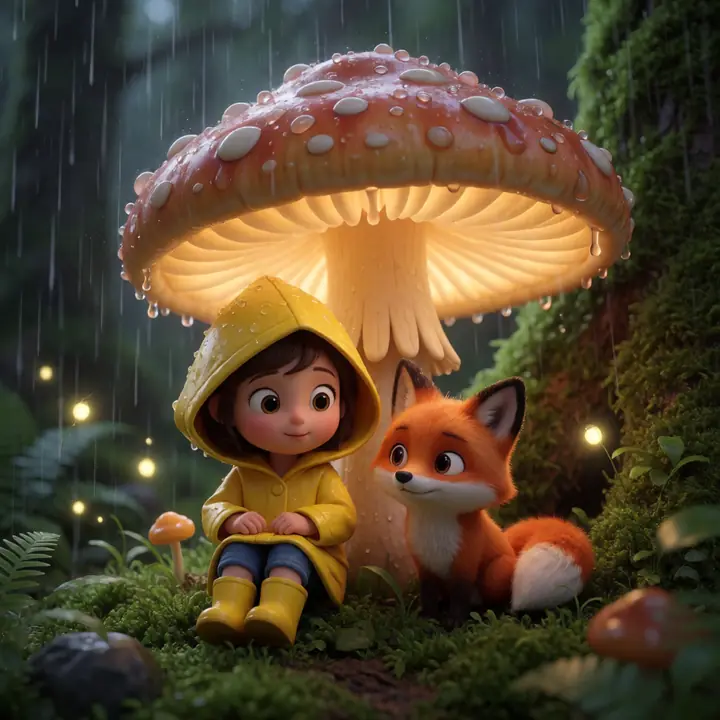
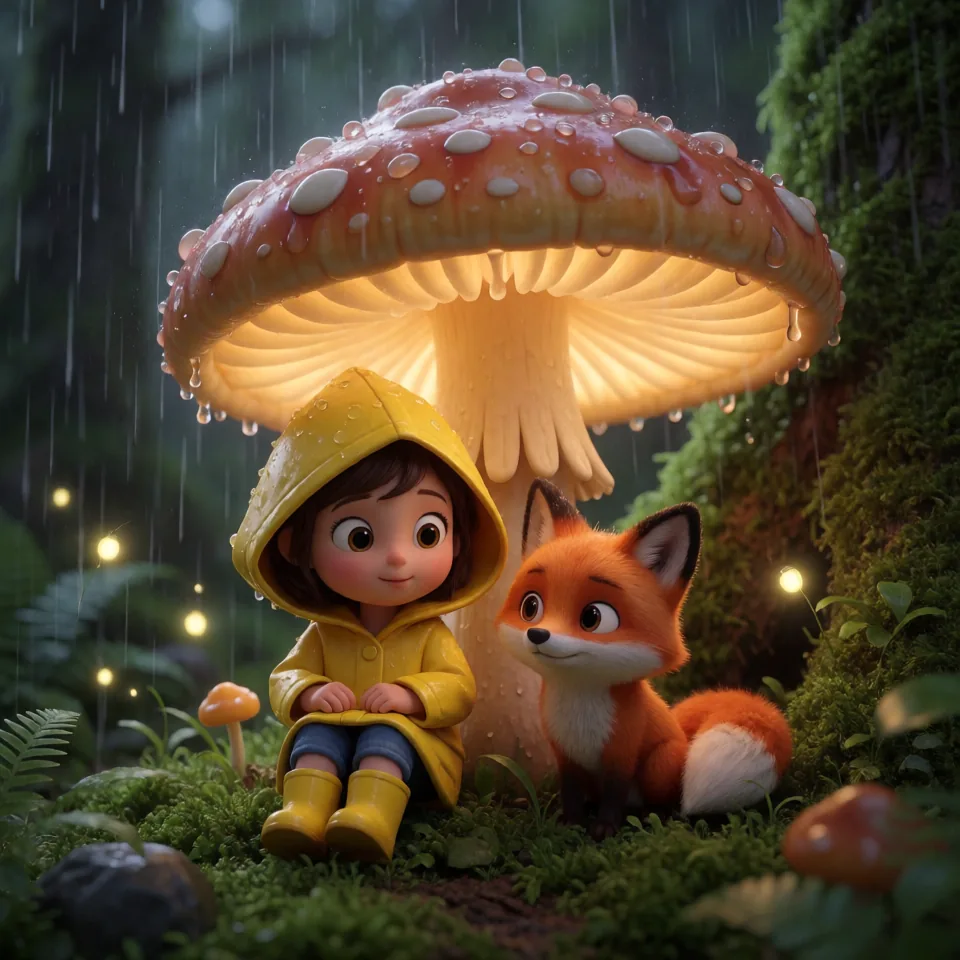
An animated girl and fox under a mushroom
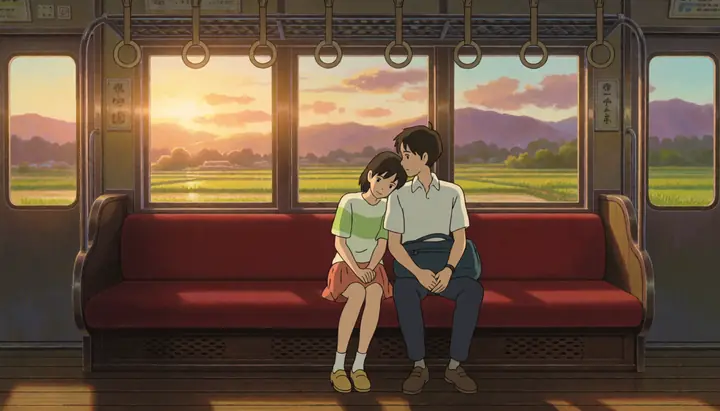
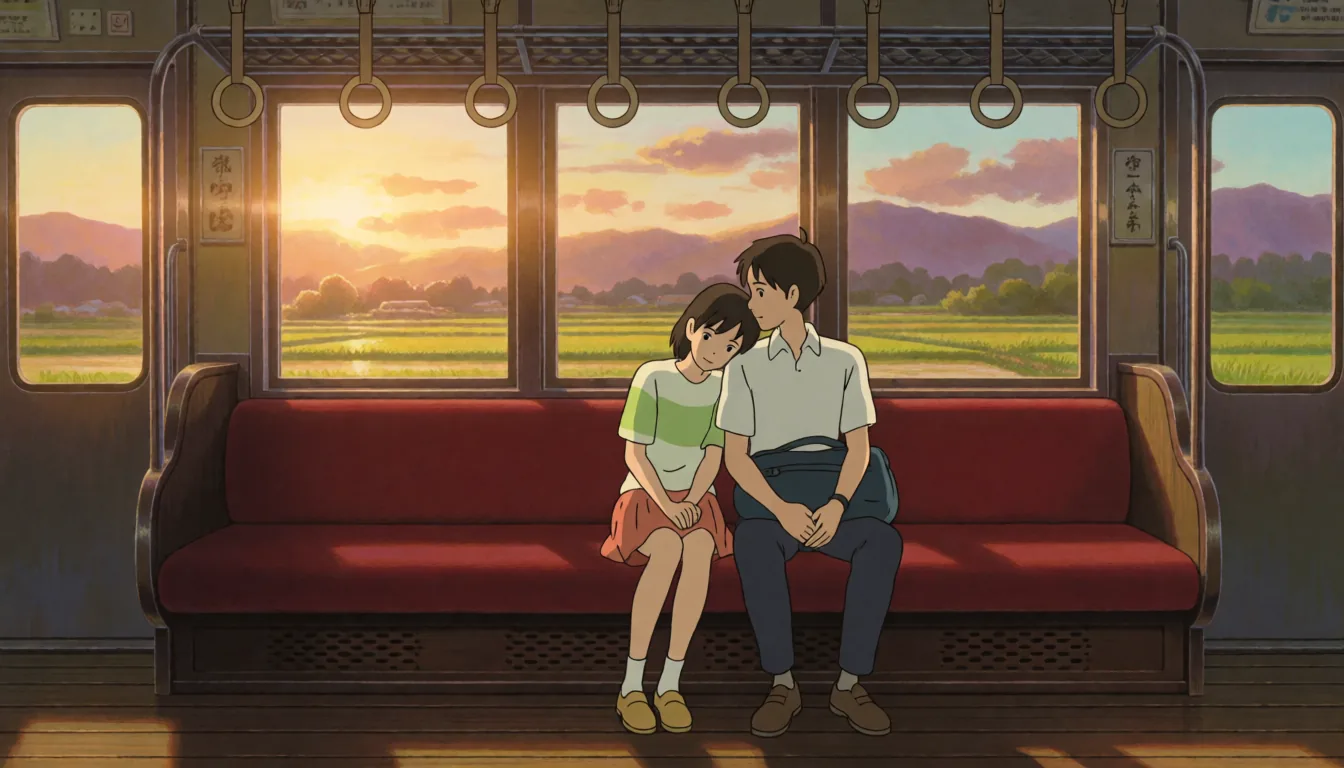
Anime friends on a train at sunset
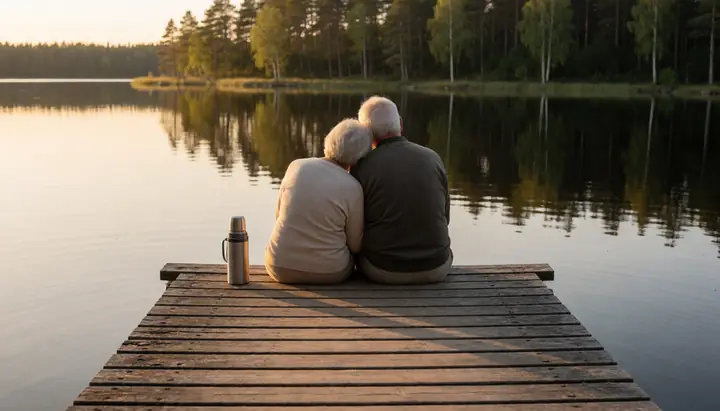
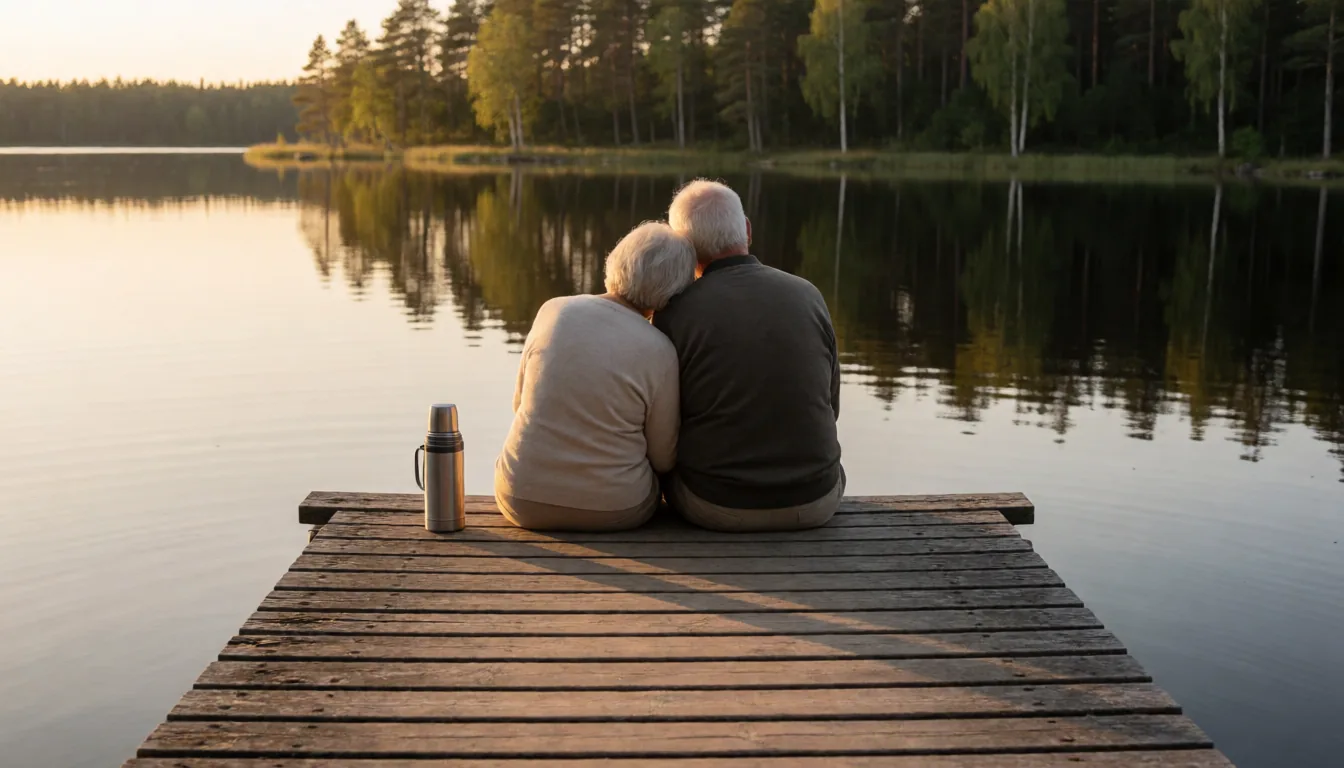
An old couple holding hands on a jetty
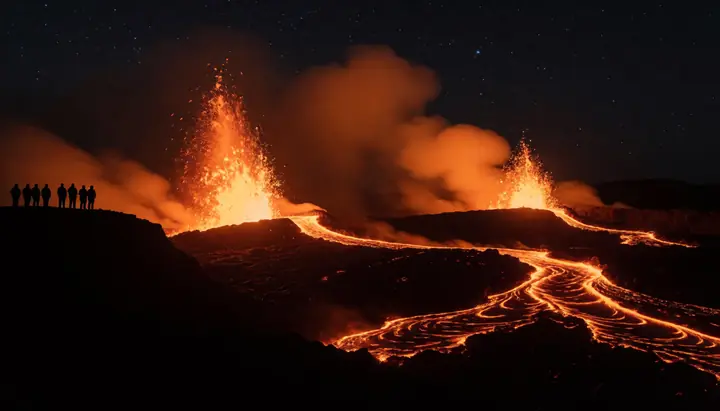
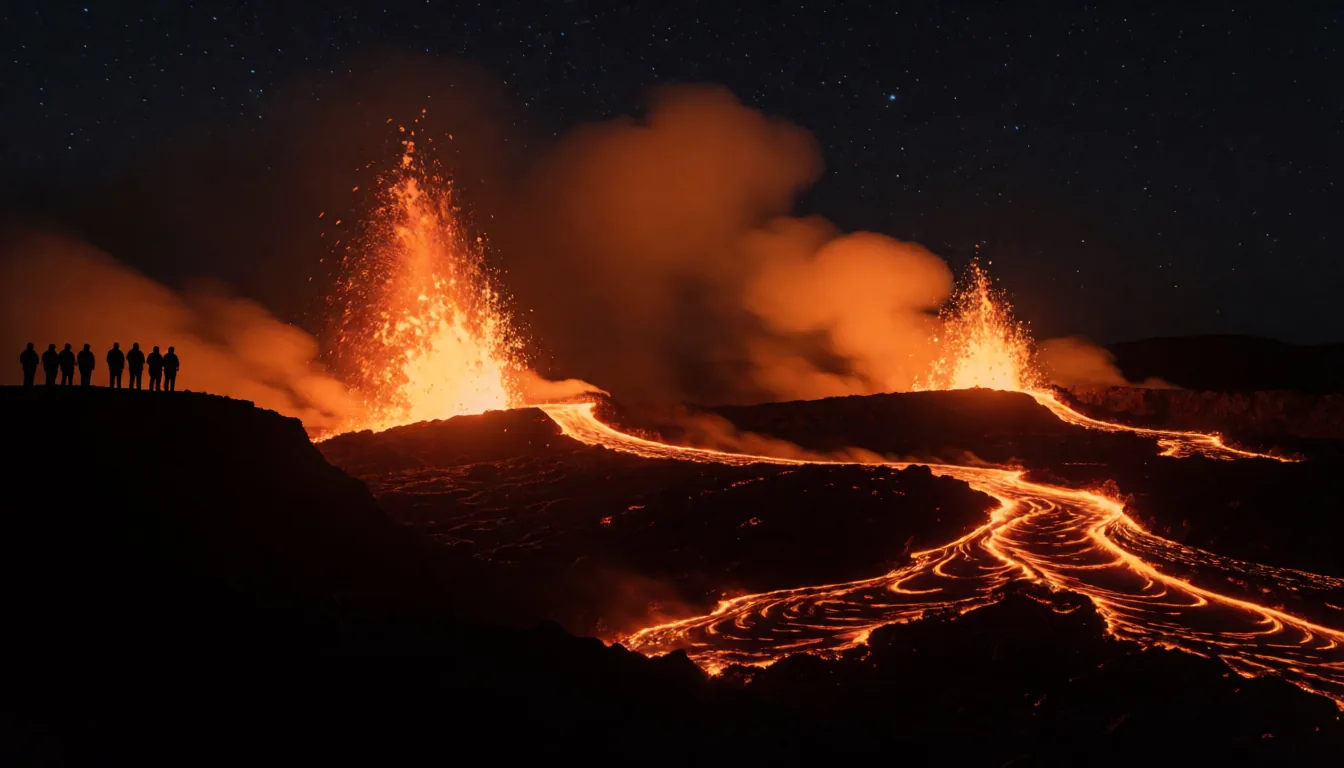
A volcano erupting at night with rivers of lava
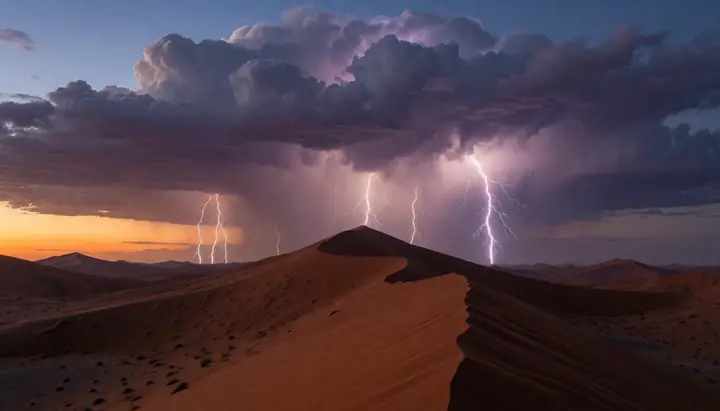
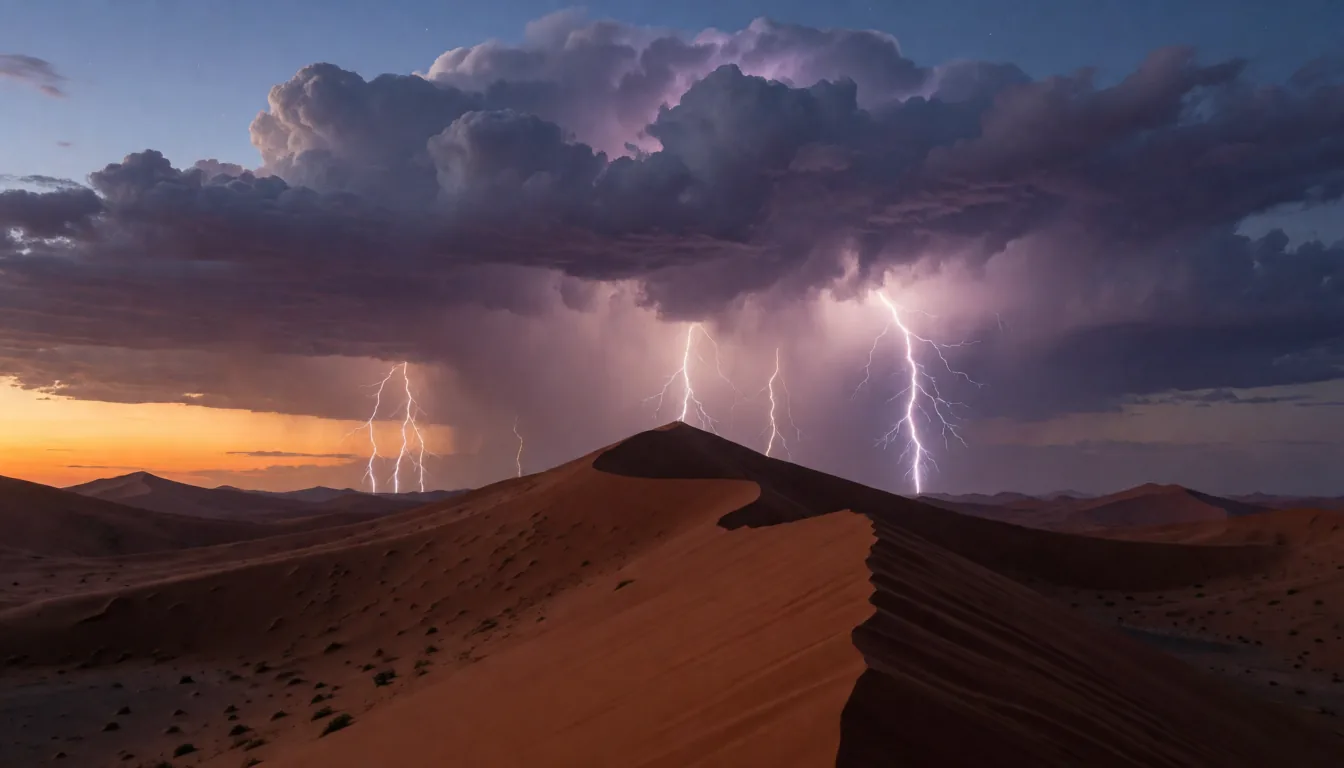
A lightning storm over desert dunes
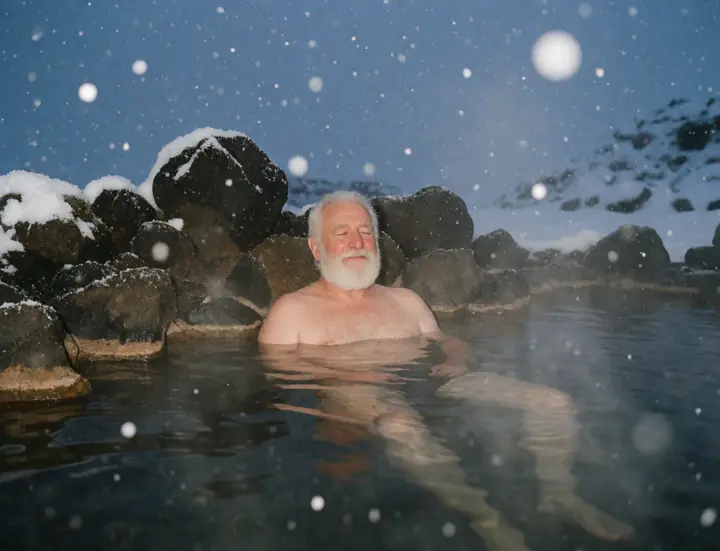
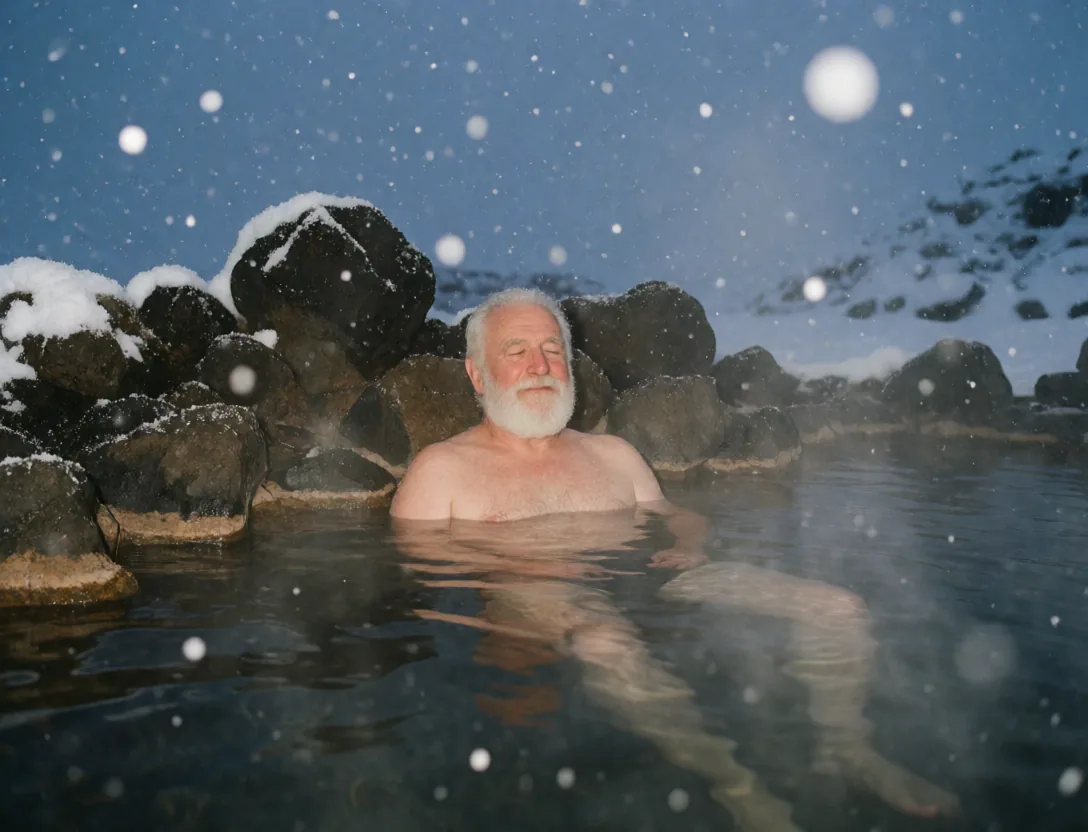
An old man in a hot spring during snowfall
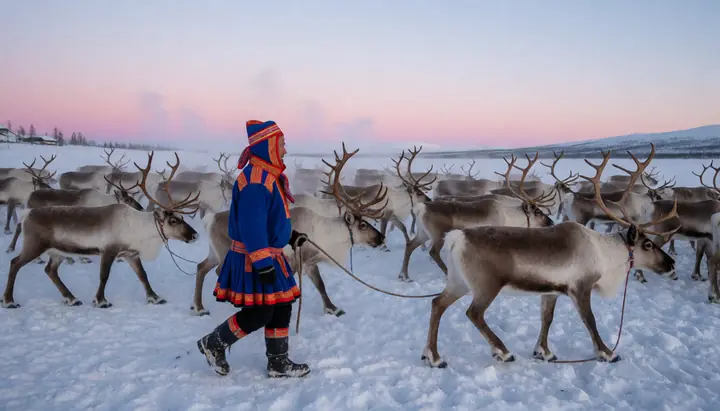
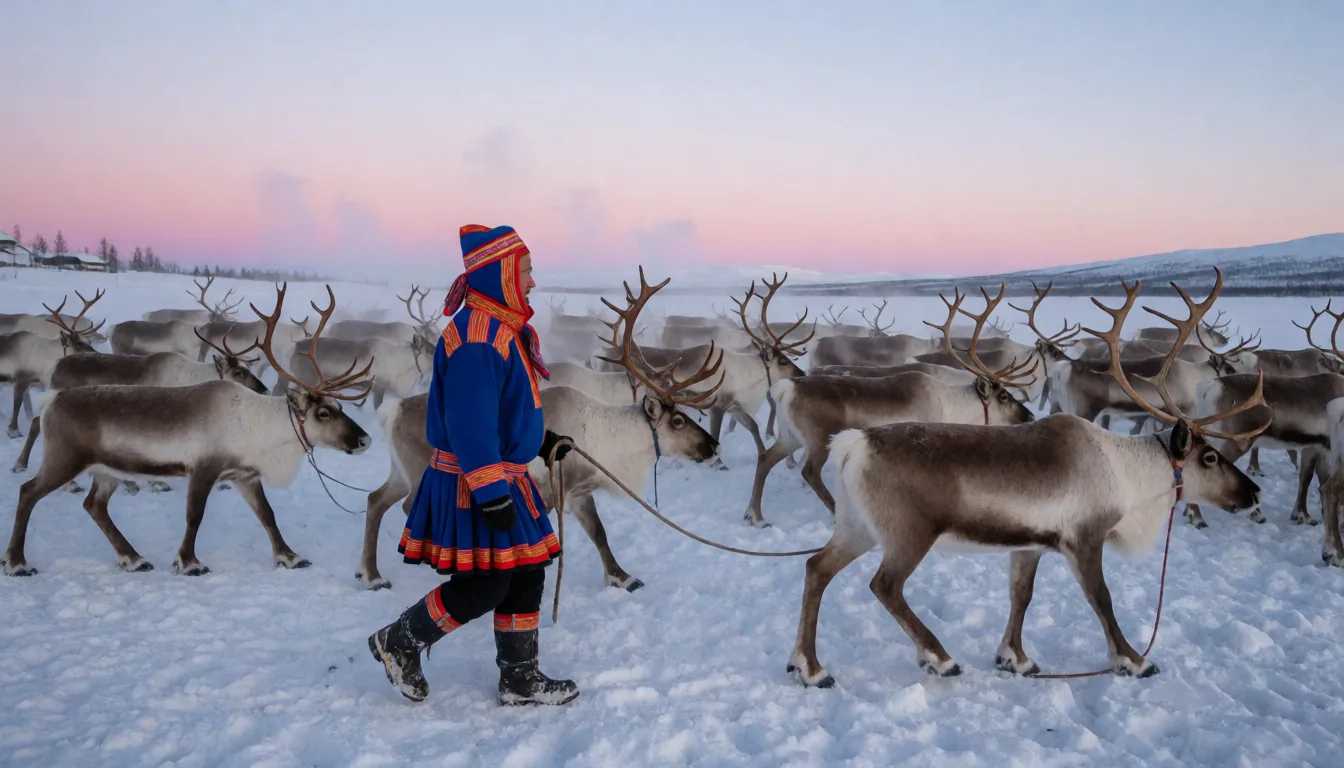
A Sami reindeer herder with the herd at dusk
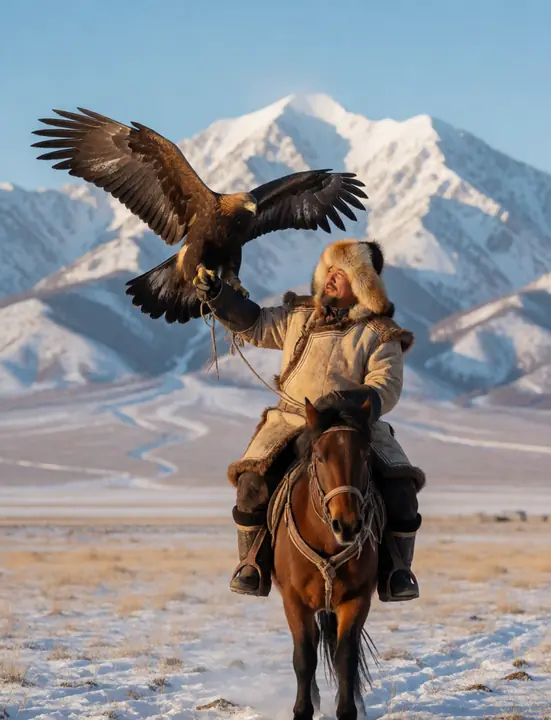
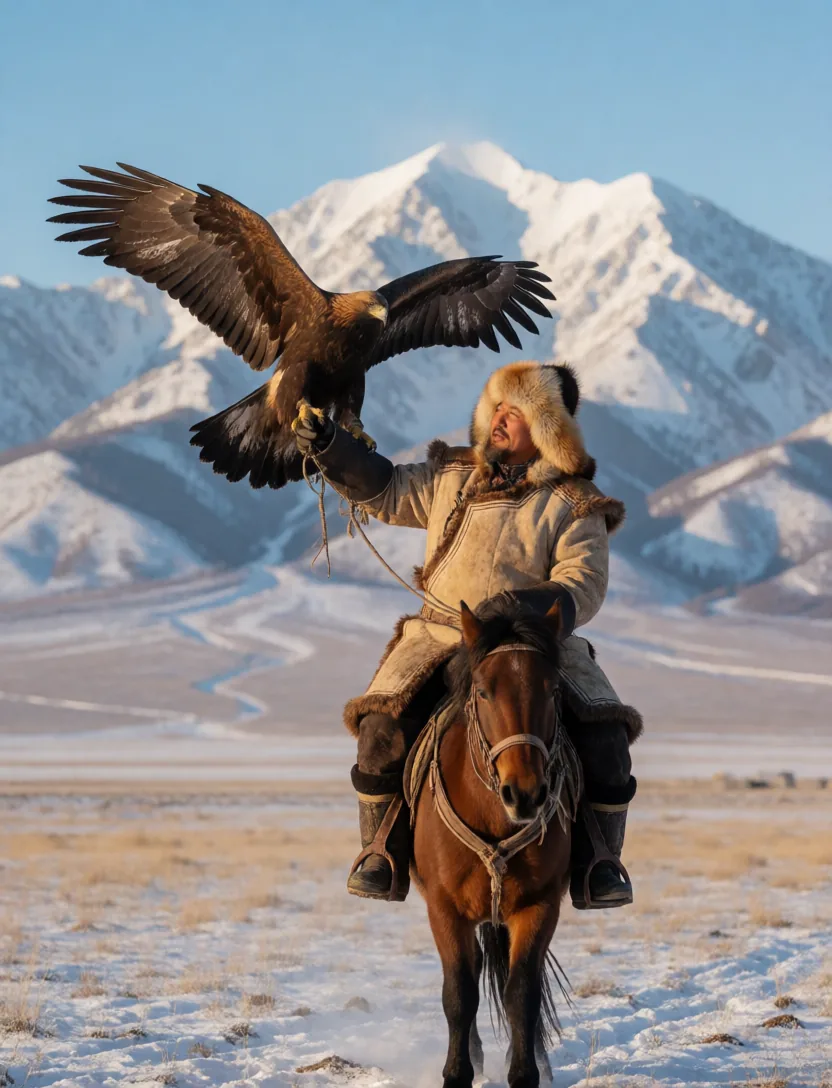
A Kazakh eagle hunter on horseback in the mountains
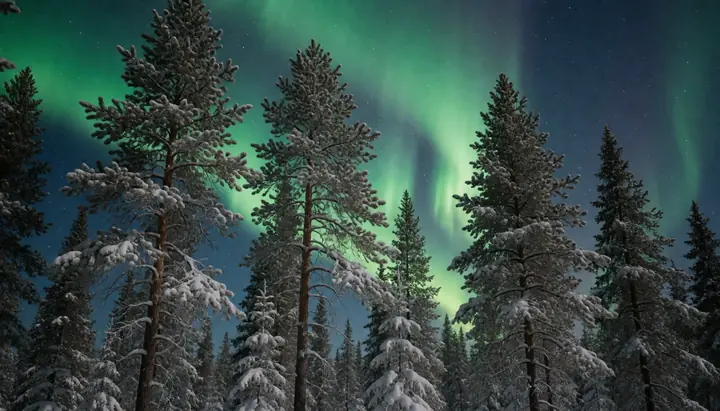
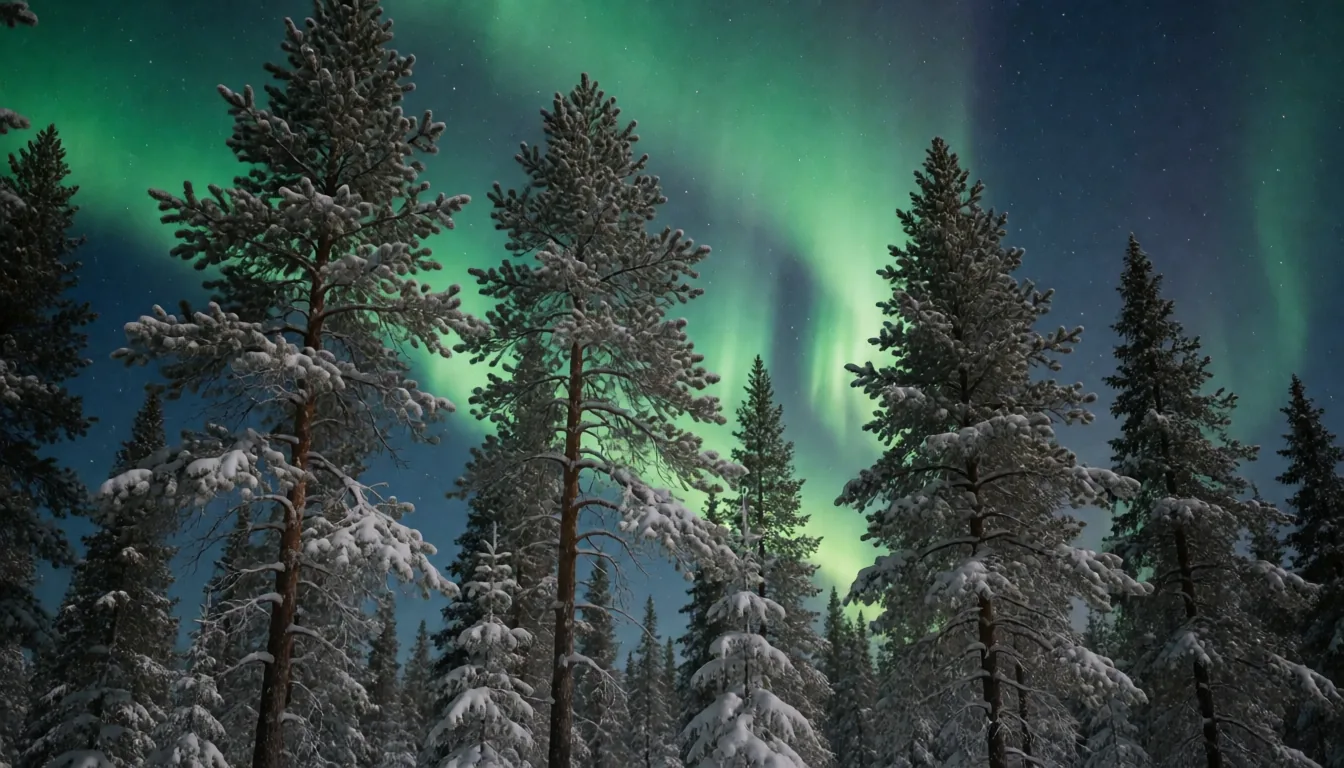
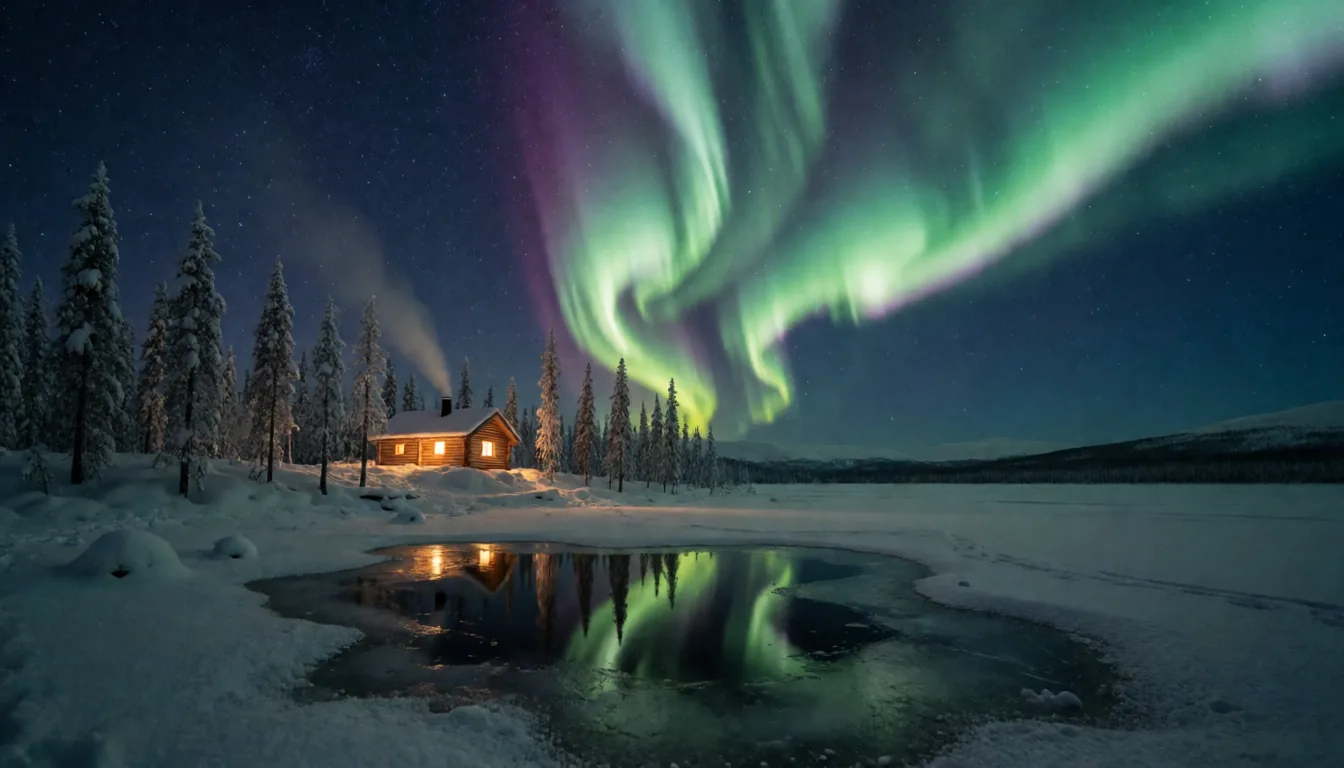
northern lights over a pine forest
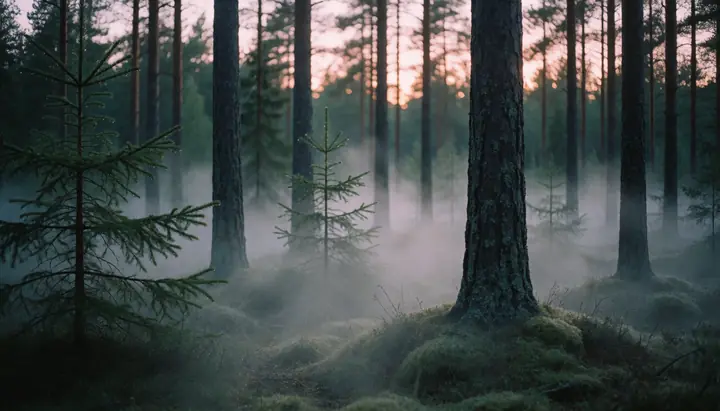
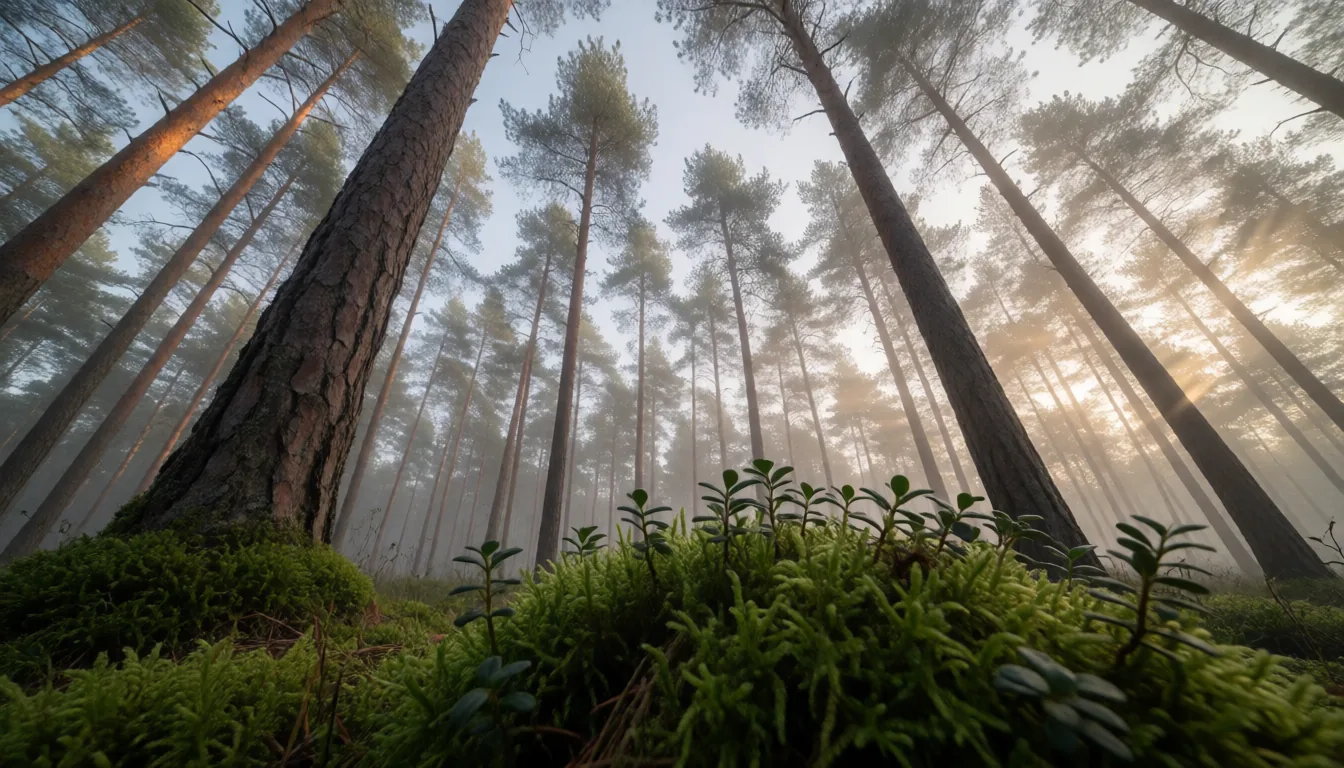
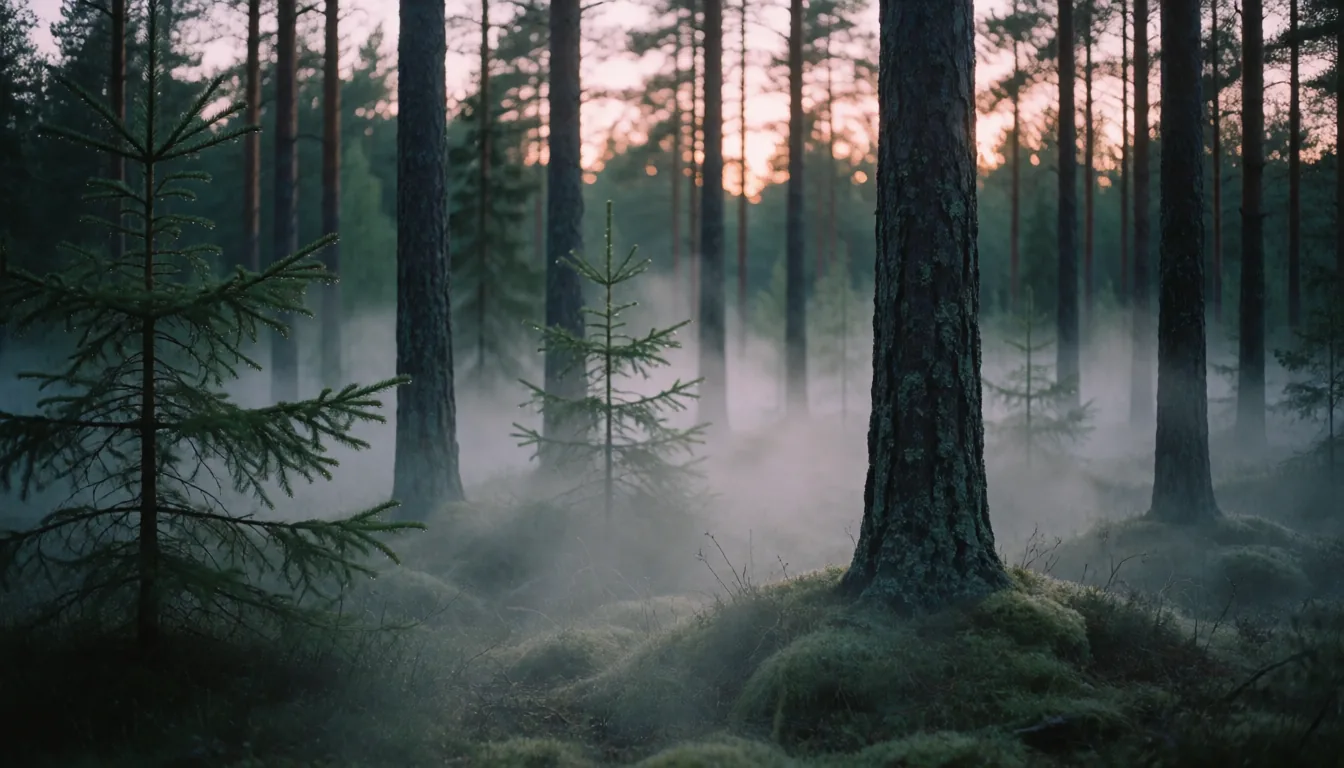
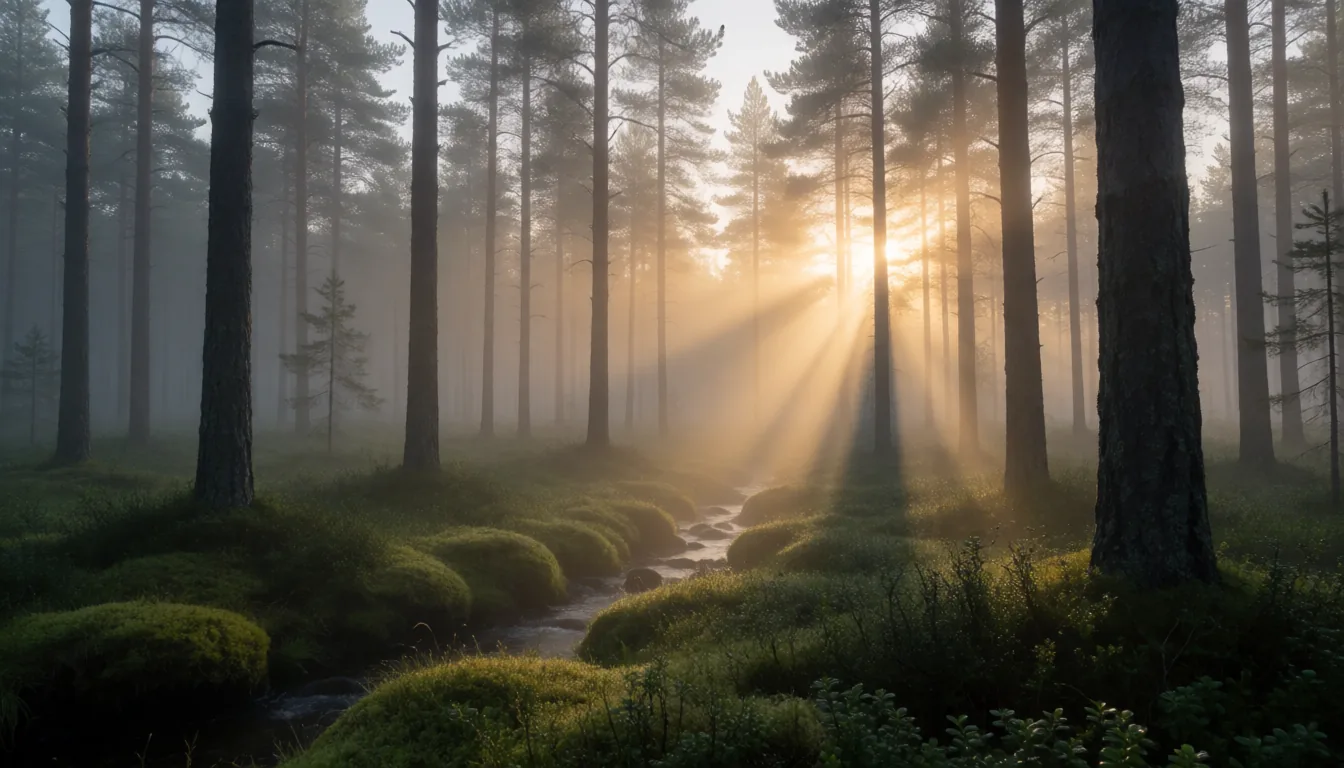
a misty pine forest at dawn, low fog between the trunks

Free, and version 1 stays free for good

For personal and commercial work. If a later version ever has a price, version 1 stays free to download.

Read our promise
TinyPine Assist

Type a line. Assist writes the rest.

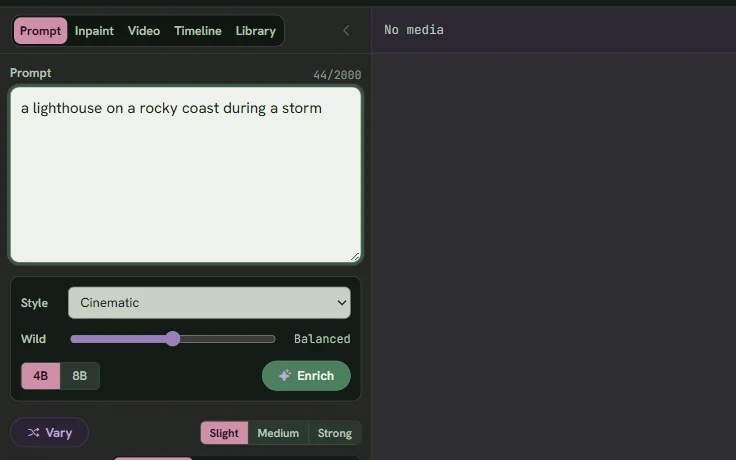
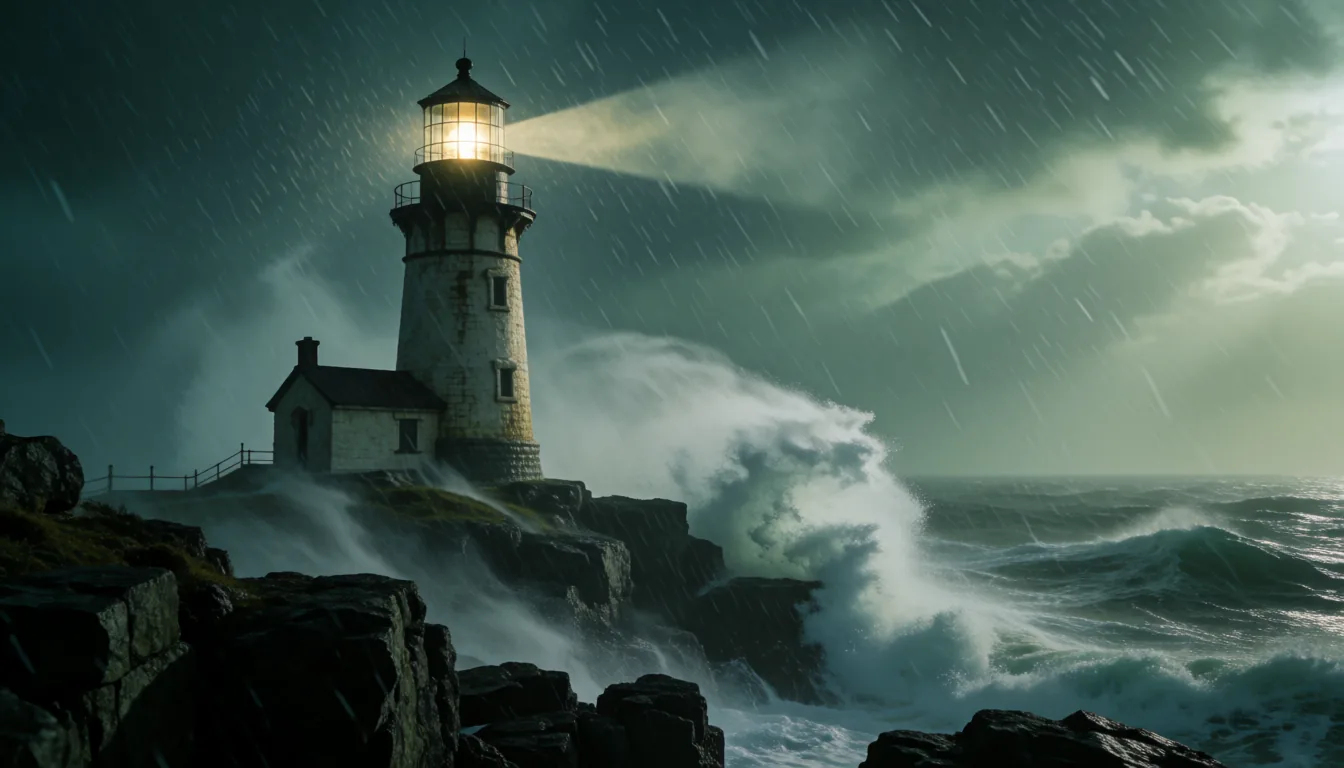
A local language model with 26 styles and a dial from Faithful to Wild. It can also look at an image and talk it through with you. Each example is a real run: the line, what Assist wrote, and what Krea 2 made of it.

The line

“

Assist · Portrait

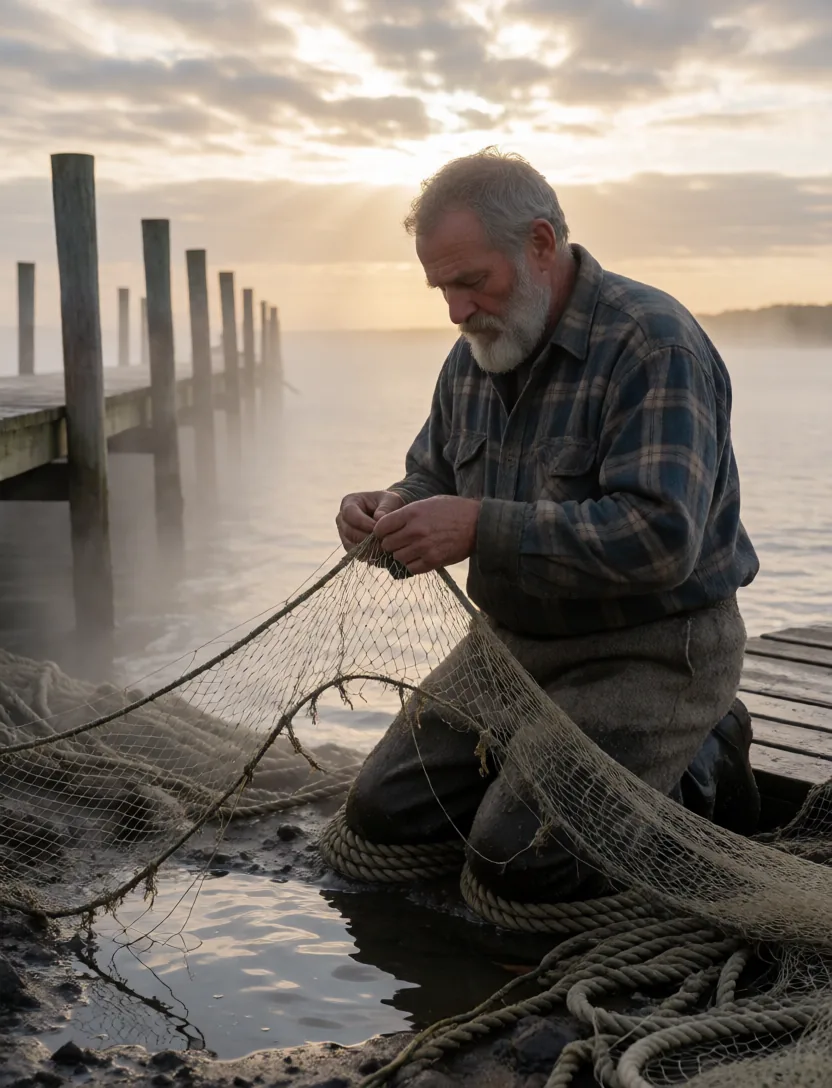
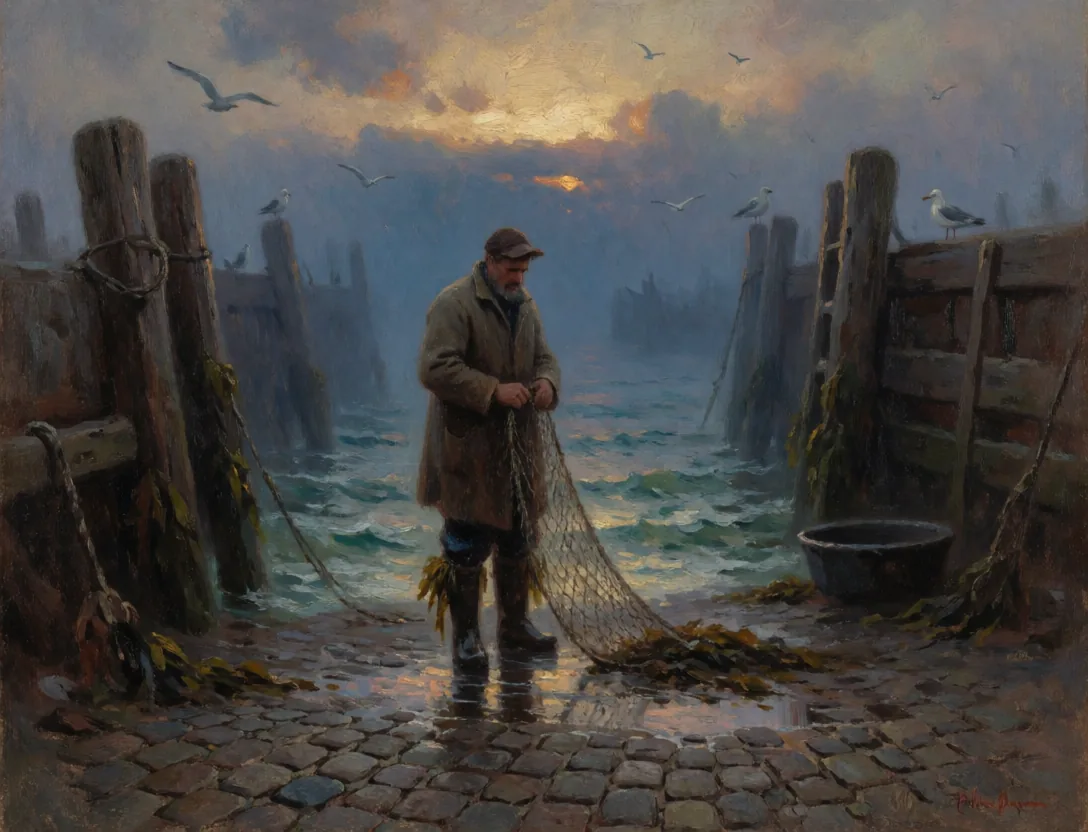
an old fisherman mending his nets at dawnwaiting for the prompt
Built around its models

Made for these models, and tuned to each one

TinyPine ships a short, fixed set of models, and every part of the app is written for how each of them behaves. There are no versions to match, no nodes to wire and no settings to hunt for, which keeps it stable and simple.

Assist · Qwen3-VL
Assist speaks Krea's language

Assist is built on Qwen3-VL, the same model family Krea 2 reads prompts with, and it writes in the order Krea 2 follows best: the subject first, then style, light and setting.

Krea 2
Samplers made for the model

Sampler, schedule and shift are written for Krea 2's flow-matching schedule, with their own defaults for Quality and Fast and one click back to them.

Krea 2
Memory measured on real cards

Every resolution tier was measured with LoRAs loaded and sized to stay under the memory ceiling. Krea 2's attention runs a leaner way in TinyPine, so large renders fit where the stock code ran out of memory.

Krea 2 Raw → Turbo
LoRAs trained the right way round

Train on Krea 2 Raw, the undistilled base, and the LoRA is applied on Turbo, the model you render with. You pick the checkpoint from its sample image.

LTX-2.5
Video that continues itself

Extend gives LTX-2.5 the clip's own last frames as the start of the next part, and the app blends the seam, so the motion carries on.

The Grove
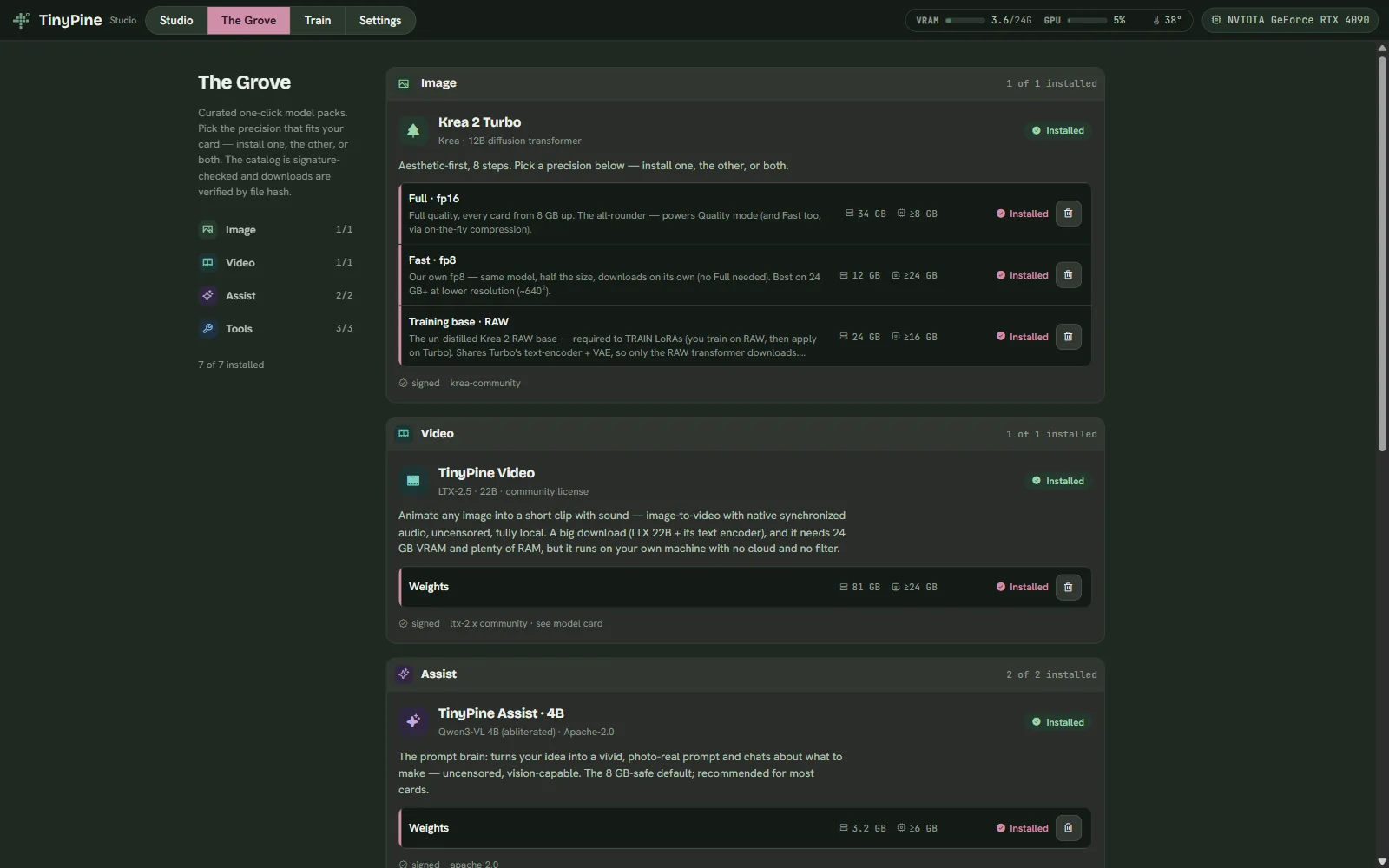
One click, the right build

Each model installs from a signed catalog in the precision that suits your card, hash-checked as it downloads. Nothing to download by hand.

Workflow

Idea to finished content in one window

Every step is the same app, the same library and the same undo. Here is one idea taken all the way, as it plays out in TinyPine.

Start with the ideaAssist writes the promptRender it with Krea 2Explore takes around itDevelop the one you pickCut it togetherShip it
01 / 08

Start with the idea

Write it the way you would say it. One line is enough.

  • 26 styles, from photoreal to posters
  • A Wild dial from Faithful to Wild
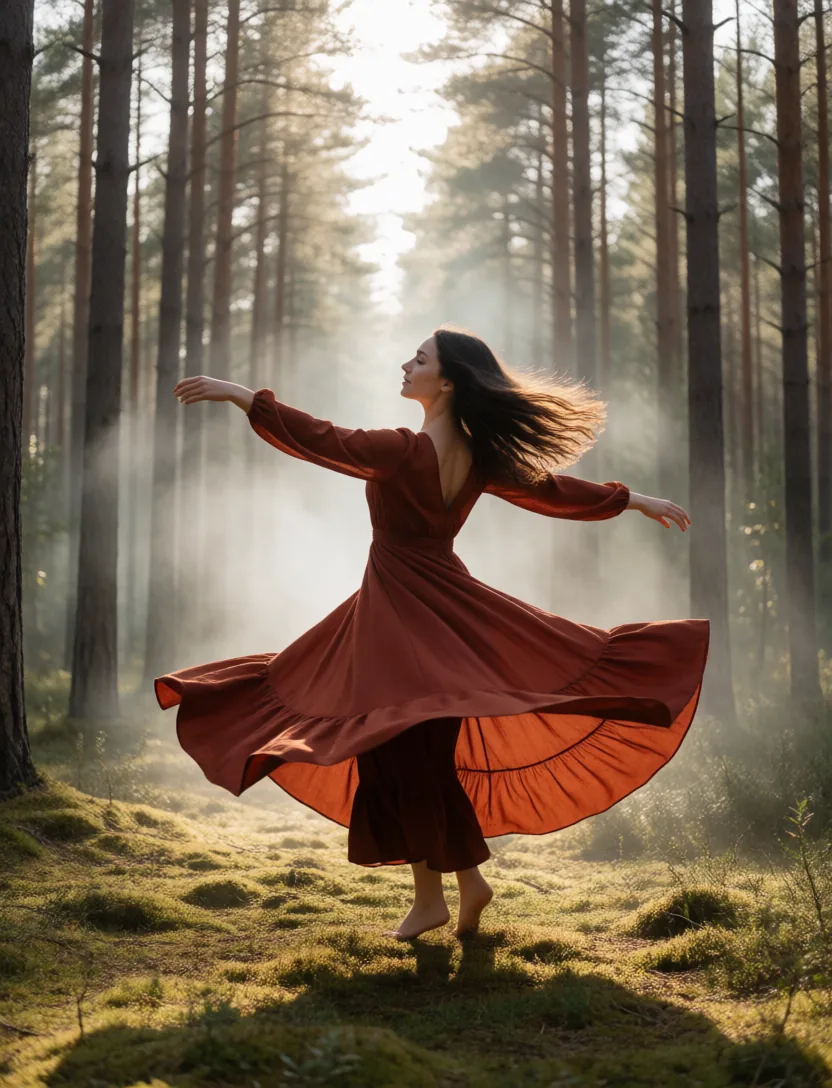
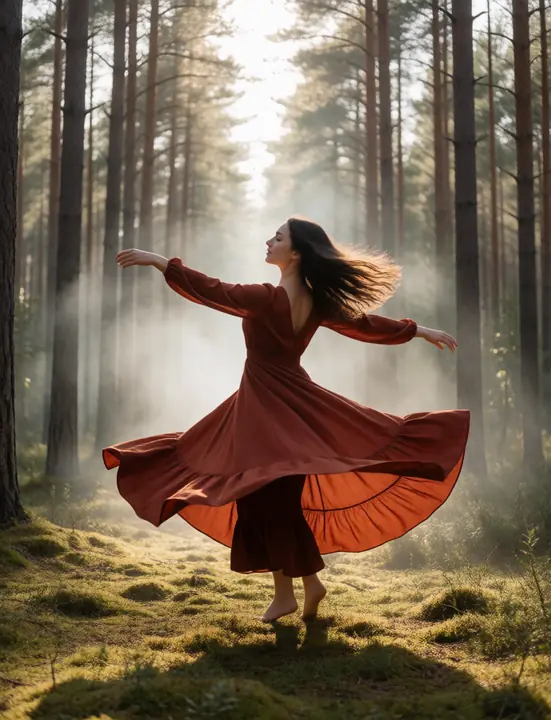
A dancer spinning in a pine forest
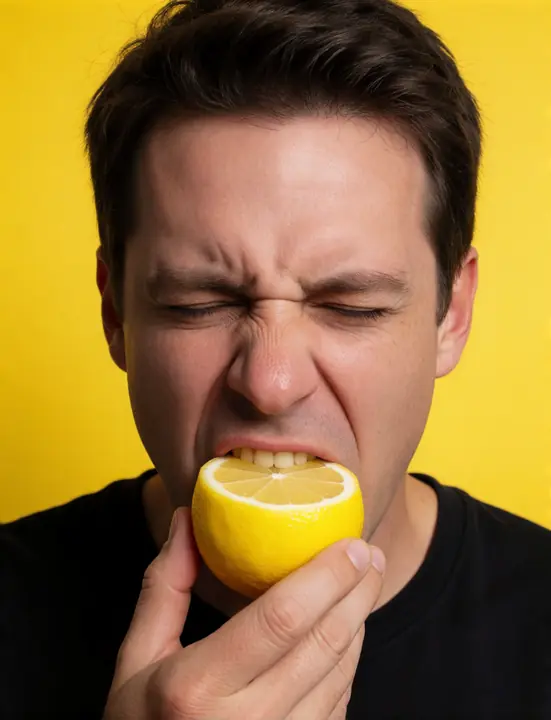
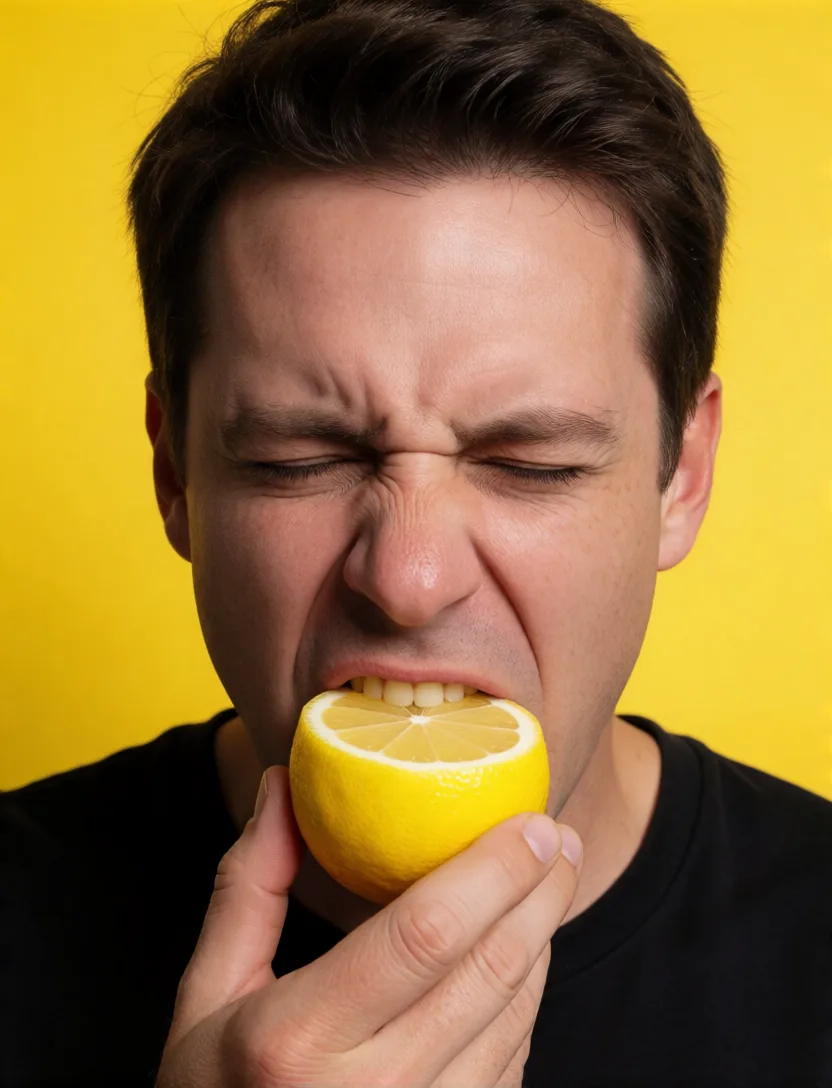
A man biting into a lemon
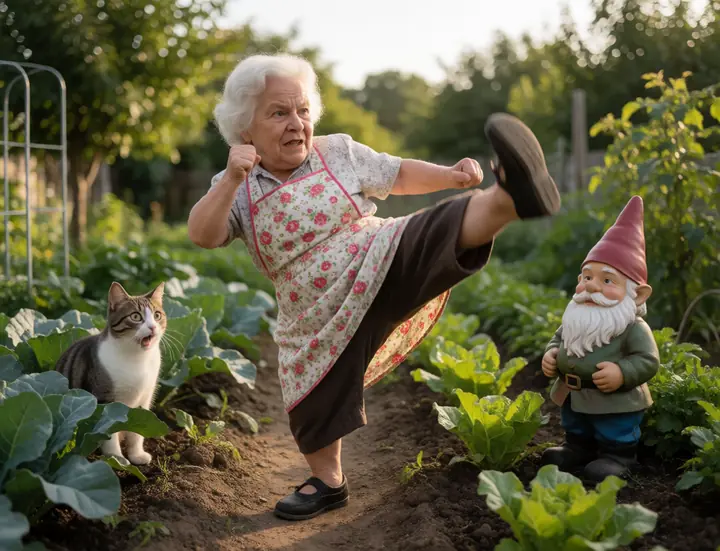
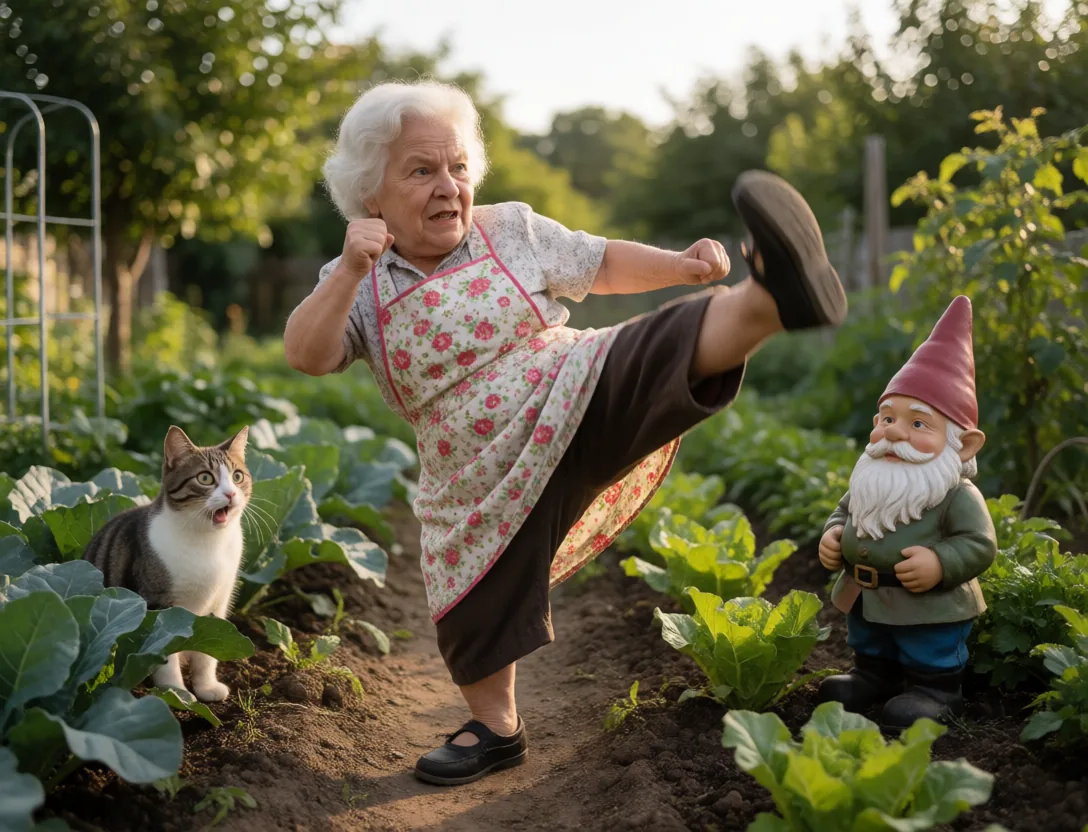
A grandmother doing a flying karate kick
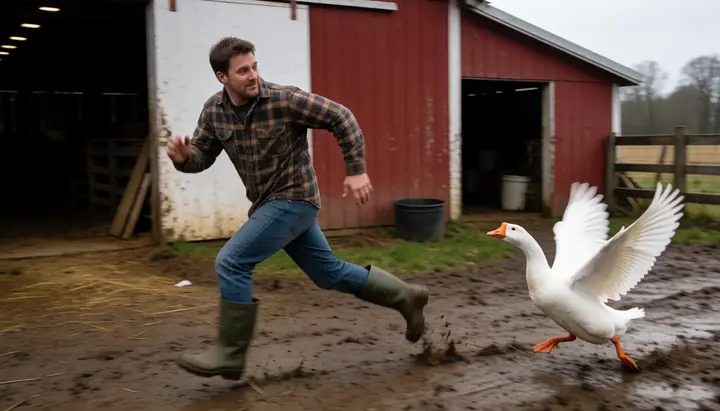
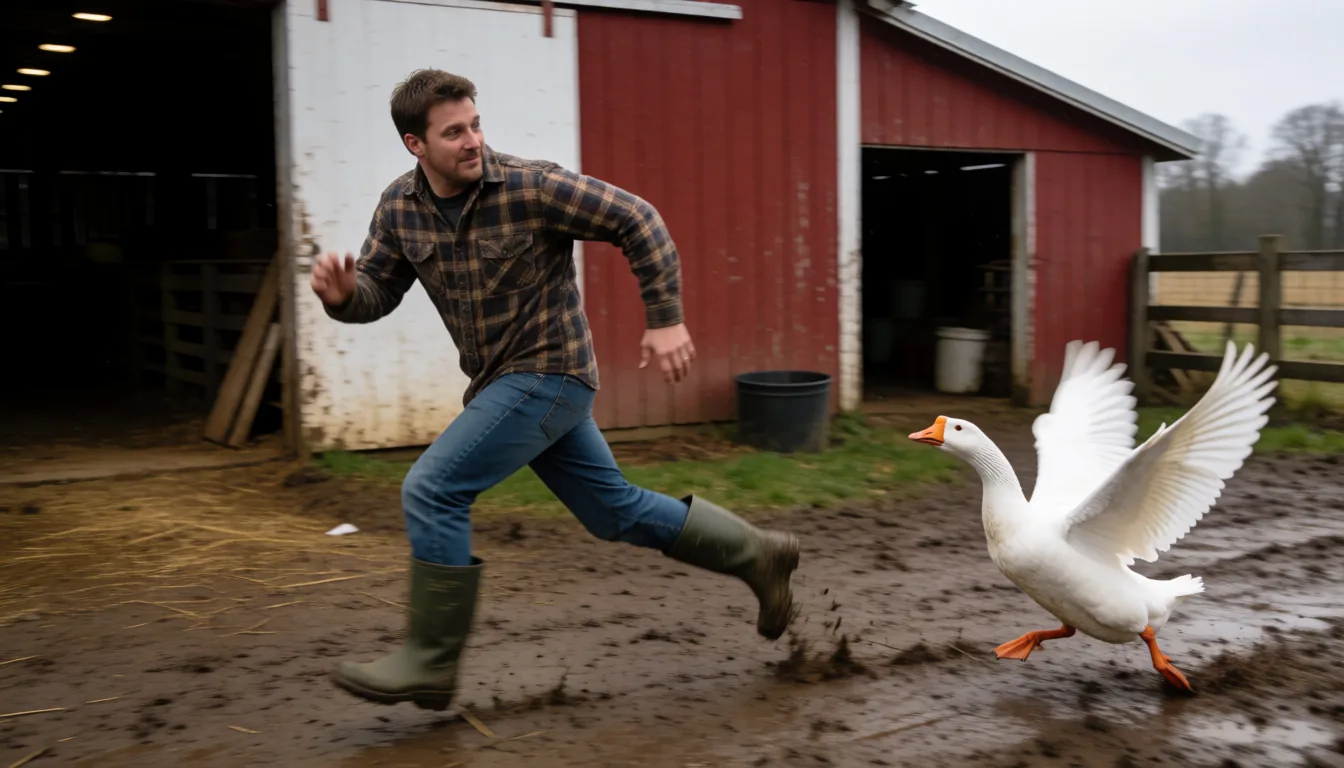
A man chased by an angry goose
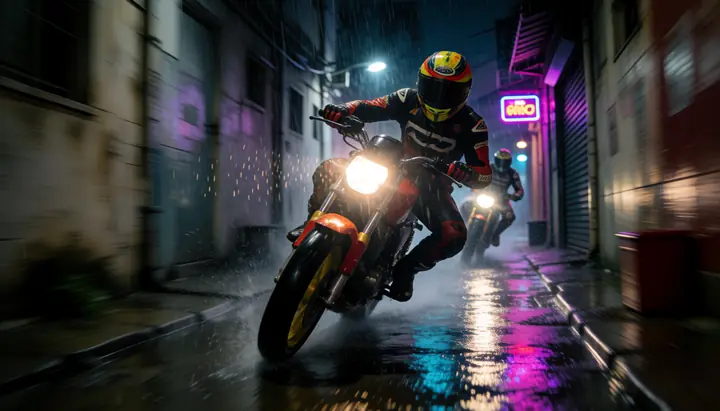
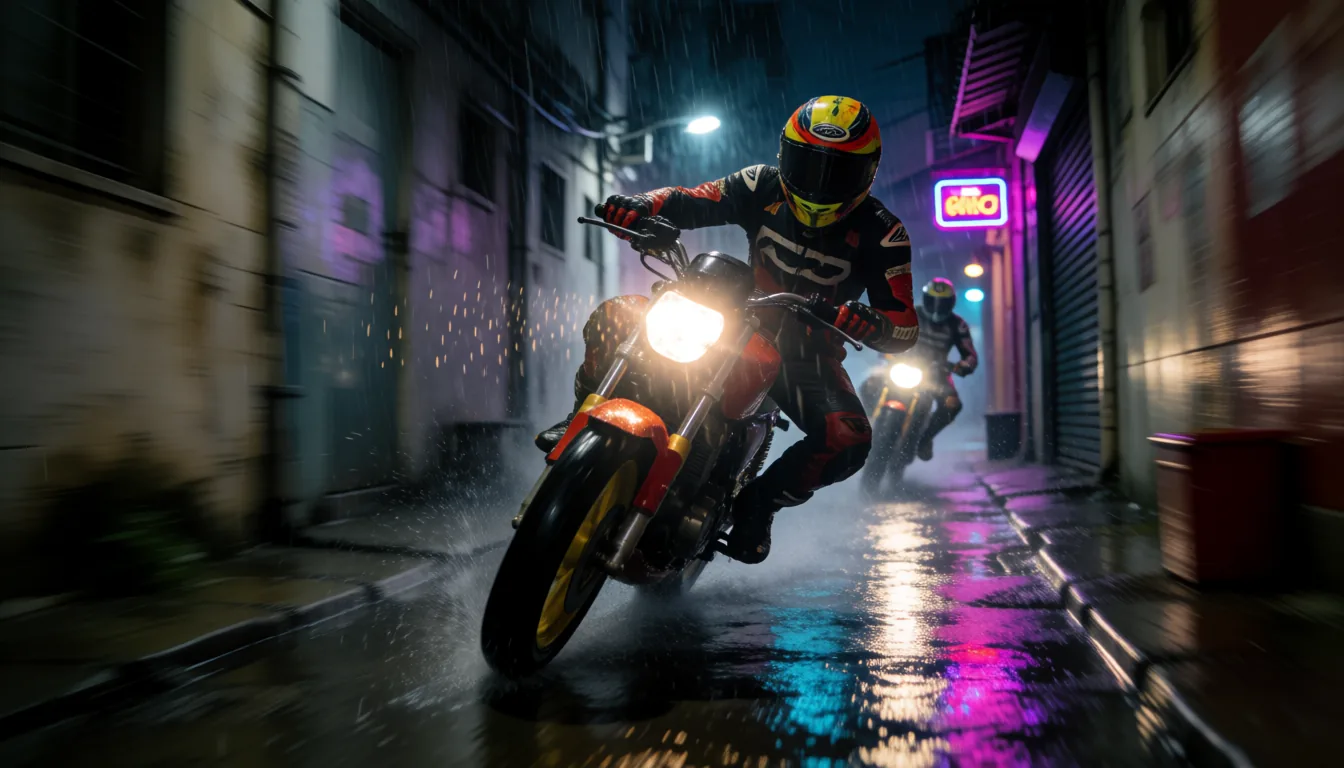
A motorbike chase through an alley
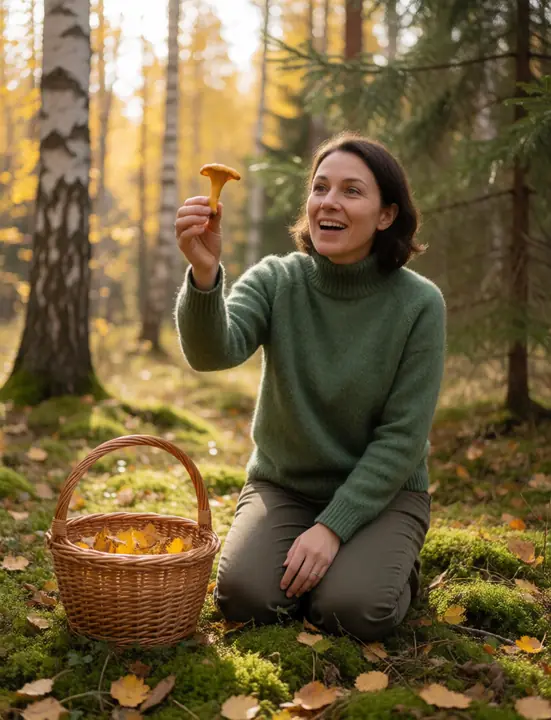
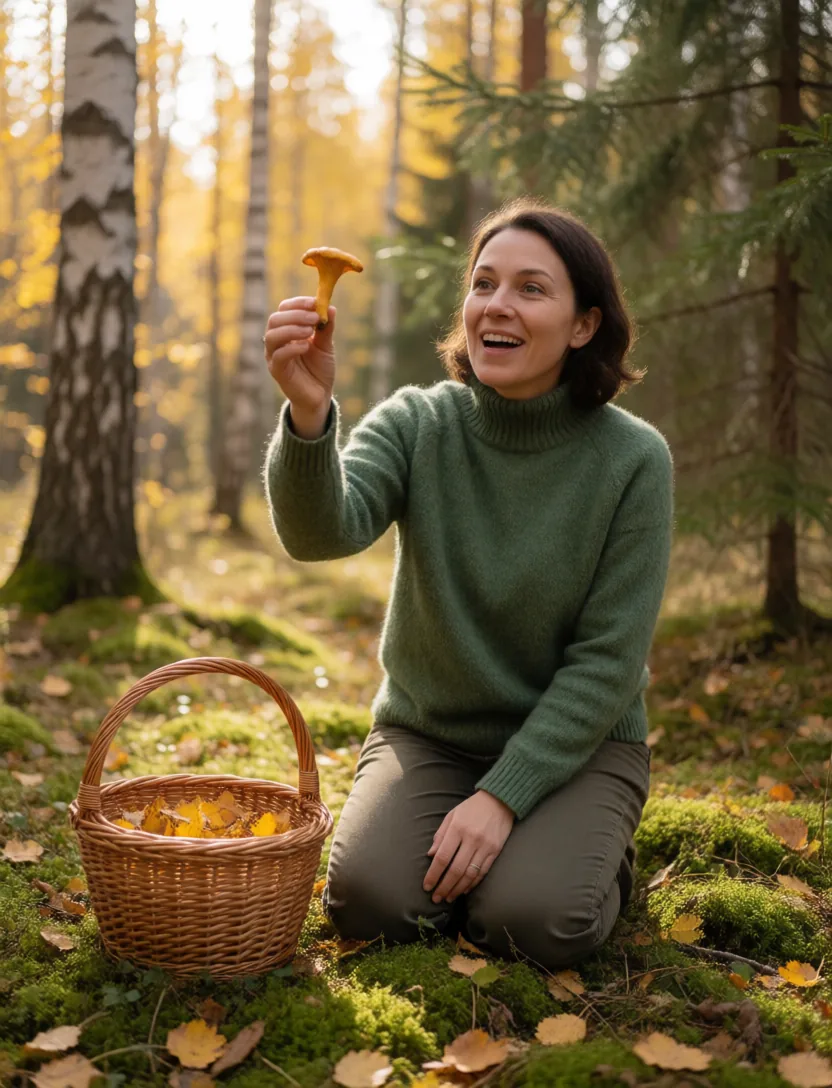
A woman foraging mushrooms in an autumn forest
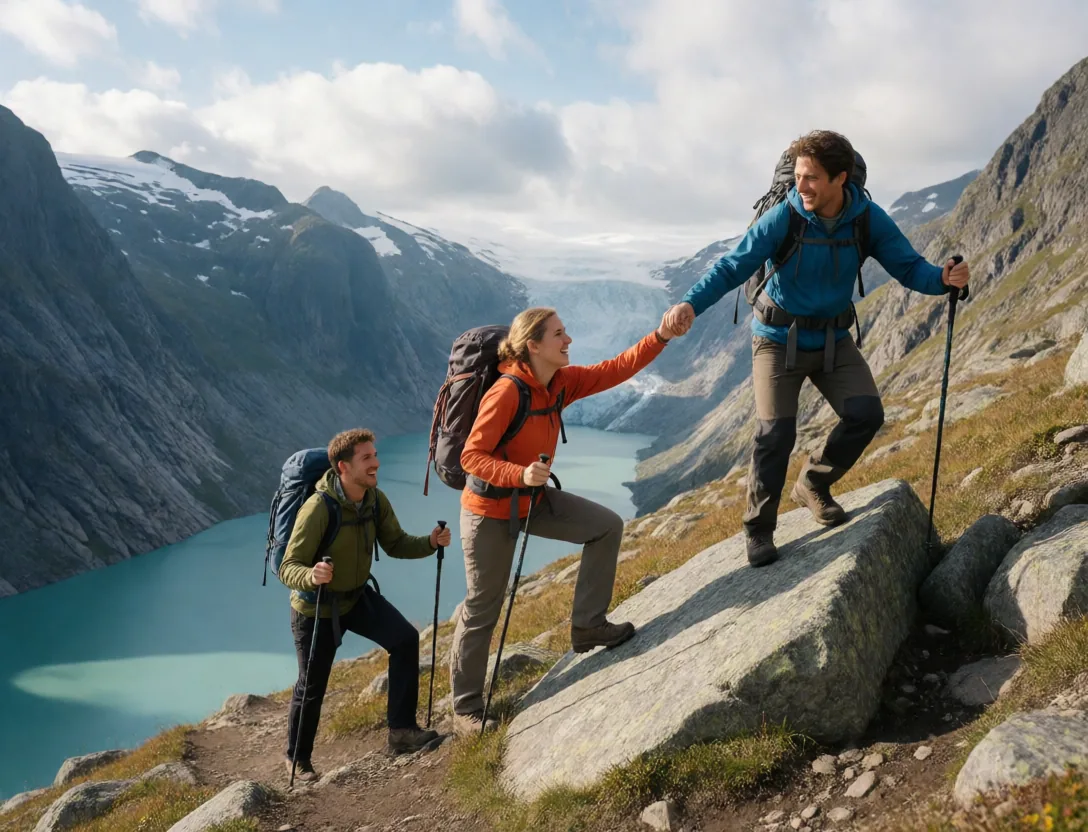
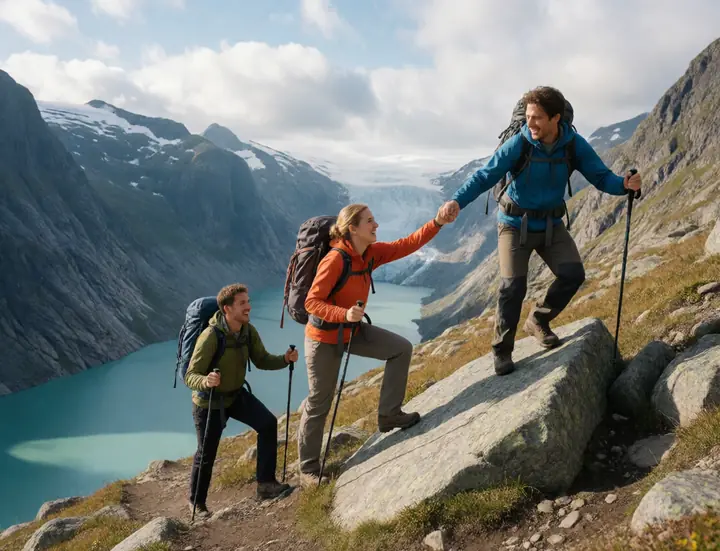
Friends hiking a steep mountain trail, laughing
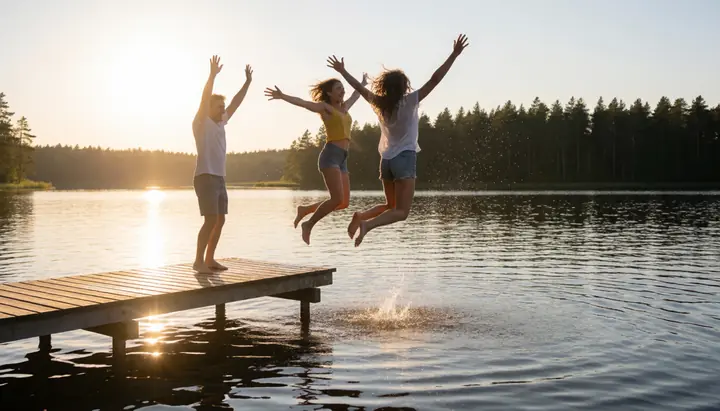
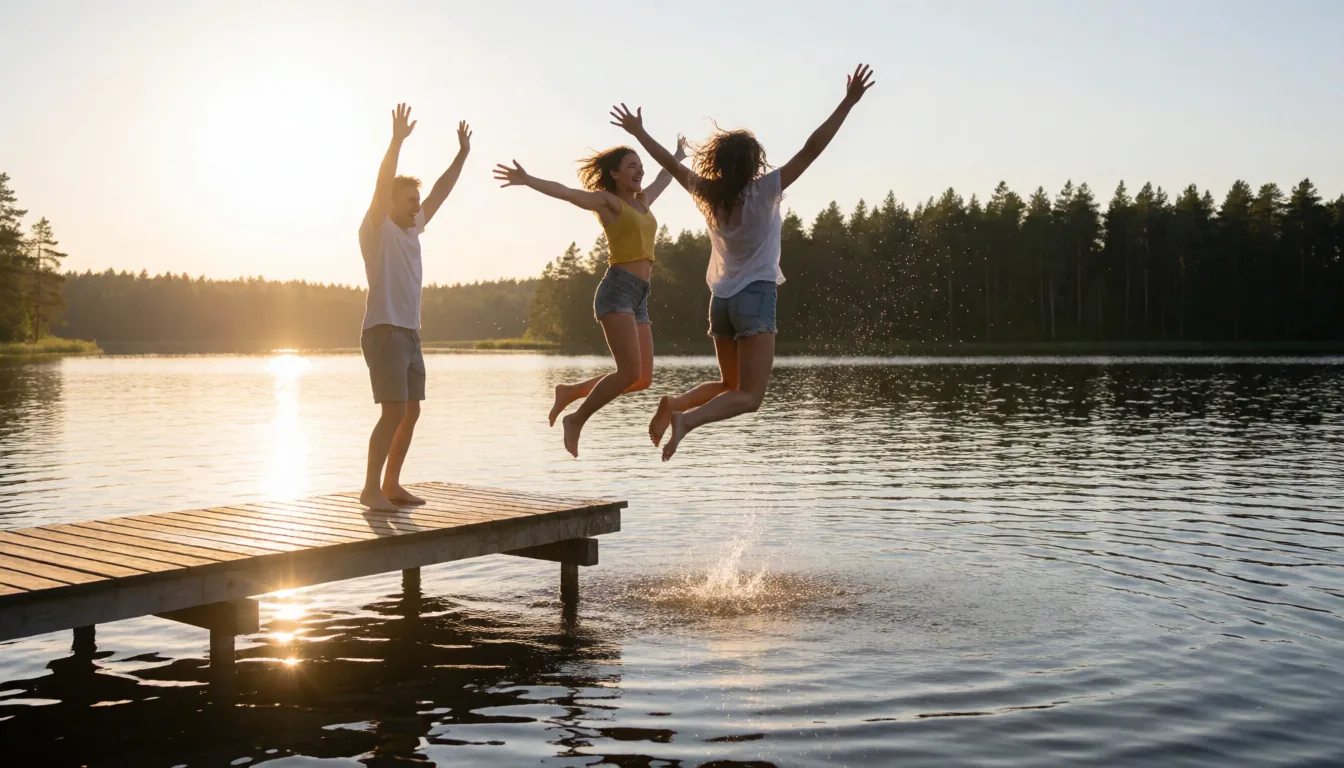
Friends jumping off a jetty into a lake at sunset
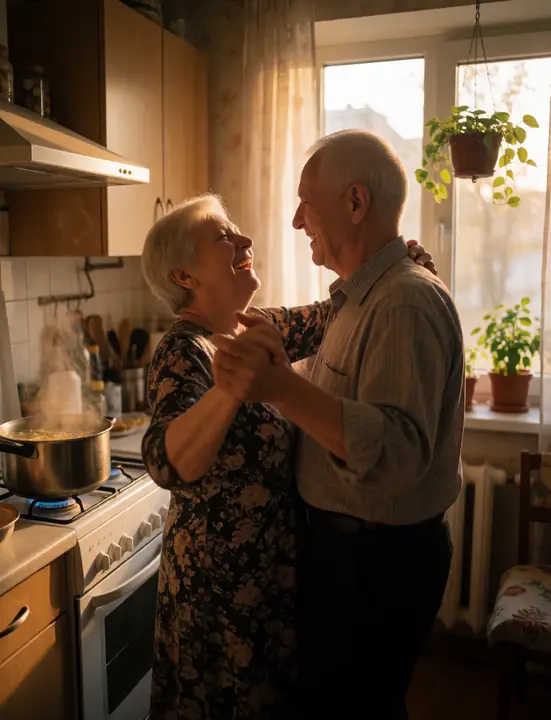
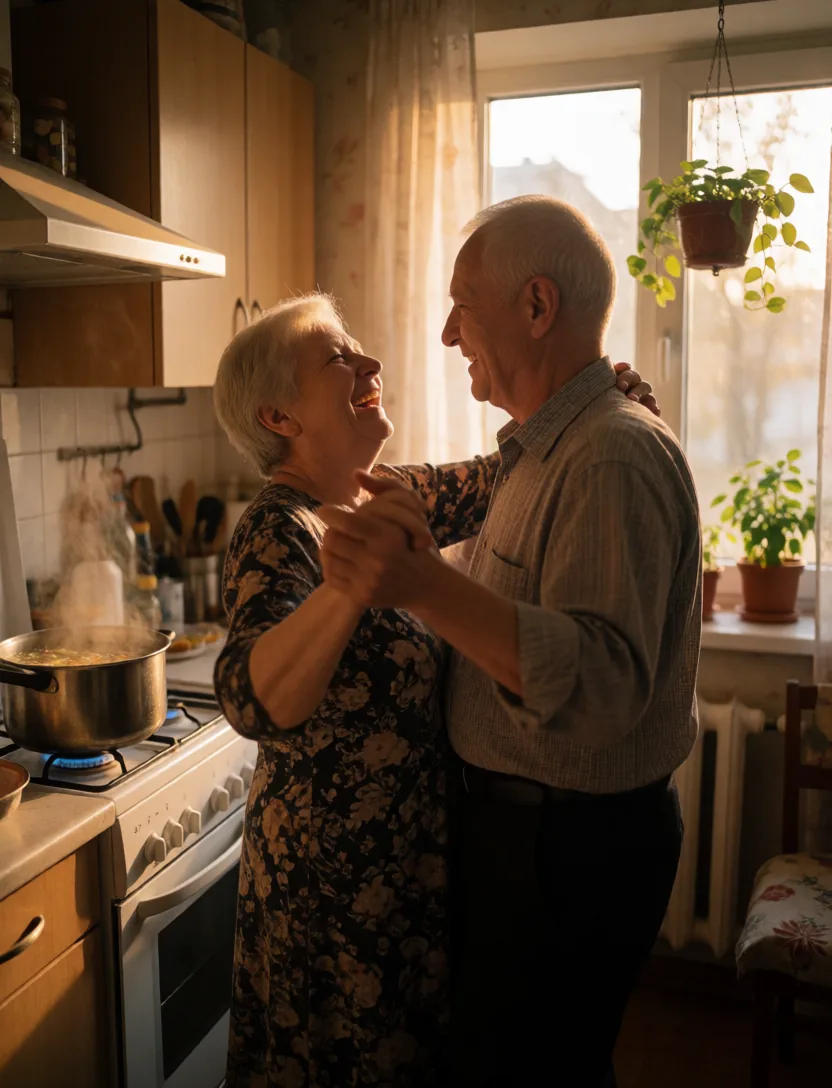
An elderly couple dancing in their kitchen
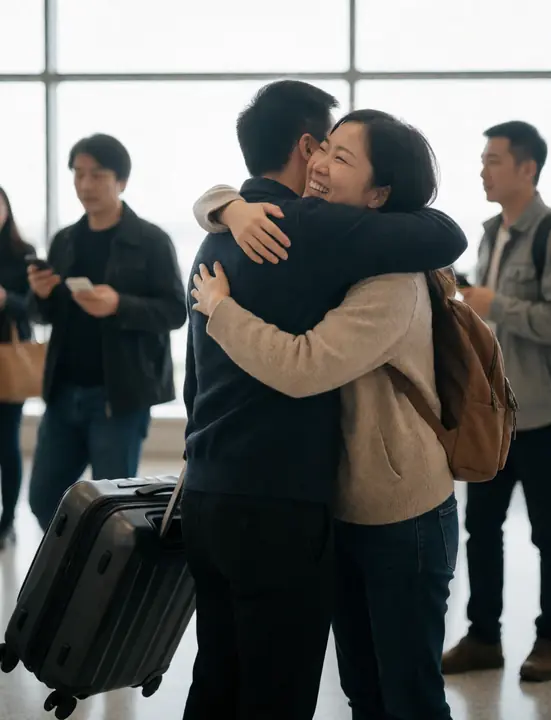
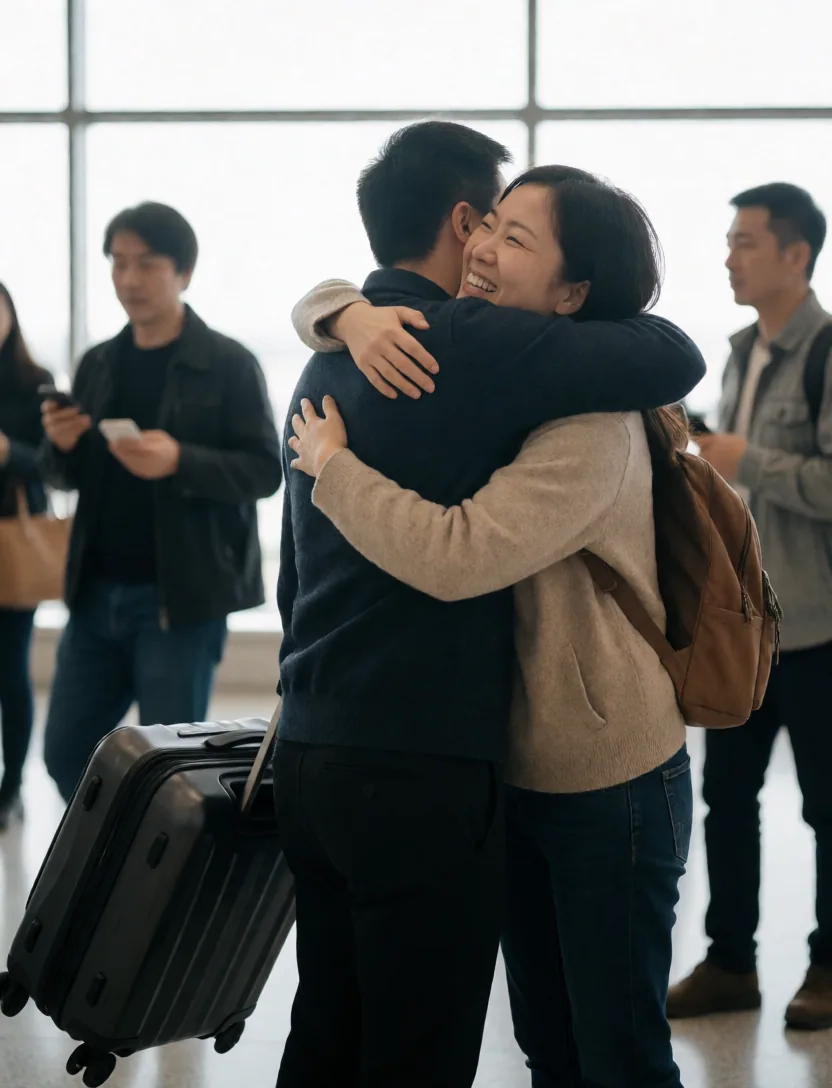
A tearful reunion hug at an airport
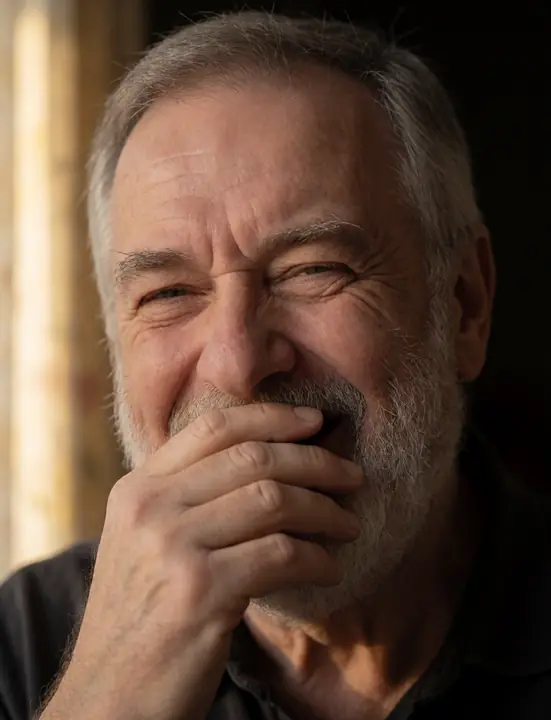
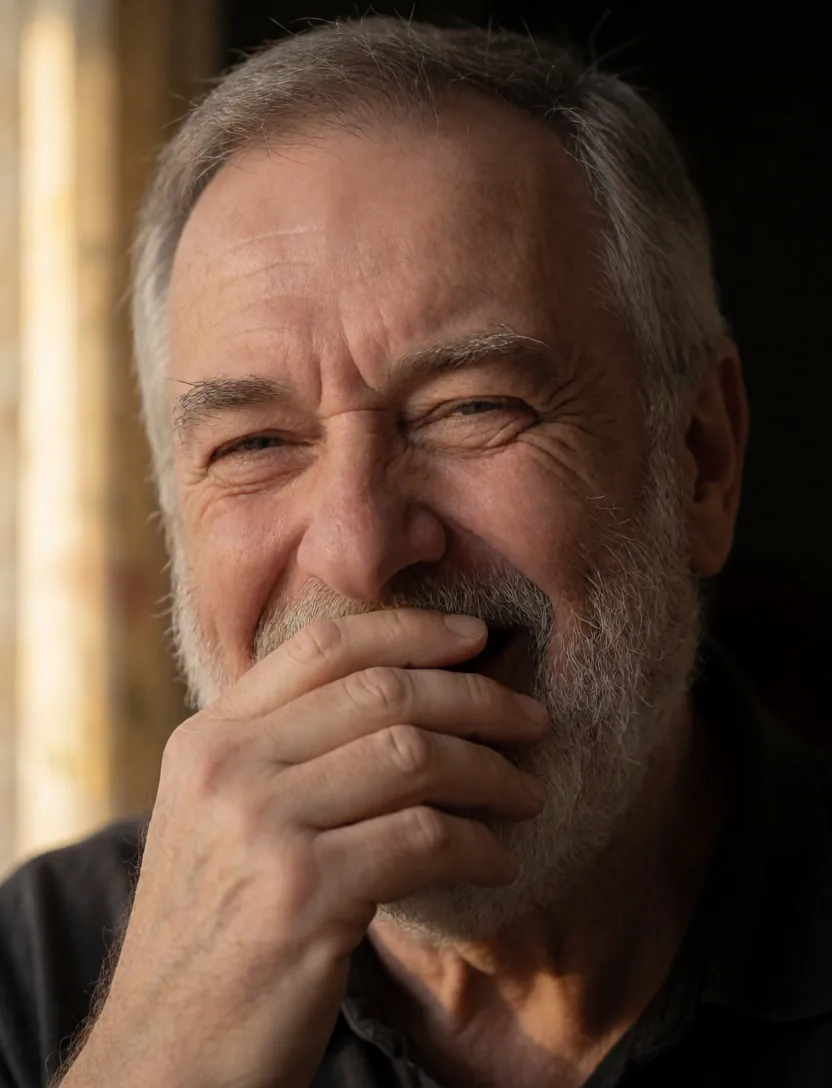
Close portrait of a man laughing uncontrollably
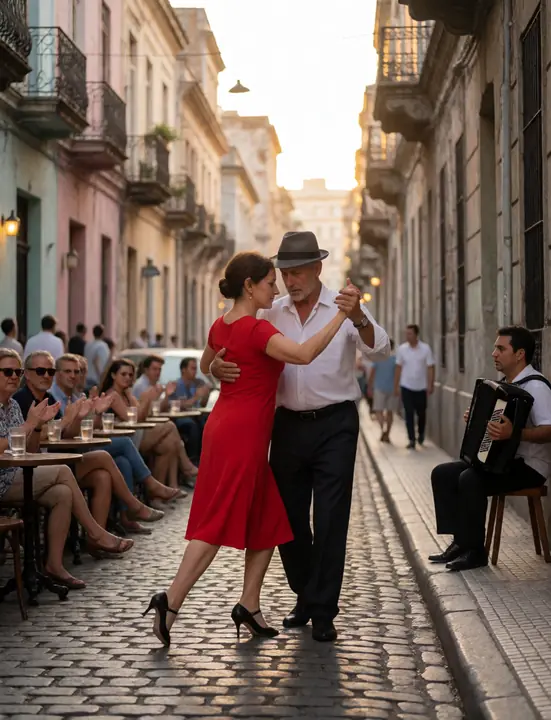
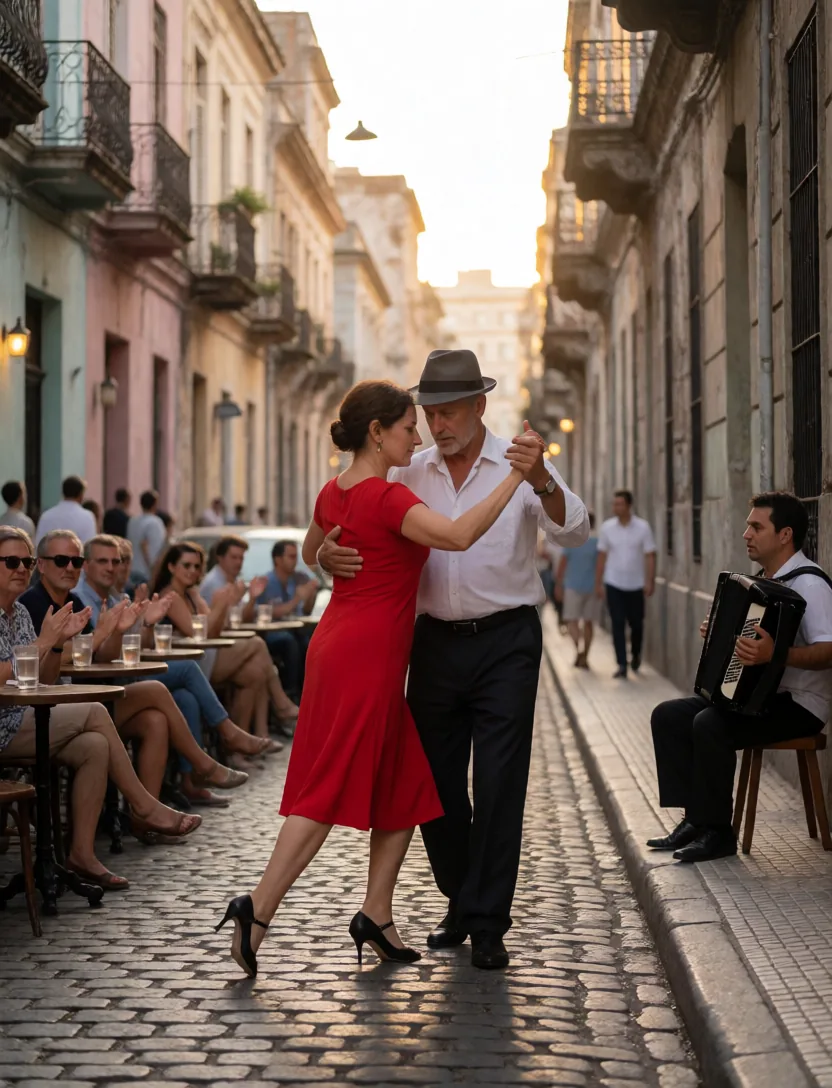
Older couple dancing tango on a Buenos Aires street
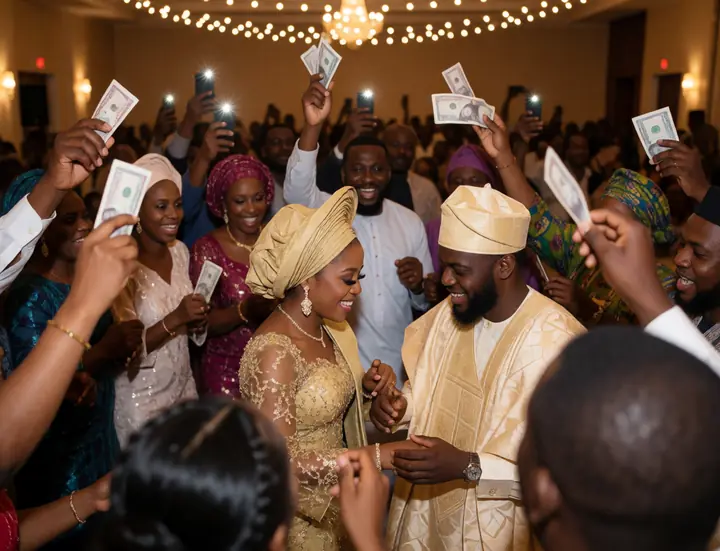
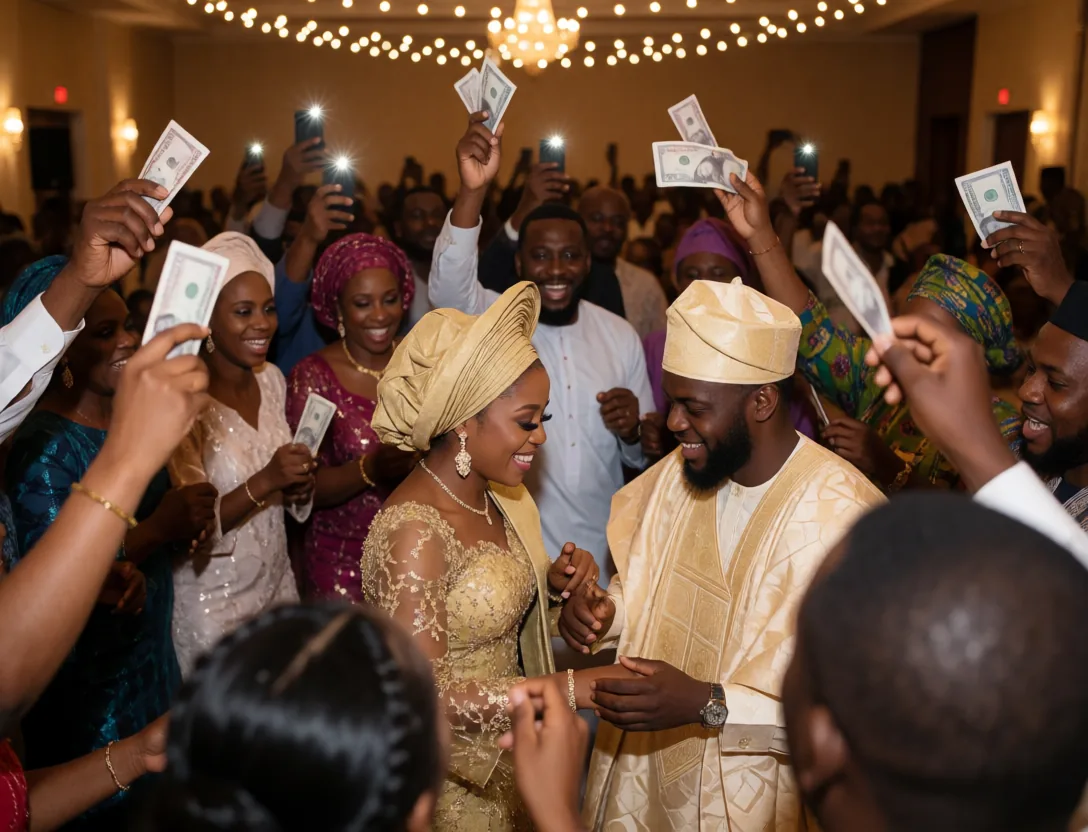
Bride and groom dancing at a lively Nigerian wedding
A look inside

Every view, as it is today

Screenshots of the current build. Pick a view, or let it run.

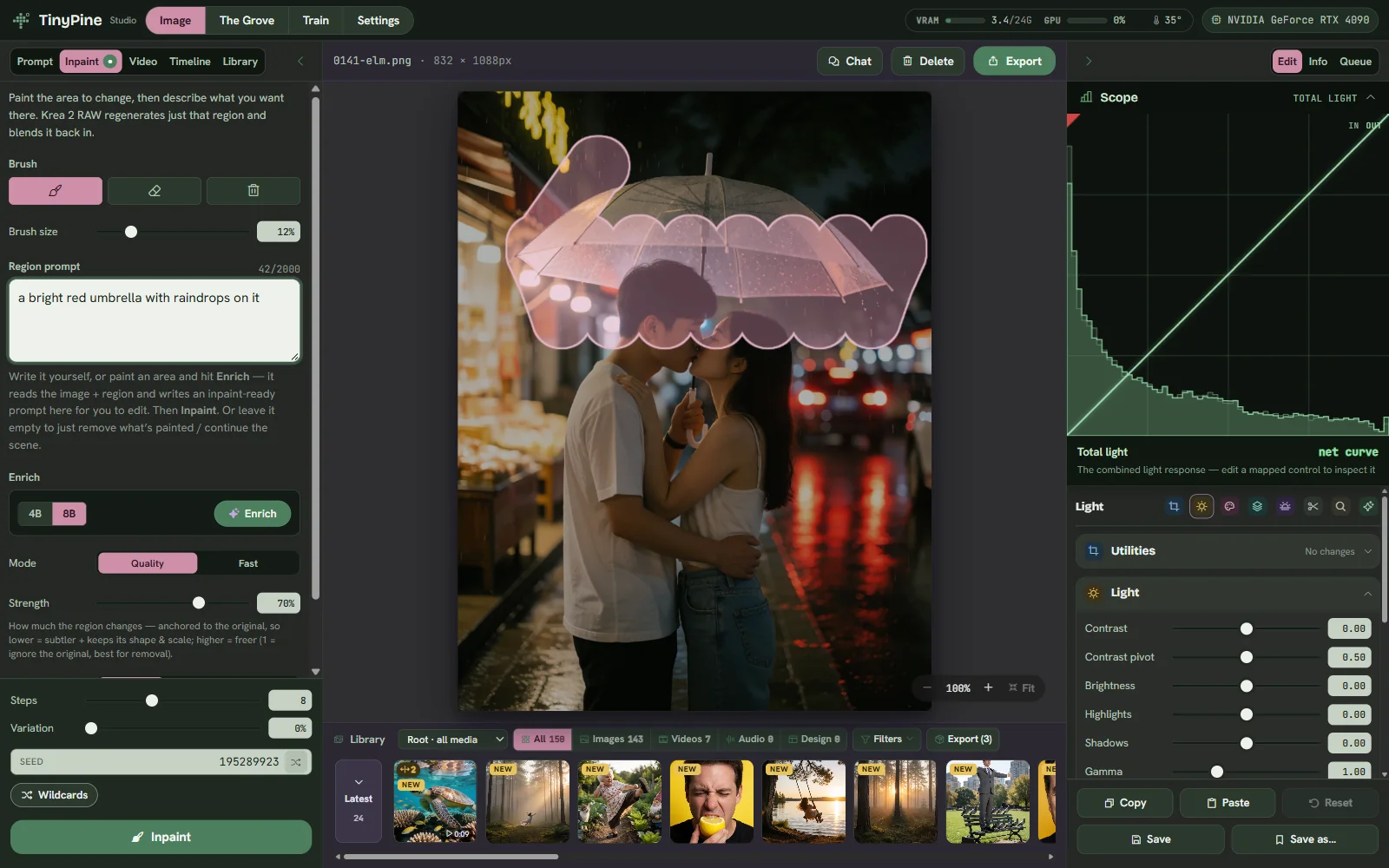
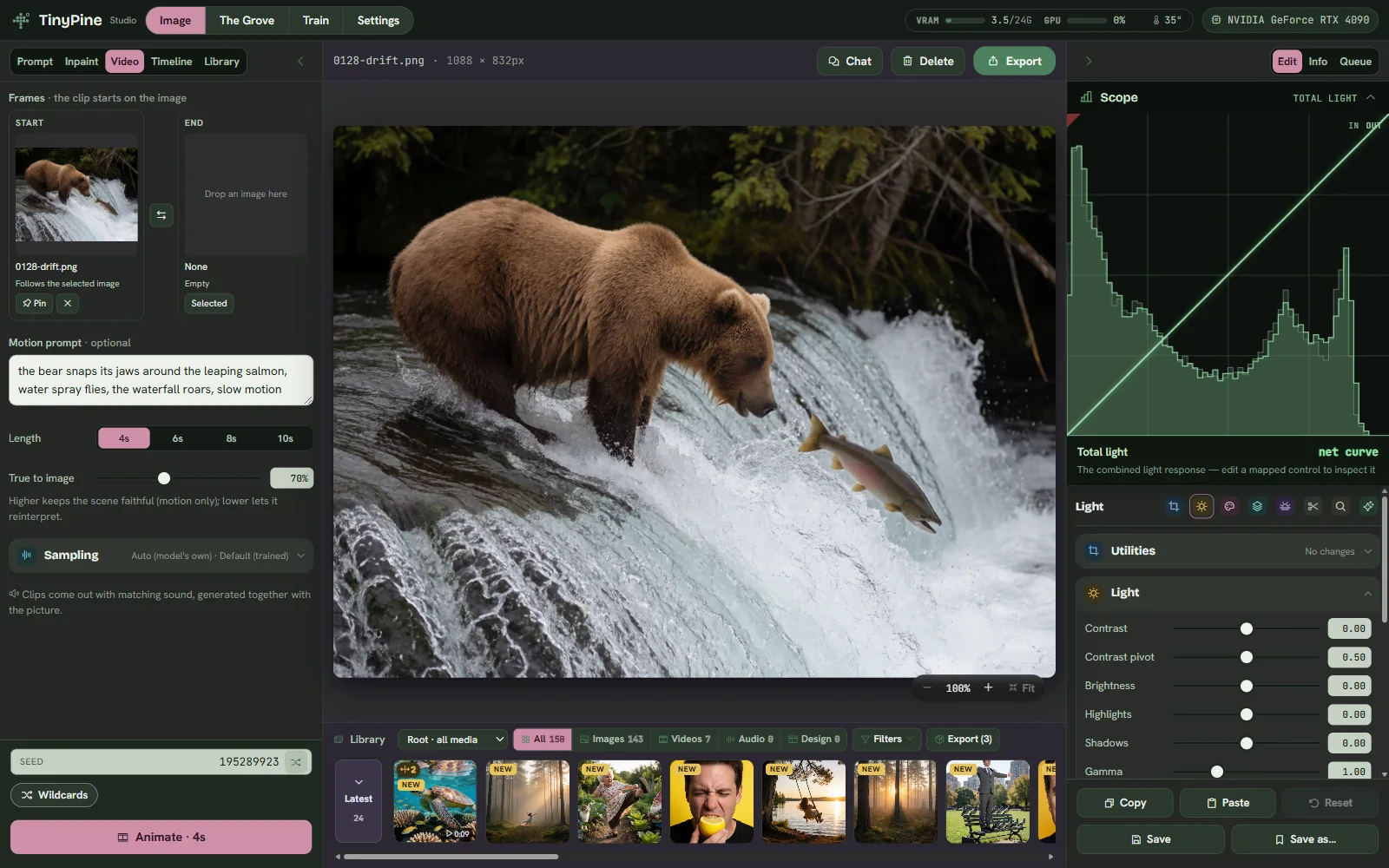
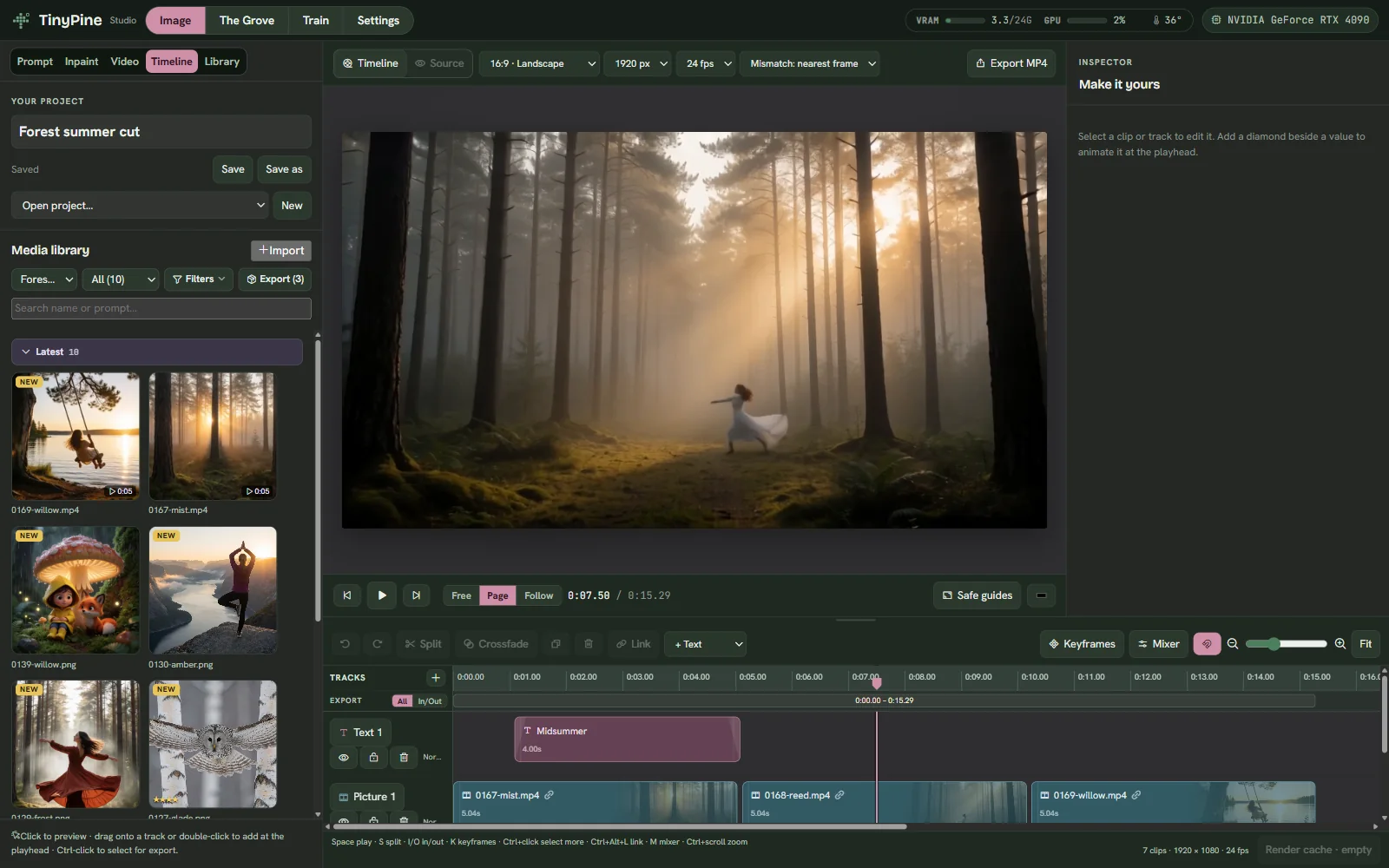
TinyPine StudioTinyPine DevelopTinyPine InpaintTinyPine VideoTinyPine TimelineTinyPine LibraryTinyPine TrainTinyPine The GroveTinyPine Settings

Studio

Prompt on the left, the image in the middle, Develop on the right and your library underneath.

  • Quality and Fast modes
  • Sampler, schedule and shift, remembered per mode
  • Wildcards, seeds, batches up to 99
  • A live preview develops while it renders
Develop

Every effect runs on your GPU

Develop is a chain of WebGL shaders. The preview you drag is the same code that writes the export at full resolution, so the file matches the screen. Pick a look and drag across the picture.

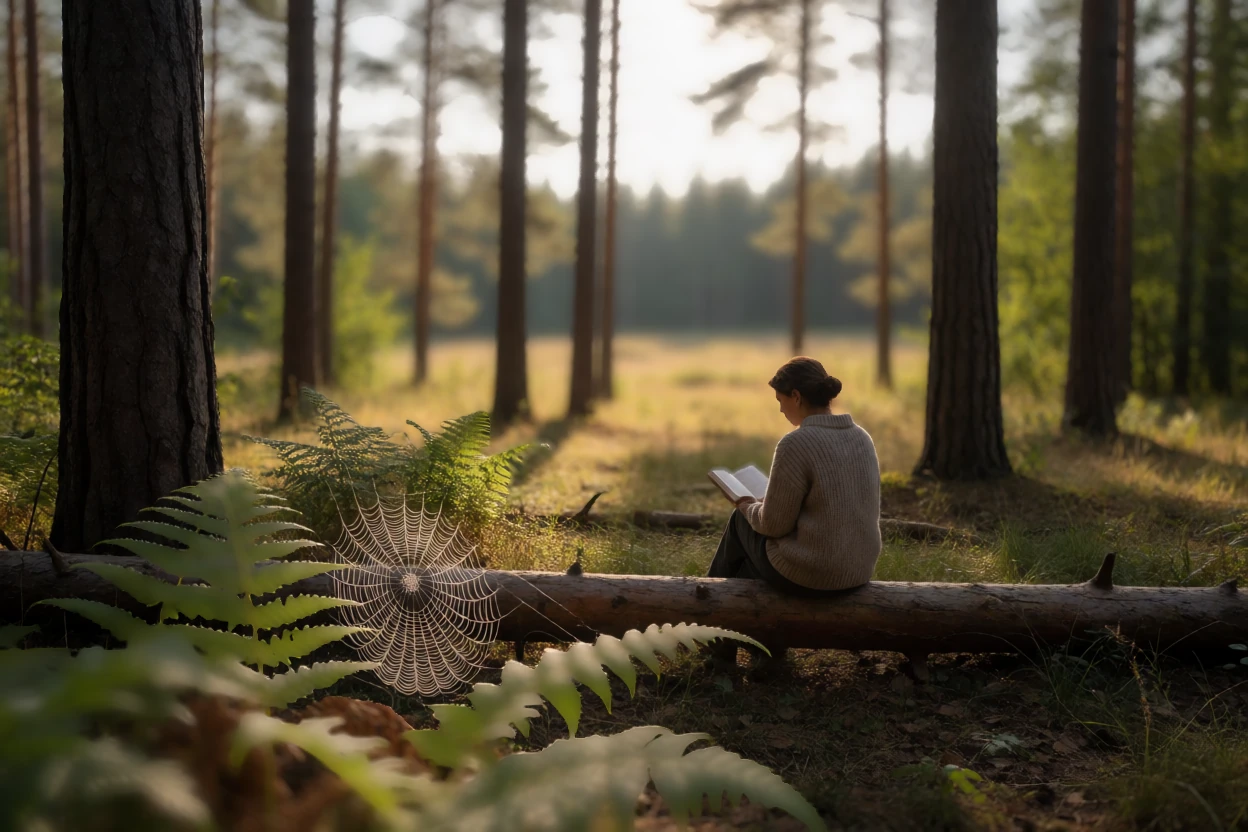
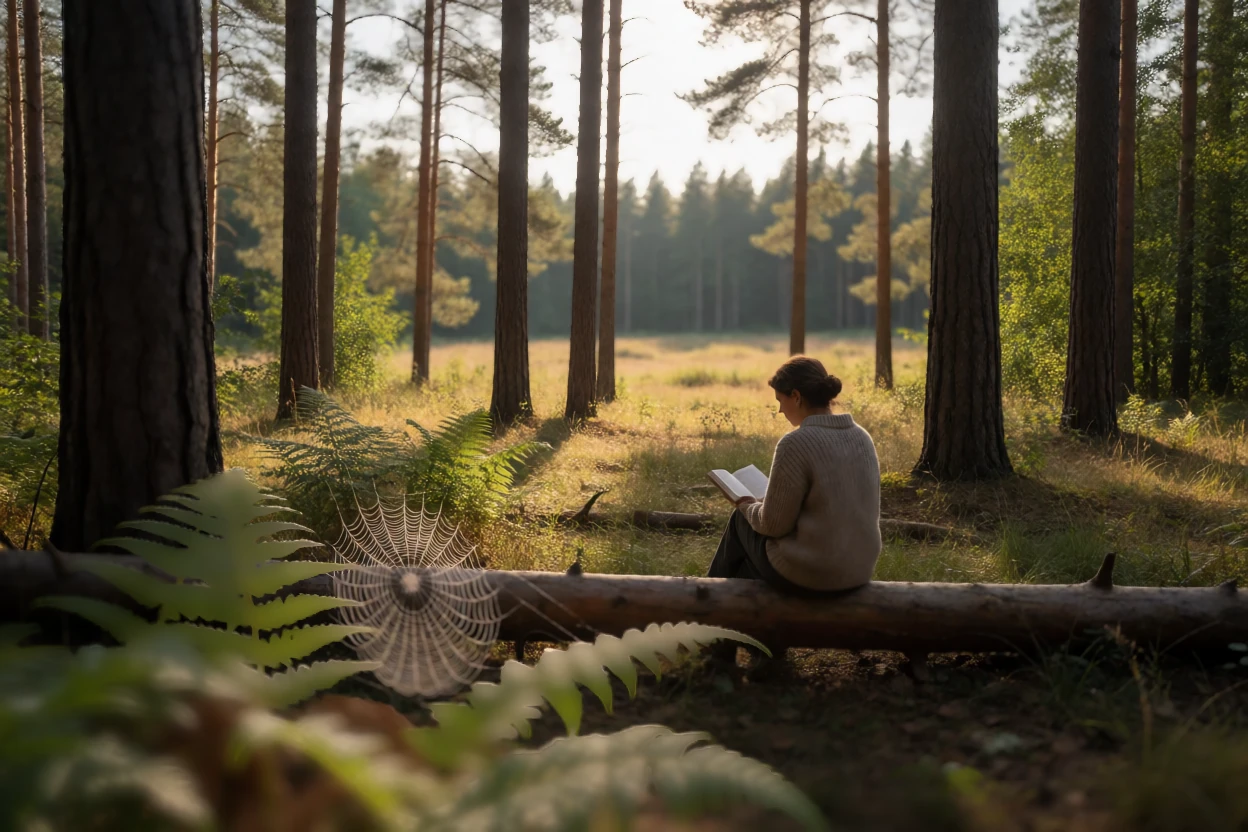
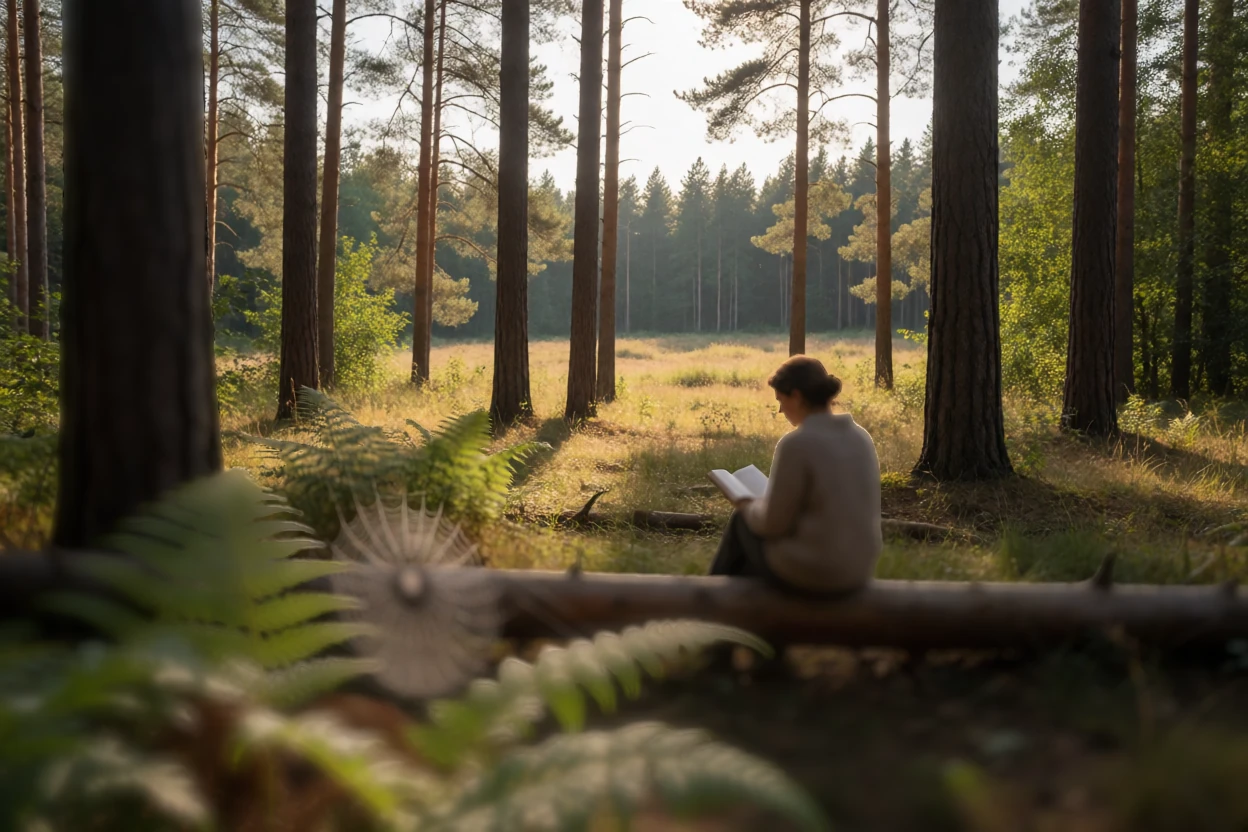
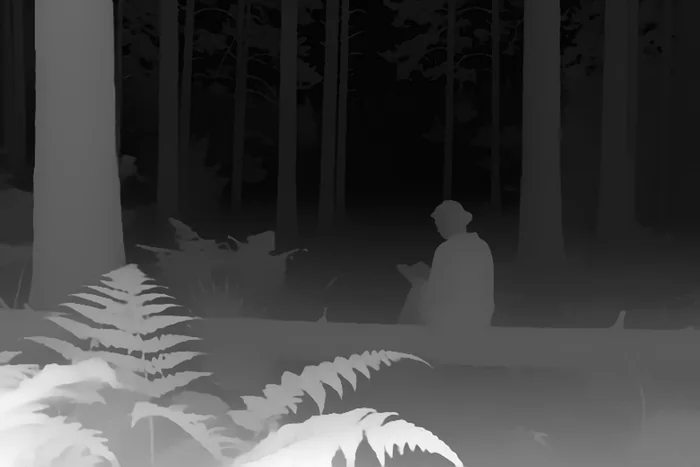
Depth of field, developedDepth of field, straight from the modelRenderDeveloped

Depth of field

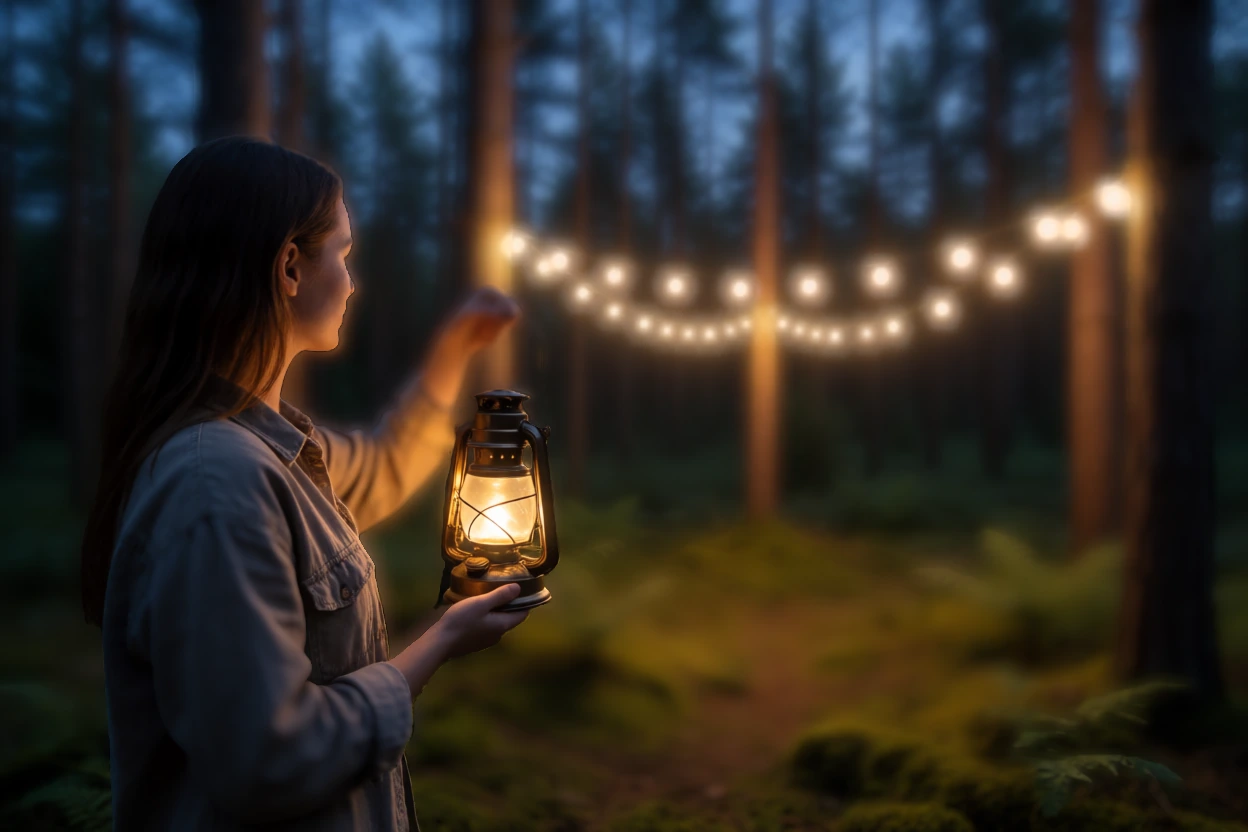
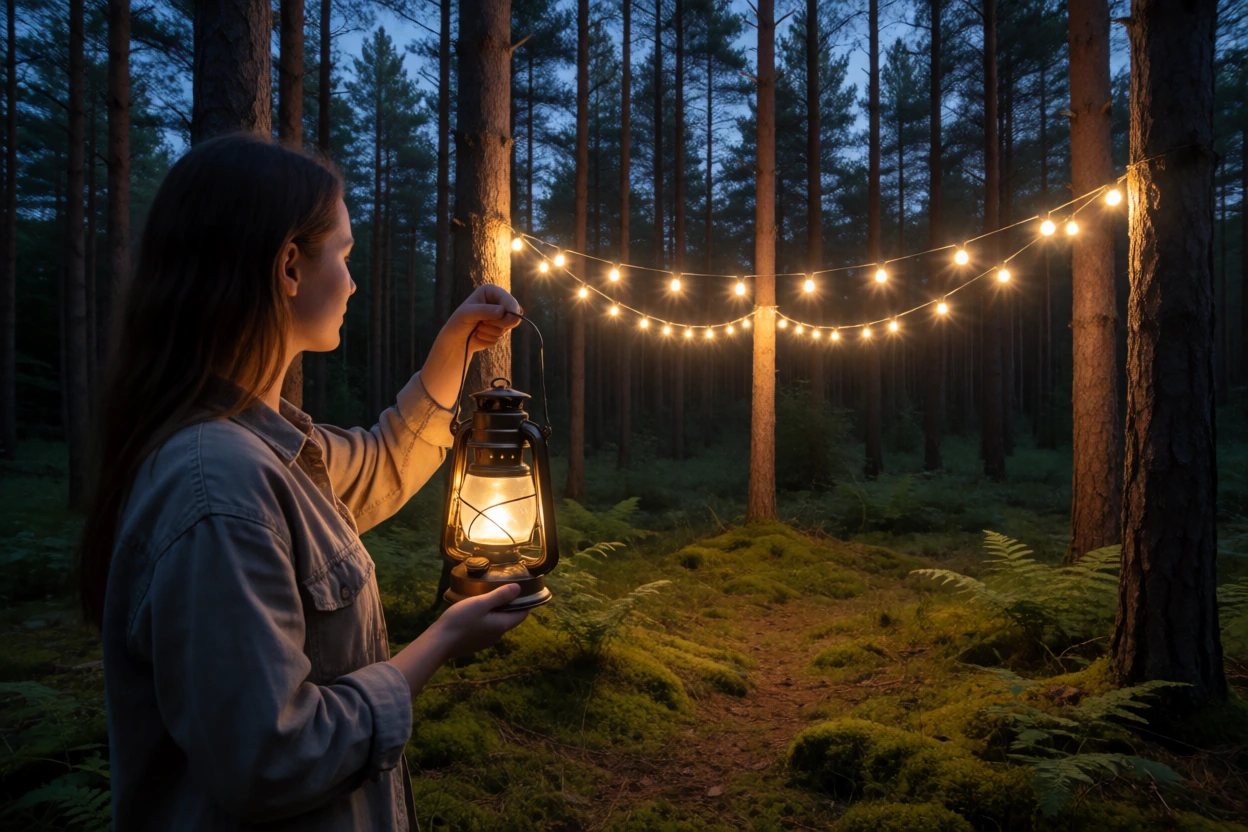
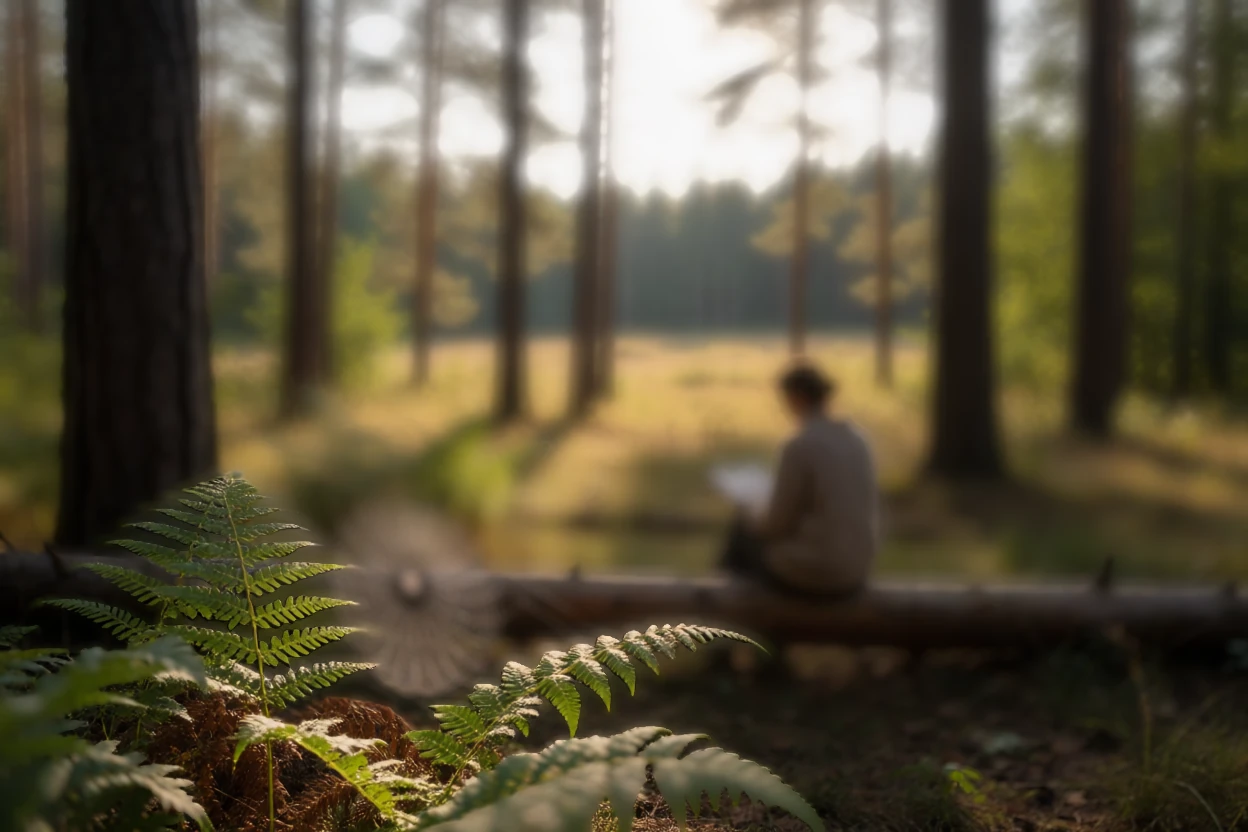
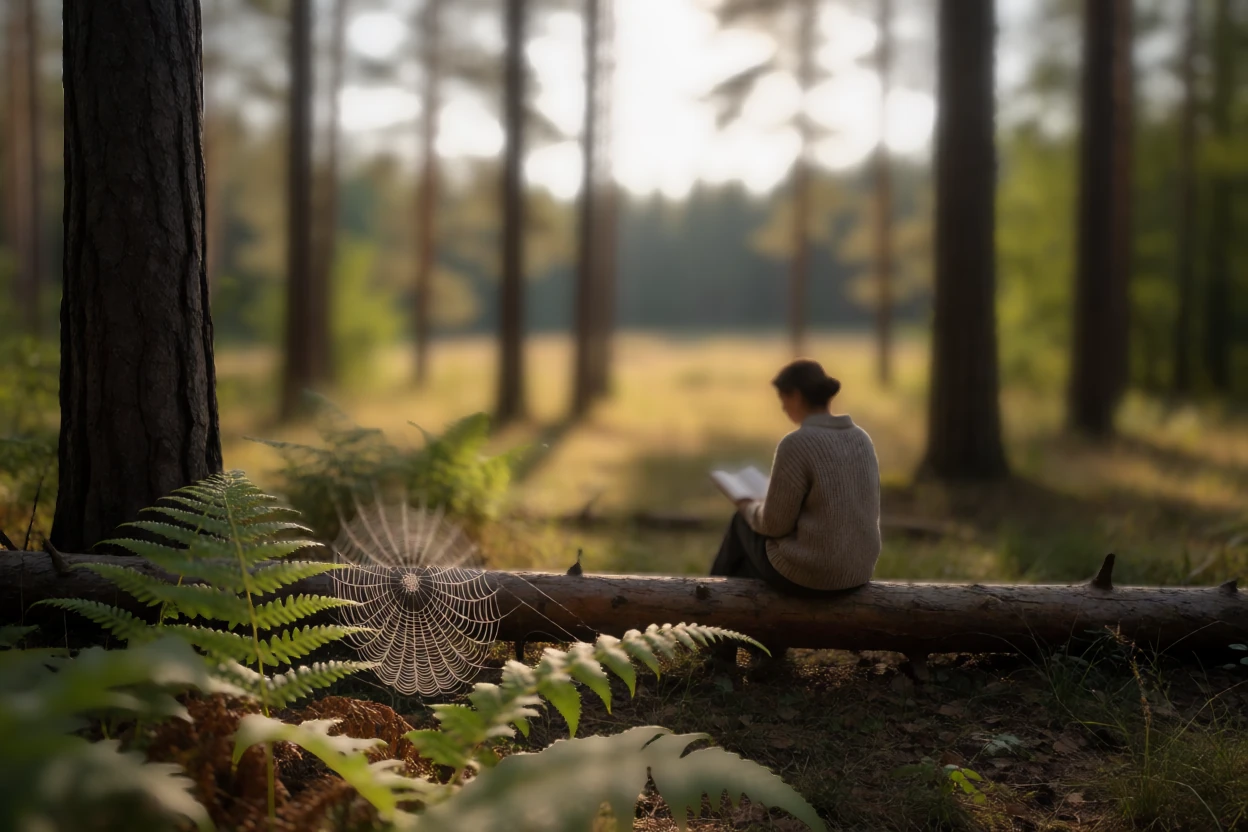
One click on the woman with the lantern. The string lights between the pines melt into soft discs.

Click to focusBokehHighlight bloom

Light

ContrastContrast pivotBrightnessHighlightsShadowsGammaLiftGain

Color

SaturationColor boostTemperatureTintSplit toning

Depth

Click to focusBokeh that keeps the light's energyBlades, cat-eye and bloomFocus distance and rangeFog with textureLight through fogBrightness tilt near to far

Lens & light

Lens flares from six light sourcesGhosts, halo, streaksLight leaksHalationBloom

Film

Grain: neutral, mono, chroma, duoColor bleedSoft blacks and highlightsChromatic aberrationVignette with rough edges

Detail & repair

ClaritySharpnessFace EnhanceAI upscale ×2Protect area
Depth

Click where the focus should be

Depth Anything V2 reads the scene on your GPU and draws a depth map. Click a spot in the picture and Develop sets the focus to that distance: what lies in front and behind melts into bokeh. Try it below. Every frame is an export from TinyPine, made by clicking the same spot in the app.

Scene
Focus distance
nearfar

Click anywhere in the picture. The focus moves to that distance, as it does in Develop.

  • Bokeh that follows the lightLamps and bright reflections count as light brighter than the screen can show, so they keep their energy as they blur and open into clear discs with the shape of the aperture: blade count, cat-eye at the edges.
  • Fog that light shines throughFog thickens with distance, but light sources lose far less to it than surfaces do, and the fog around each light takes on its glow and colour. Without that, fog is a grey veil laid over everything.
  • Relight near to farLift the subject, darken the background, or the other way.
Develop on video

Grade a clip, and animate the grade

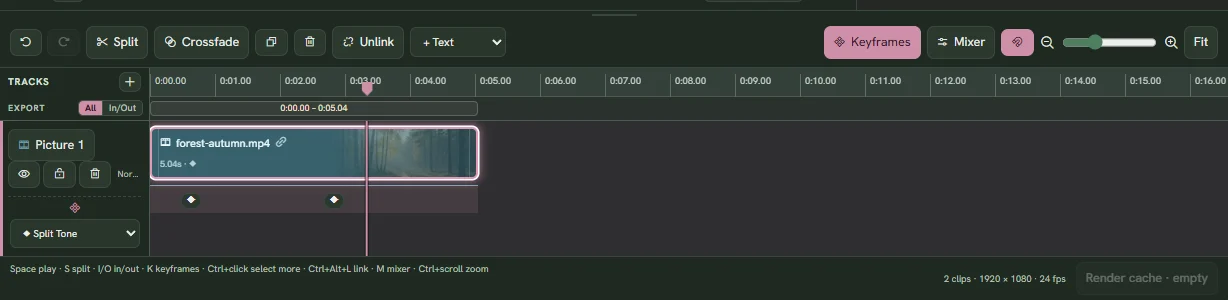
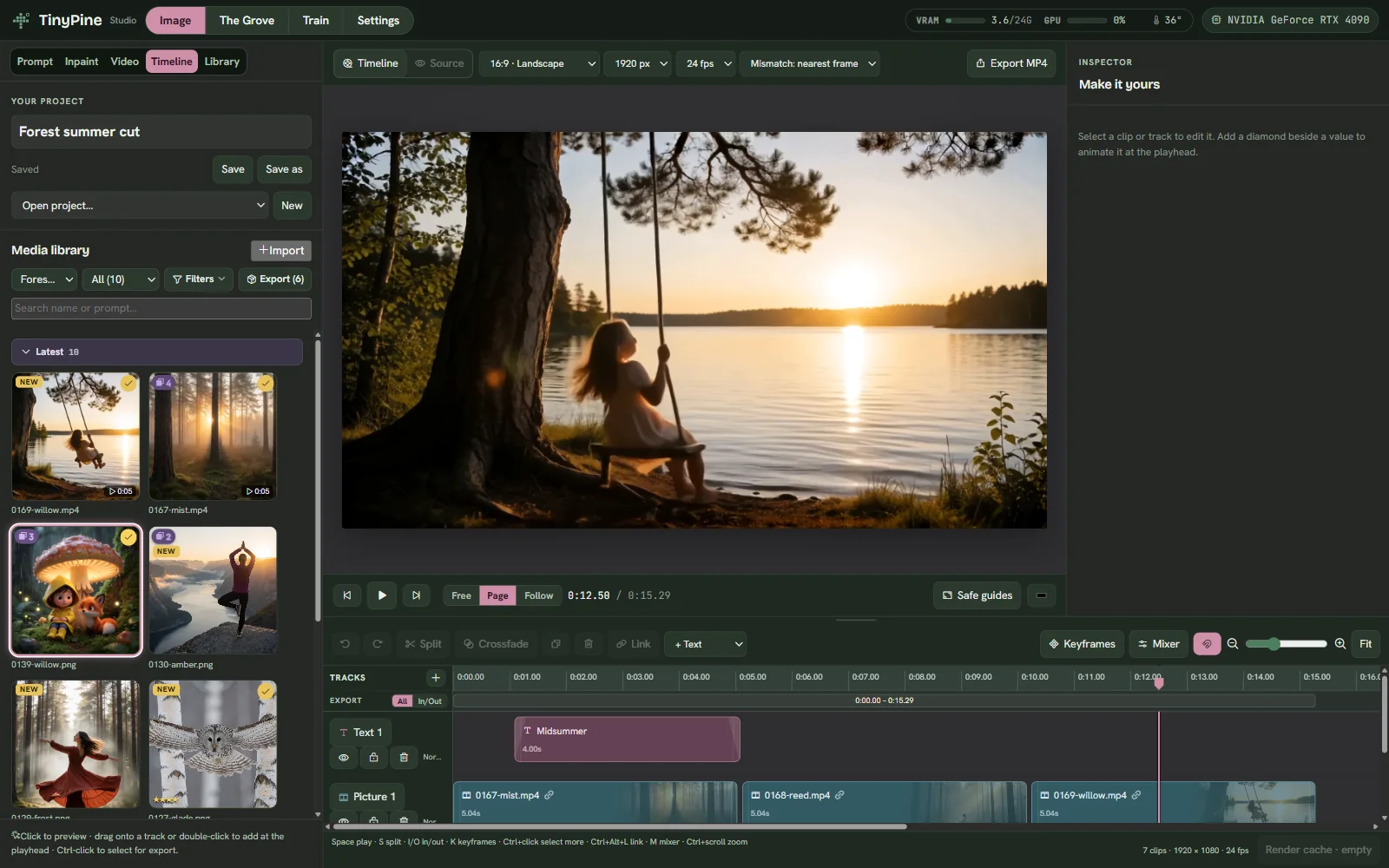
Every Develop setting works on video, and on the timeline each one can be keyframed. In these clips the look eases in from neutral between two keyframes. They are timeline projects in TinyPine, exported with Export MP4.

Split toningColor boostBloomHalationSoft highlights
Keyframes

Every setting on its own lane

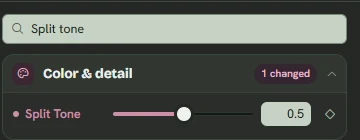
Press K on the timeline and every setting you animate gets a lane with its keys. Drag them, ease them in or out, or hold a value. The inspector marks the settings that move.

  • Linear
  • Ease in
  • Ease out
  • Ease in and out
  • Hold
Keyframe lanes on the TinyPine timelineThe keyframed setting in the timeline inspector
Image and video

The same effects on stills and clips

One recipe, one set of shaders. Grade a still, animate it, and the clip gets the same look. On video the light effects read every frame: light leaks flare up where the picture brightens, flares follow the bright sources, halation and bloom breathe with the light, and grain is new on every frame.

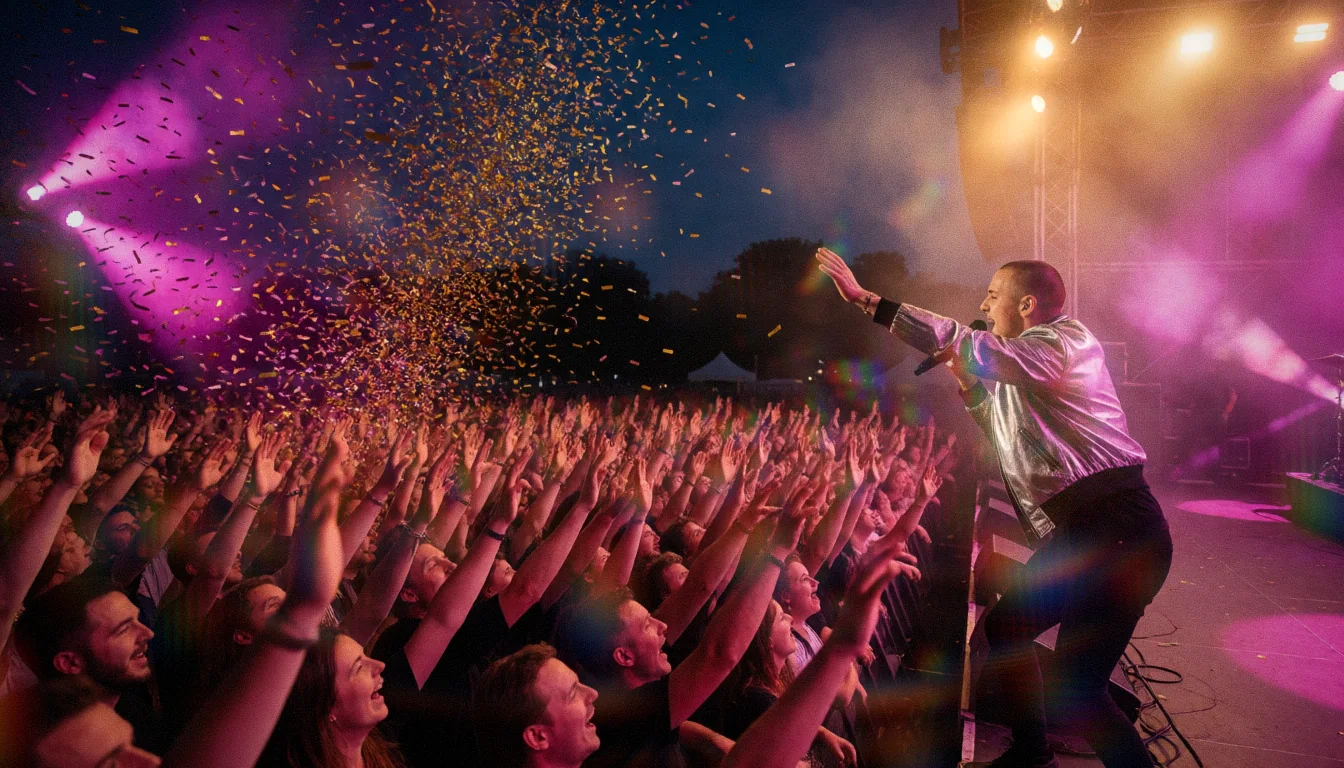
A still with the recipe applied
Still. Exported from Develop.
Clip. The same recipe, exported as MP4. The camera moves and the stage lights change, and the lens flares, halation and bloom follow the lights frame by frame.
Vary

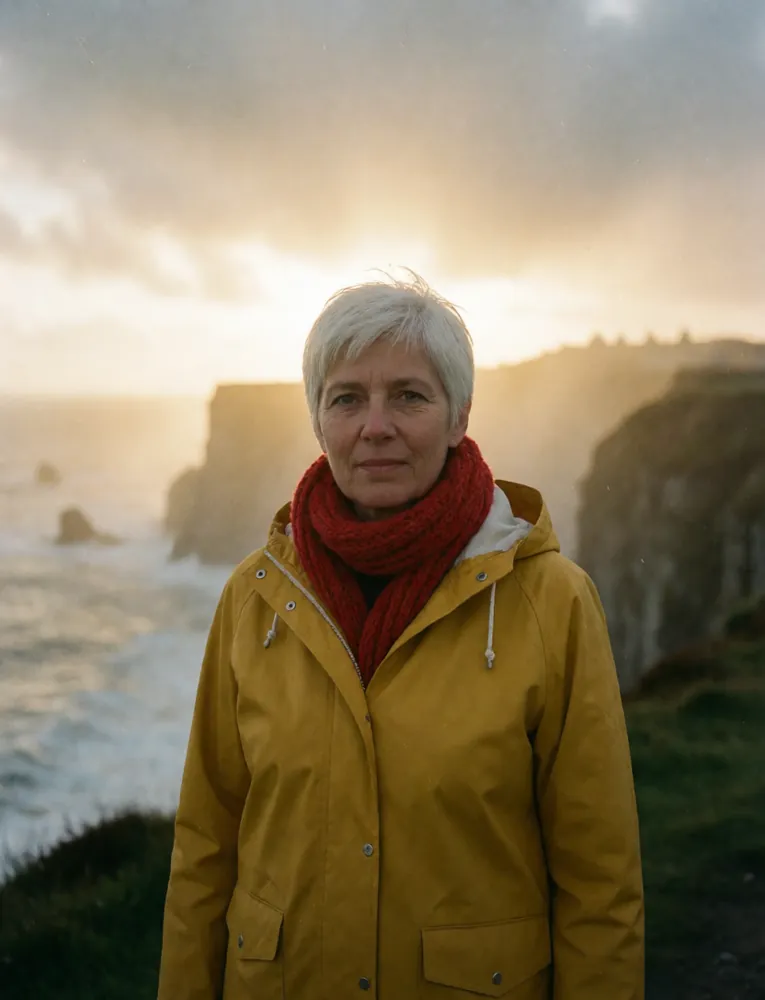
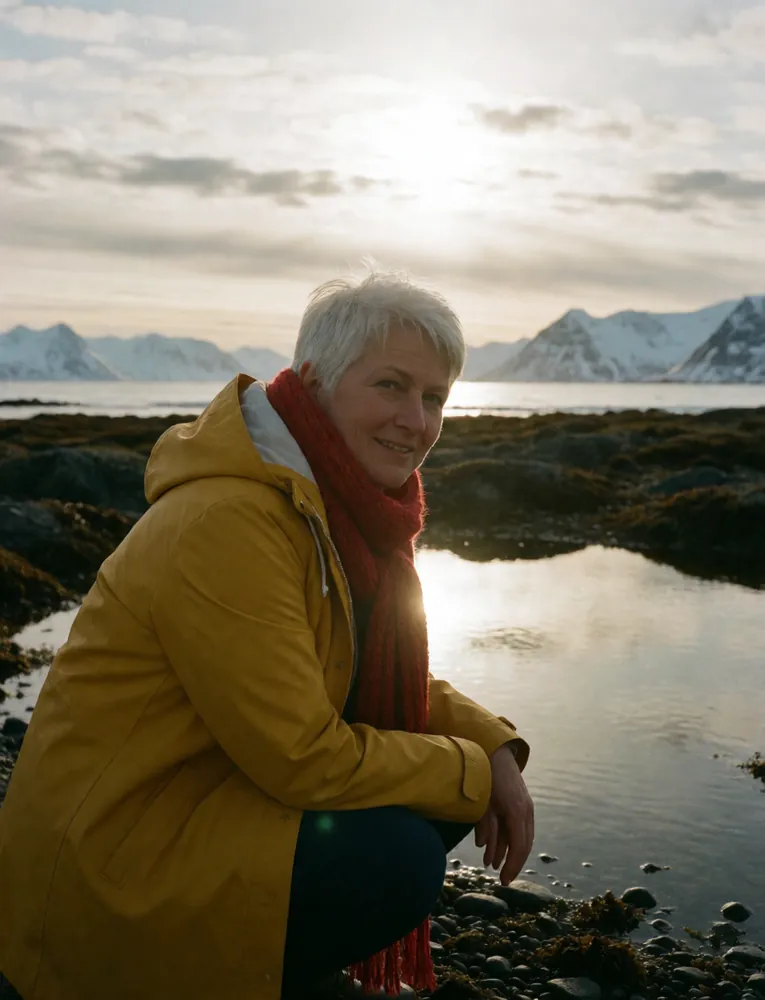
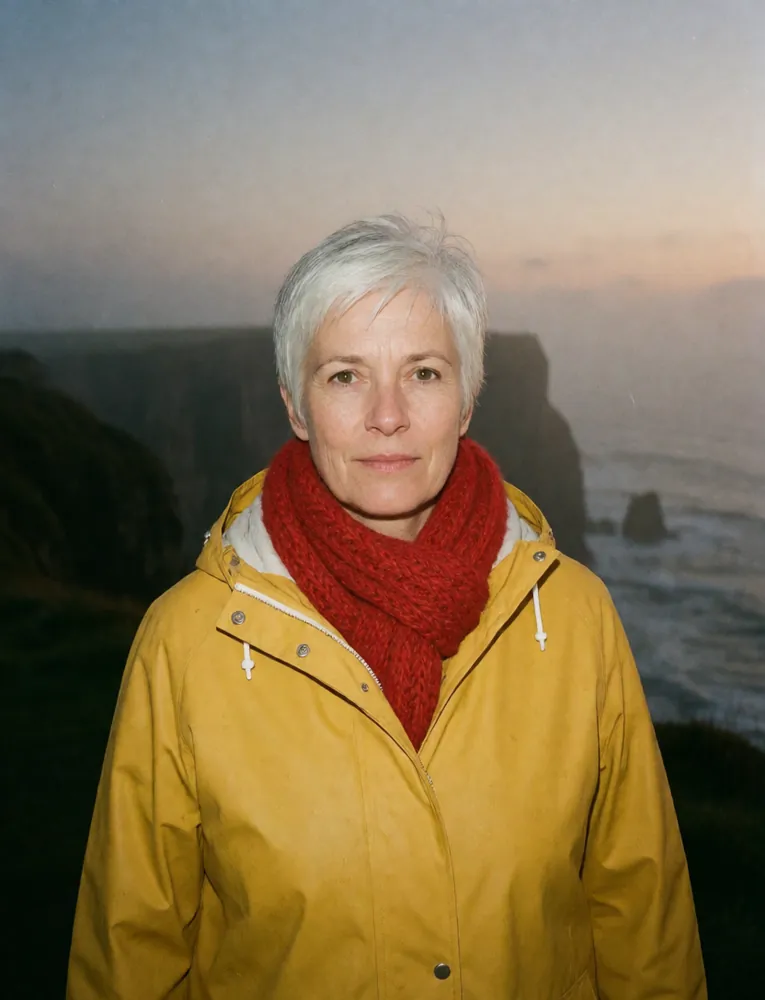
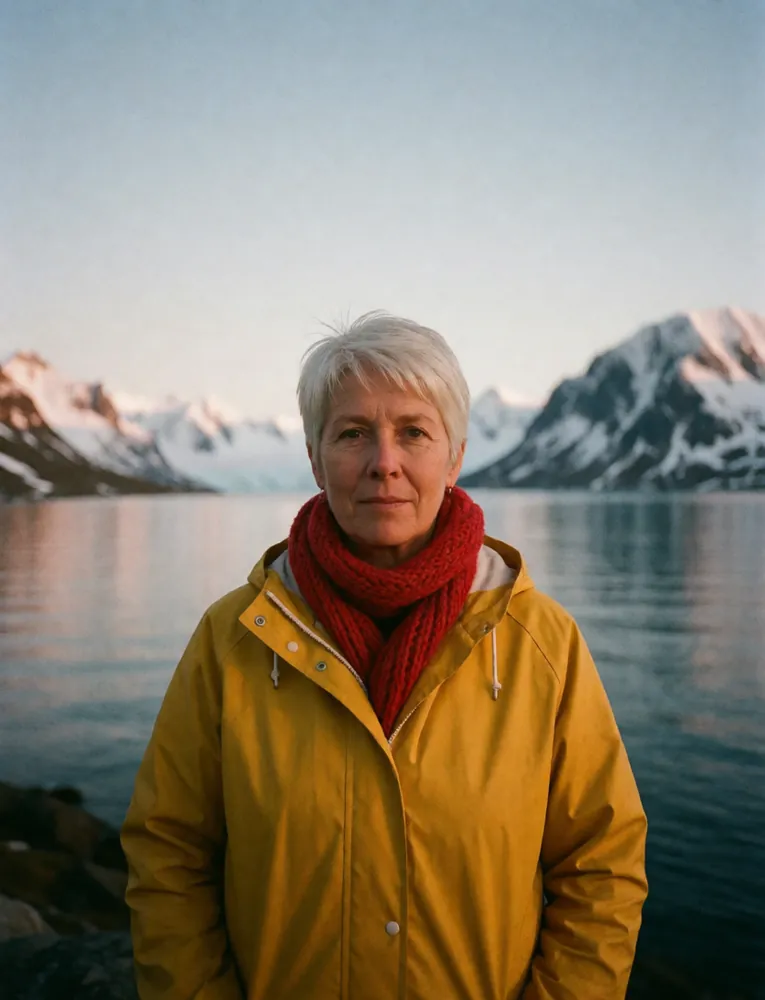
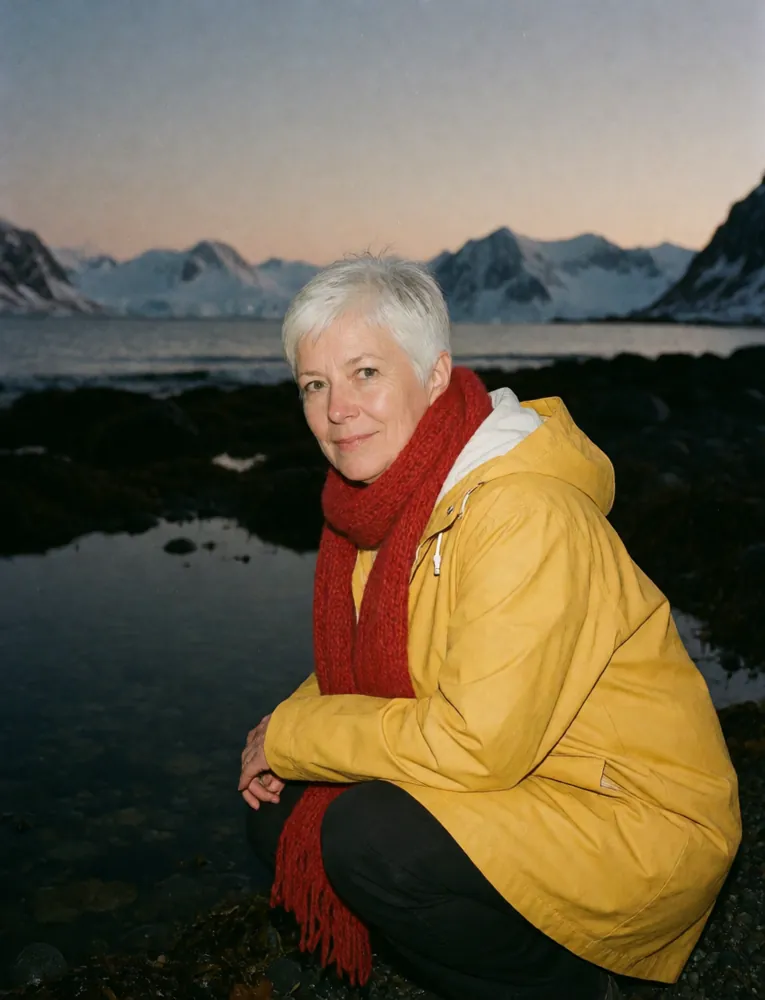
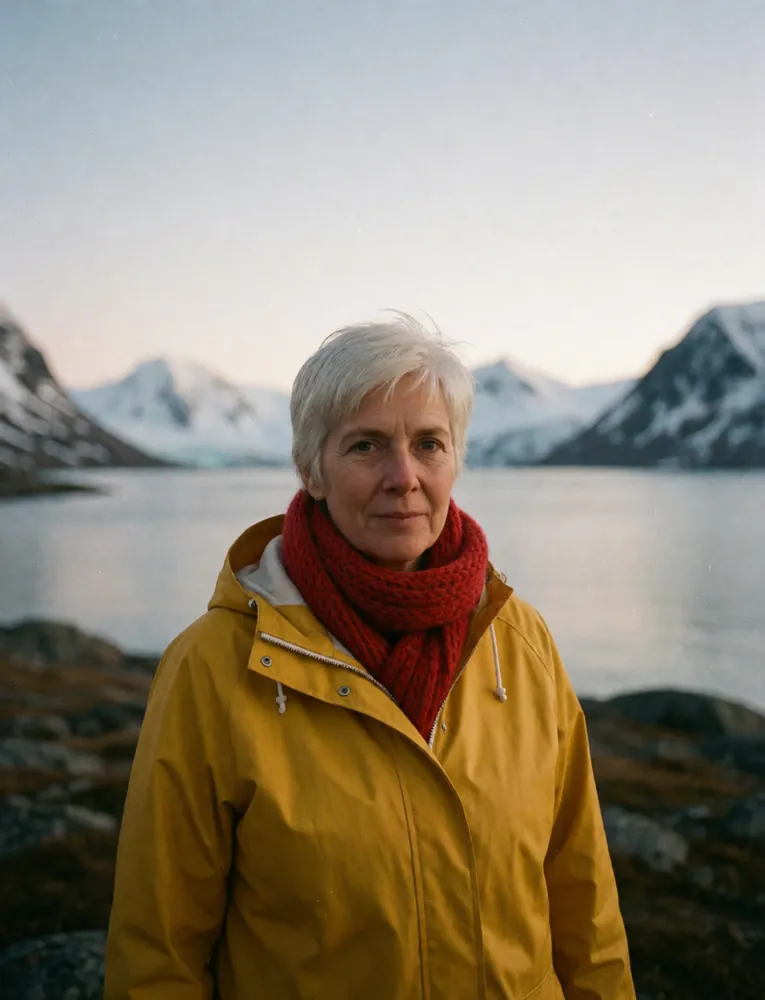
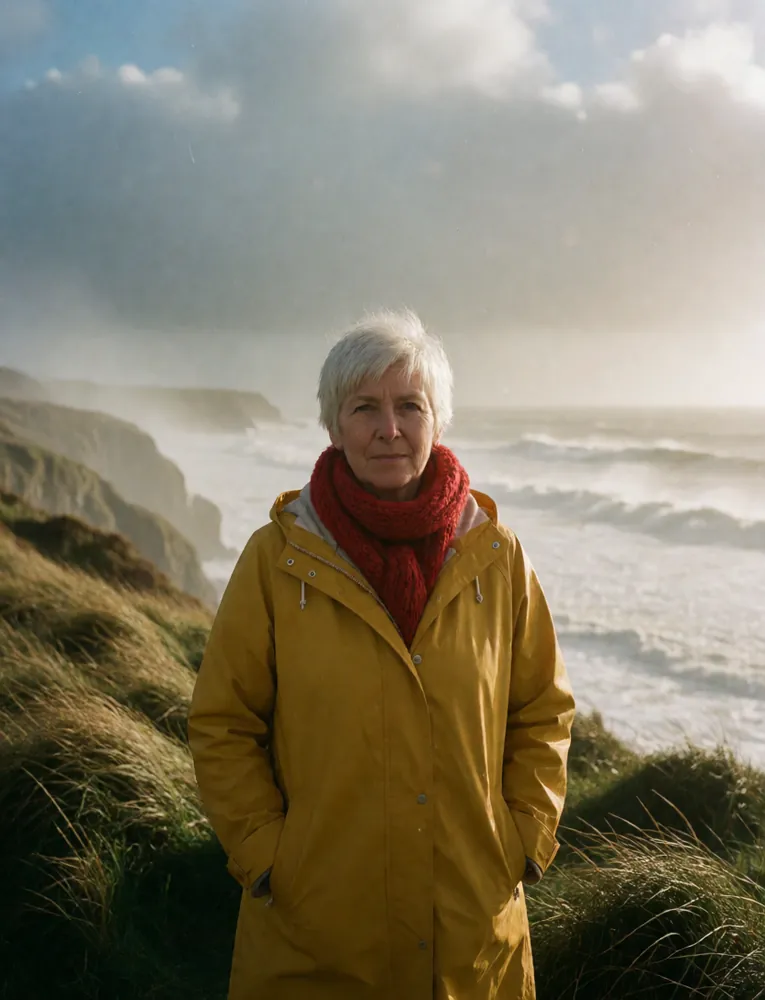
One character, a hundred takes

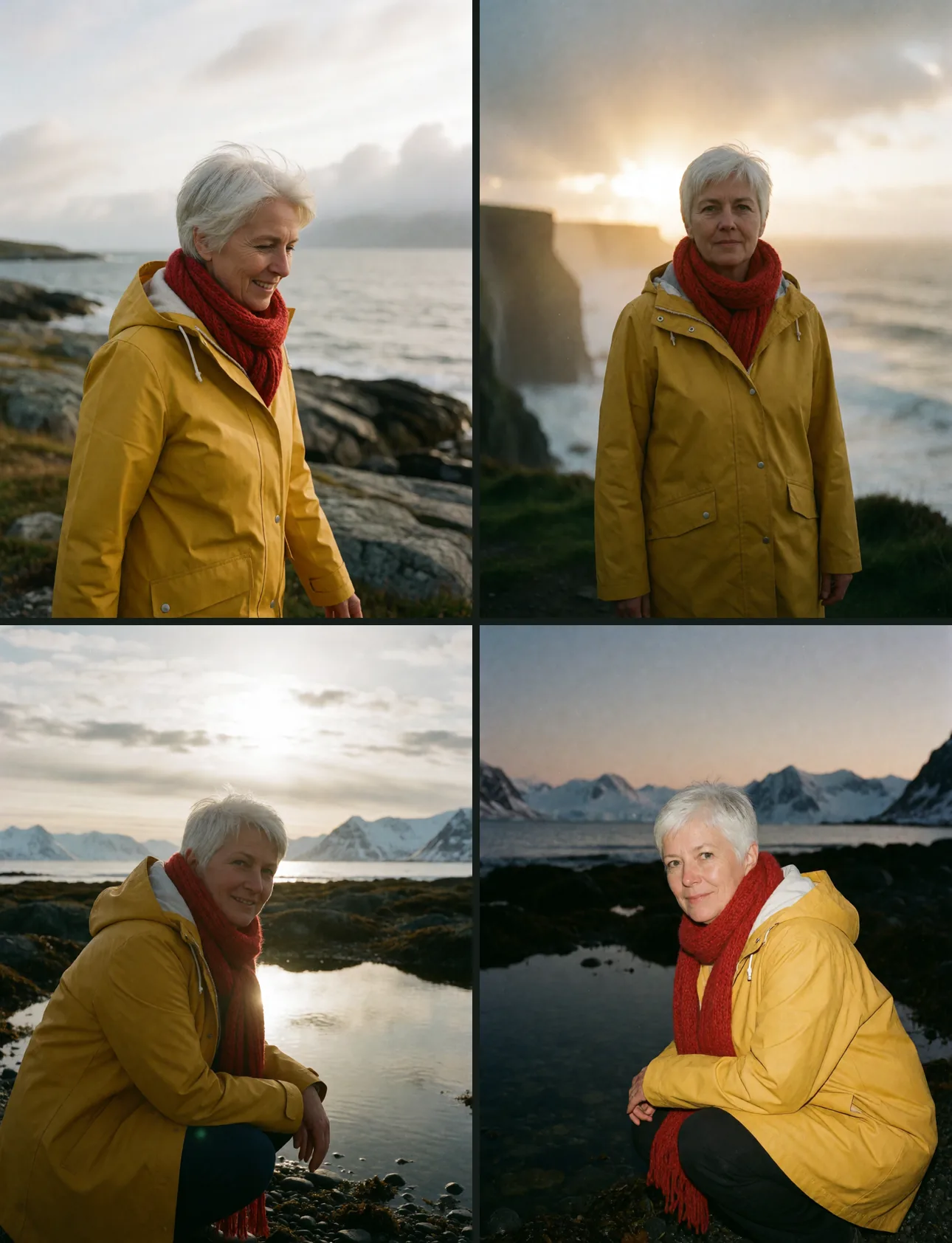
Vary asks Assist for a new take of the same prompt: another pose, another place, other light or weather. Who is in the picture and how it is made stay locked, and every take is checked against the original before it renders. Queue as many rounds as you like and let it run for hours, or over the weekend.

Take 1
Original
Take 2
Take 2poseenvironmentlighting
Take 3
Take 3poseenvironmentlighting
Take 4
Take 4poseenvironmentlighting
Take 5
Take 5poseenvironmentlighting
Take 6
Take 6poseenvironmentlighting
Take 7
Take 7poseenvironmentlighting
Take 8
Take 8poseenvironmentlighting
Take 9
Take 9poseenvironmentlighting
Take 10
Take 10poseenvironmentlighting
Take 11
Take 11poseenvironmentlighting
Take 12
Take 12poseenvironmentlighting
6things Vary can change: pose, expression, environment, lighting, weather, composition
99 × 99rounds times images in one series, 9,801 takes from one click
Resumesthe queue is saved to disk and picks up where it left off after a restart
The queue in TinyPine
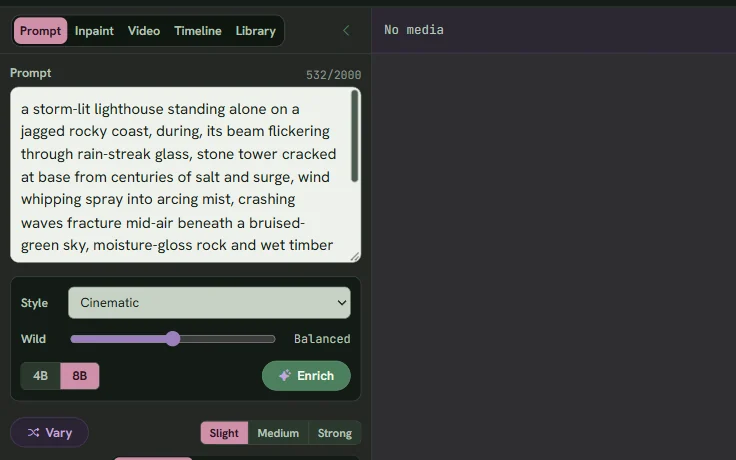
The queue

Queue everything, keep working

Images, Vary series, Enrich steps, video, upscales and training all line up in one queue and run one after the other on your GPU. Nothing blocks the window while it works.

  • Queued EnrichPut an Enrich in the queue. Everything you queue after it uses the prompt Assist writes when its turn comes. Queue it again with another style to branch the same line.
  • The original line is keptEvery enriched image remembers the line it came from and the style it used. One click brings the line back to change.
  • Series that run for hoursA Vary series is saved as a whole and resumes after a restart.
  • Every job explains itselfWhat it renders from, the prompt it used, how long it took, and why it failed if it did.
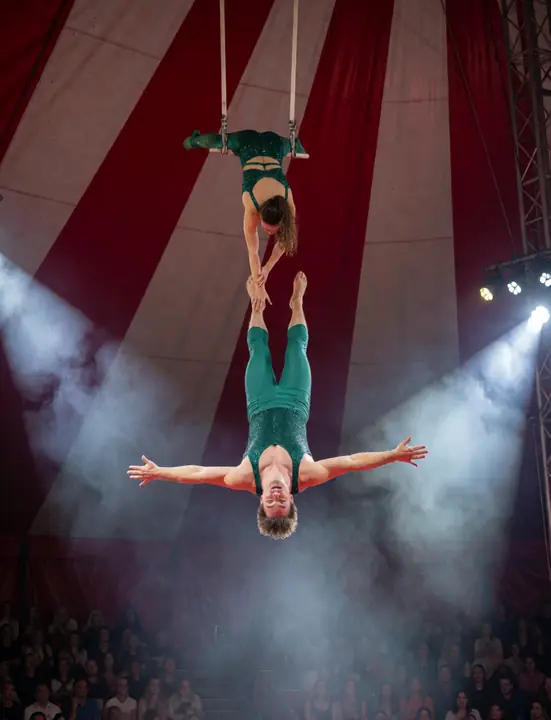
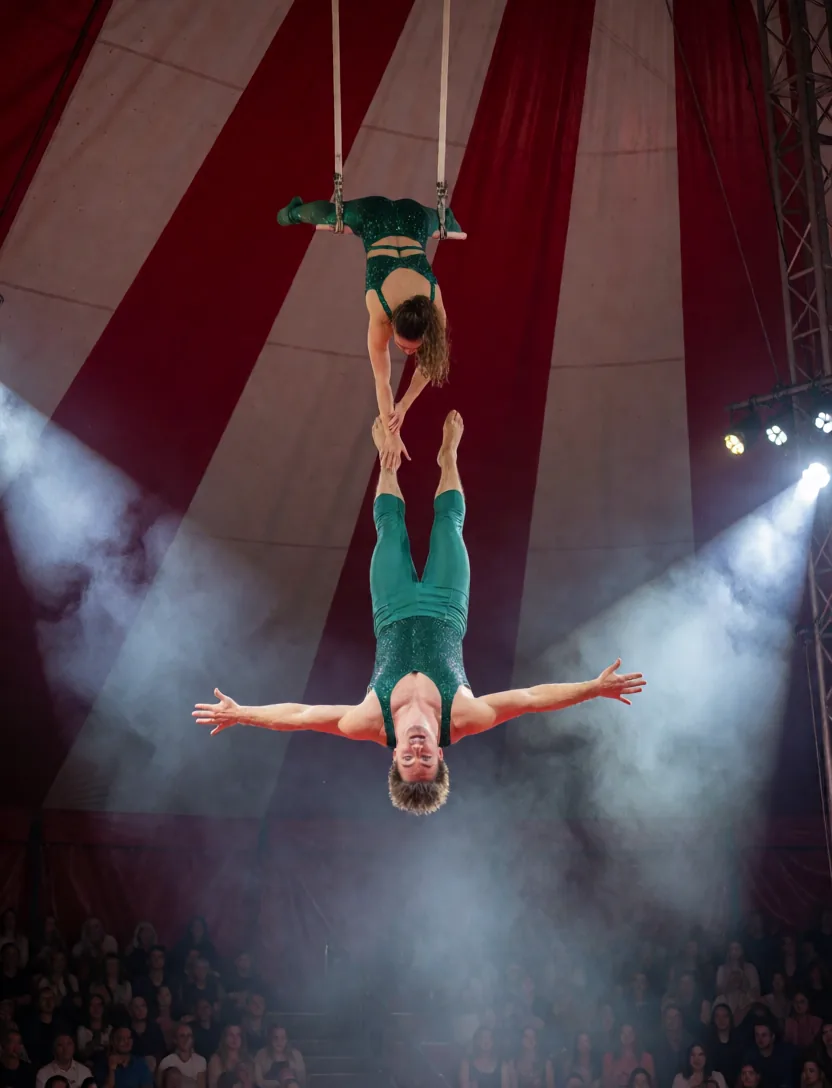
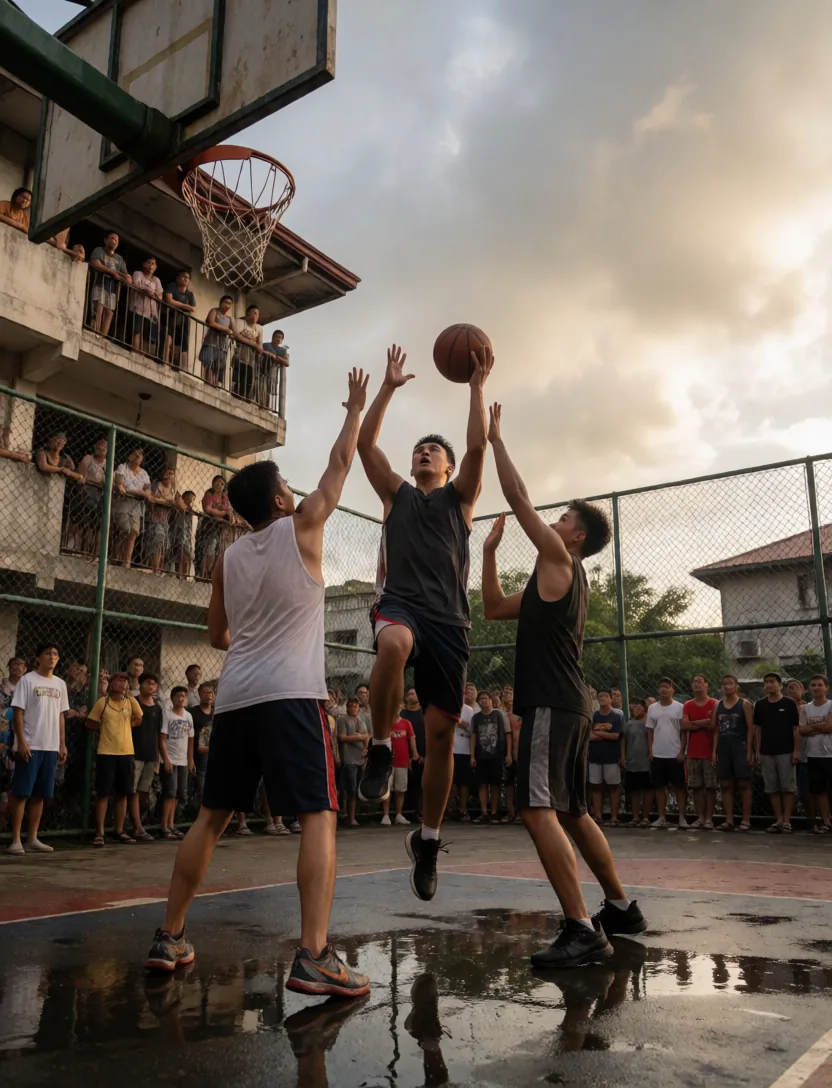
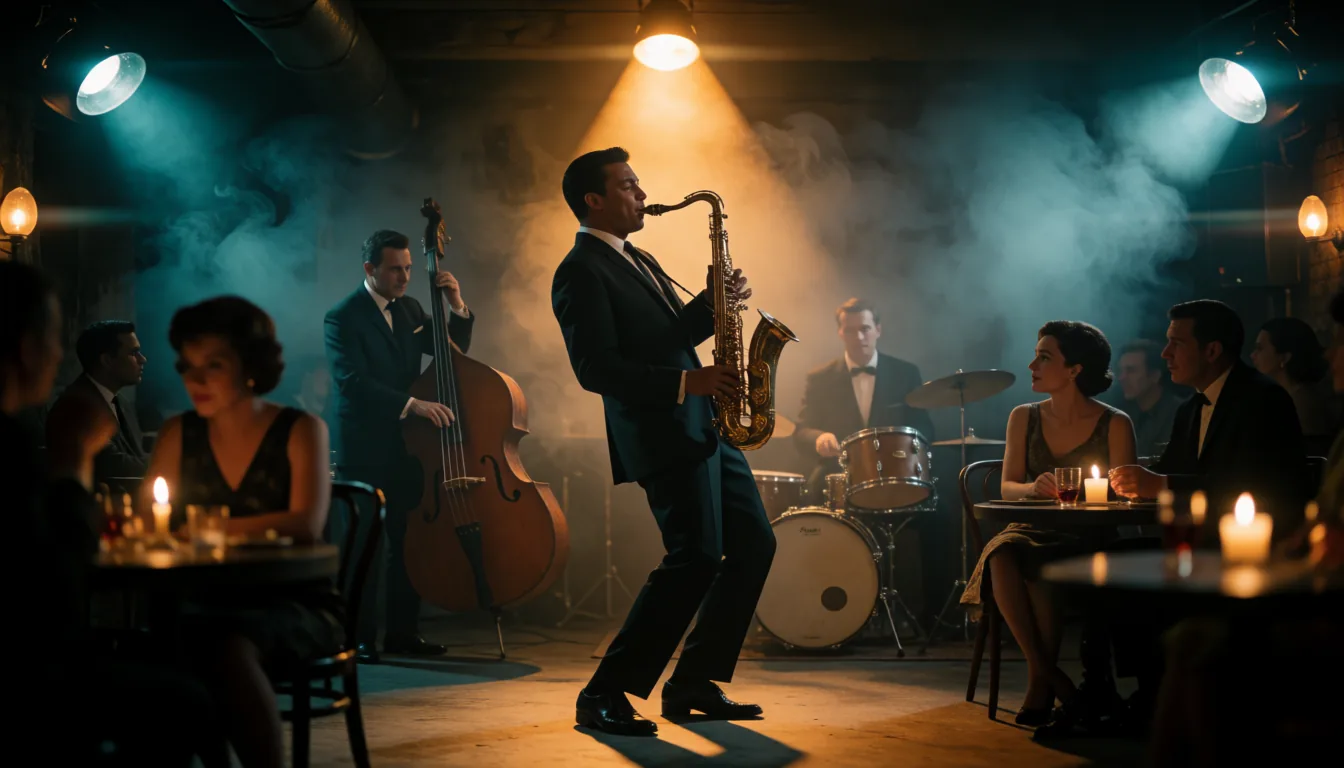
Trapeze artists flying high under a circus big top
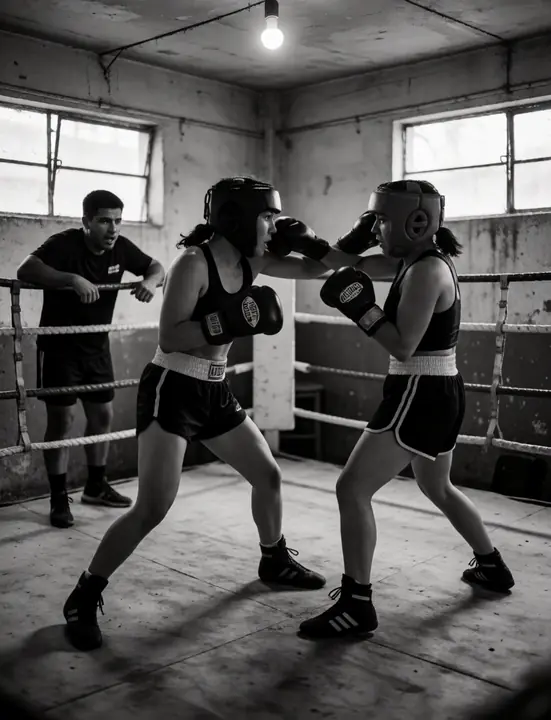
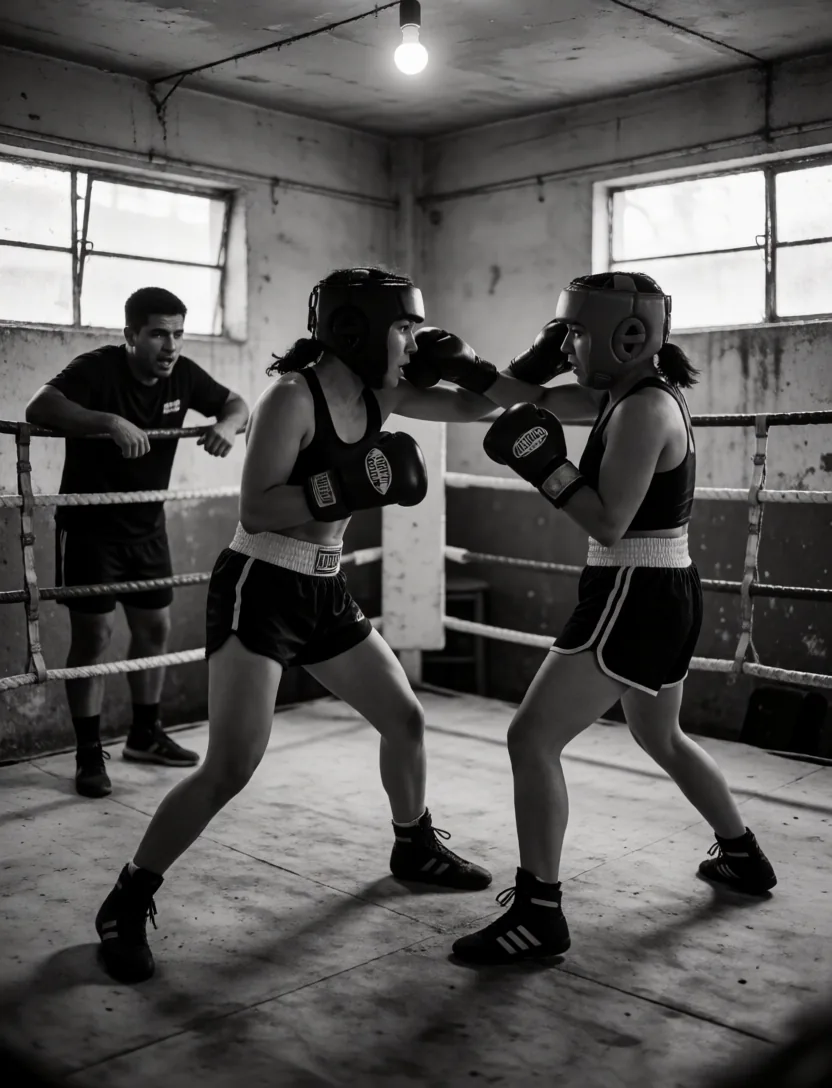
Two women sparring in an old boxing gym
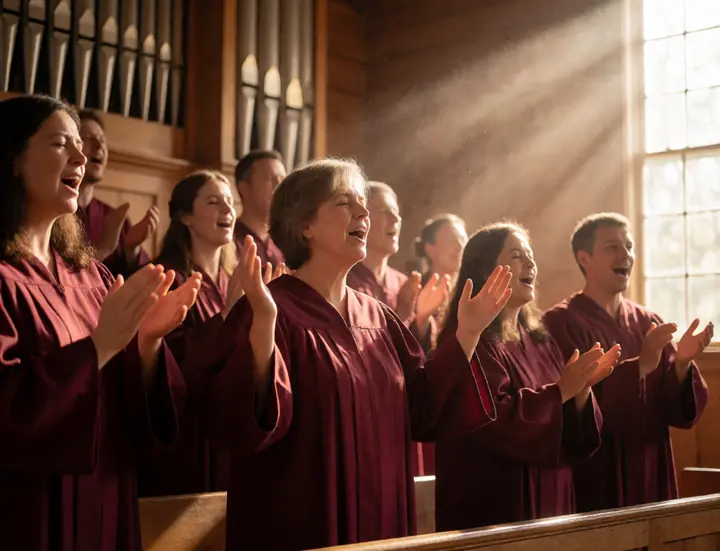
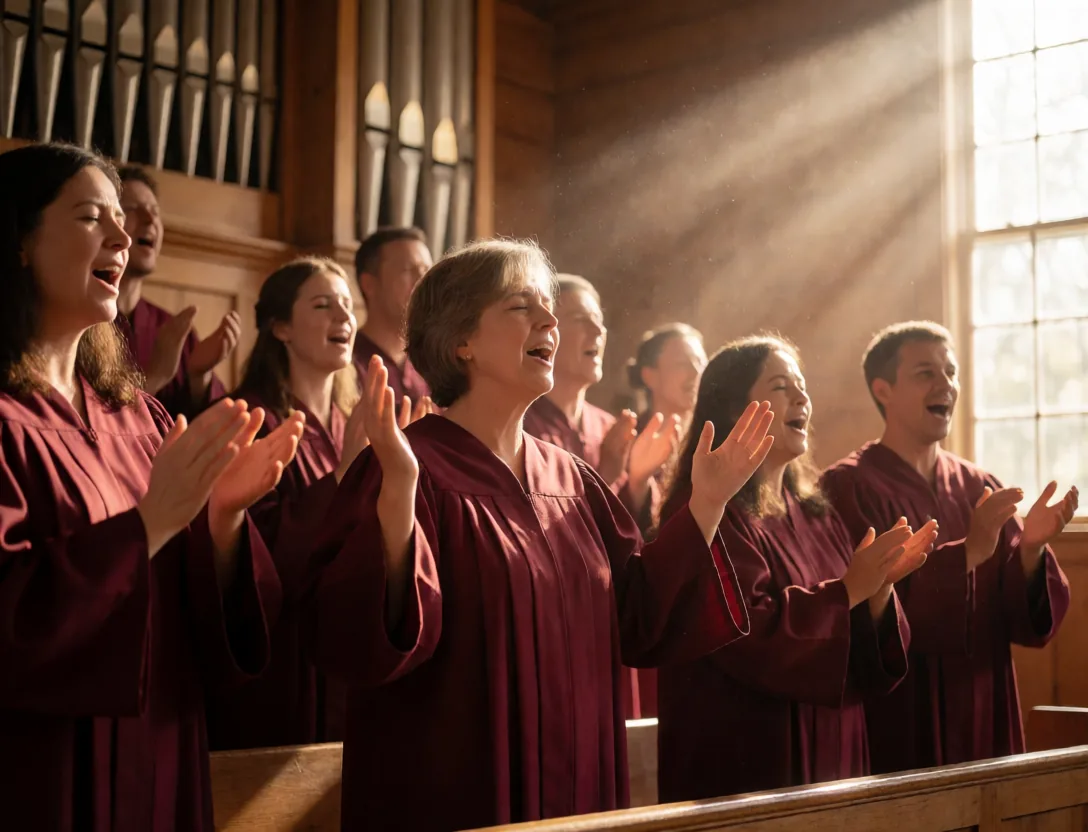
Gospel choir singing joyfully in a sunlit church
Samba dancer in a giant feather headdress at carnival
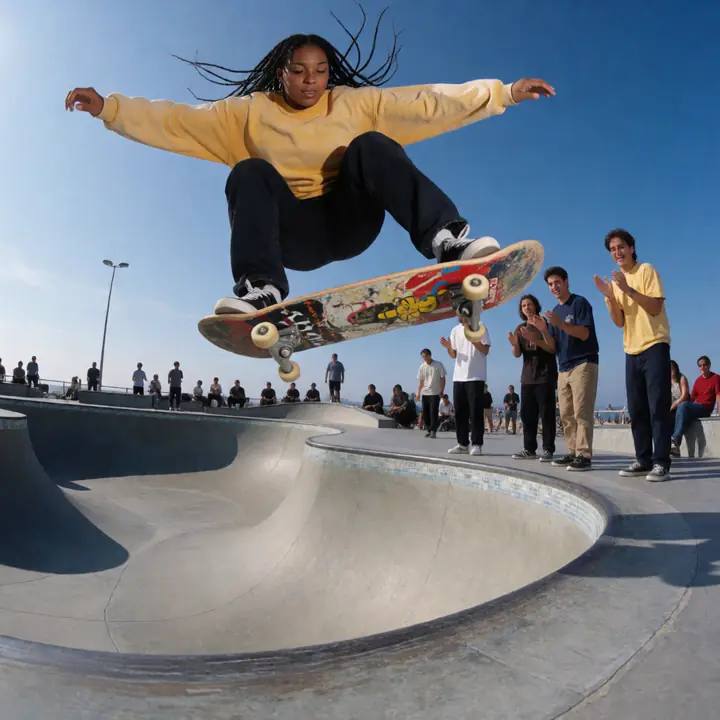
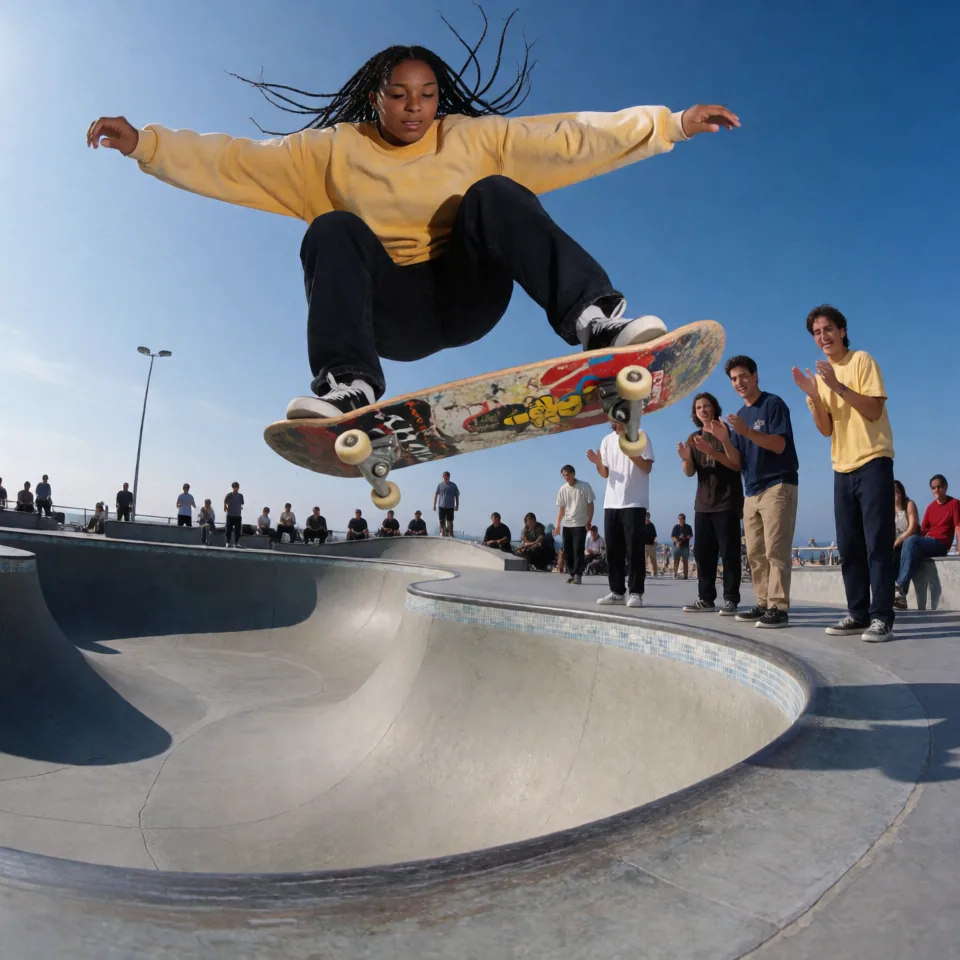
Skateboarder catching air in a concrete bowl
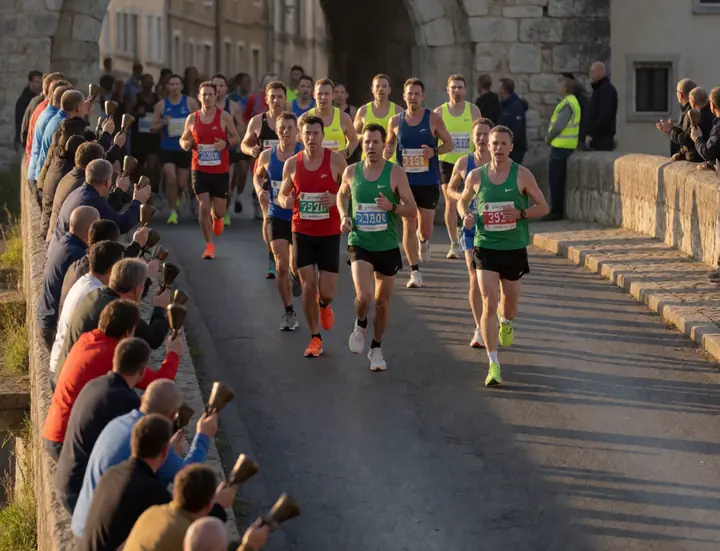
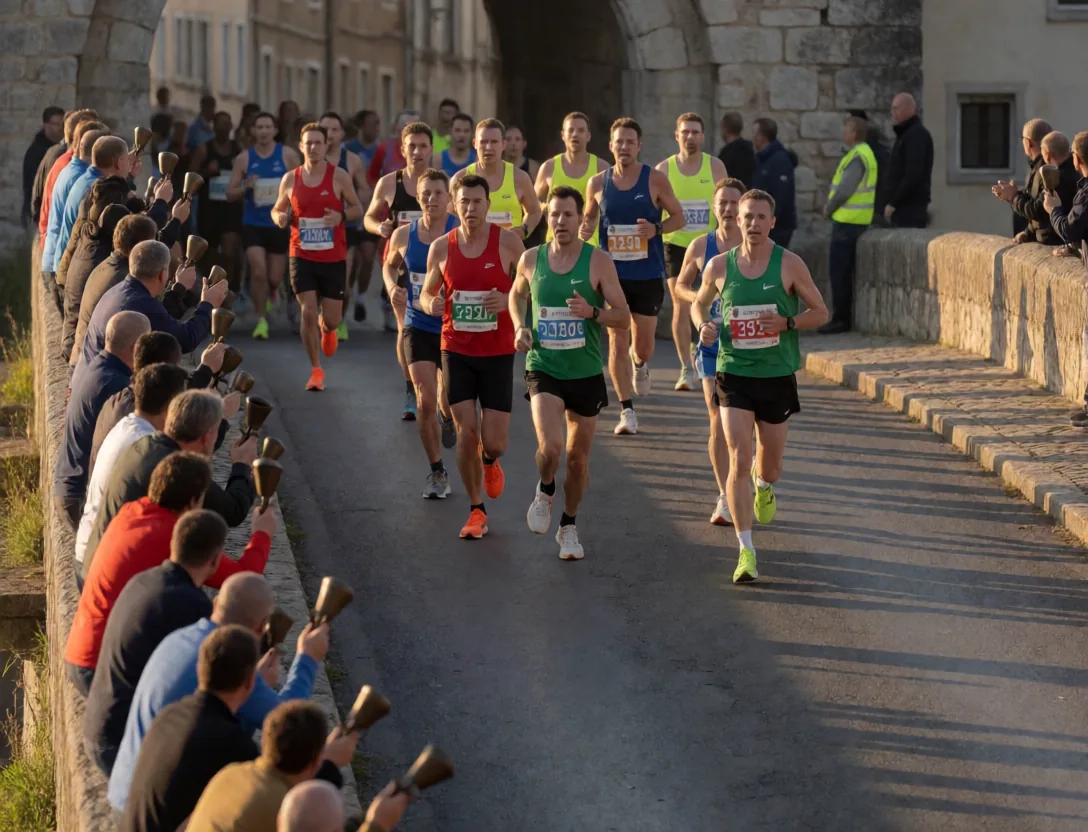
Runners in a city marathon crossing a bridge at sunrise
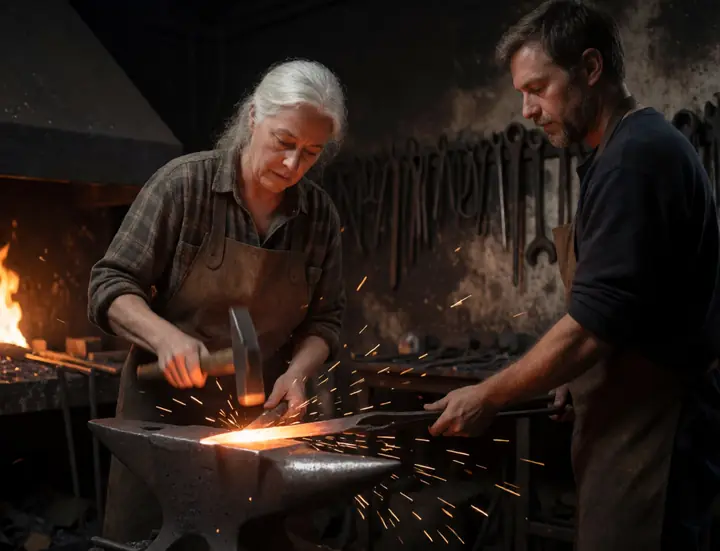
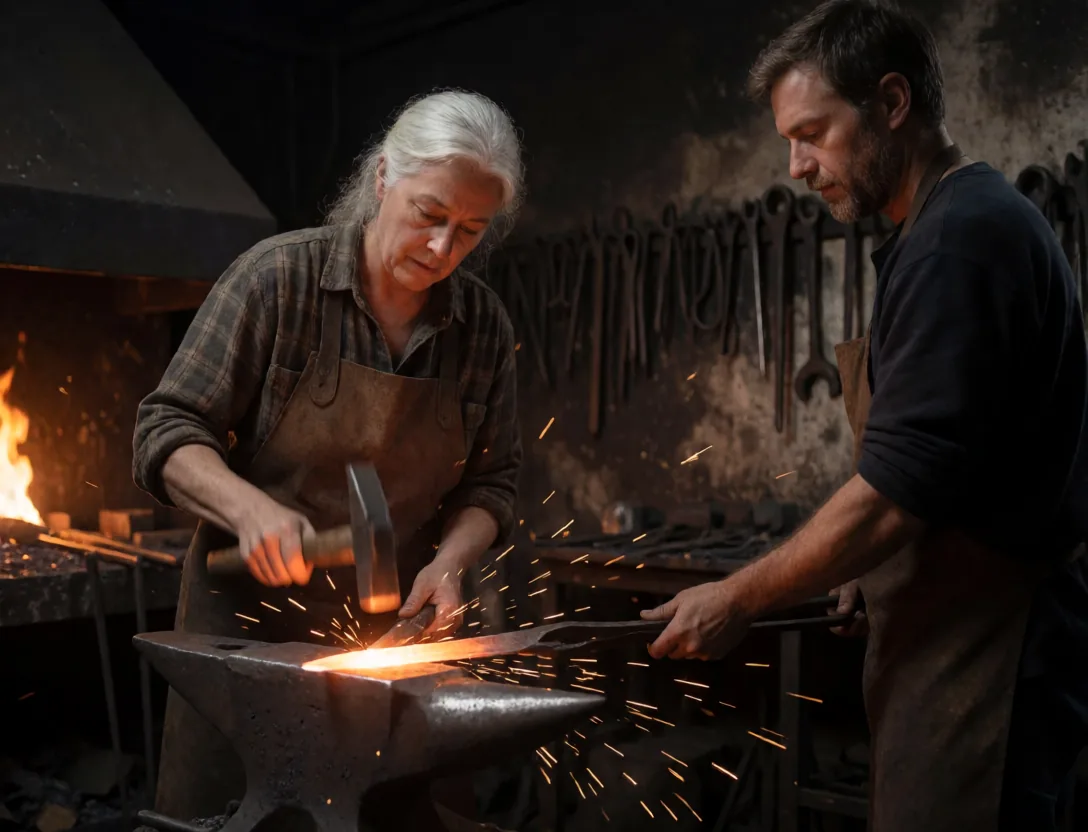
Blacksmith hammering a glowing blade with sparks flying
A Day of the Dead parade in Oaxaca
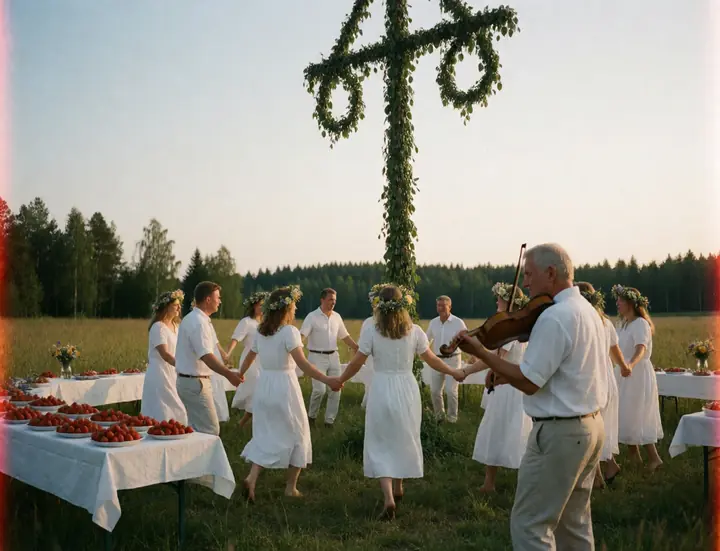
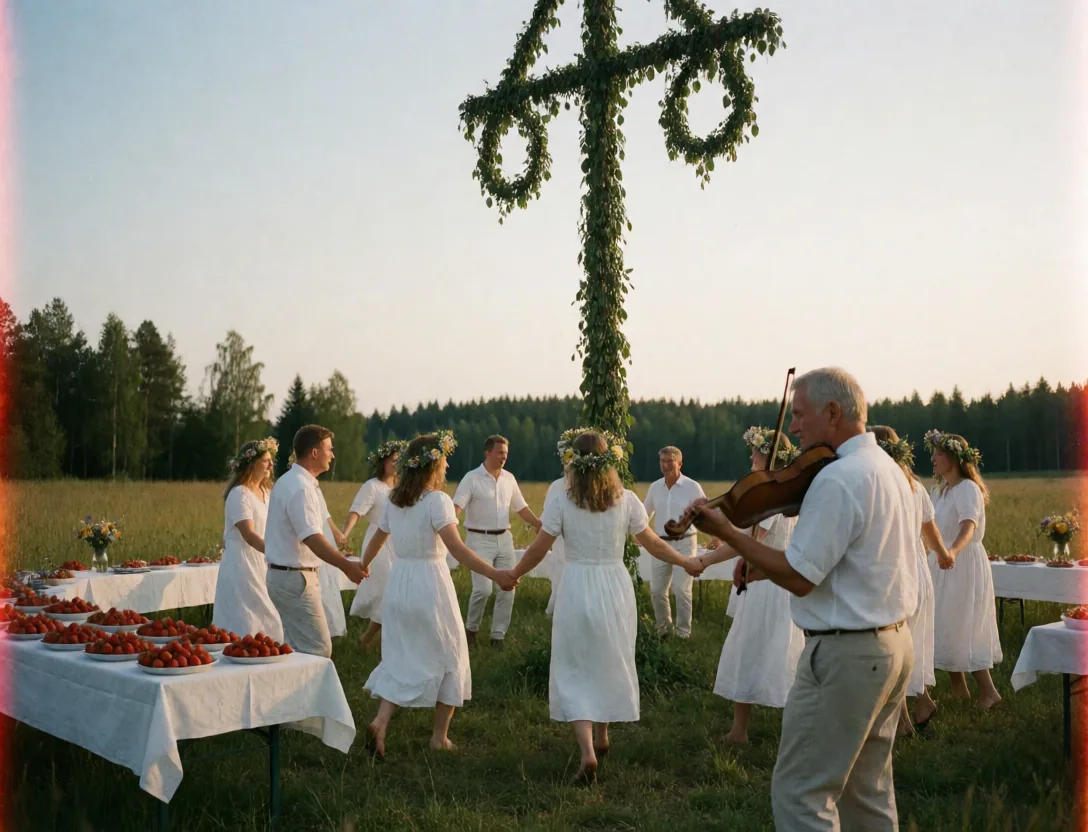
Swedes dancing around the maypole at midsummer, film photo
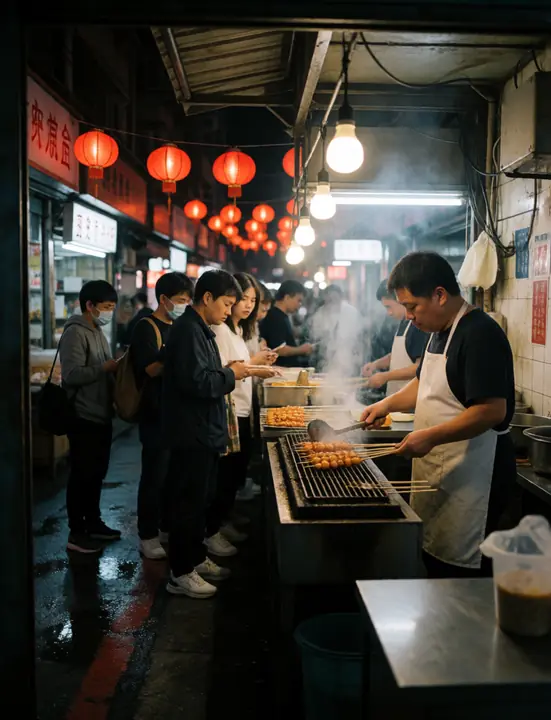
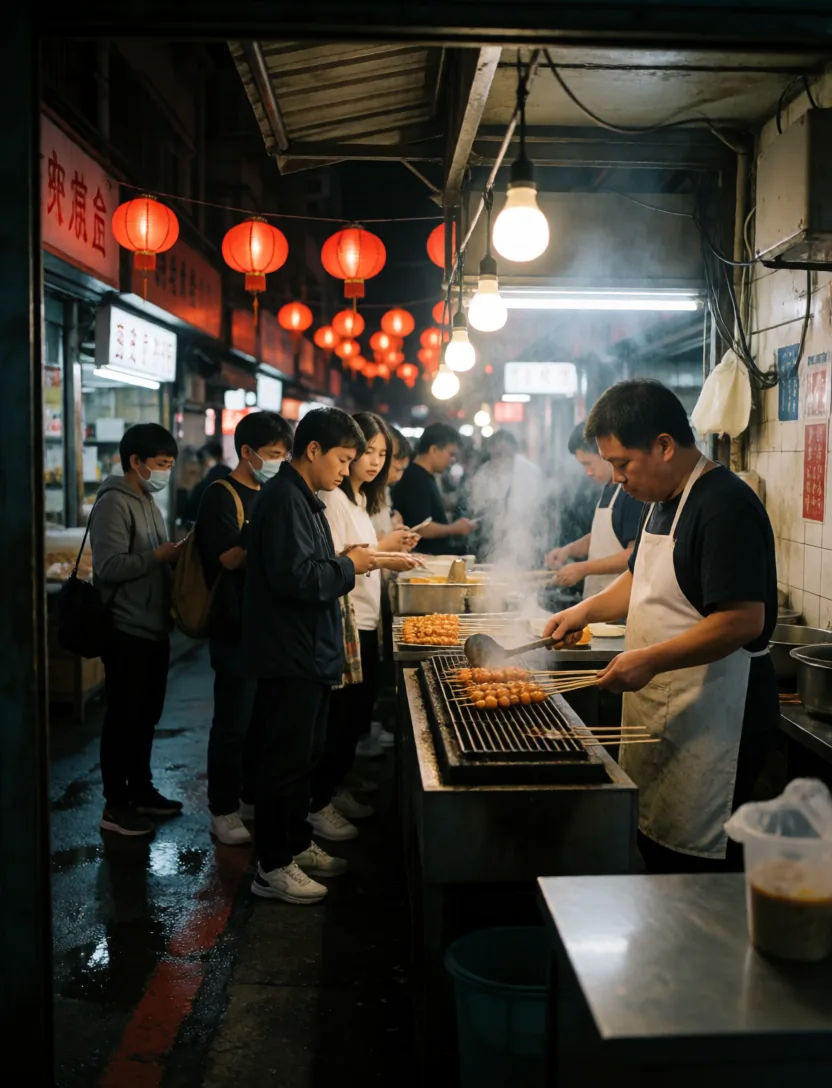
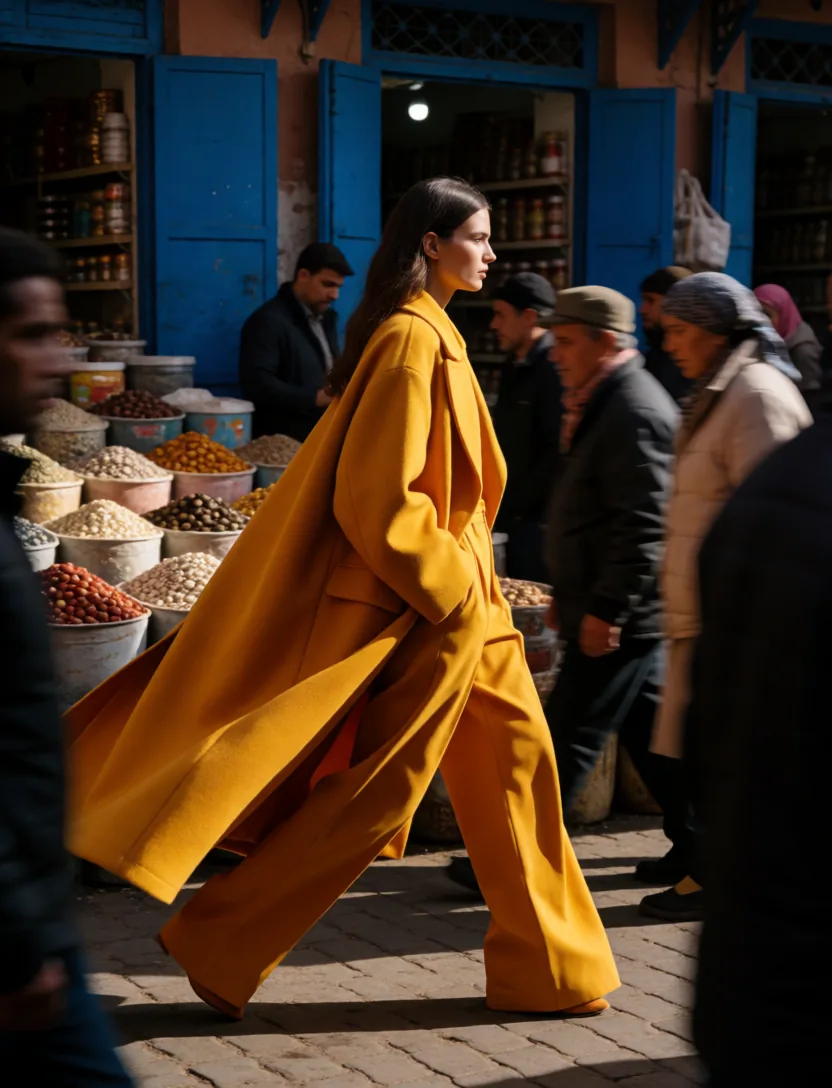
Busy night market food stall in Taipei at night
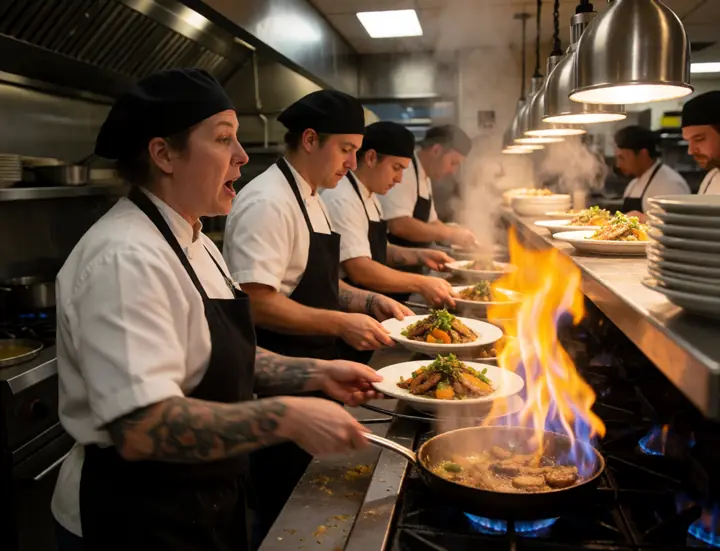
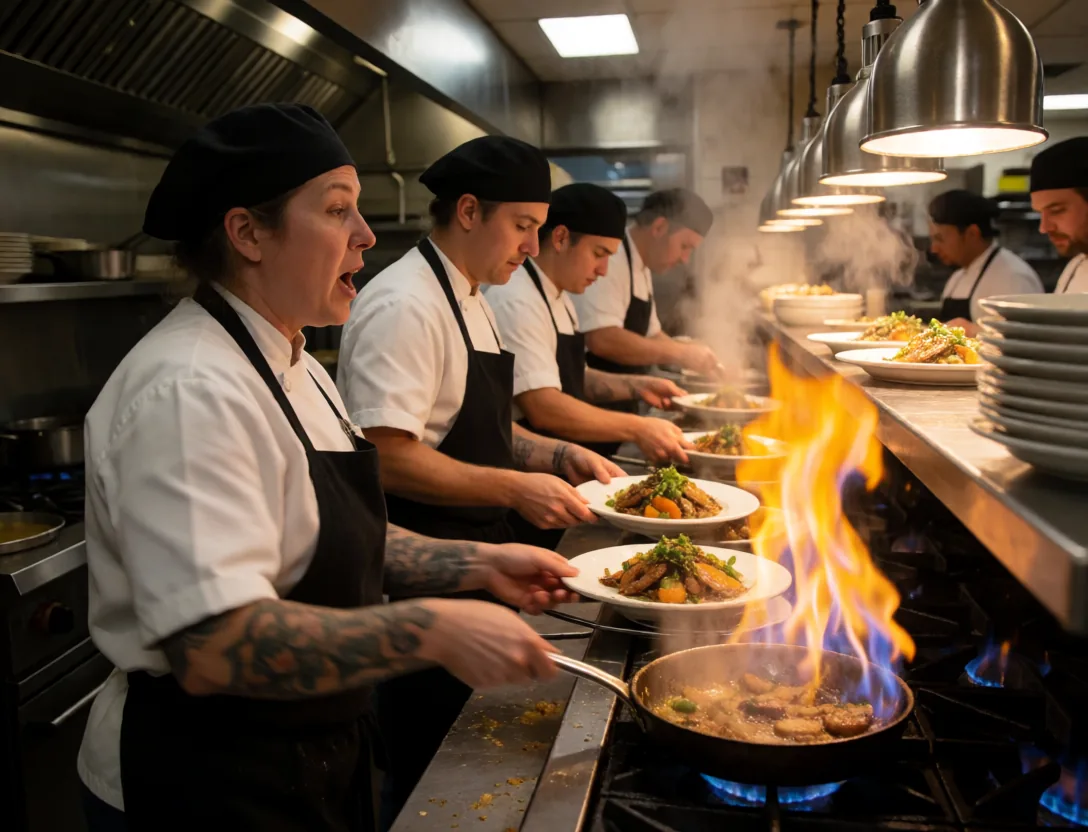
Chefs cooking in a busy restaurant kitchen during dinner rush
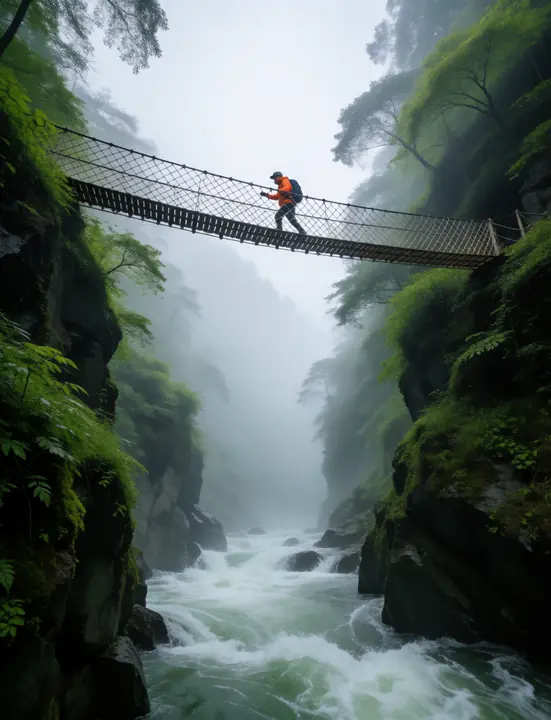
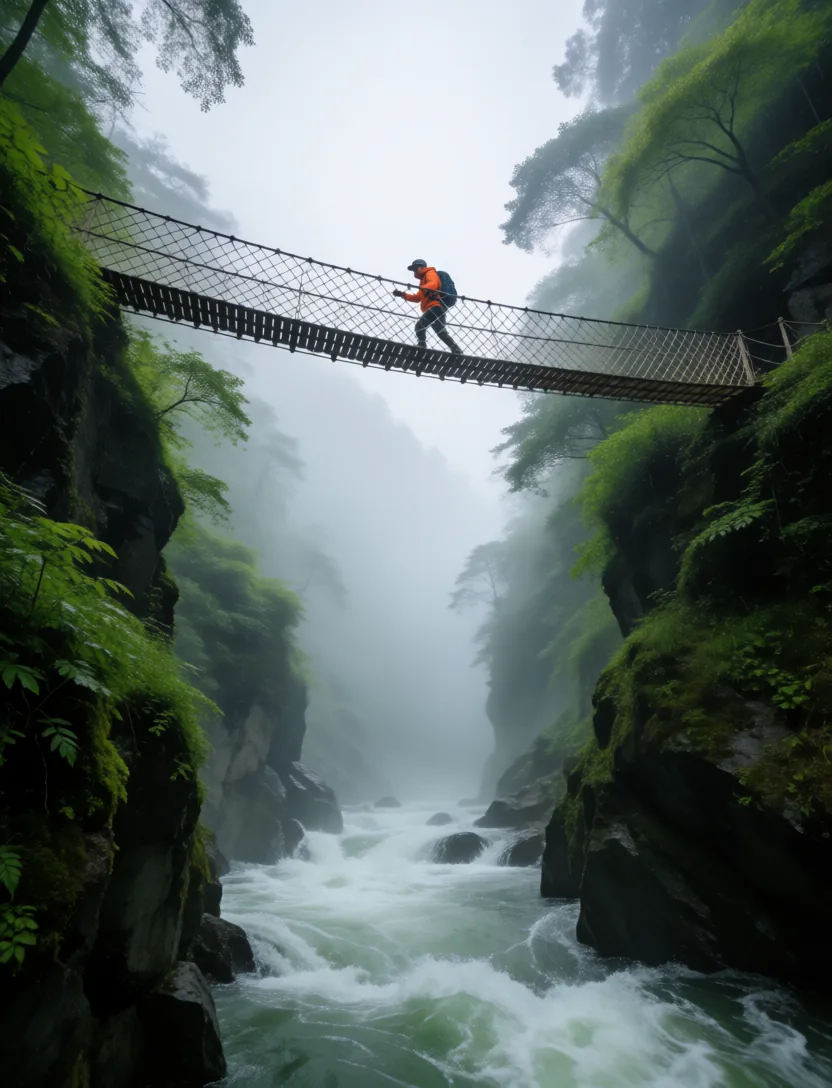
A hiker crossing a rope bridge over a gorge

Everything on this page runs on your own card

One download for Windows. The Grove installs the models with one click, sized to your GPU.

A sad beagle puppy lying by the front door

Coming soon

Video · LTX-2.5

Stills that move, with sound

Each clip below started as one of the images on this page. LTX-2.5 animated it and wrote the sound in the same pass. Click a clip to hear it.

Extend

Longer than one take

Extend continues a clip after its end or leads into its start. The new part starts on the clip's own last frames, so the motion carries on, and the app joins the parts with a short crossfade. Extend again for more.

  • After the Out point
  • Before the In point
  • Both at once
  • From the timeline too
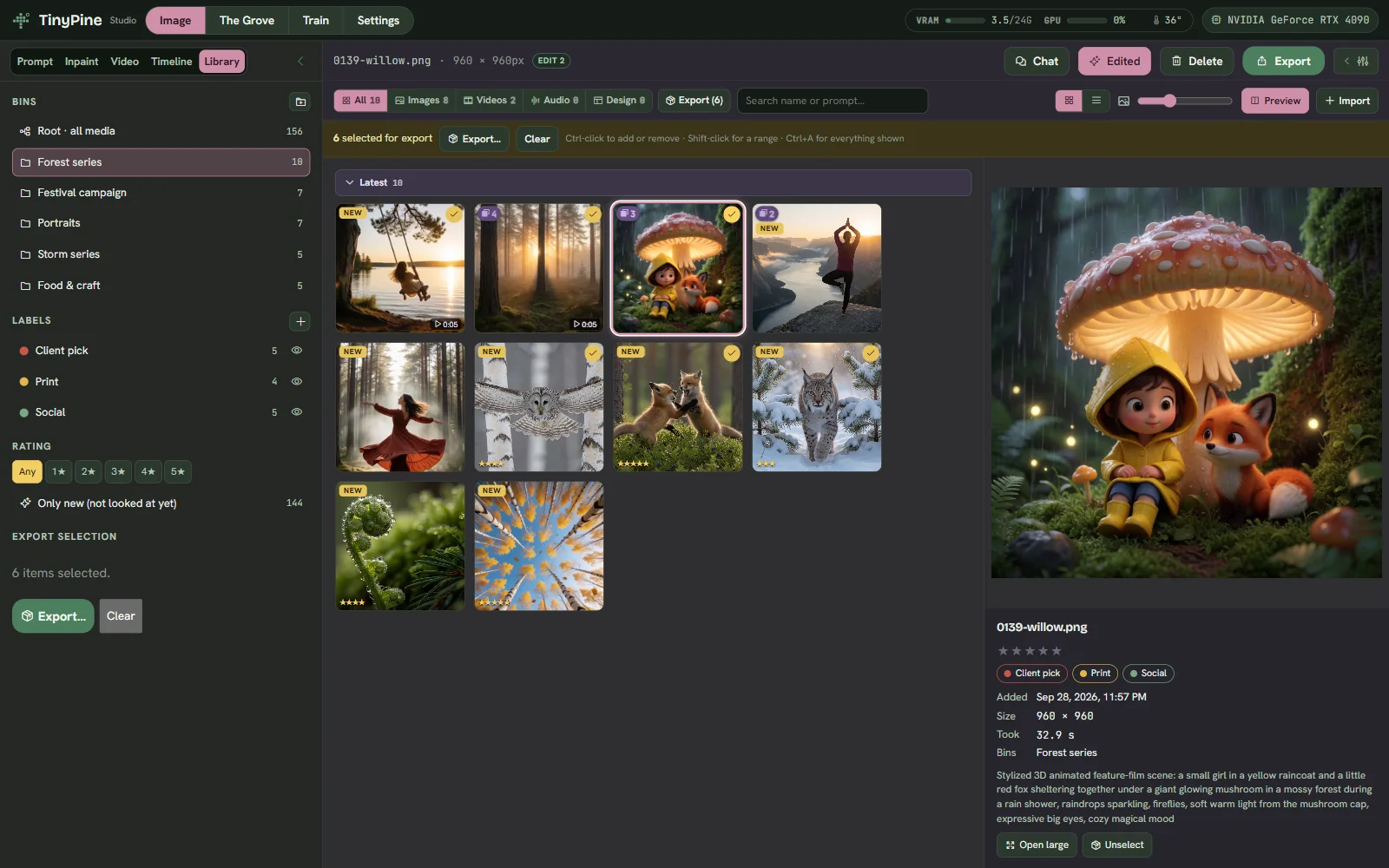
Train

Teach it your subject, style or face

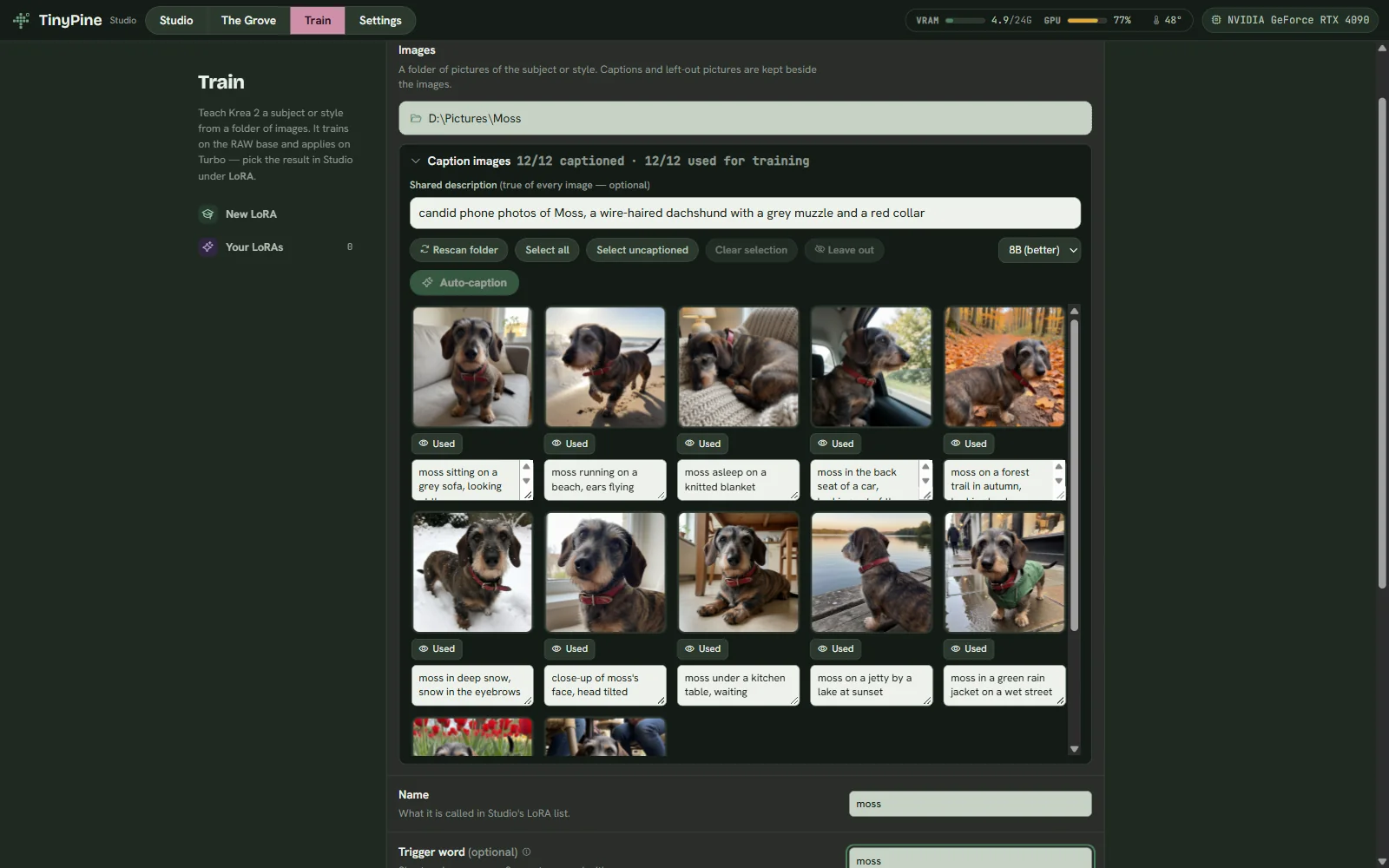
Drop in a folder of images and TinyPine trains a LoRA on Krea 2 Raw, then applies it to the fast model you generate with. A dozen photos of one subject is enough: here, twelve everyday snapshots of the same dog, each with a short caption. Pick the checkpoint by looking at its sample.
  • Presets for Subject, Style and Face, or your own rank, steps and resolution
  • Captions written by Assist, by you, or both with a shared description
  • Trigger words, several per LoRA
  • Stack up to four LoRAs in Prompt and Inpaint
The Train view
Quality of life

The small things that make it easy

You do not need to know it all, and you cannot really break it

  • Undo everywhere, and deleted work goes to a trash you can restore from
  • Edits never touch the original; three saved versions sit beside it
  • Sensible defaults for every mode, sampler and effect, with one-click reset
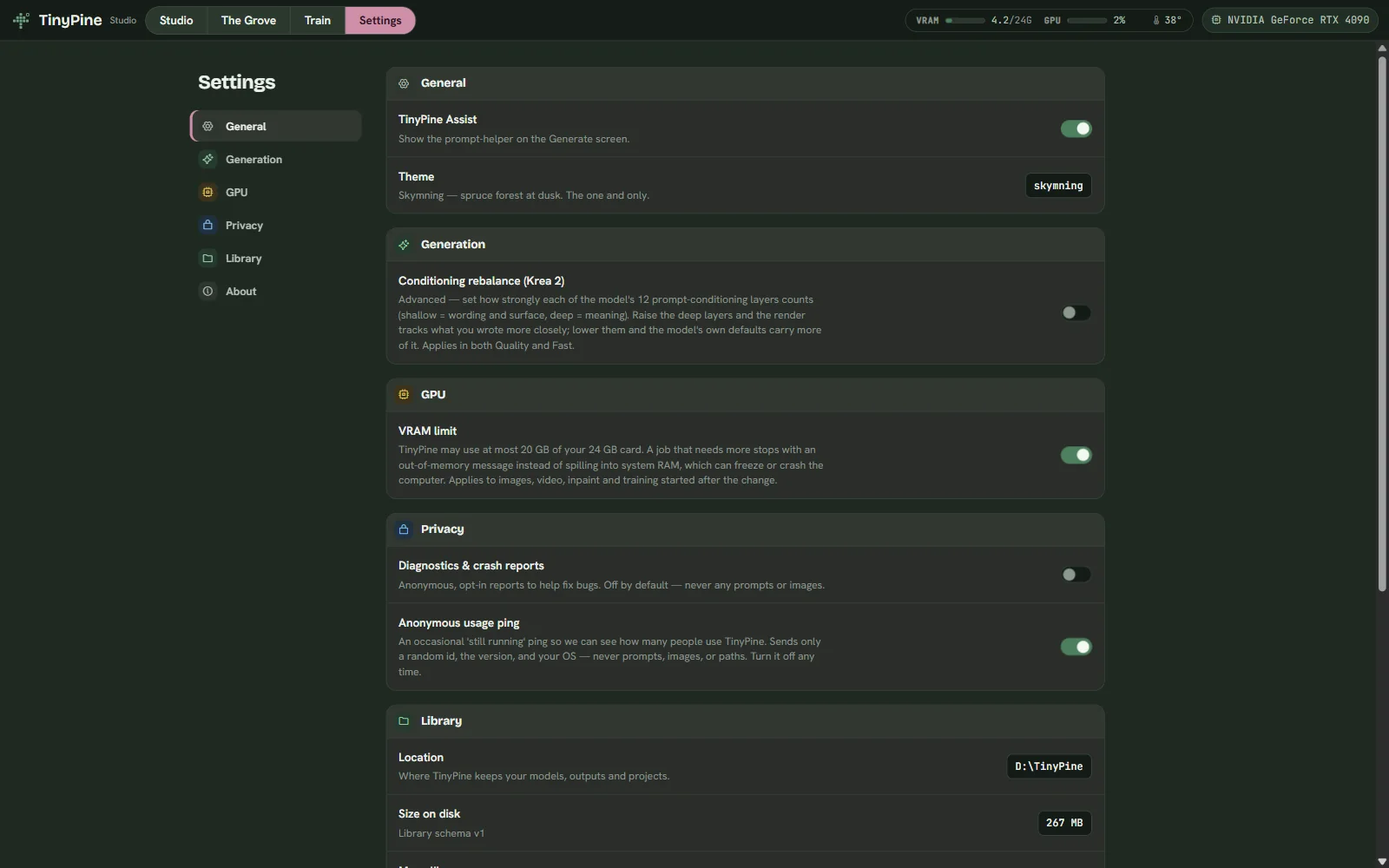
  • A memory ceiling keeps a big render from freezing your computer
  • Anything your card cannot do is locked with a plain explanation

New renders stand out

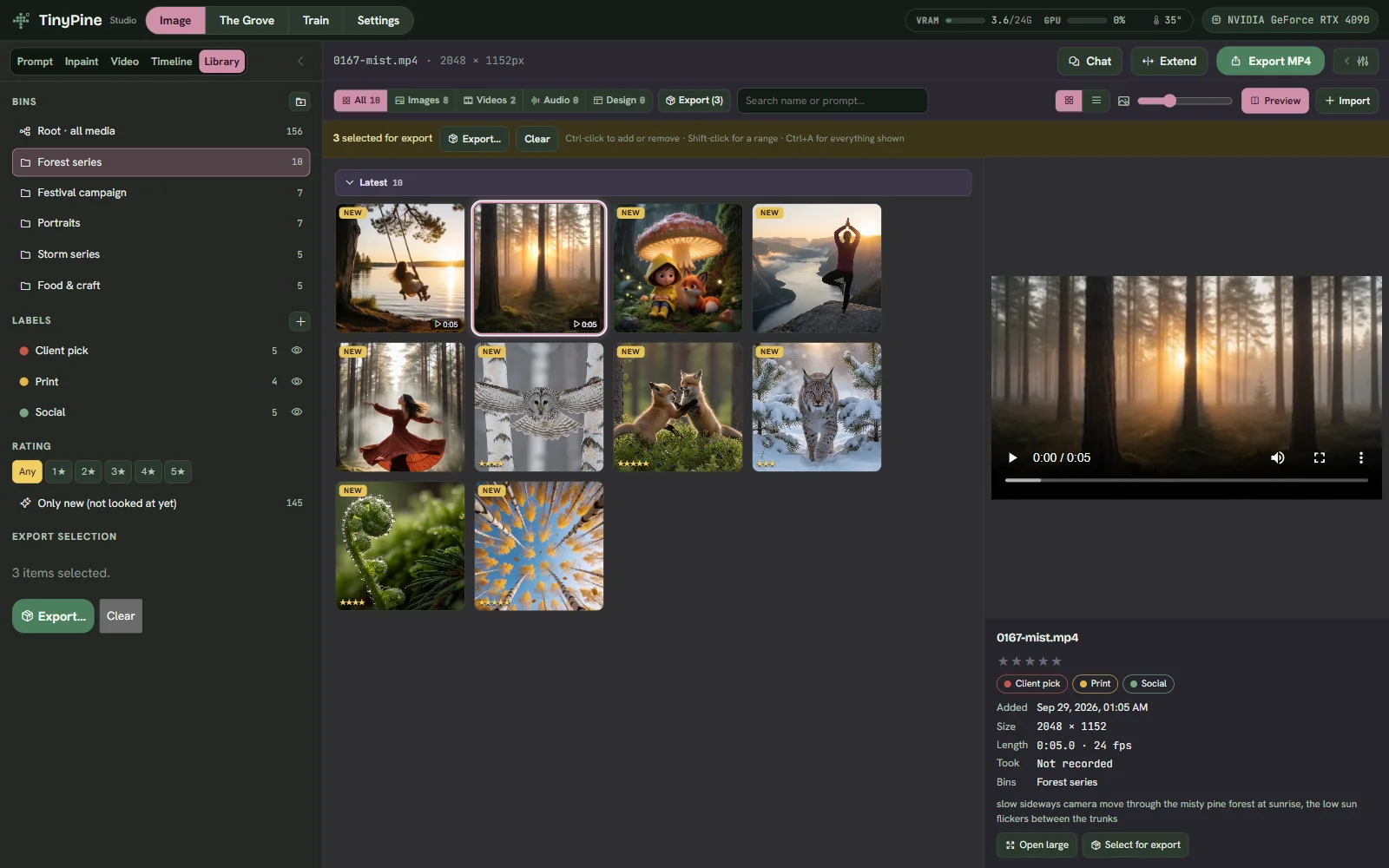
Everything you have not looked at yet carries a NEW badge until you open it.

See what is edited

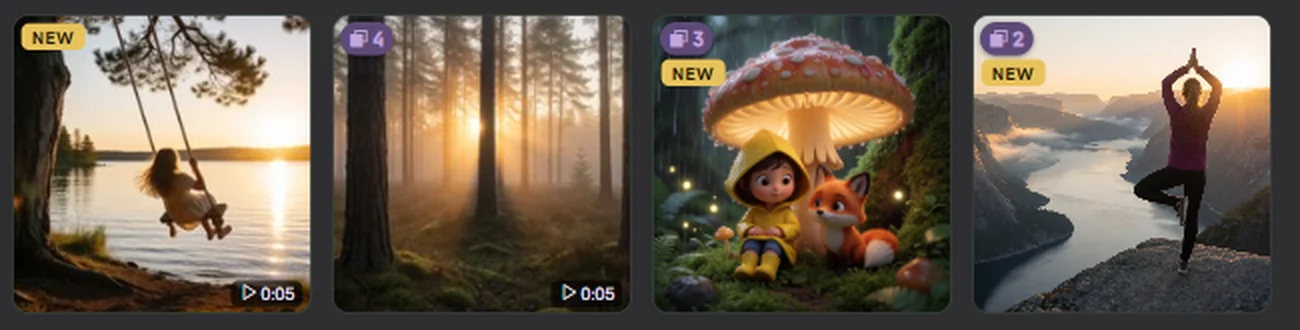
Edited images show how many versions they have, and the thumbnail is the version you last used.

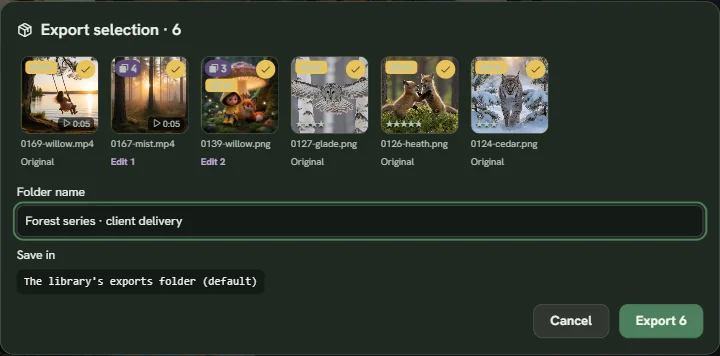
Export a whole selection

Mark images and clips across bins, then export them as one package with every edit baked in.

Talk prompts through

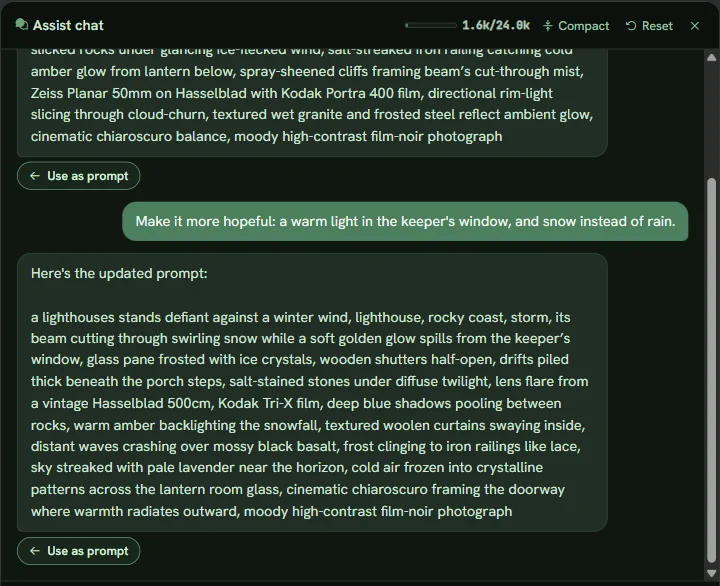
Chat with Assist about an idea or an image you drop in, and use any prompt it writes with one click. Long conversations keep going: older turns fold into a summary so the context never runs out.

Hardware

Fits the card you have

16 GB of graphics memory is the recommended minimum, 8 GB runs images at smaller sizes, and video needs a 24 GB card. TinyPine reads your GPU and sets resolutions, precision and a memory ceiling to match. We measured peak memory on a 24 GB card with LoRAs loaded and sized every tier to stay under its ceiling. Pick a card size.
Quality mode, largest image2048 × 20481024 × 1024 is the model's home size and always available
Fast (fp8)up to 2048 × 2048Fast renders about a third quicker than Quality
Memory ceiling20 GBThe app never takes more, so the rest of your system keeps working. You can switch it off.
Video with soundyesLTX-2.5 needs 24 GB and plenty of system RAM

Disk space

Measured on disk after install. Start with the four marked rows, about 42 GB, and add the rest from the Grove when you want it. Everything together is about 165 GB.

PartOn diskWhat it is for
App enginestart5.5 GBPython and the CUDA libraries. Installed on first start.
Krea 2 Turbo, Qualitystart33 GBImage generation. Every image needs it.
Assist 4Bstart2.7 GBEnrich, chat and captions. Downloads 9 GB and is stored in 4-bit.
Depth, upscaler, Face Enhancestart1 GBDepth effects in Develop, ×2 upscale, face repair.
Krea 2 Fast (fp8)+12 GBFast mode, on 16 GB cards and up.
Krea 2 Raw+24.5 GBTraining your own LoRAs.
Assist 8B6 GBA stronger Assist. Downloads 17 GB and is stored in 4-bit.
Video: LTX-2.5 and its engine80 GBVideo with sound. Also needs a 24 GB card, 32 GB of RAM and a 64 GB page file, which the installer sets up.
Built to be trusted

Your work stays yours

Local

Prompts, images, video, LoRAs and your library never leave your computer. The app sends a version check, a notice check and an anonymous usage ping you can switch off. Everything it sends

Signed catalog

The Grove catalog is signed with Ed25519 and checked before a model installs. Files are hash-checked as they download.

Clear limits

Prompts for sexual content involving minors, or intimate images of real people without consent, are refused. Adult art is not. The policy

Early access

Start with a line

TinyPine is in active development, so expect frequent updates and a few rough edges. The app tells you when a new version is out. It is free, and version 1 stays free.

A sad beagle puppy lying by the front door

Coming soon

Free · Windows · NVIDIA GPU, 16 GB recommended, 8 GB minimum · video needs 24 GB